
Car Mockup [Vol4]
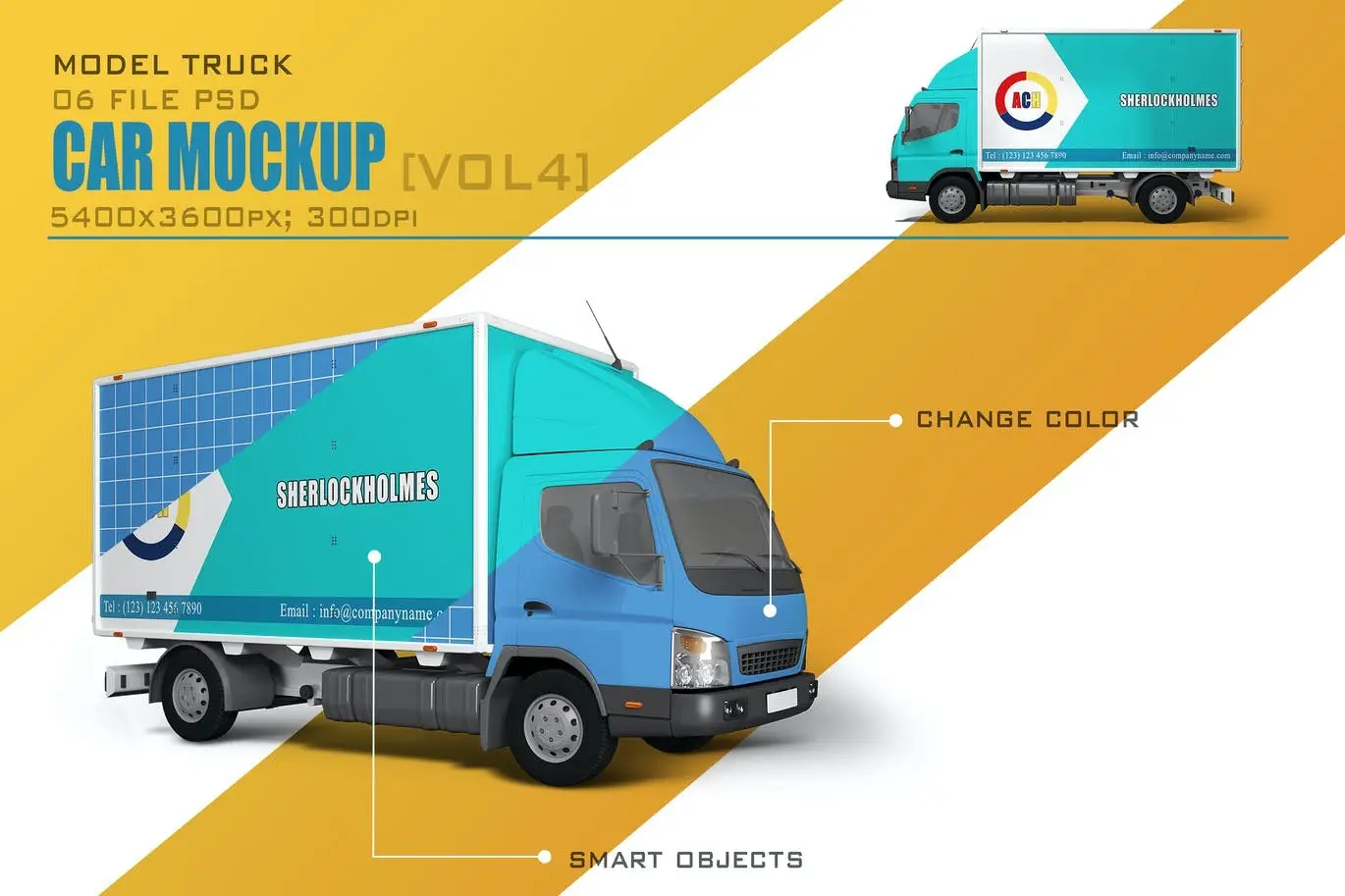
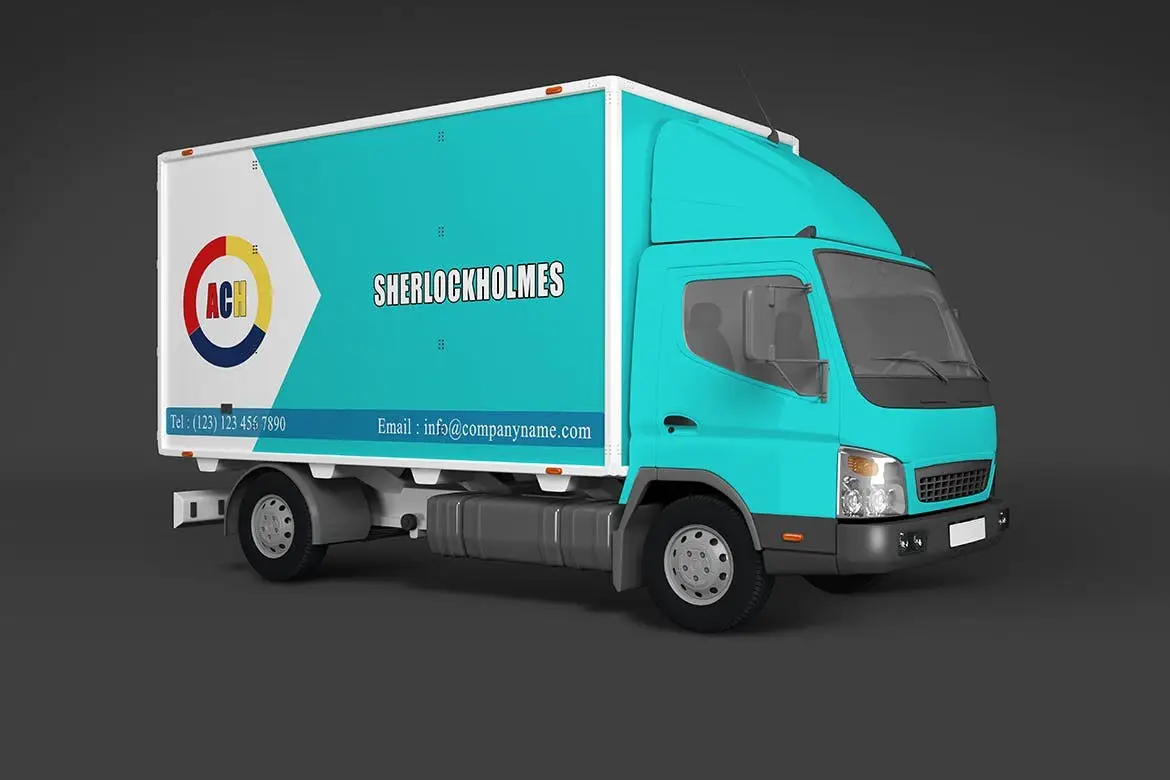
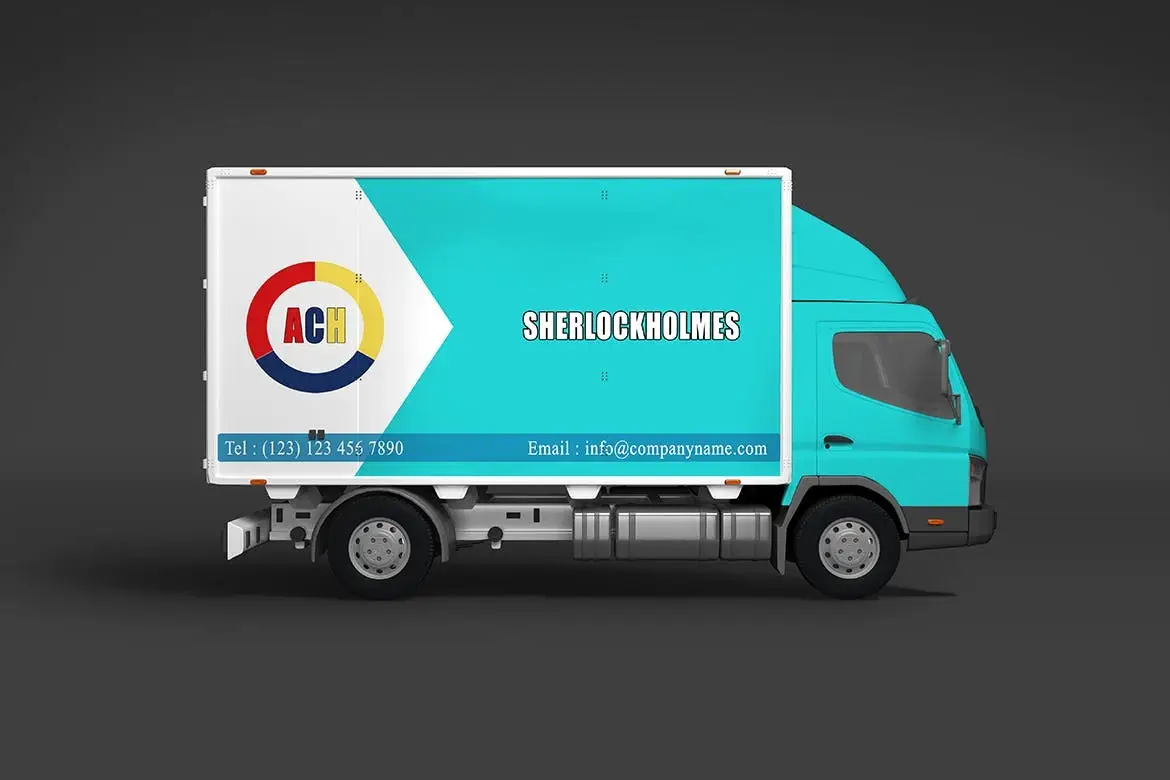
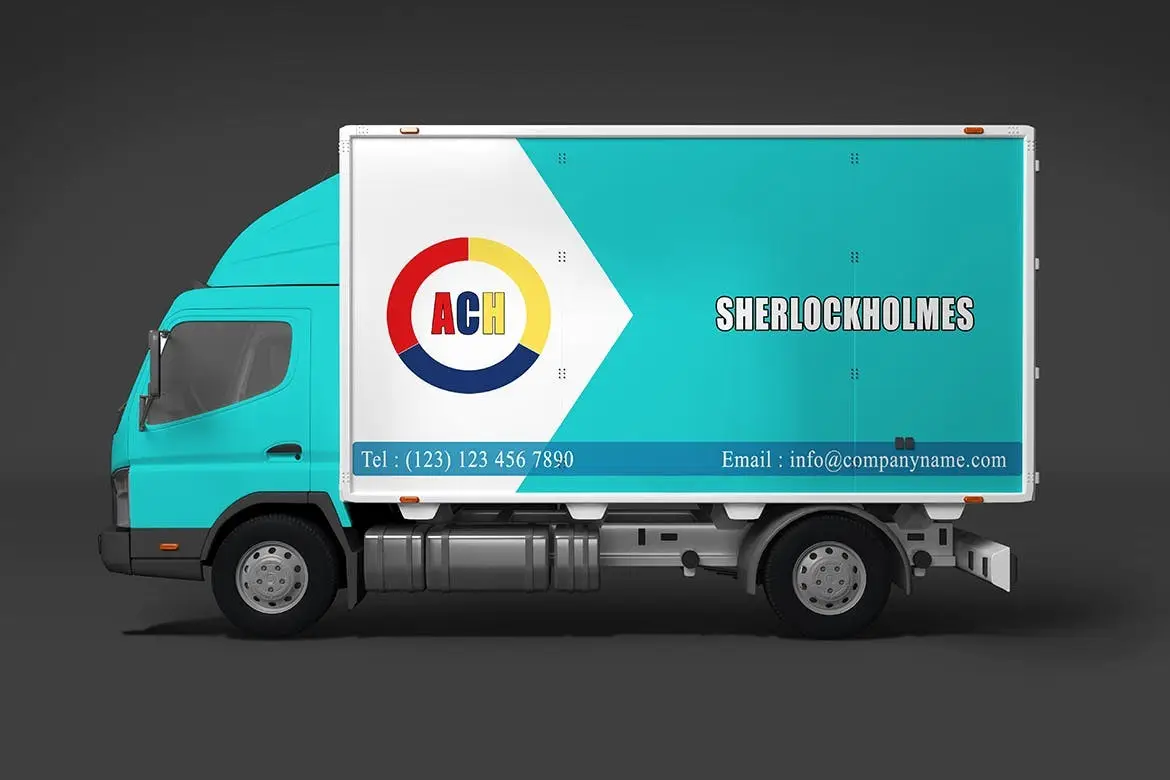
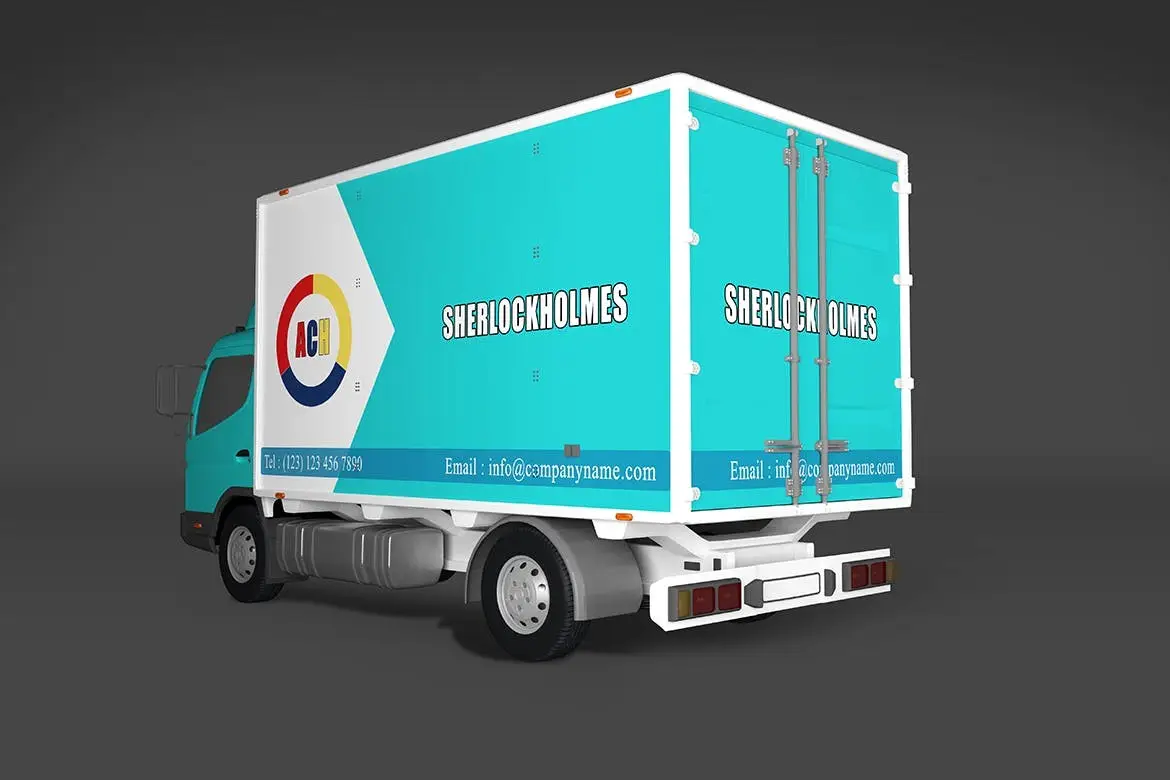
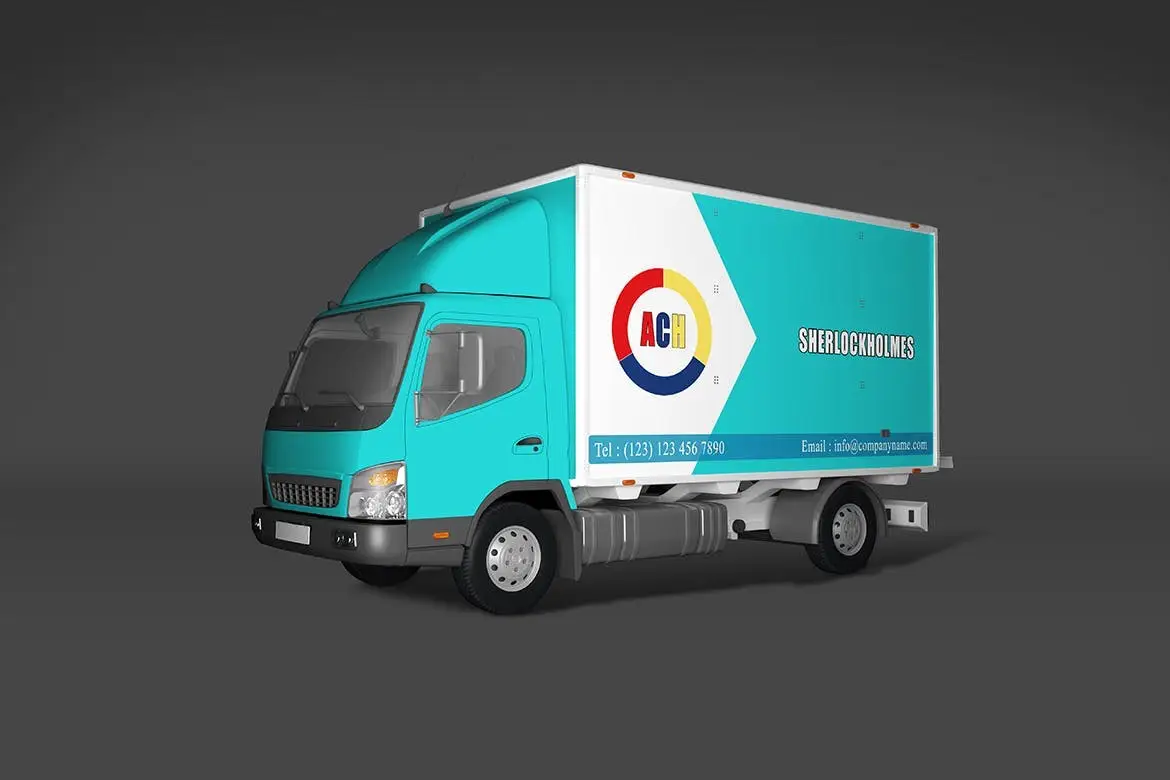
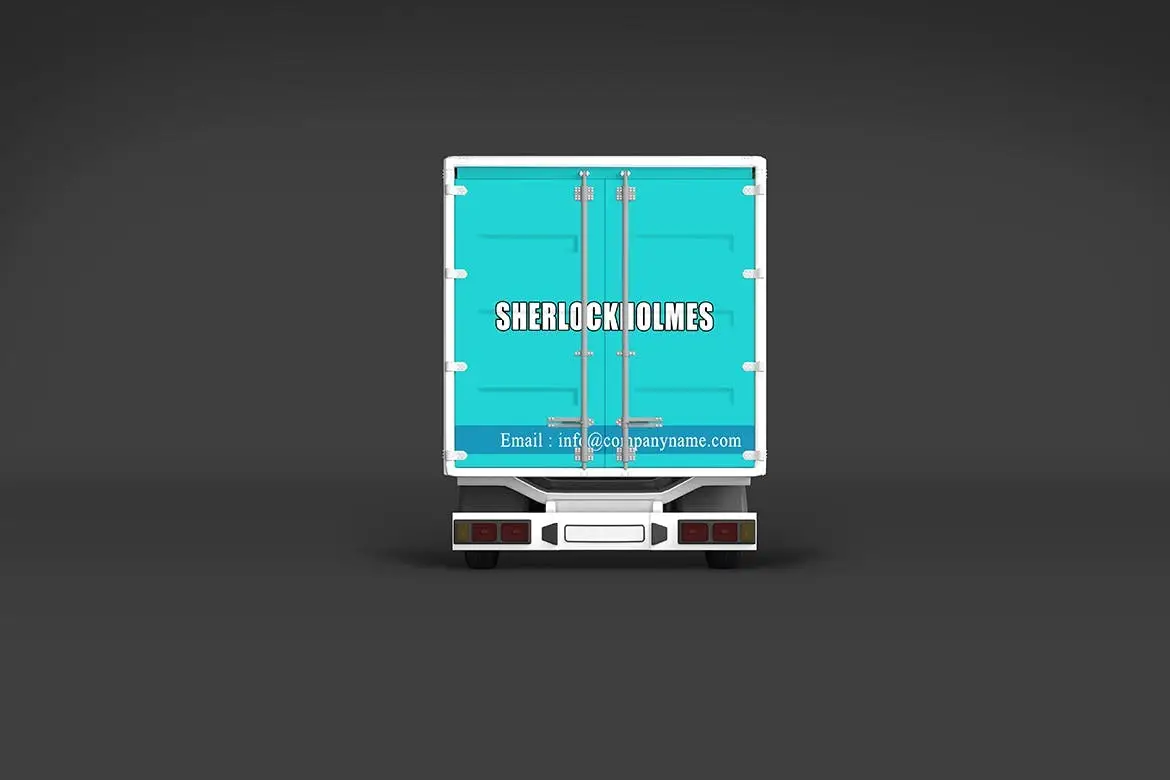
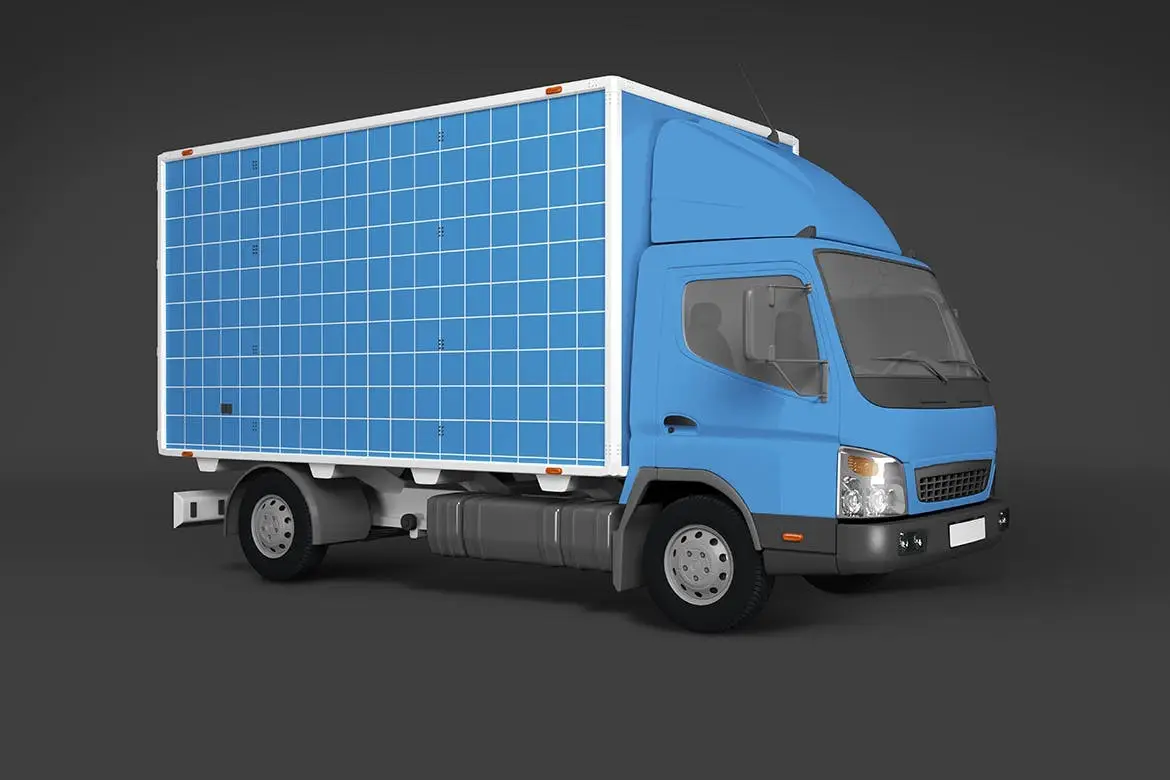
Car Mockup [Vol4] – Elevate Your Design Presentations
Are you looking for a realistic way to showcase your invitation or greeting designs? The Car Mockup [Vol4] is your perfect solution! This mockup offers a stunning 3D display that enhances your design presentation, allowing you to focus on the finer details of your work.
Product Overview
This car mockup is designed for creatives who want to present their designs in a professional and eye-catching manner. With its clean and realistic presentation, you can impress clients and elevate your branding projects effortlessly.
Key Features & Benefits
- ✅ 6 Editable PSD Files → Easily customize your designs using smart objects.
- ✅ High Resolution (300dpi) → Ensures your designs look sharp and professional at 5400px × 3600px.
- ✅ Realistic Studio Lighting → Achieve stunning visuals with soft shadows that enhance your designs.
- ✅ Comprehensive Help File → Step-by-step instructions included for seamless editing.
- ✅ Easy to Use → Simply double-click the smart object, paste your design, and save!
- ✅ Compatible with Adobe CS4 and Above → Works with various versions of Adobe Photoshop.
Why Choose This Product
The Car Mockup [Vol4] stands out due to its user-friendly approach and high-quality output. It’s trusted by designers who need reliable mockups for their projects. Whether you’re creating ads for automobiles or branding materials, this mockup will help you present your work with confidence.
Specifications
| File Format | PSD |
|---|---|
| Resolution | 300dpi |
| Dimensions | 5400px × 3600px |
| Compatibility | Adobe CS4 and above |
What’s Included
- 📦 6 Editable PSD files
- 📦 Help file with instructions
- 📦 Smart object layers for easy editing
Perfect For
- Graphic Designers
- Advertising Professionals
- Branding Experts
- Anyone needing high-quality mockups
How to Use
Using this mockup is straightforward:
- Open the PSD file in Adobe Photoshop.
- Double-click on the smart object layer.
- Paste your design into the smart object.
- Save and close the smart object to see your design in the mockup.
FAQ
- Are sample graphics included? No, sample graphics are not included in the download.
- What version of Adobe Photoshop do I need? You need at least Adobe CS4 to use this mockup.
Enhance your design presentations today with the Car Mockup [Vol4]. Add to cart now and start creating stunning visuals! 🚀


There are no reviews yet.