

Alternative Printmaker: Your Ultimate Tool for DIY Prints
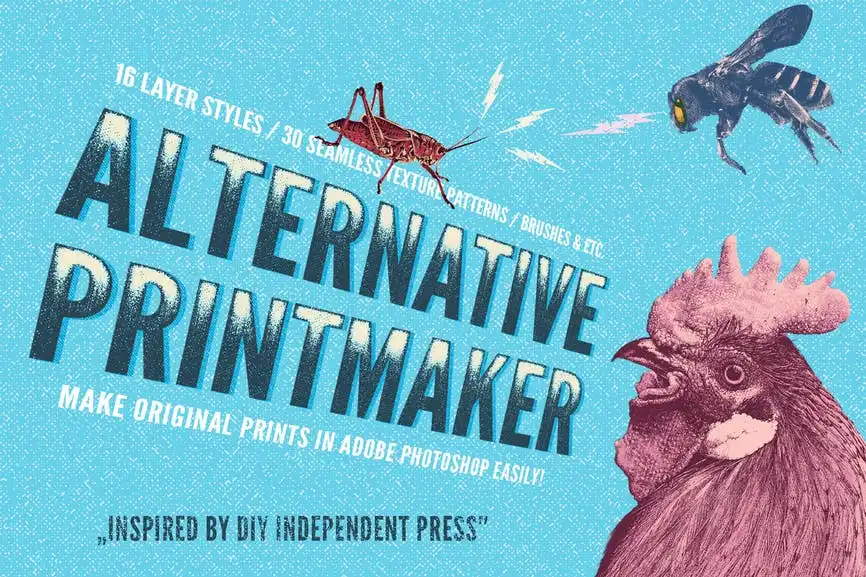
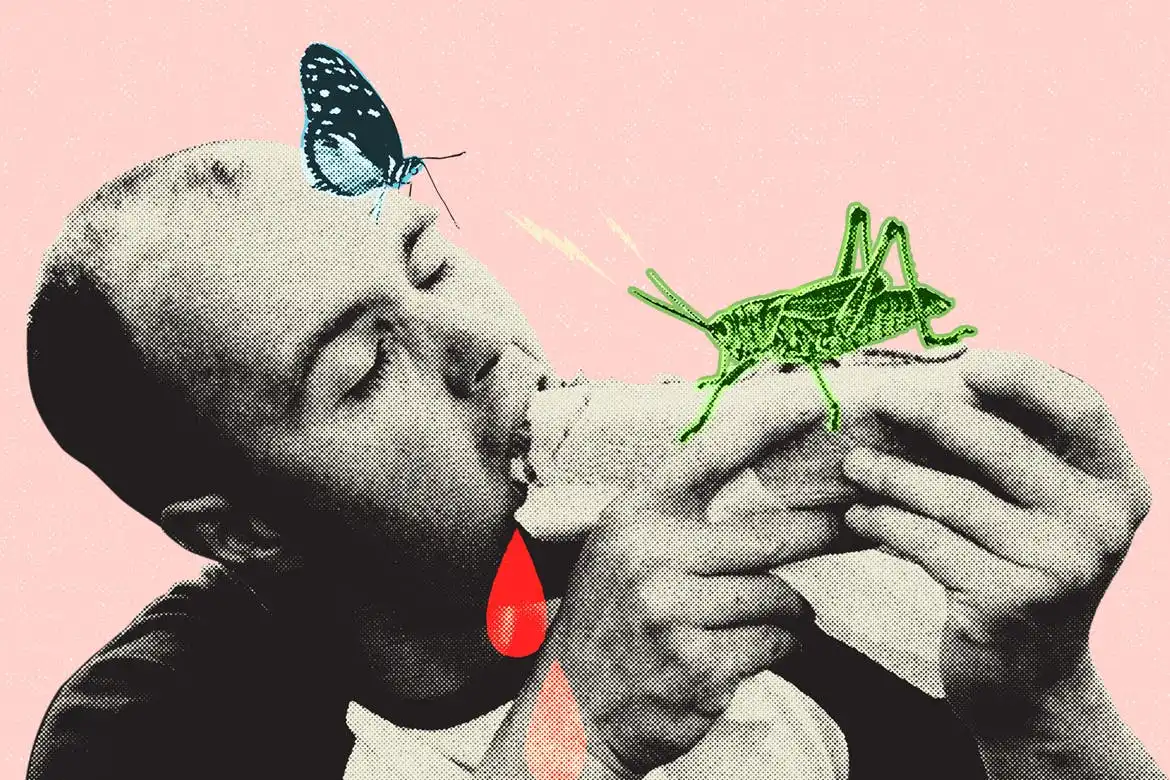
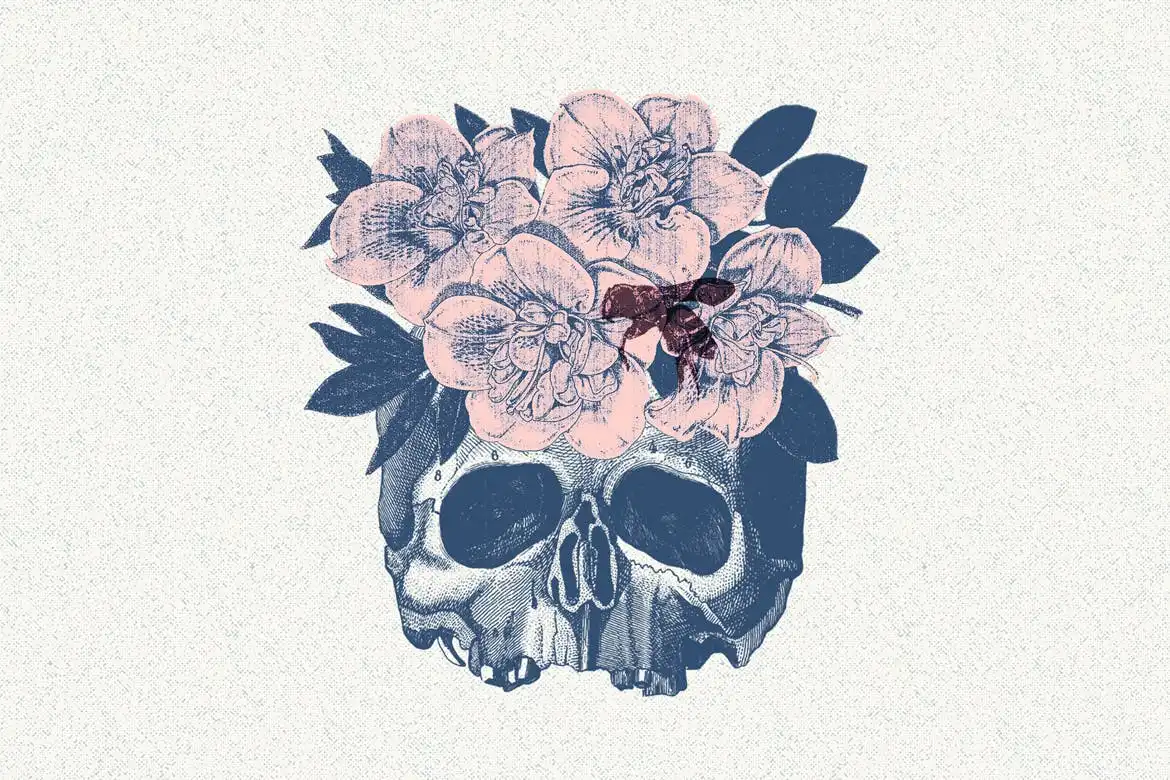
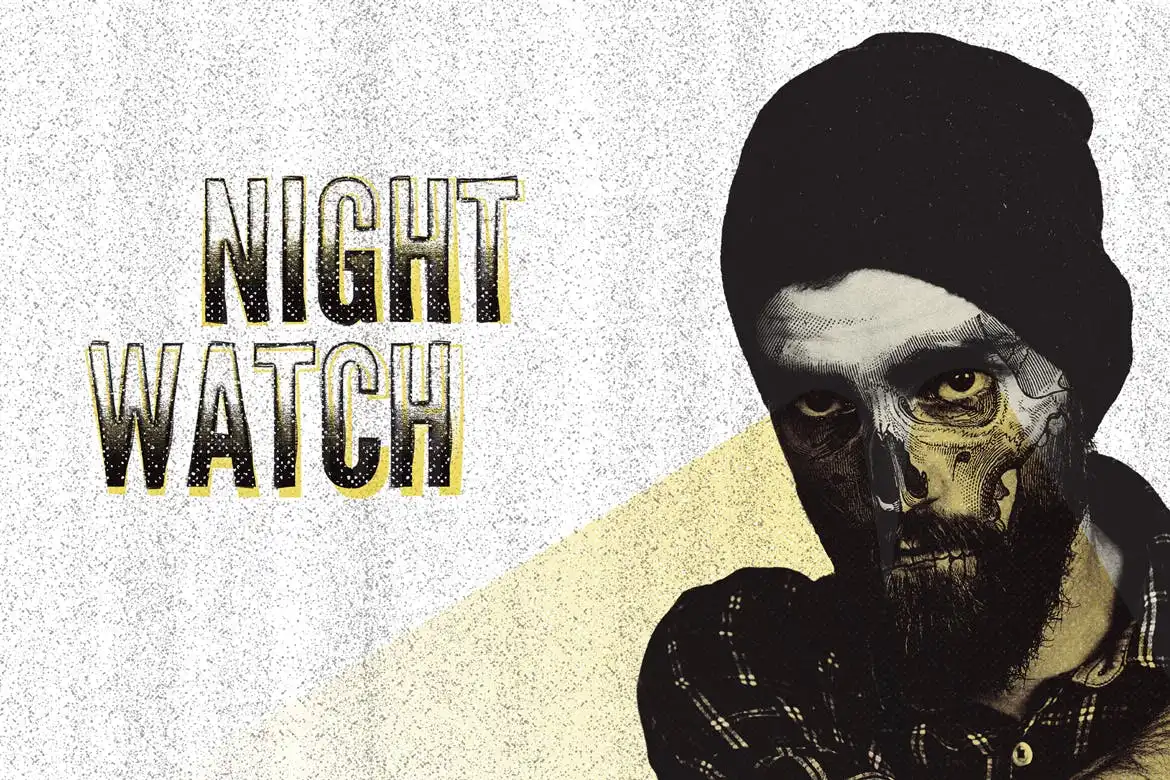
Are you looking to create stunning DIY prints and gig posters effortlessly? Alternative Printmaker is the perfect solution for you! This innovative tool for Adobe Photoshop is inspired by the vibrant culture of independent zine presses and the alternative music scene, making it an essential asset for artists and designers alike.
Product Overview
Alternative Printmaker allows you to bring your creative visions to life with ease. Whether you’re a fan of punk rock or simply appreciate the raw aesthetics of zine culture, this tool is designed to help you produce captivating artworks quickly. With just basic Photoshop skills, you can achieve professional-looking results.
Key Features & Benefits
- ✅ 16 Layer Style Effects → Transform your designs with a variety of unique effects tailored for Adobe Photoshop.
- ✅ Multiple Formats → Choose from various sizes including Portrait (6000 x 4242 px), Landscape (4242 x 6000 px), A4 formats, and Square (3000 x 3000 px), all at 300 DPI for high-quality prints.
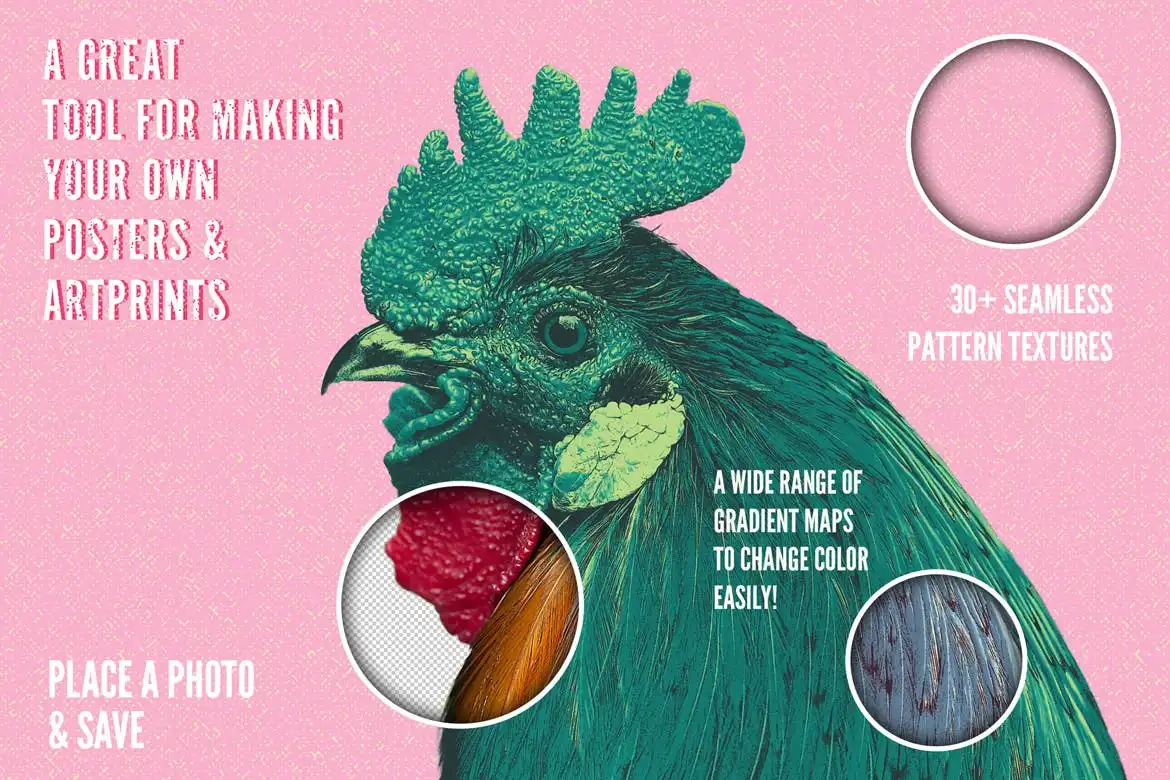
- ✅ 63 Gradients → Effortlessly re-color your artwork with a diverse selection of gradients.
- ✅ 30 Seamless Texture Patterns → Incorporate gritty print textures and screen print canvases into your designs for added depth.
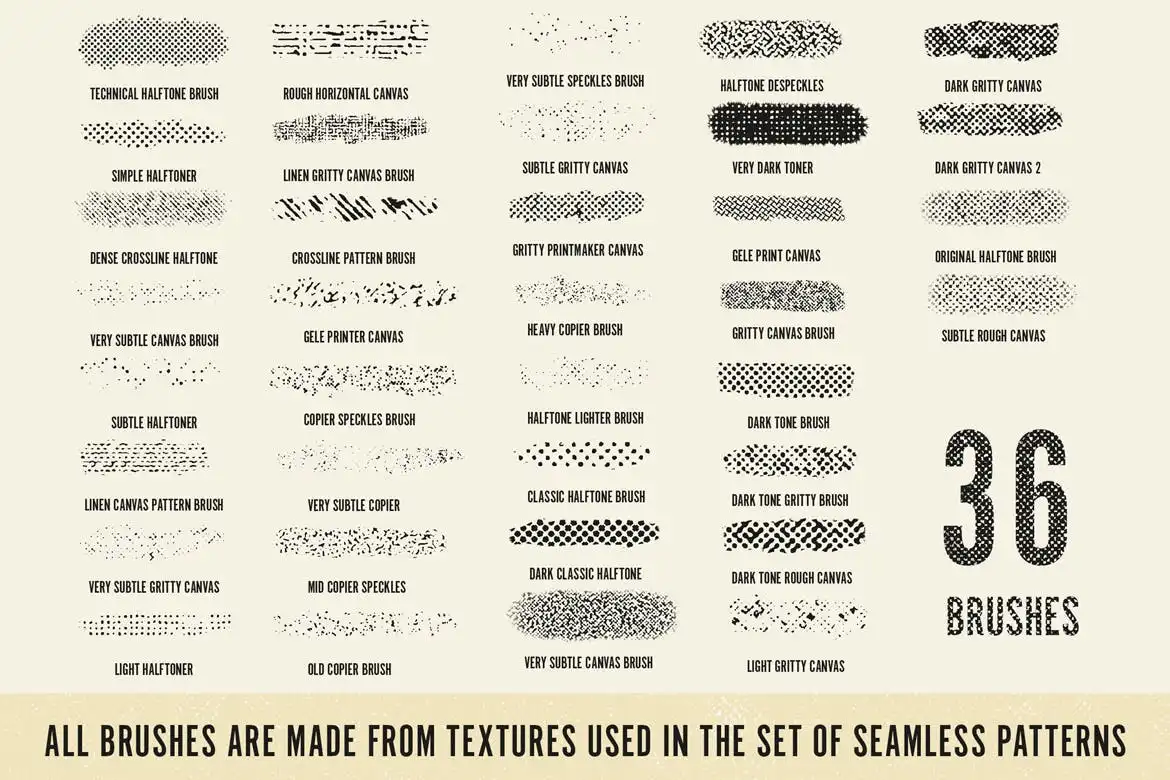
- ✅ 36 Halftone Brushes → Enhance your artwork with detailed textures or use them independently in your illustrations.
- ✅ Owner’s Manual → Get quick setup guidance and tips on how to use the effects effectively.
- ✅ Handbook of Effects → Access a full-resolution A4 guide showcasing all effects for easy reference.
Why Choose This Product
With Alternative Printmaker, you gain access to a powerful suite of tools that streamline the creative process. Its user-friendly design means you can focus on your art rather than getting bogged down by technical details. This product is trusted by artists who appreciate the DIY ethos and want to make their mark in the creative world.
Specifications
| Feature | Details |
|---|---|
| Layer Styles | 16 unique effects |
| Formats | Portrait, Landscape, A4, Square |
| Resolution | 300 DPI |
| Gradients | 63 |
| Texture Patterns | 30 seamless textures |
| Halftone Brushes | 36 brushes |
What’s Included / What’s in the Box
- 📦 16 Layer Style Effects
- 📦 63 Gradients
- 📦 30 Seamless Texture Patterns
- 📦 36 Halftone Brushes
- 📦 Owner’s Manual
- 📦 Handbook of Effects
Perfect For
- Artists looking to create unique prints
- Graphic designers working on posters and zines
- DIY enthusiasts interested in printmaking
- Anyone who appreciates alternative music and culture
How to Use
Using Alternative Printmaker is simple! Just follow these steps:
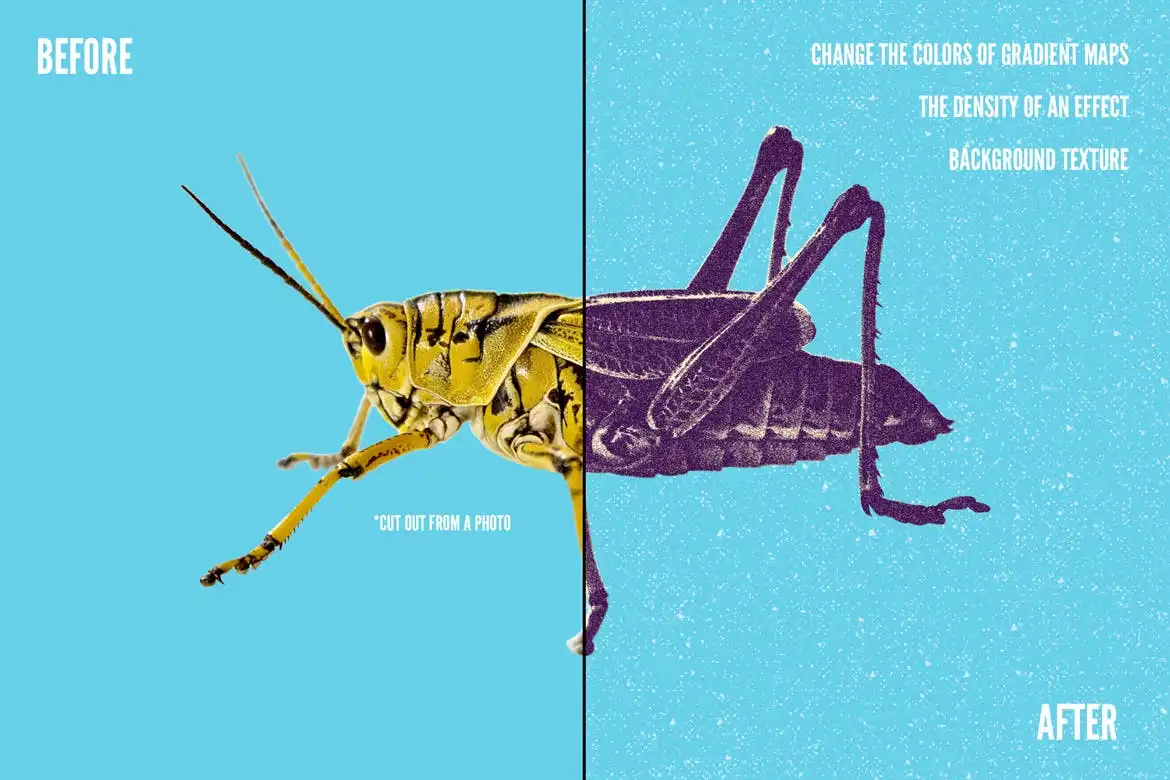
- Cut out an object from your photo.
- Place it into the Smart Object layer.
- Save your work to see the effect applied.
If you prefer a quicker method, simply follow the guidelines in the Owner’s Manual to place your photo and save it. Adjust the effects using the sliders in Levels to achieve your desired look.
FAQ
- What software do I need? You need Adobe Photoshop to use Alternative Printmaker.
- Can I customize the effects? Yes, all effects are adjustable to fit your creative needs.
Don’t wait any longer! Add Alternative Printmaker to your cart now and start creating stunning prints today! 🚀
User Reviews
Be the first to review “Alternative Printmaker”
You must be logged in to post a review.

Indie Camera for Adobe Photoshop
Sold by
Megapack of Chalks for Adobe Illustrator
Sold by
80s Press for Adobe Illustrator
Sold by
160 Wild Strokes for Adobe Illustrator
Sold by

68 Dry Markers Photoshop Brushes
Sold by
Original price was: $5.00.$2.50Current price is: $2.50.


There are no reviews yet.