
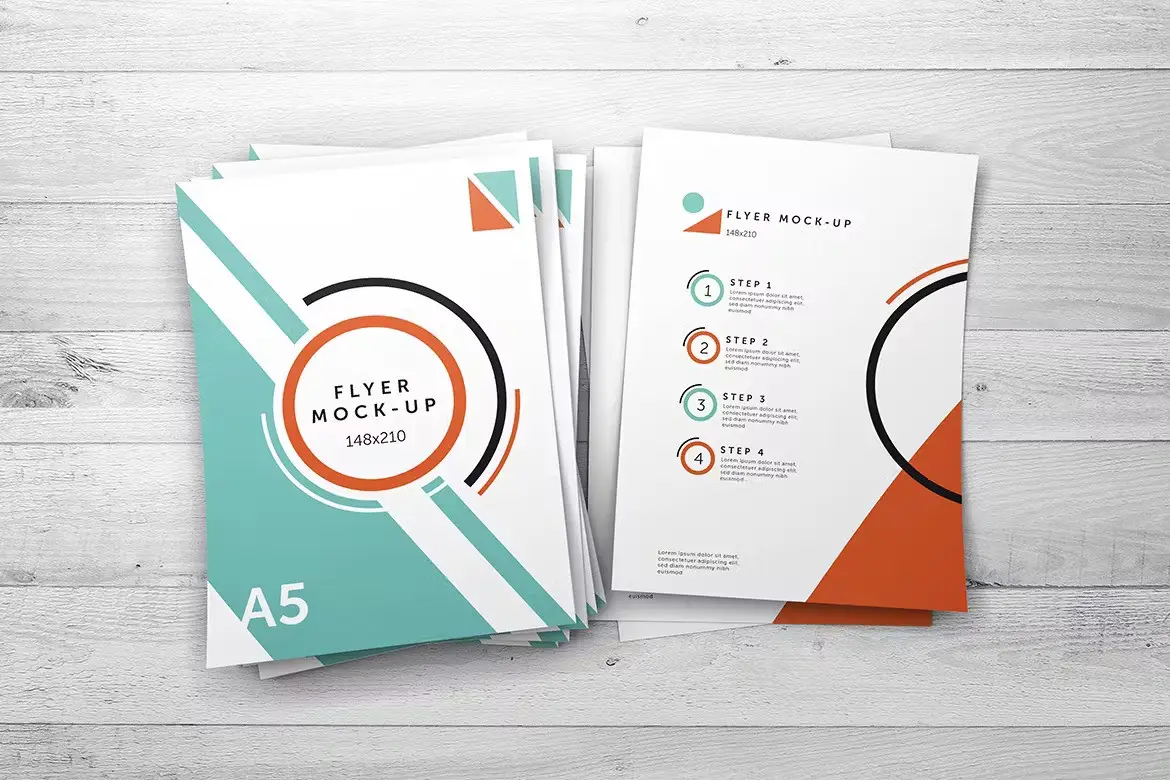
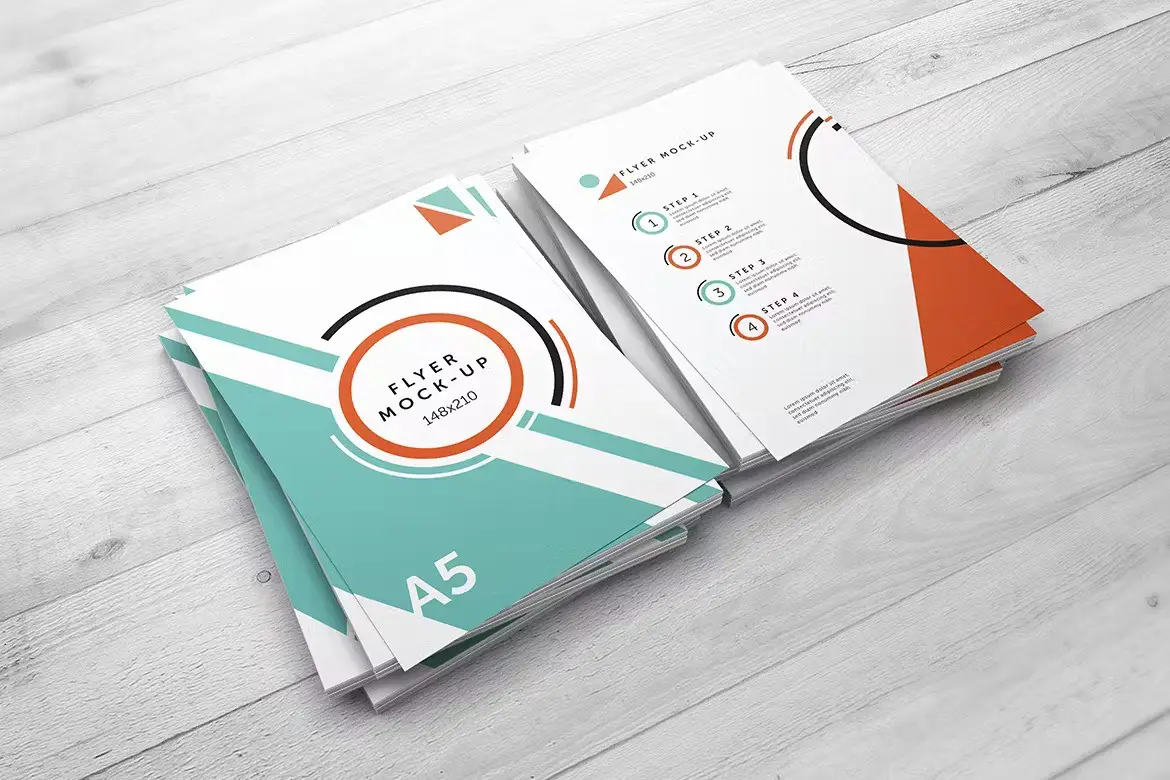

A5 Flyer Mock-Up: Showcase Your Designs with Professional Realism
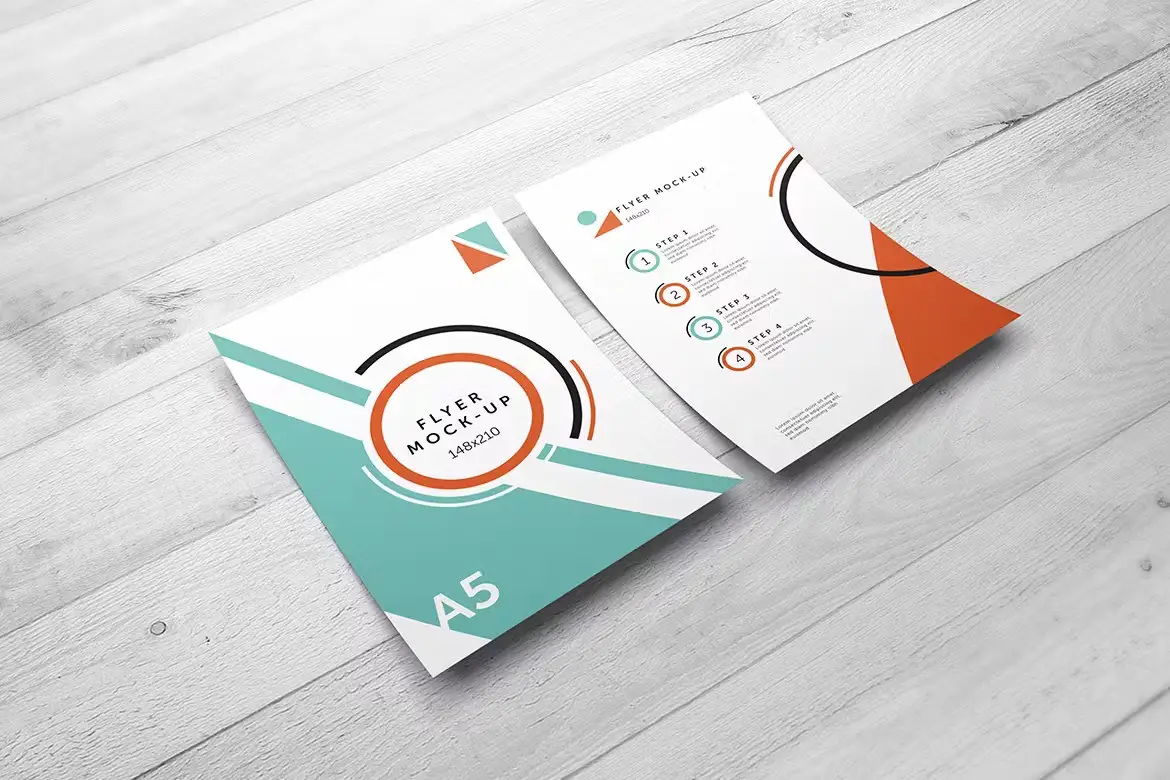
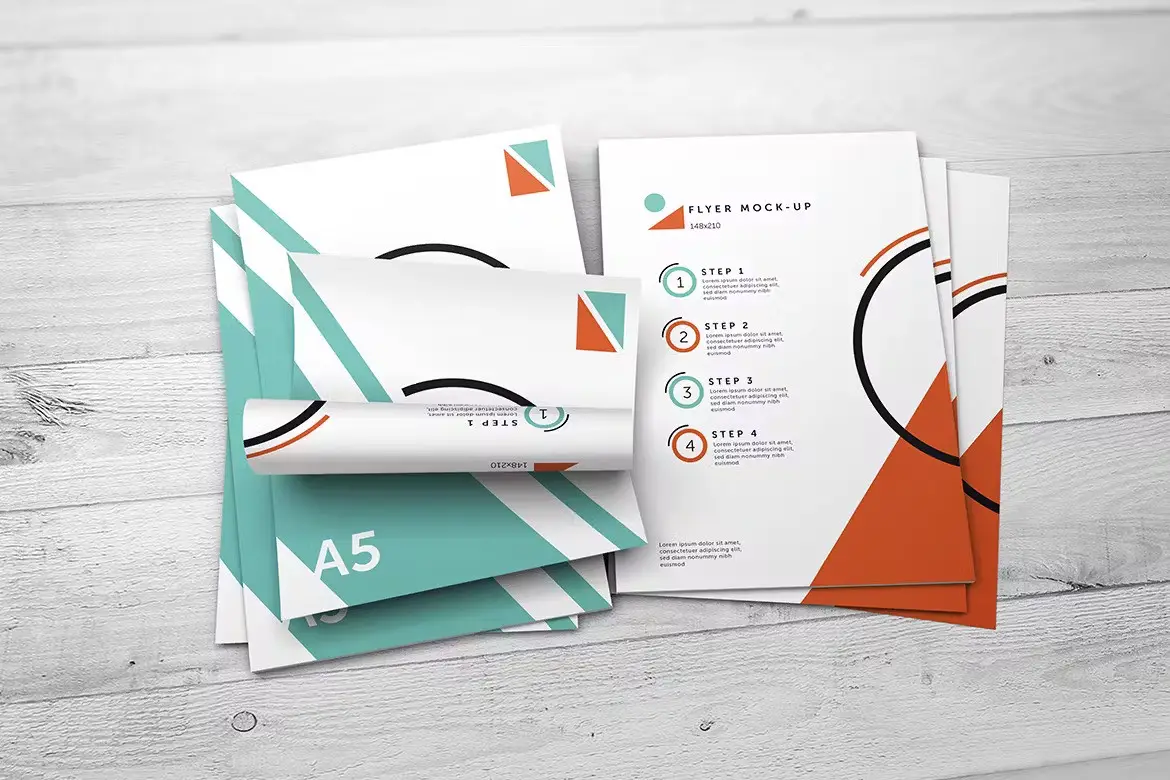
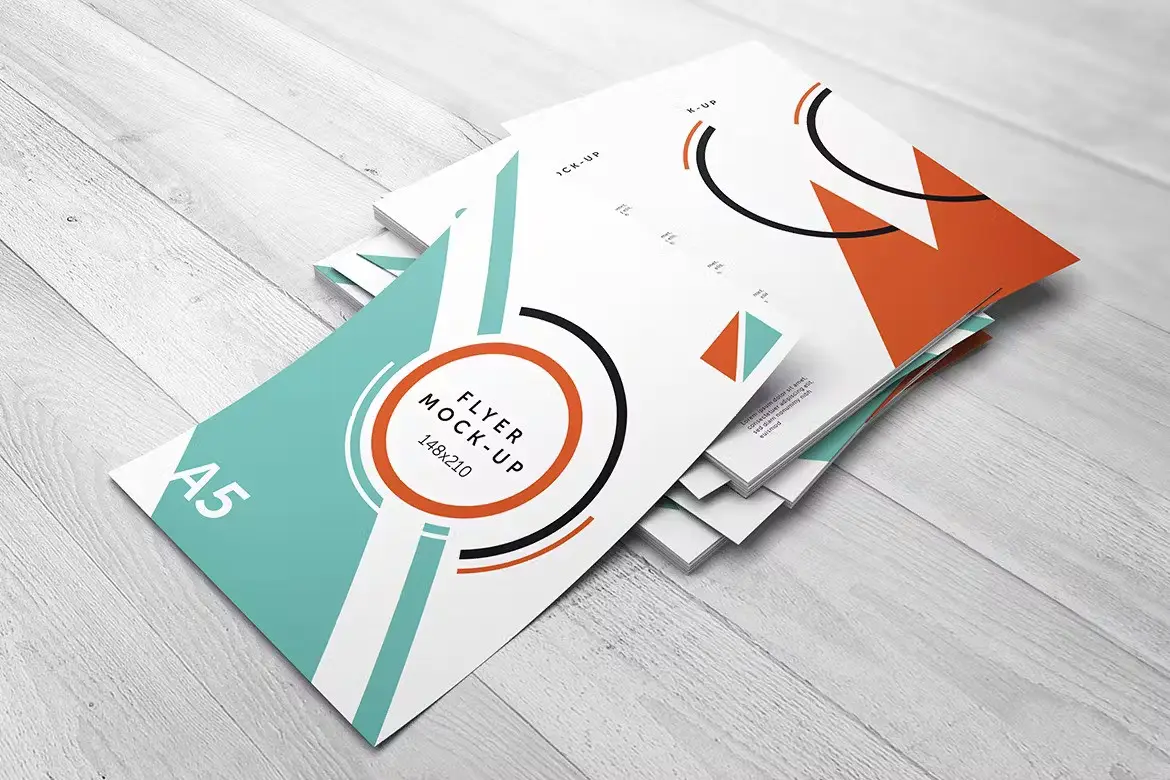
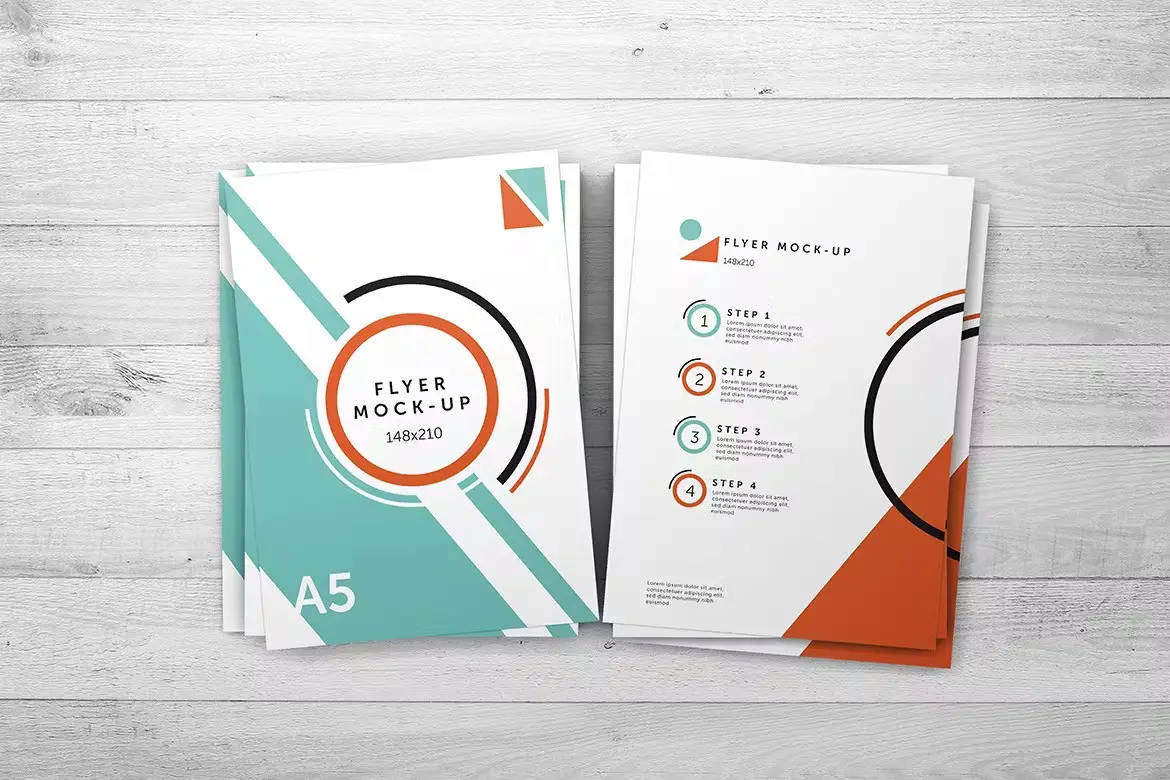
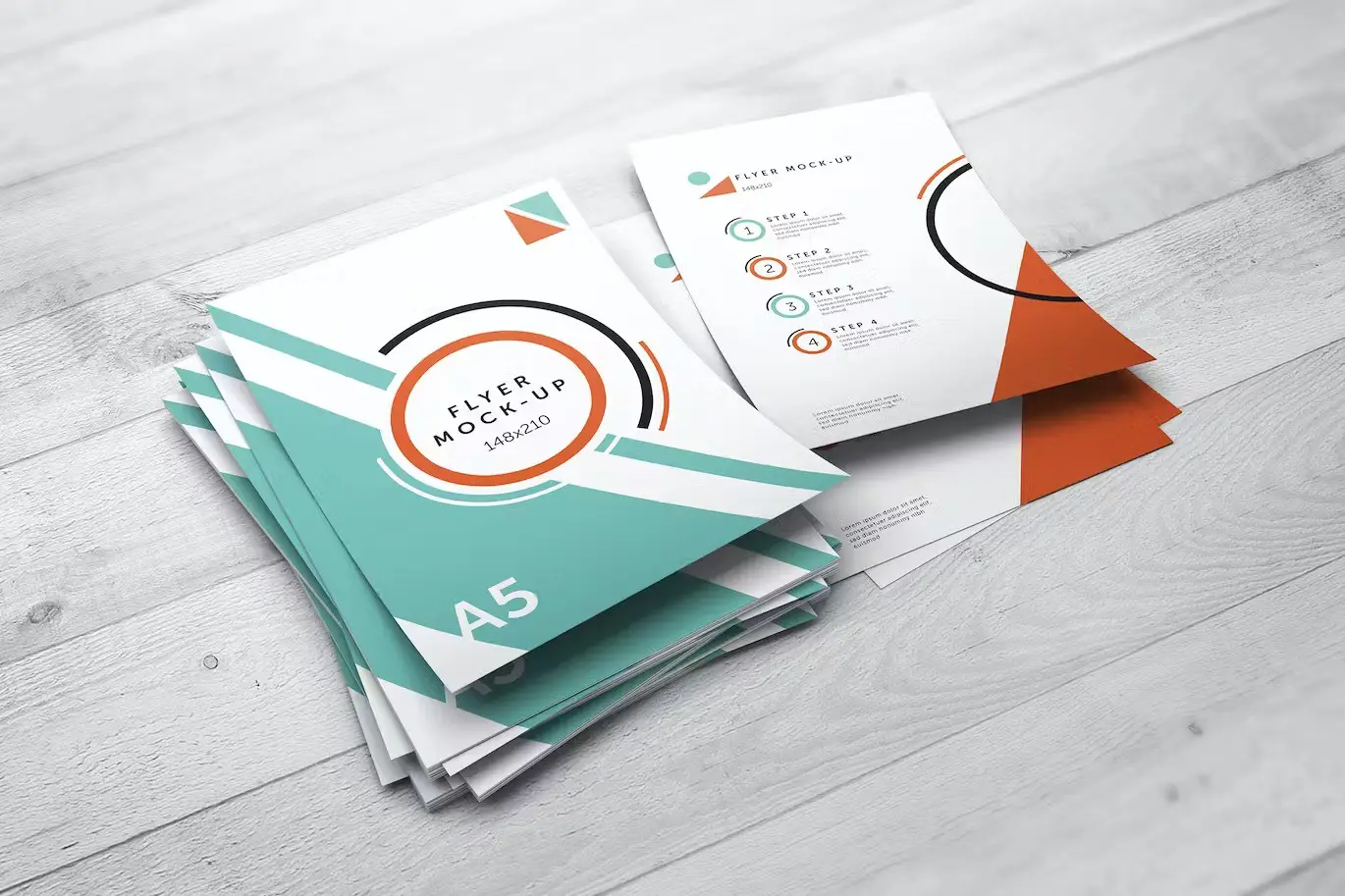
Elevate your marketing materials with the A5 Flyer Mock-Up. This versatile mock-up allows you to present your designs in a stunning and photorealistic manner, making it the perfect solution for businesses and designers looking to impress clients and audiences alike.
Product Overview
The A5 Flyer Mock-Up features seven unique styles, each designed to highlight your artwork beautifully. With a standard flyer size of 148×210 mm, this mock-up is ideal for promotional materials, events, and branding projects. Whether you’re a graphic designer or a business owner, this mock-up is tailored to meet your presentation needs.
Key Features & Benefits
- ✅ 7 Photorealistic Styles → Choose from a variety of realistic presentations to suit your design aesthetic.
- ✅ High Resolution → Enjoy crisp and clear visuals with a pixel size of 4000×2700 at 300dpi.
- ✅ Easy Editing with Smart Objects → Quickly insert your designs by double-clicking the smart-object layer, making editing a breeze.
- ✅ Customizable Backgrounds → Change the background to fit your branding or creative vision effortlessly.
- ✅ Organized Layers and Folders → Navigate your project easily with a well-structured PSD file, saving you time and effort.
Why Choose This Product
This A5 Flyer Mock-Up is not just about aesthetics; it’s about functionality and ease of use. Trusted by designers worldwide, this mock-up offers a professional touch to your presentations. Whether you’re showcasing a new product, promoting an event, or enhancing your branding materials, this mock-up helps you stand out in a crowded market.
Specifications (Technical Details)
| Feature | Details |
|---|---|
| Flyer Size | 148×210 mm |
| Resolution | 4000×2700 pixels, 300dpi |
| File Format | PSD |
| Number of Files | 7 PSD files |
What’s Included / What’s in the Box
- 📦 7 PSD files
- Help file.pdf
Perfect For
- Graphic Designers
- Marketing Professionals
- Event Planners
- Small Business Owners
How to Use
- Open the PSD file in Adobe Photoshop.
- Double-click on the smart-object layer.
- Paste or create your design.
- Save and close the smart-object layer to see your design in the mock-up.
FAQ
- Can I customize the background? Yes, the background is easily changeable to fit your design needs.
- Is this mock-up compatible with all versions of Photoshop? This mock-up works best with Adobe Photoshop CS6 and later versions.
Add to cart now and start creating stunning presentations with the A5 Flyer Mock-Up today! 🚀
Spiral Book Binding Bundle Mockups
Sold by
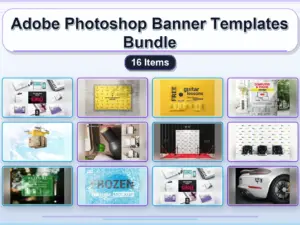
Adobe Photoshop Banner Templates Bundle – 16 Items
Sold by
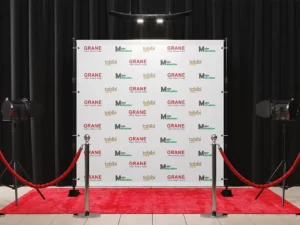
Backdrop Banner With Red Carpet Mockup
Sold by
Original price was: $5.00.$2.50Current price is: $2.50.


There are no reviews yet.