
50 Lens Flares
50 Lens Flares – Elevate Your Designs Instantly
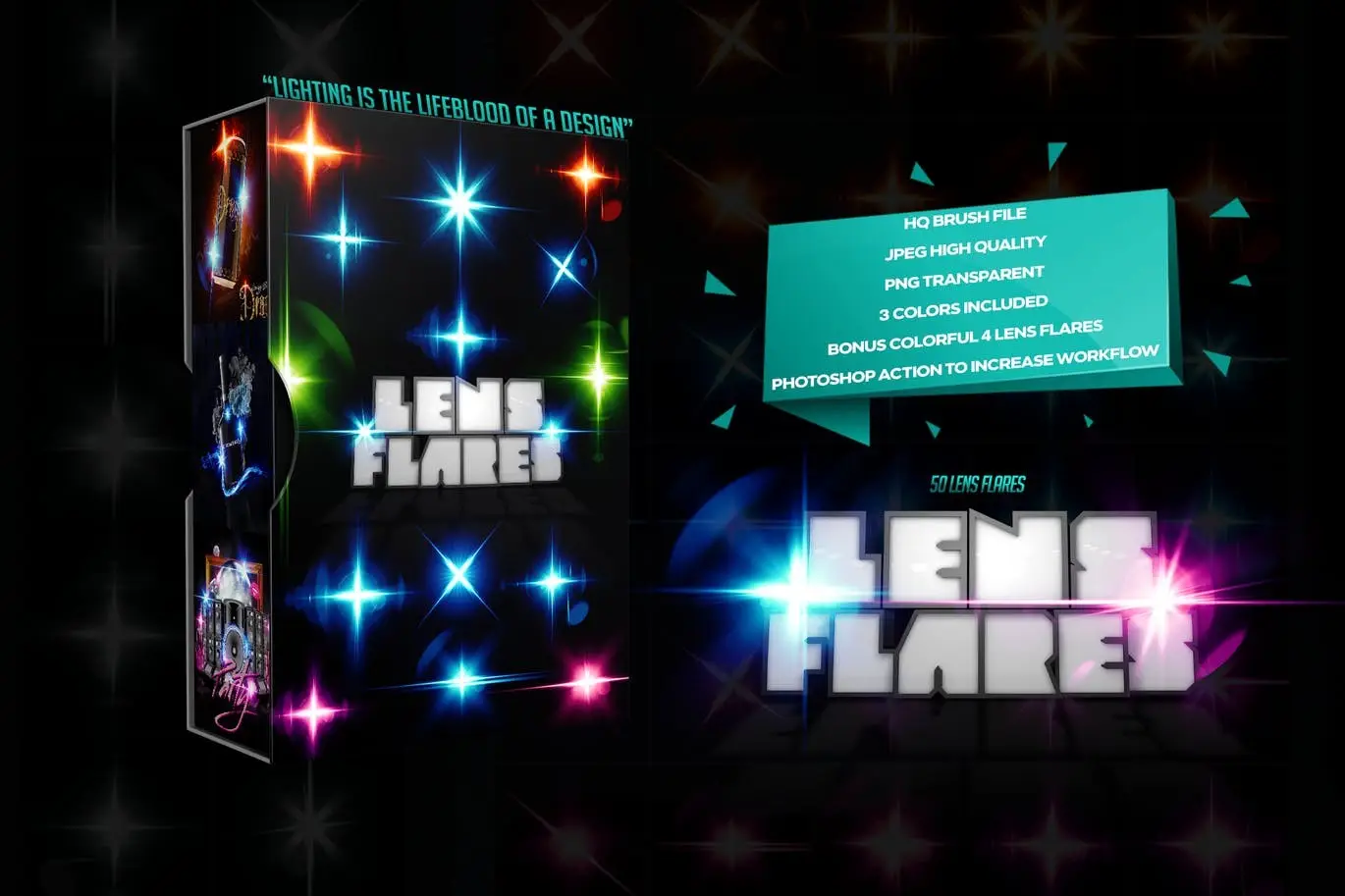
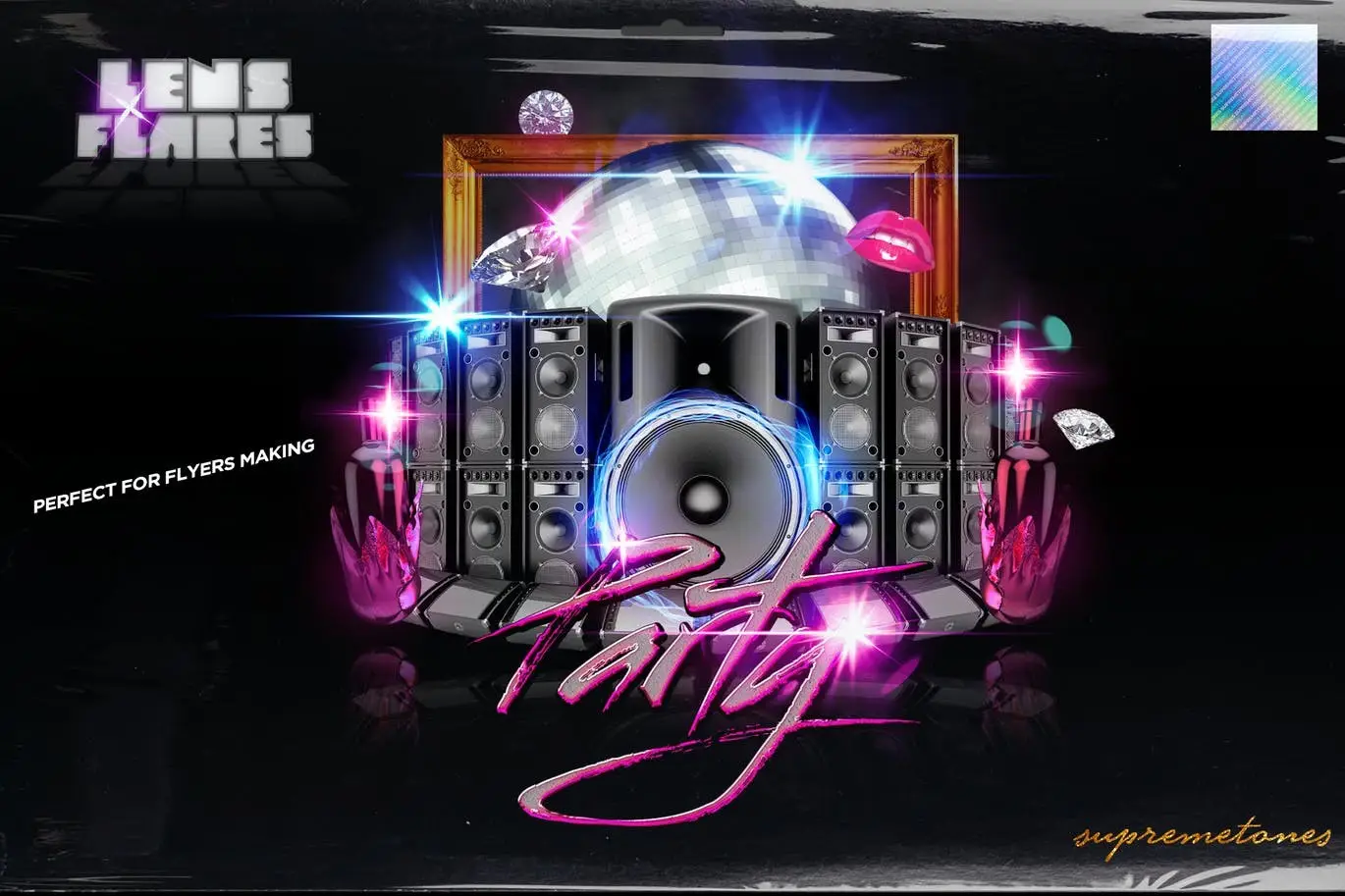
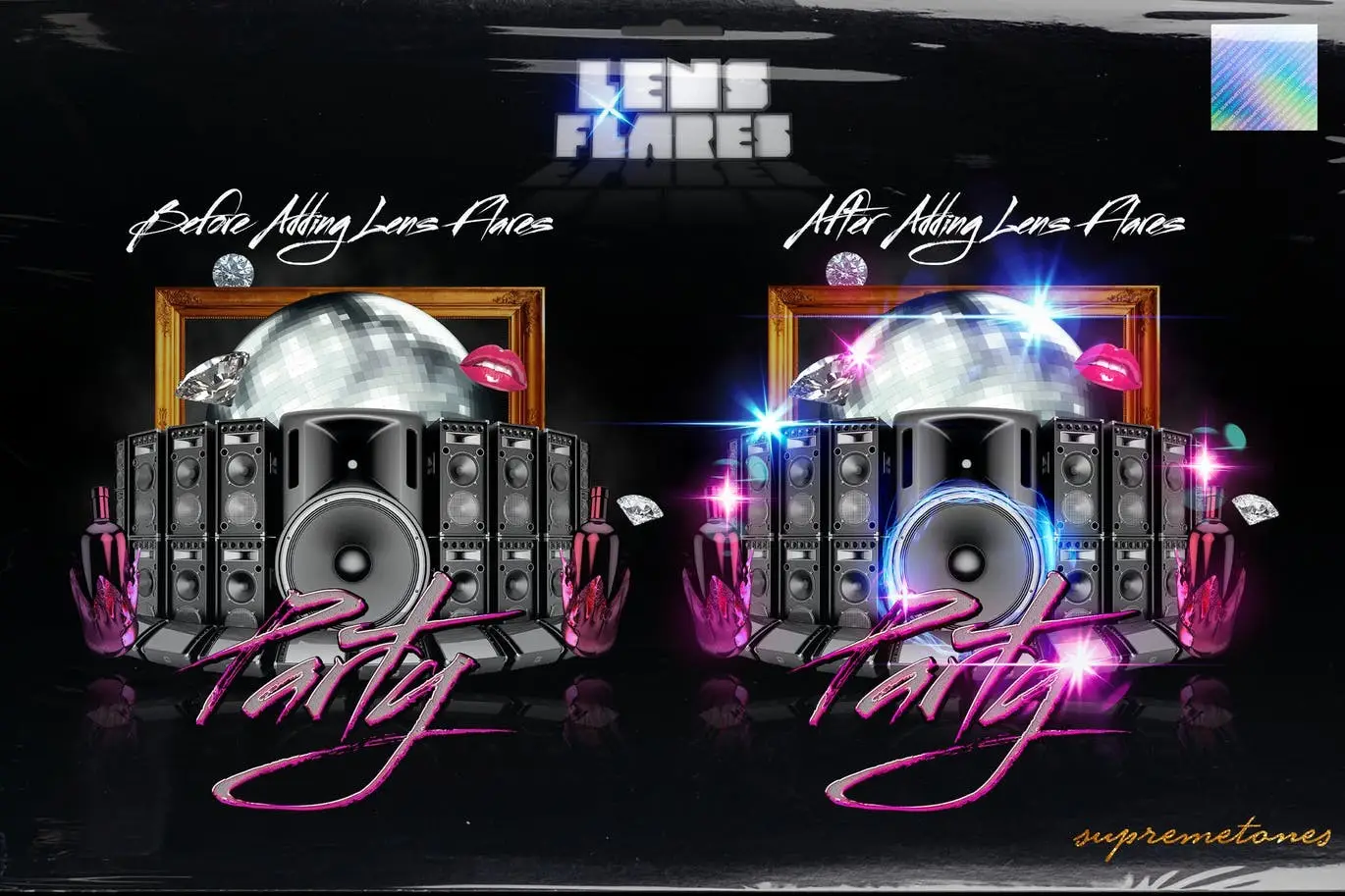
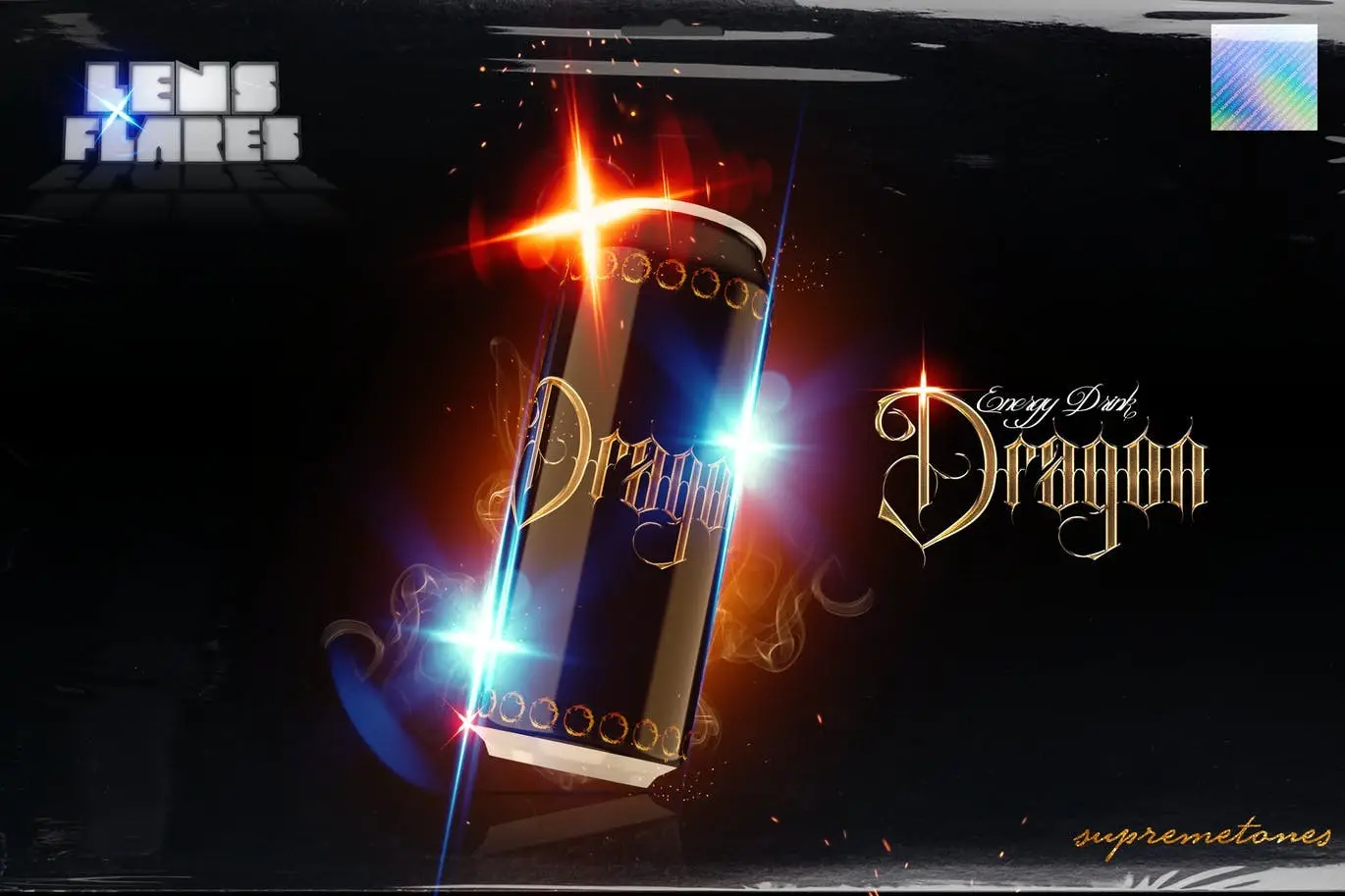
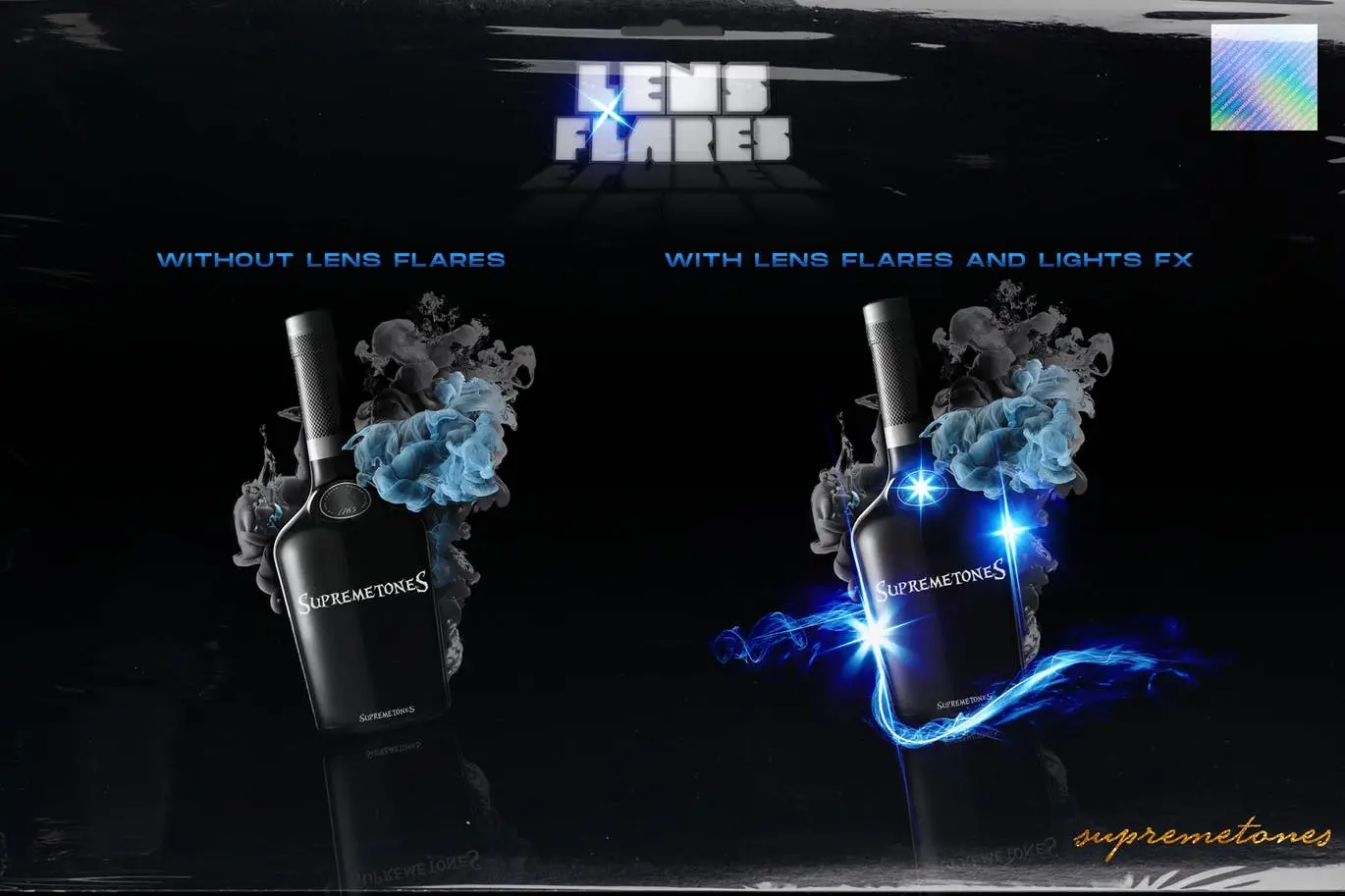
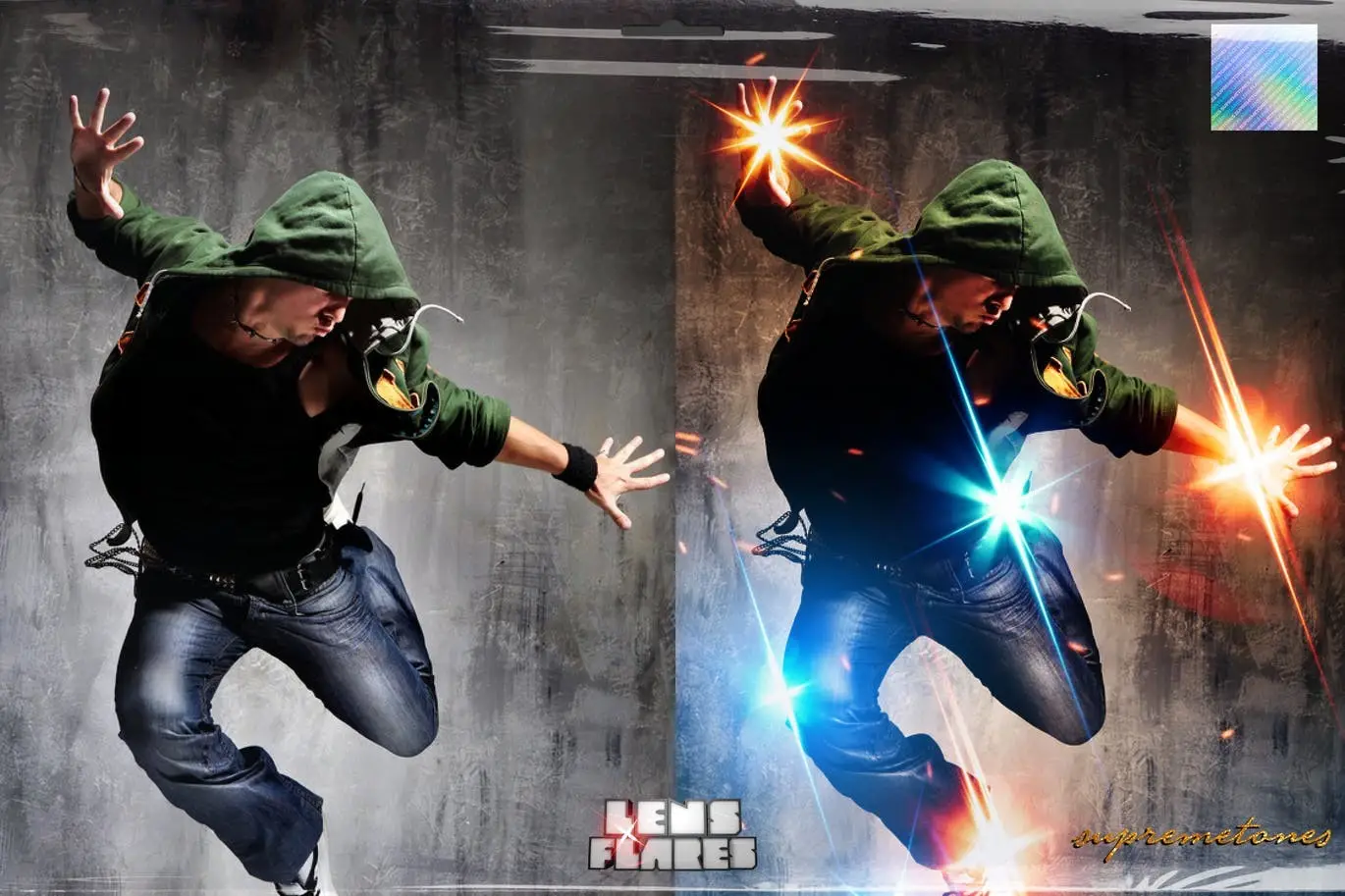
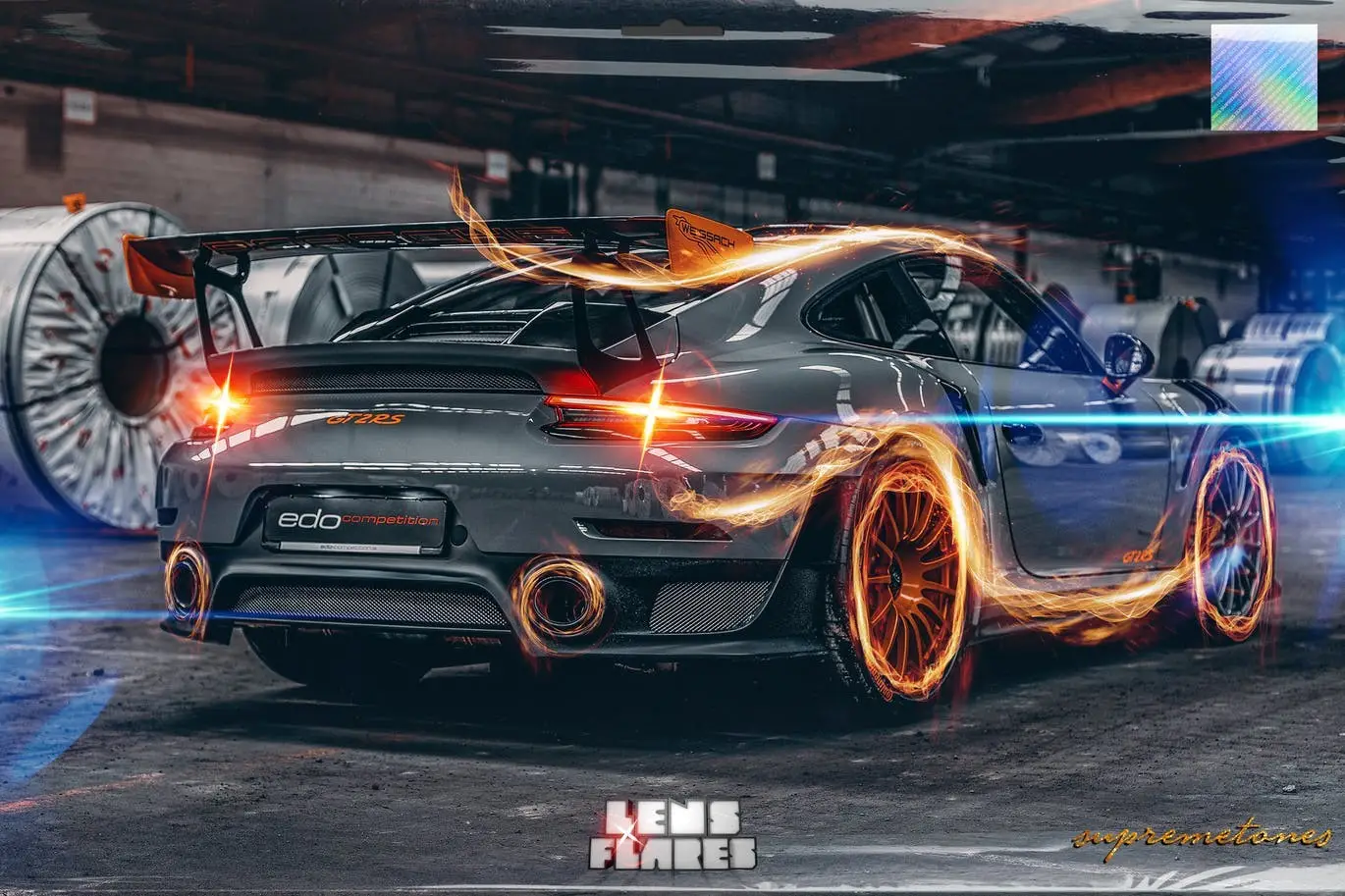
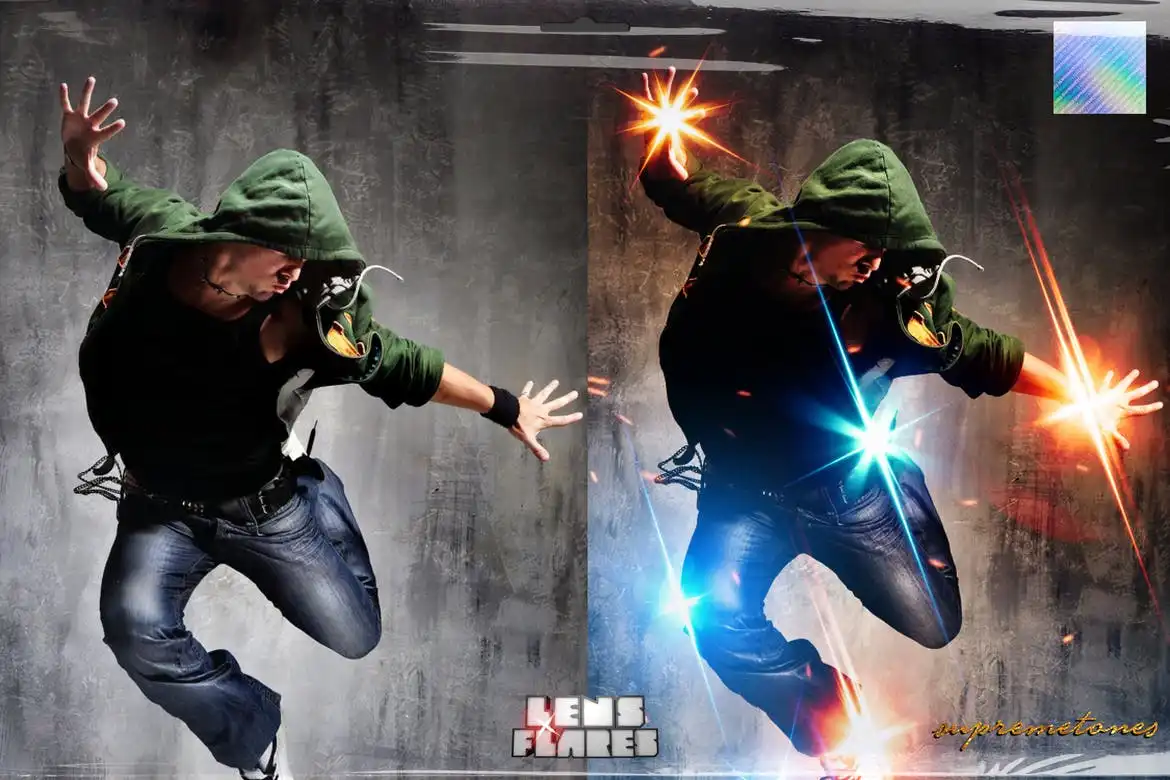
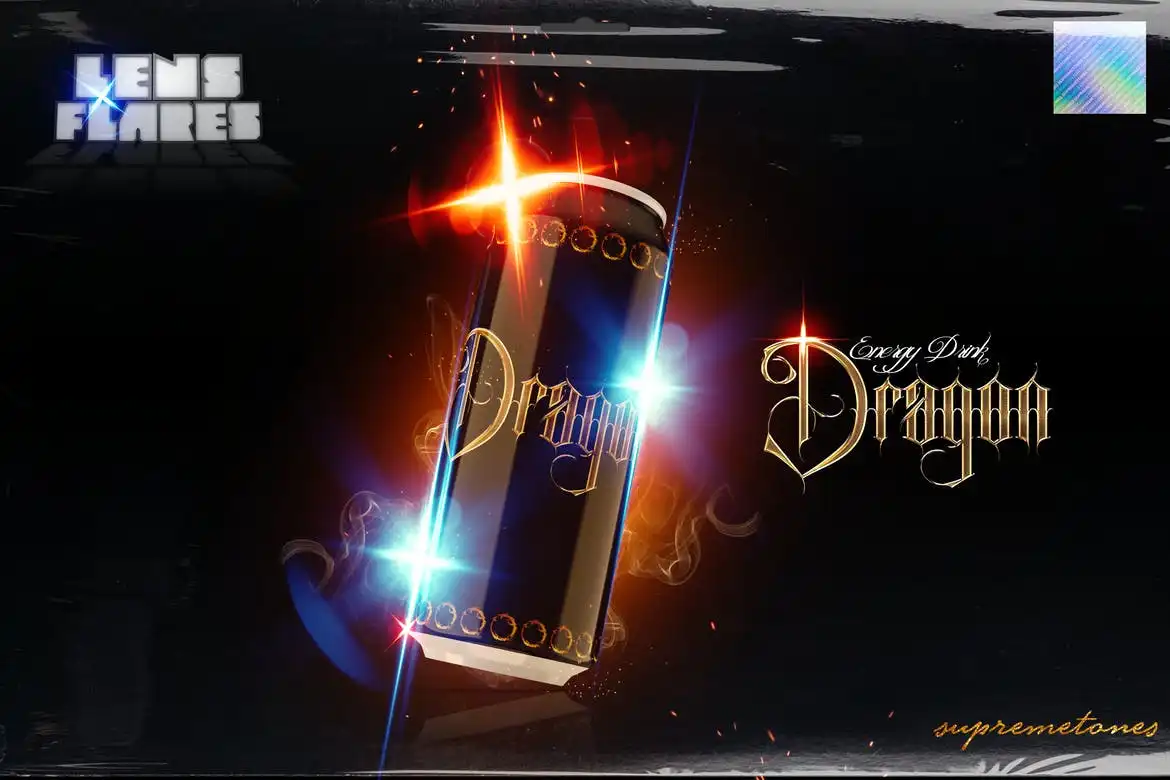
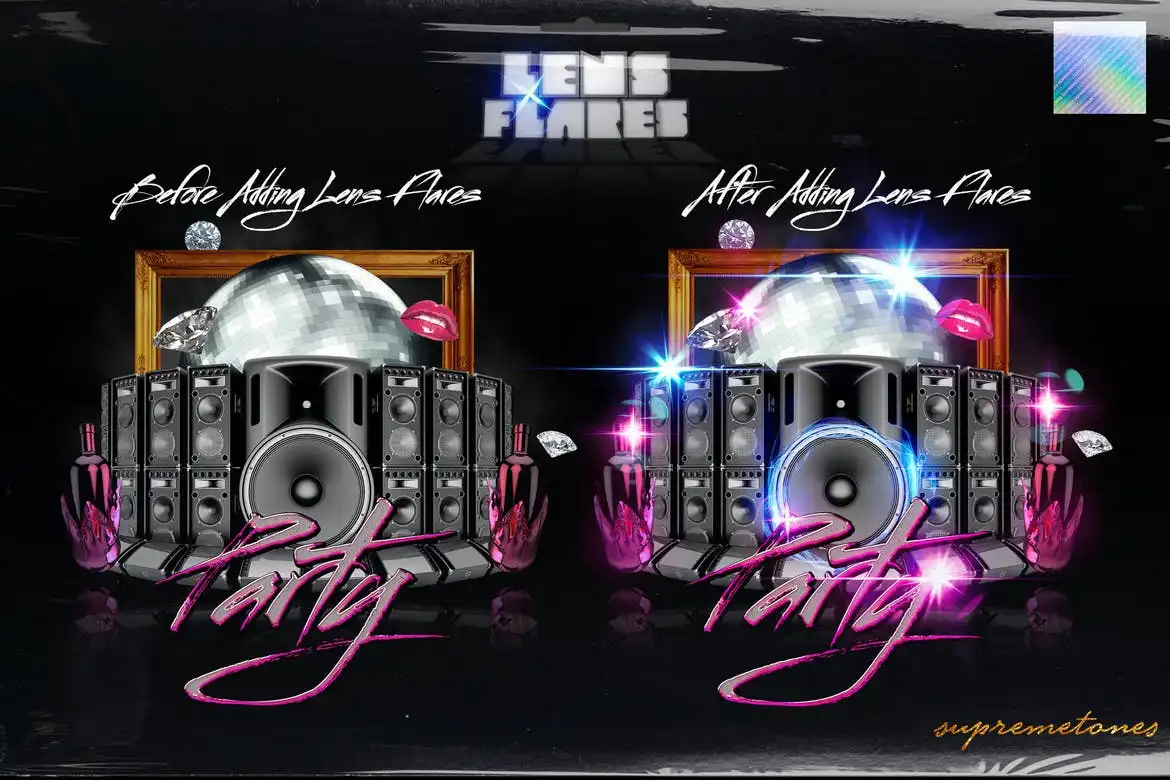
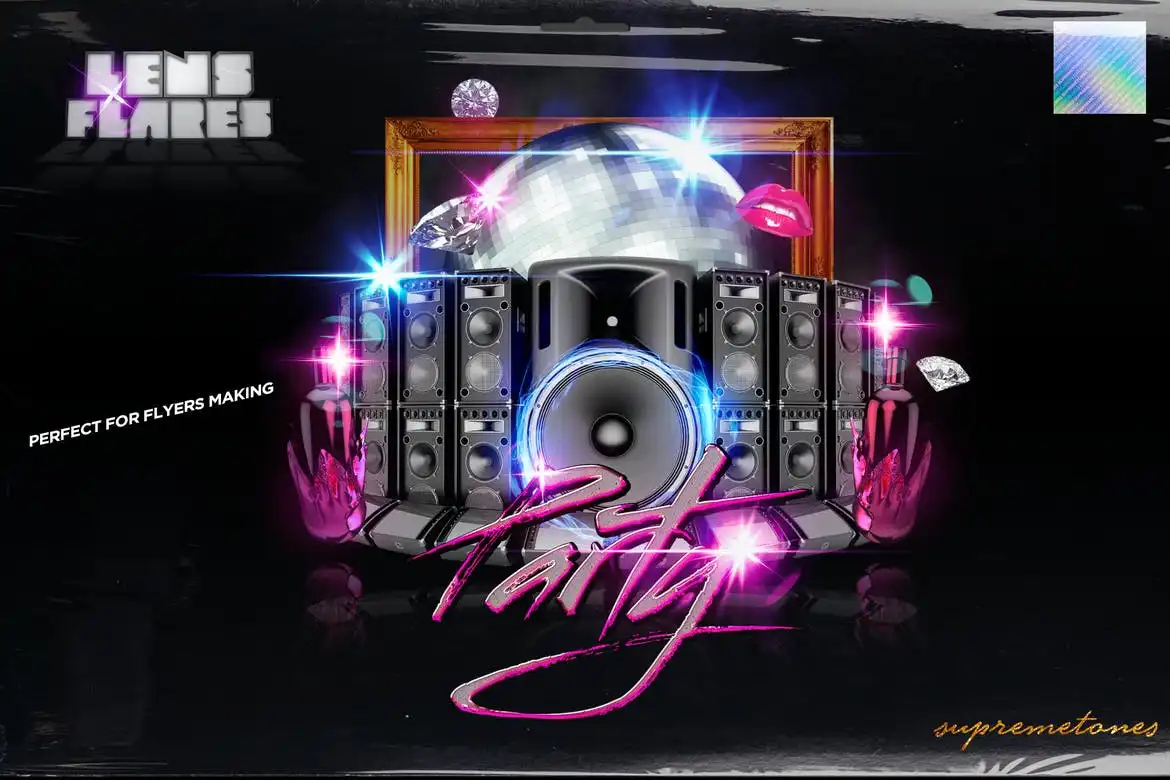
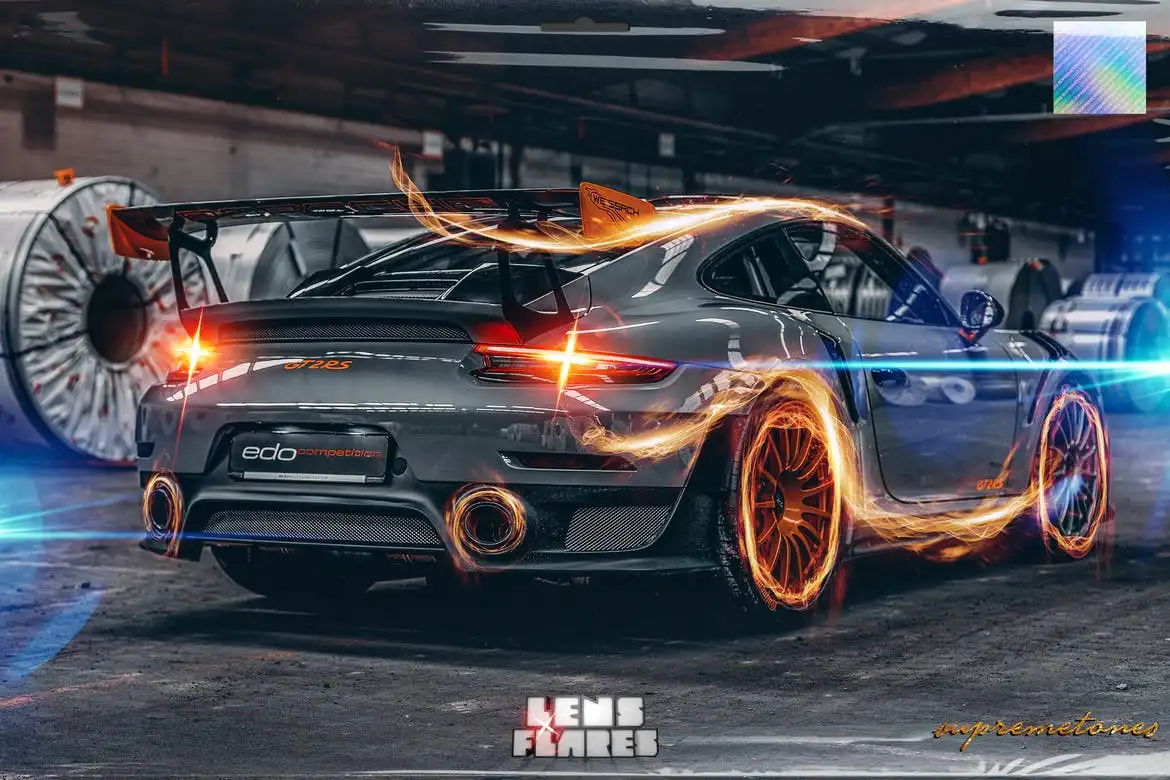
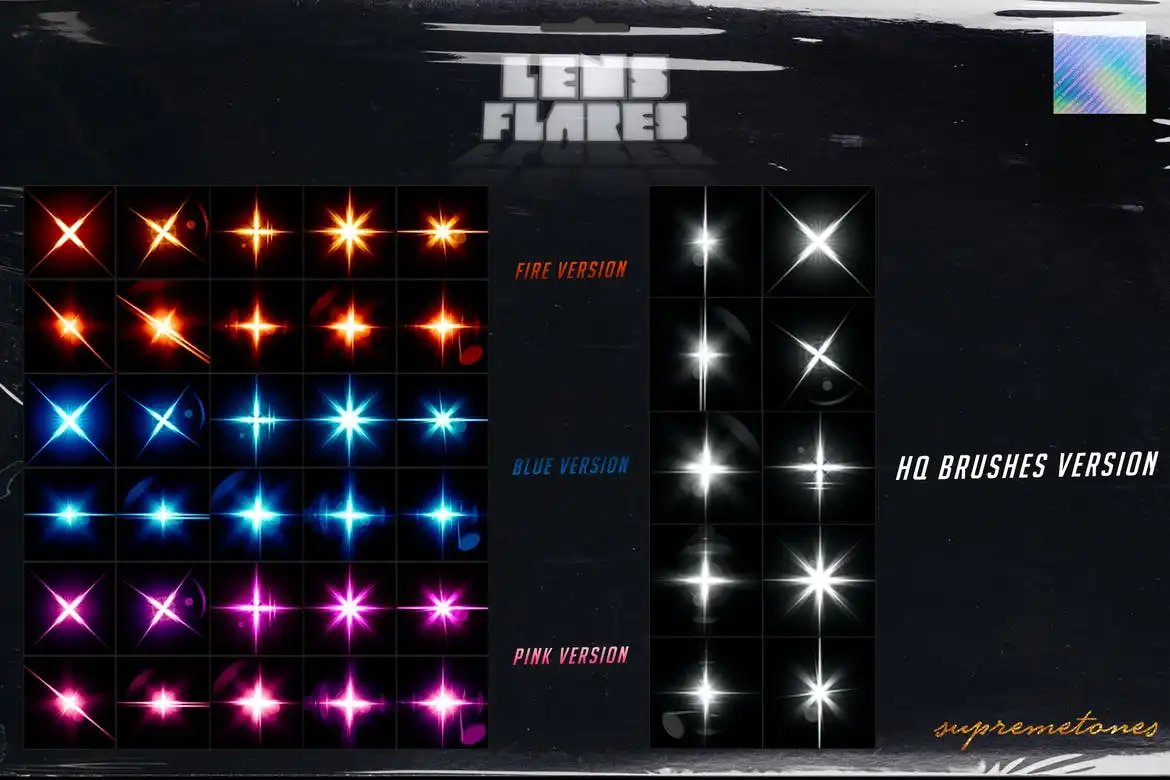
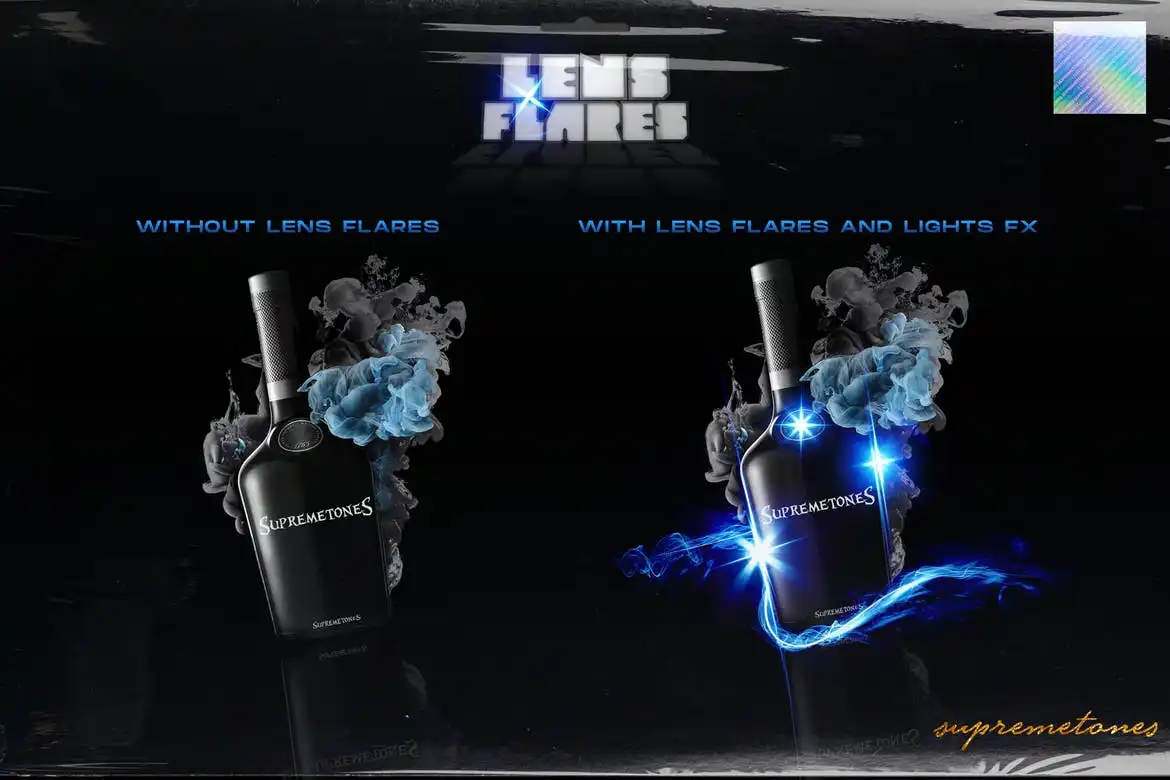
Lighting is the lifeblood of a design, and with the 50 Lens Flares kit, you can effortlessly enhance your projects. This collection offers a vibrant and colorful touch that brings energy and life to your artwork. Simply drop the light effects into your design and set the layer to Screen Mode, or utilize the included PNG images for a quick and easy application.
Product Overview
The 50 Lens Flares kit is perfect for designers looking to add dynamic lighting effects to their work. Whether you’re creating graphics for social media, video projects, or digital art, these lens flares provide the ideal solution to make your designs stand out.
Key Features & Benefits
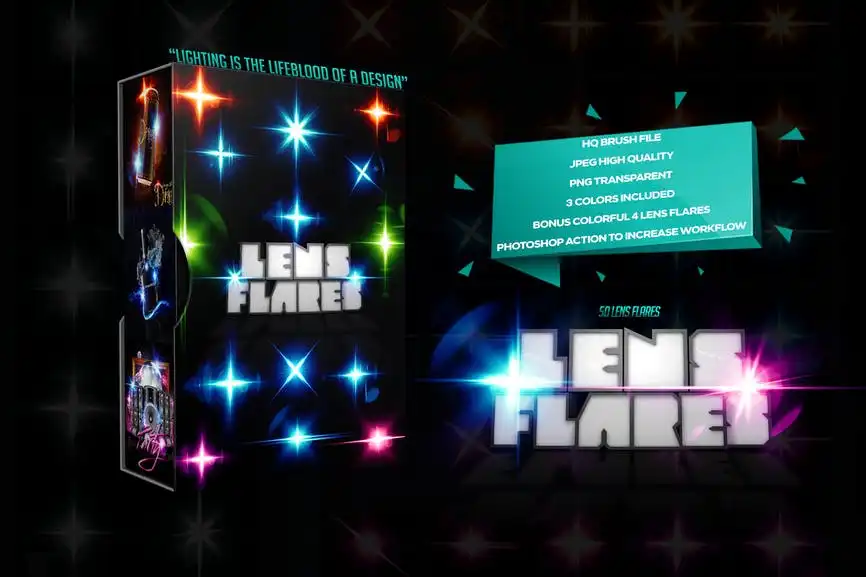
- ✅ High Resolution: 3000×2000 pixels at 300dpi for stunning clarity.
- ✅ Action File: Streamline your workflow with an easy-to-use action file.
- ✅ User-Friendly: Simply drop the flares and change the layer mode to screen for instant results.
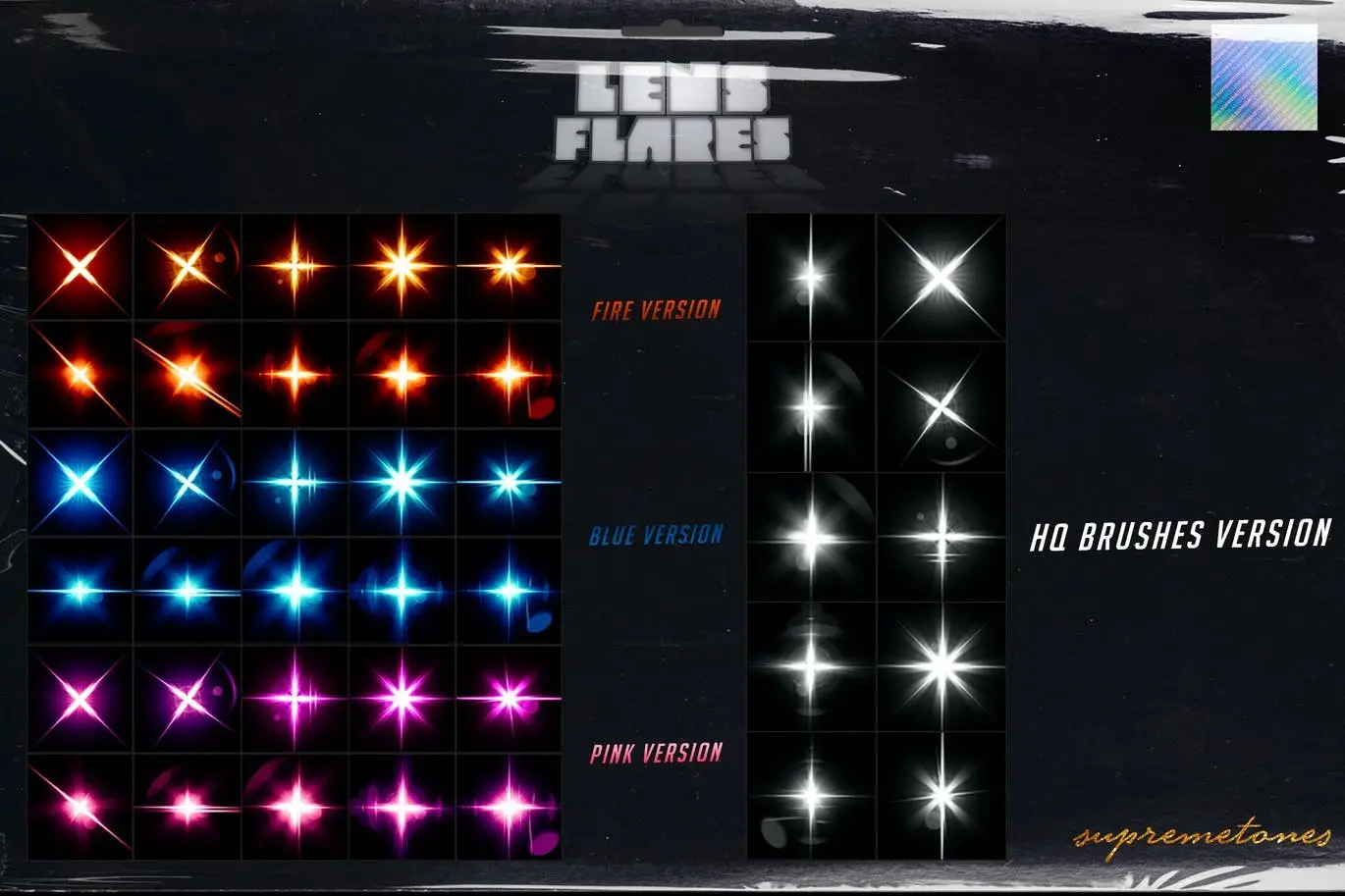
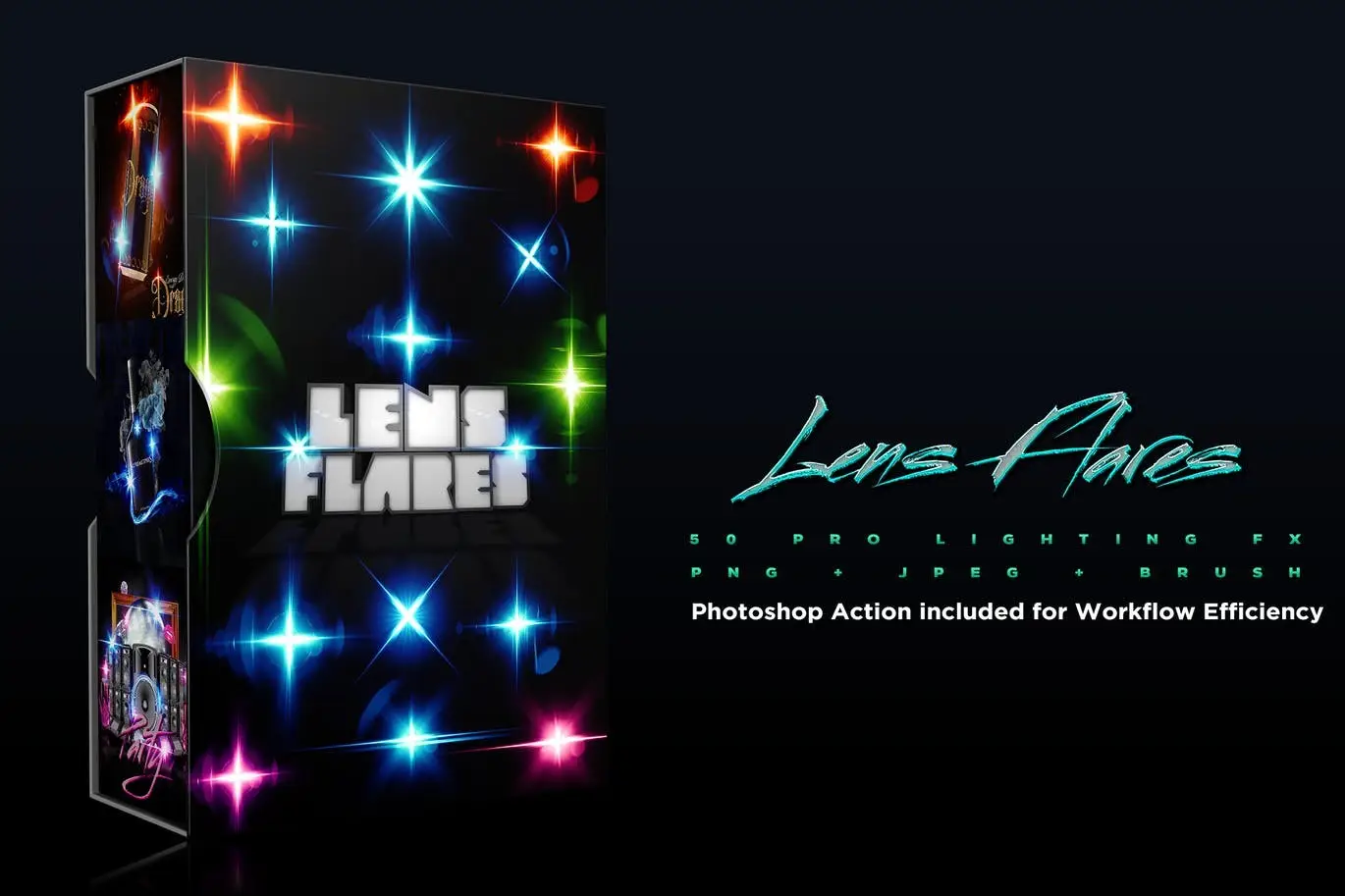
- ✅ Variety: Includes 3 color options plus classic white flares.
- ✅ Brush File: Additional brush file included for even more creative possibilities.
- ✅ Bonus: Enjoy colorful flares as a special addition to your toolkit.
Why Choose This Product
The 50 Lens Flares kit is designed for both beginners and seasoned professionals. Its versatility and ease of use make it a must-have for anyone looking to enhance their digital designs. Trusted by creatives worldwide, this kit ensures that your projects will shine with a professional touch.
Specifications
| Feature | Details |
|---|---|
| Resolution | 3000×2000 pixels |
| DPI | 300dpi |
| File Types | Action file, PNG images, Brush file |
| Color Options | 3 colors + White |
What’s Included
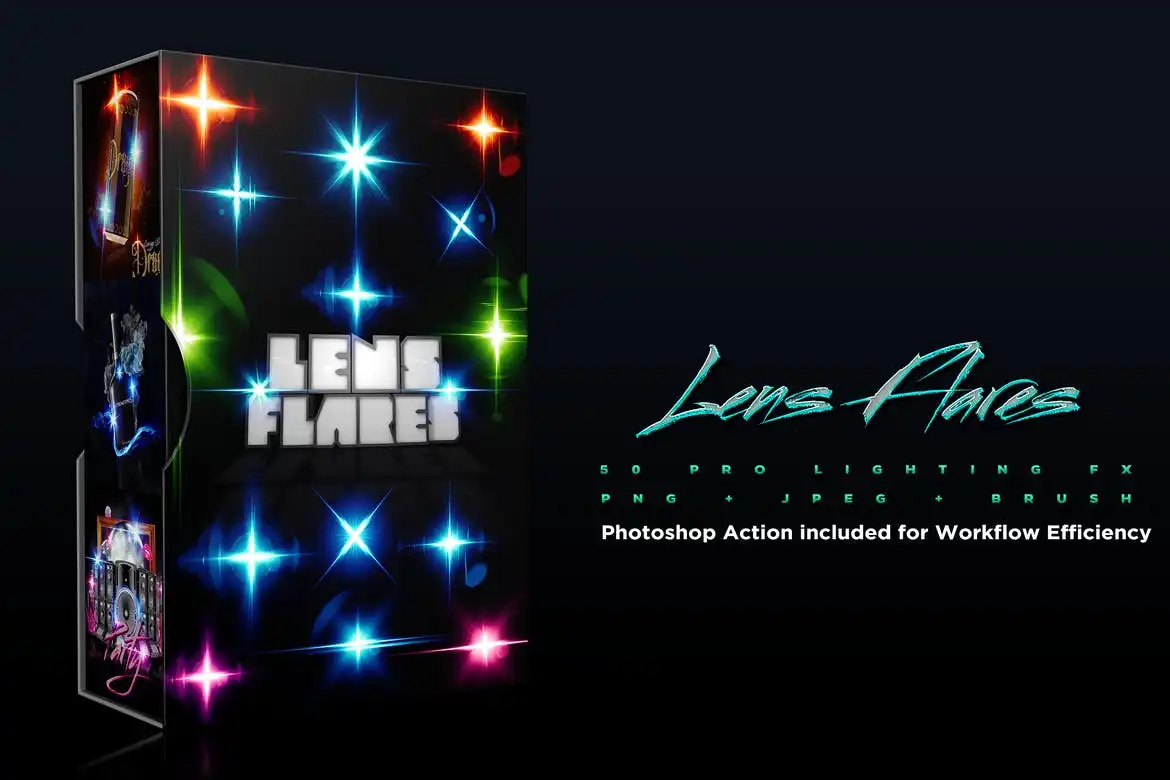
- 📦 50 Lens Flare PNG Images
- 📦 Action File for Photoshop
- 📦 Brush File for additional effects
- 📦 Bonus Colorful Flares
Perfect For
- Graphic Designers
- Video Editors
- Digital Artists
- Social Media Creators
How to Use
To get the best results from your 50 Lens Flares, follow these simple steps:
- Open your design in Photoshop.
- Drag and drop your chosen lens flare onto the canvas.
- Set the layer mode to Screen for optimal blending.
- Adjust the size and position as needed.
FAQ
- Can I use these flares in video editing software? Yes, you can use the PNG images in various video editing programs.
- Are the lens flares compatible with all versions of Photoshop? The files are compatible with most recent versions of Photoshop.
Ready to transform your designs? Add the 50 Lens Flares kit to your cart now and start creating stunning visuals today! 🚀


There are no reviews yet.