
43 Ring Lens Flare Overlays & Photoshop Action

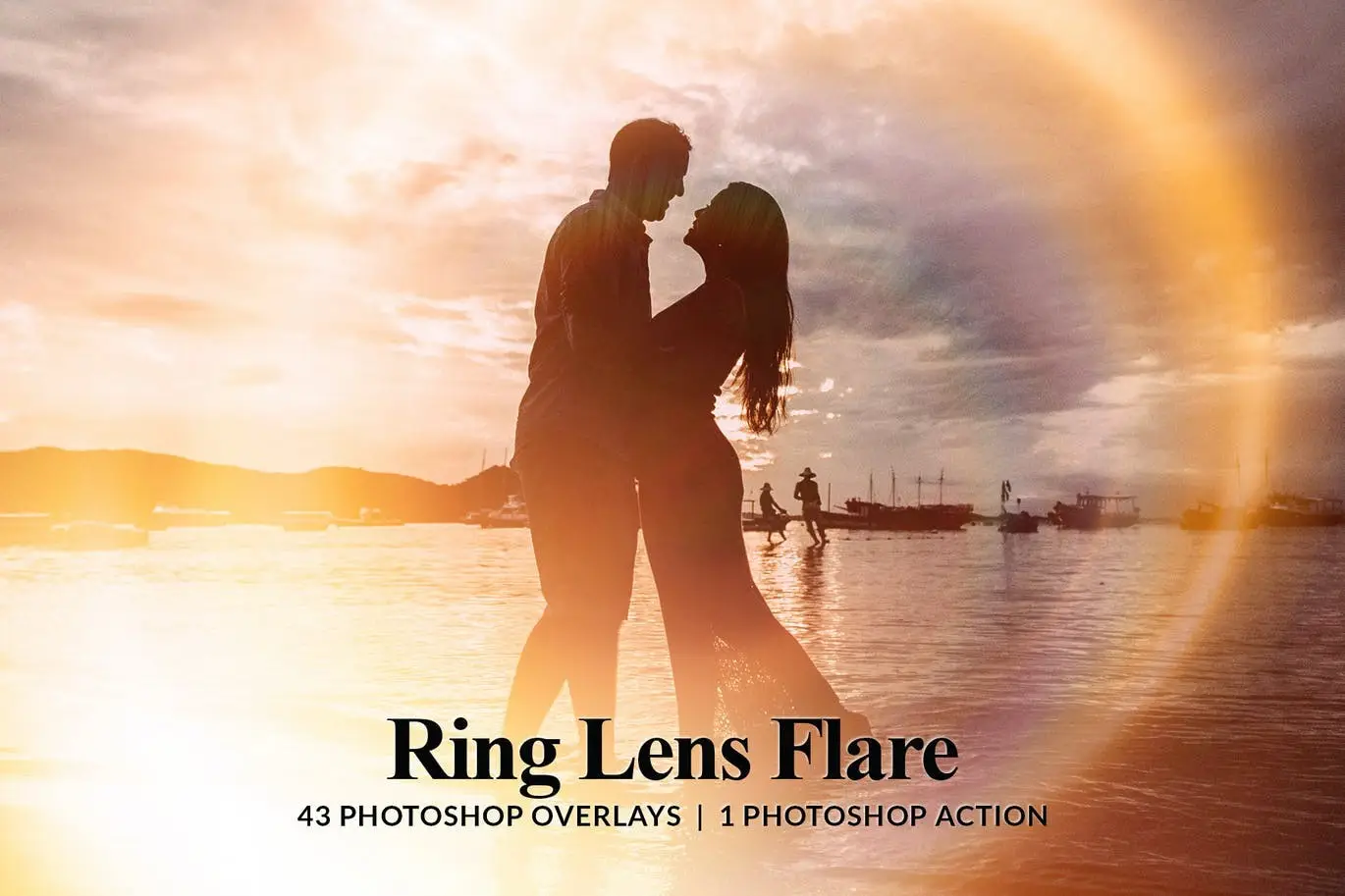
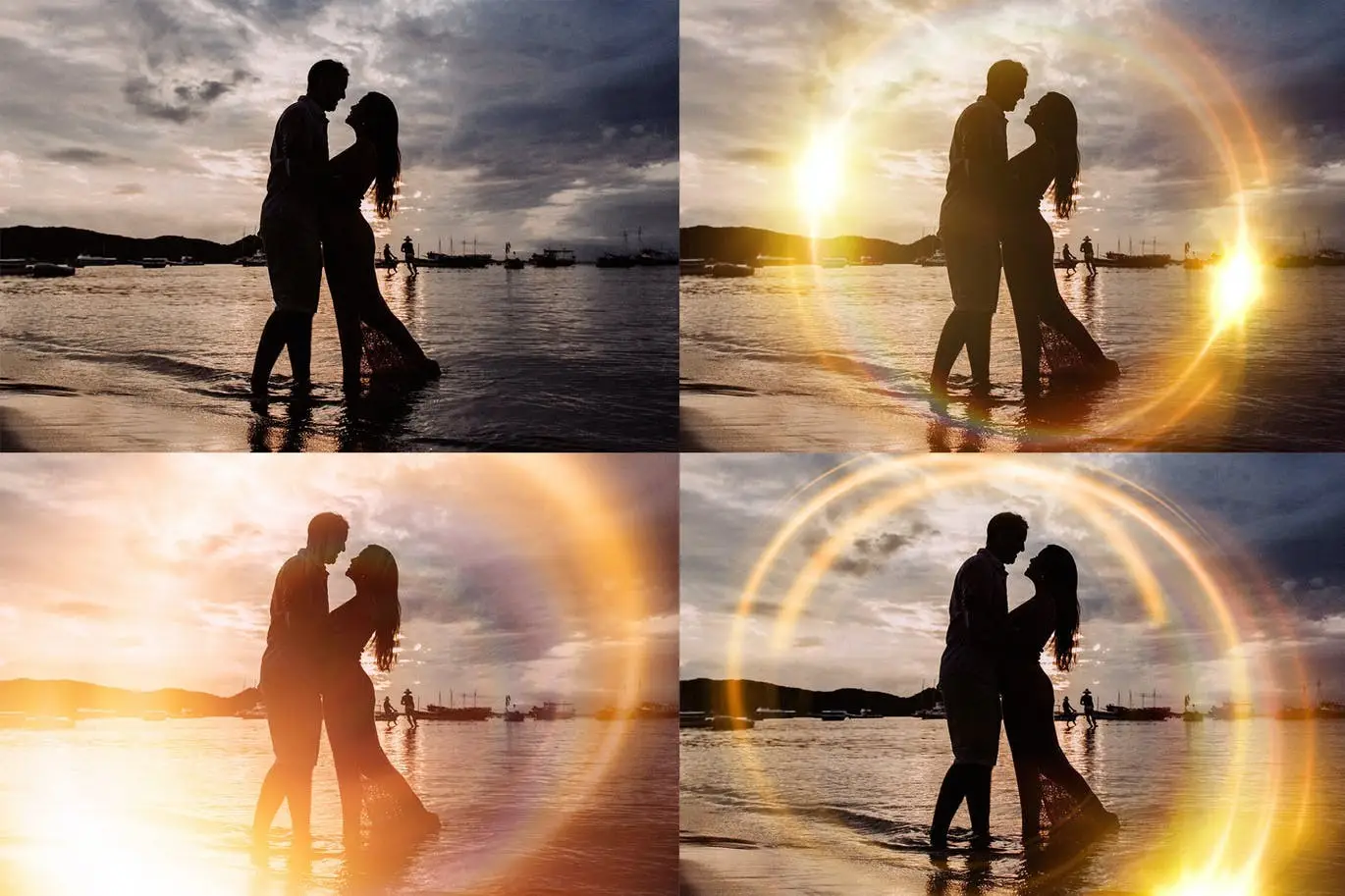

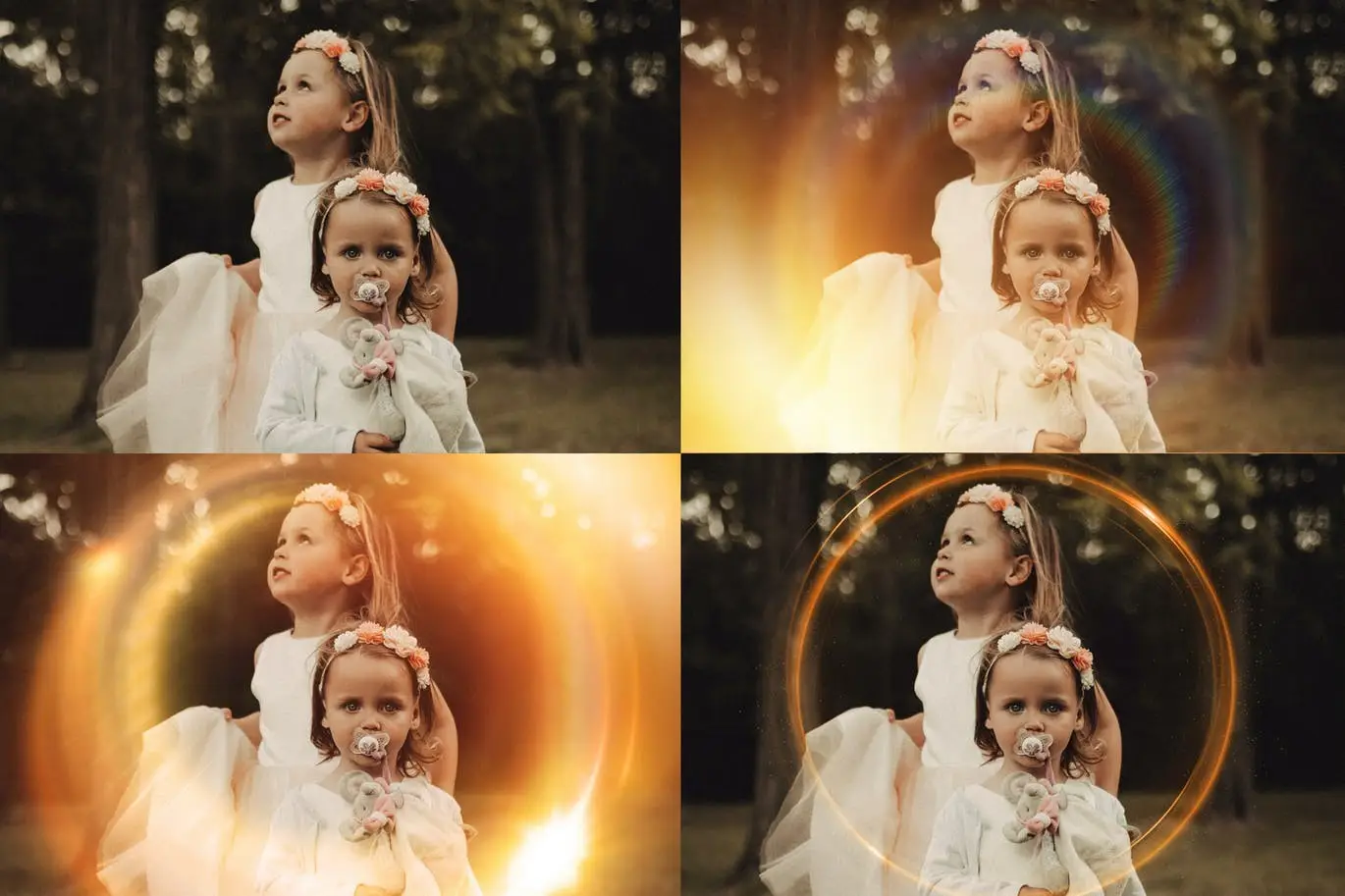

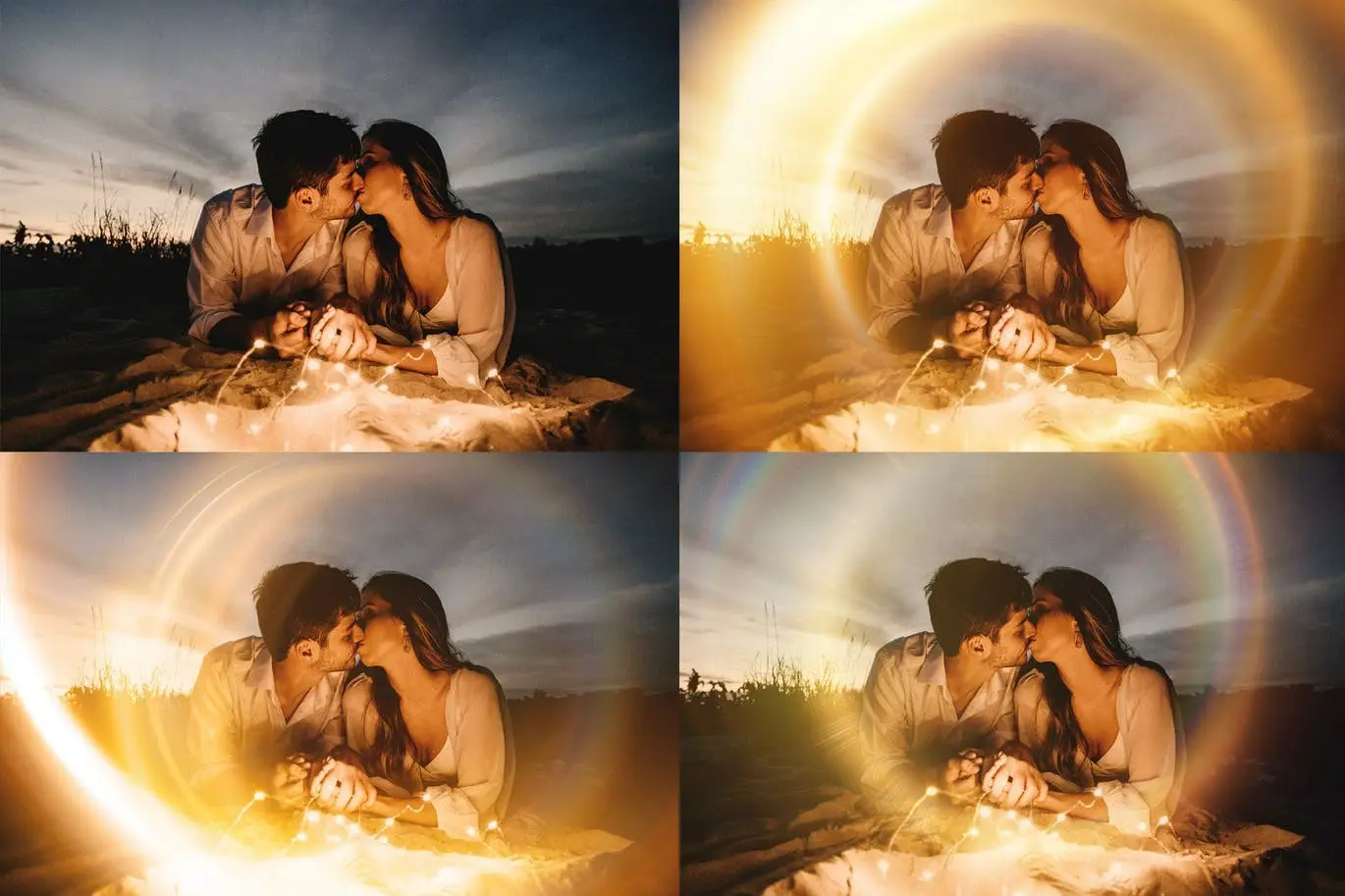


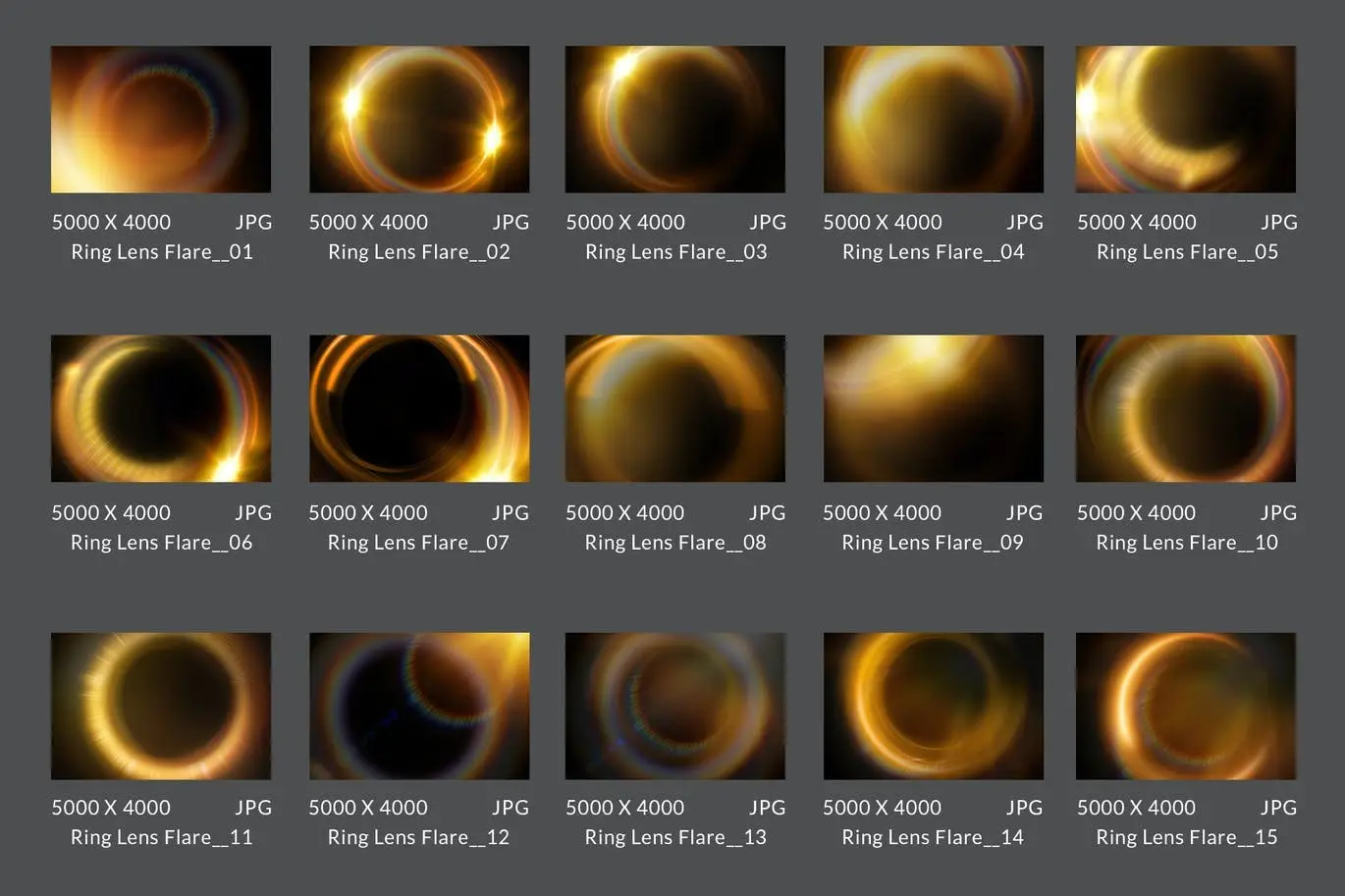
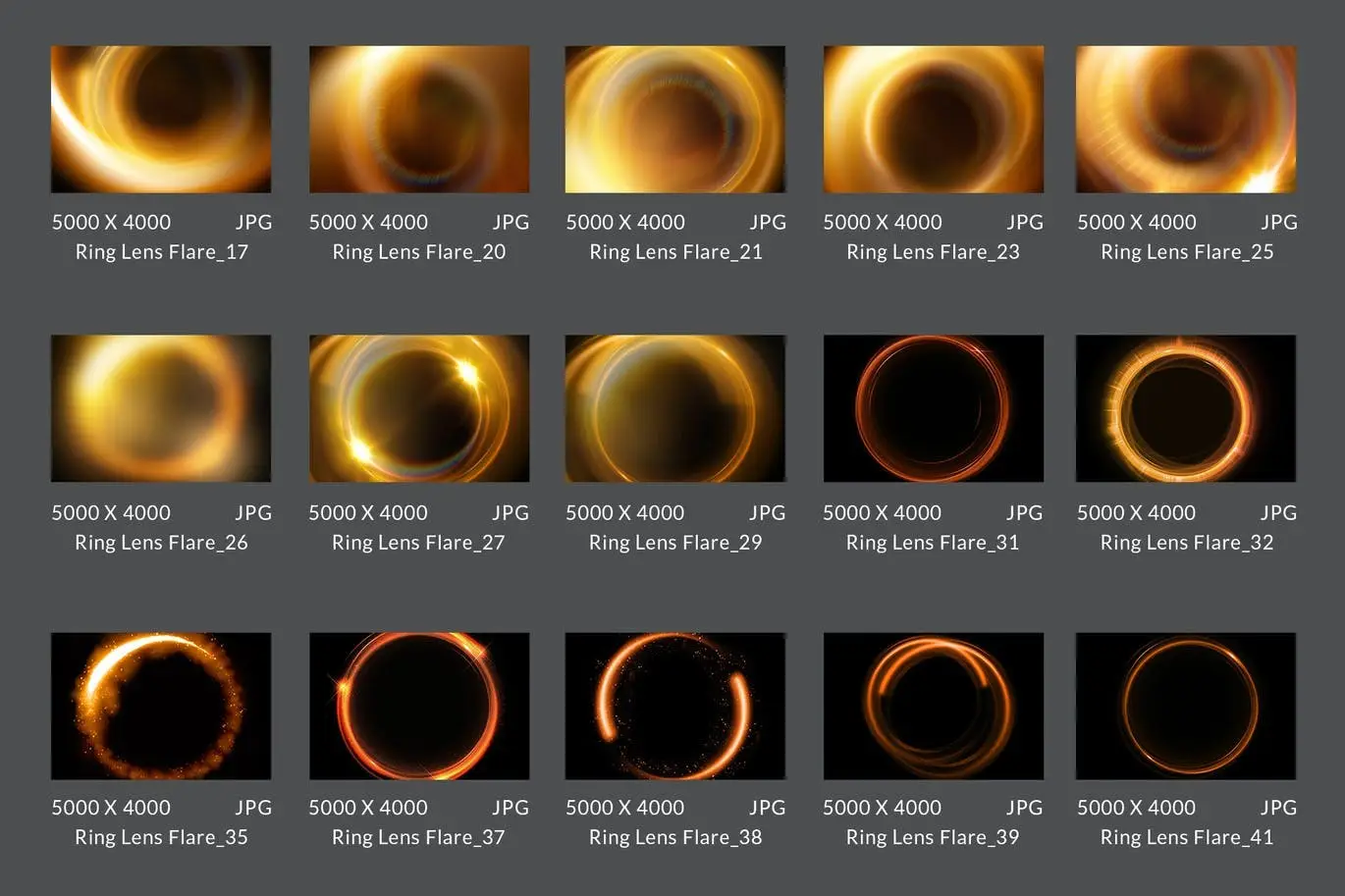
43 Ring Lens Flare Overlays & Photoshop Action
Enhance your photography with our 43 Ring Lens Flare Overlays. These creative overlays are designed to add a unique touch to your images, making them visually stunning and engaging. Whether you’re a professional photographer or an enthusiastic hobbyist, these overlays will elevate your work effortlessly.
Product Overview
This collection includes 43 high-quality ring lens flare overlays in JPG format, perfect for adding dramatic lighting effects to your photos. With an easy-to-use Photoshop Action included, you can quickly apply these overlays and even animate them for dynamic results. Ideal for photographers looking to create eye-catching visuals with minimal effort.
Key Features & Benefits
- ✅ 43 Ring Lens Flare Overlays → Transform your photos with stunning light effects.
- ✅ Free Overlay Photoshop Action → Simplify the application process for quick edits.
- ✅ 10+ Color Effects Actions → Customize your overlays with a variety of color options.
- ✅ Animation Actions for Photoshop CC → Create animated GIFs and MP4s effortlessly.
- ✅ Instant Download → Get immediate access to your files after purchase.
- ✅ Video Tutorial Included → Step-by-step guidance to maximize your overlays’ potential.
- ✅ Comprehensive Support → Reach out anytime for assistance or feedback.
Why Choose This Product
Our 43 Ring Lens Flare Overlays are trusted by photographers worldwide for their versatility and ease of use. Each overlay is crafted to ensure that you can achieve professional results without the steep learning curve. Plus, with our included support and tutorials, you can feel confident in your ability to create stunning images.
Specifications
| Format | JPG |
|---|---|
| Compatibility | Photoshop CS, CC, Elements, Mix App |
| File Size | Varies by overlay |
What’s Included
- 📦 43 Ring Lens Flare Overlays
- 📦 Overlay Photoshop Action
- 📦 10+ Color Effects Actions
- 📦 Animation Actions for Photoshop CC
- 📦 Video Tutorial
- 📦 PDF Help File
- 📦 Ongoing Support
Perfect For
- Photographers
- Graphic Designers
- Social Media Creators
- Content Creators
How to Use
1. Open your image in Photoshop.
2. Load the overlay file.
3. Use the screen layer function for optimal results.
4. Adjust as necessary to fit your photo’s lighting and tone.
FAQ
- Can I animate the overlays? Yes, animation actions are included for Photoshop CC users.
- What if the overlay doesn’t fit my photo perfectly? You may need to adjust the overlay based on your photo’s exposure and lighting settings.
Ready to transform your photos? Add to cart now and start creating stunning visuals today! 🚀
User Reviews
Be the first to review “43 Ring Lens Flare Overlays & Photoshop Action”
You must be logged in to post a review.
Original price was: $5.00.$2.50Current price is: $2.50.


There are no reviews yet.