








30 Fog Photo Overlays 2.0
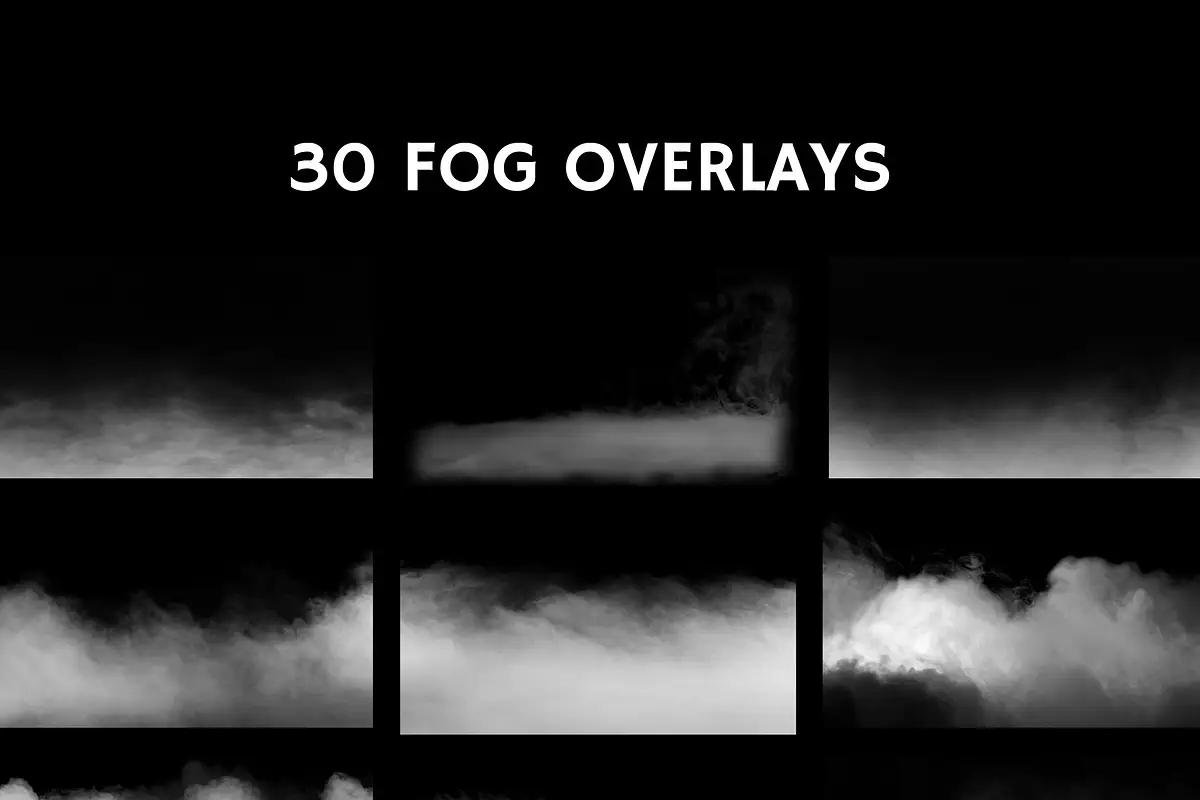
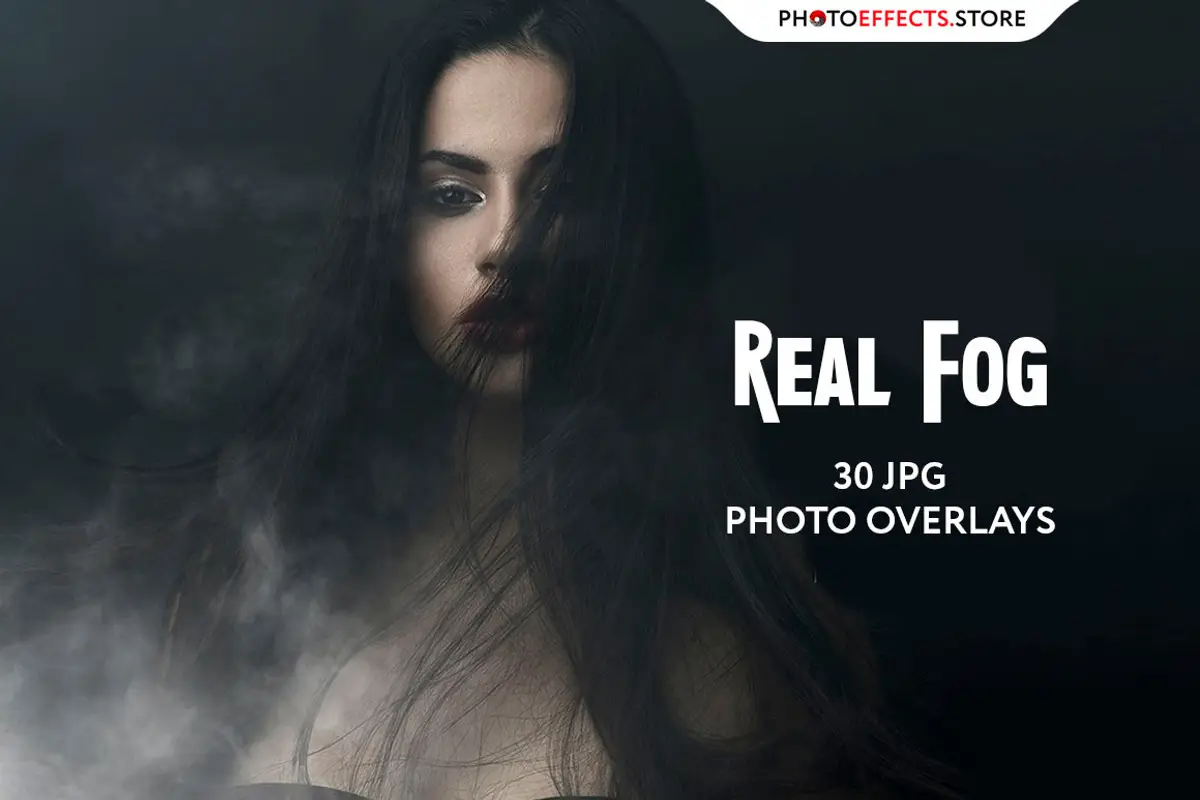
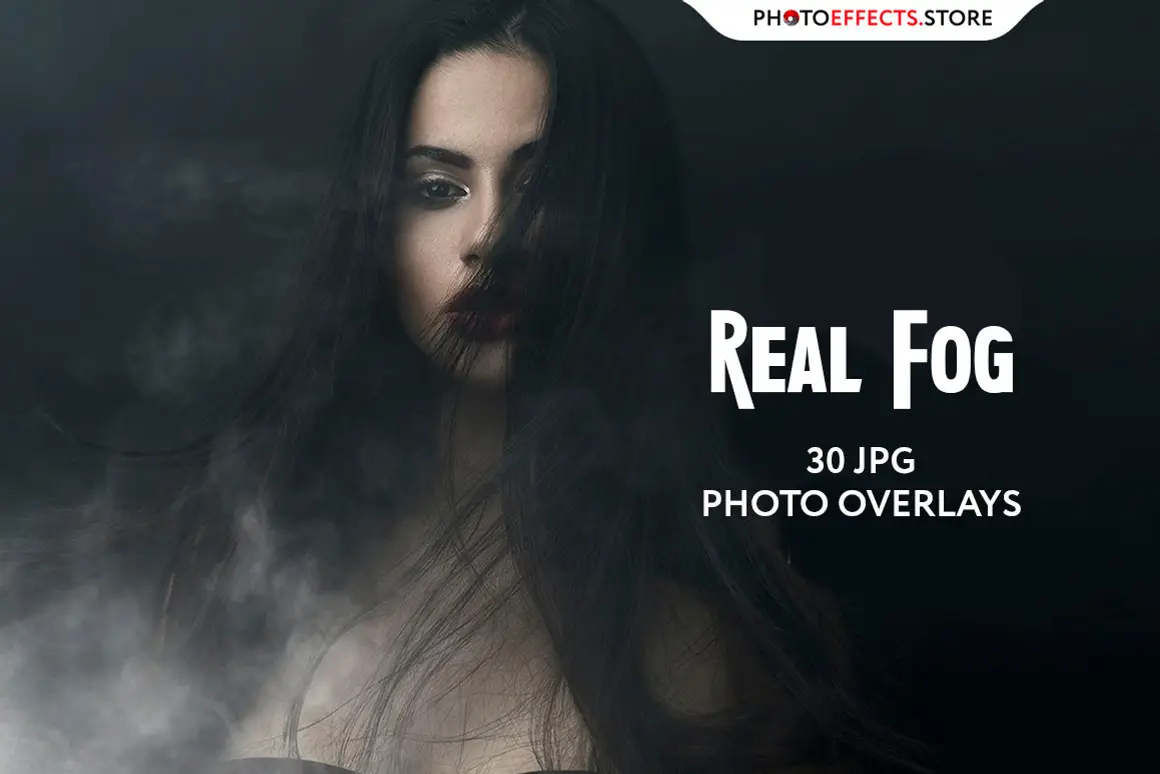
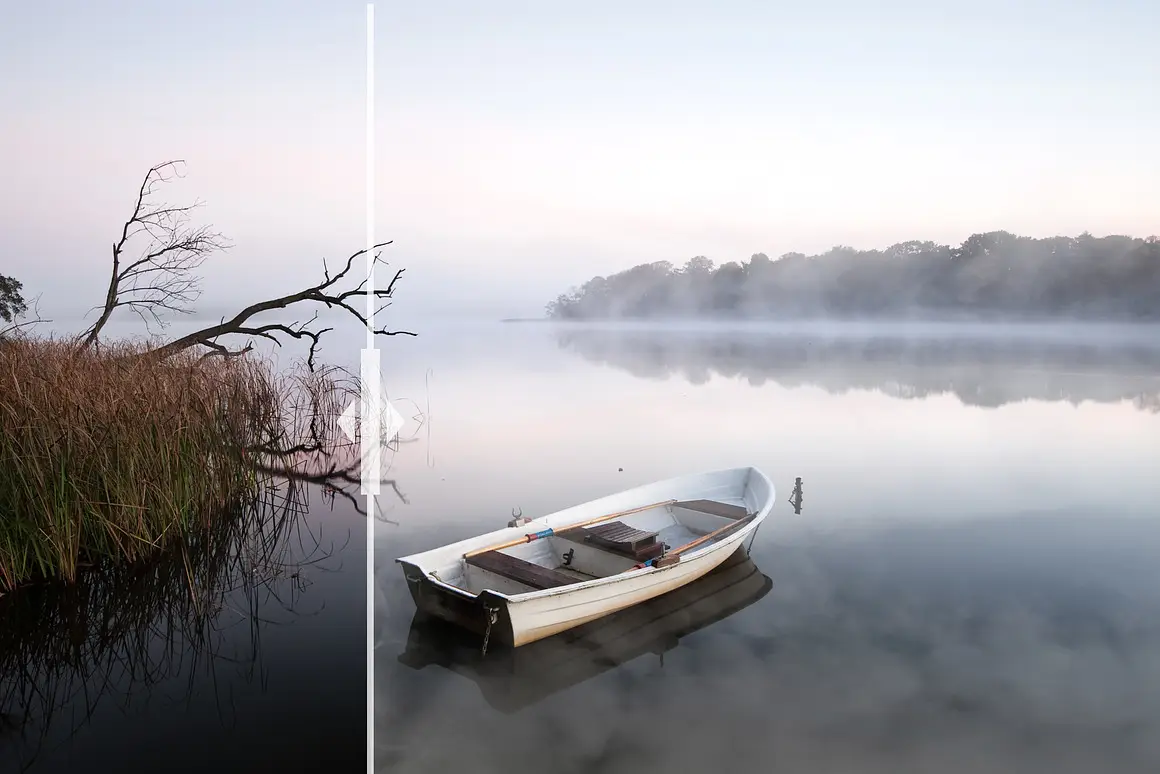
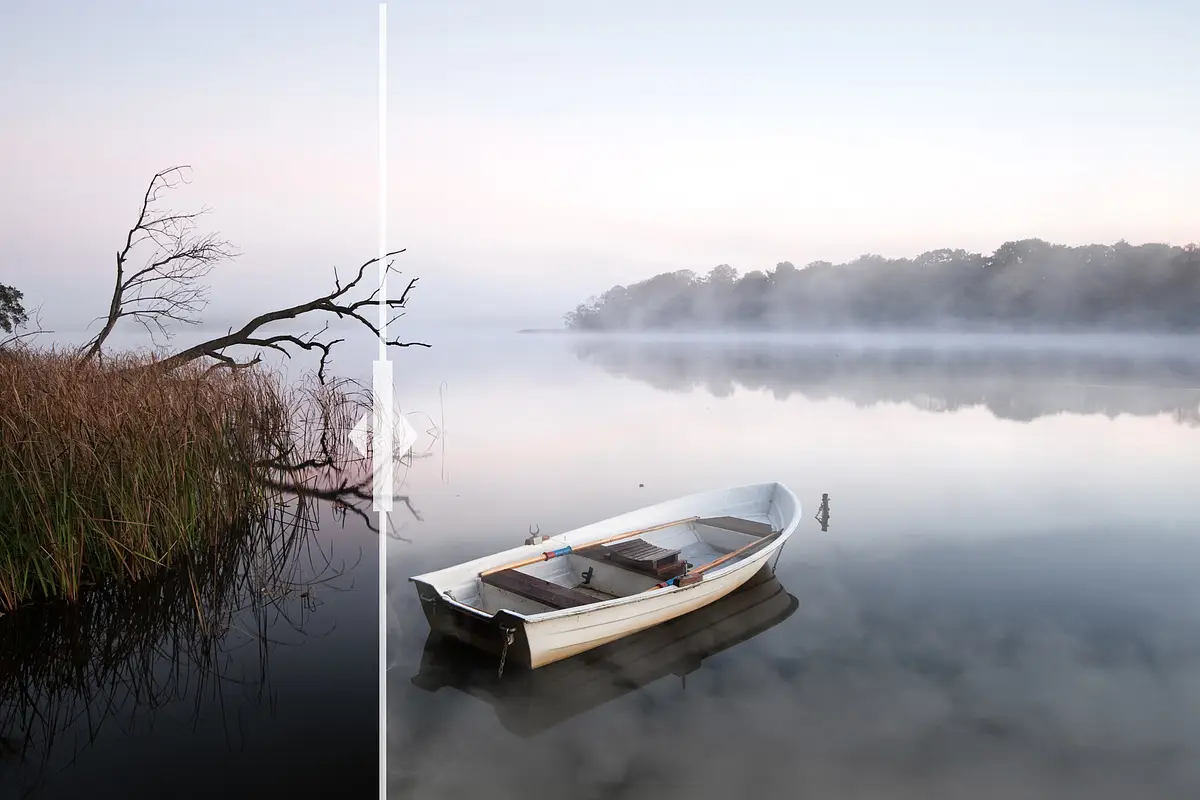
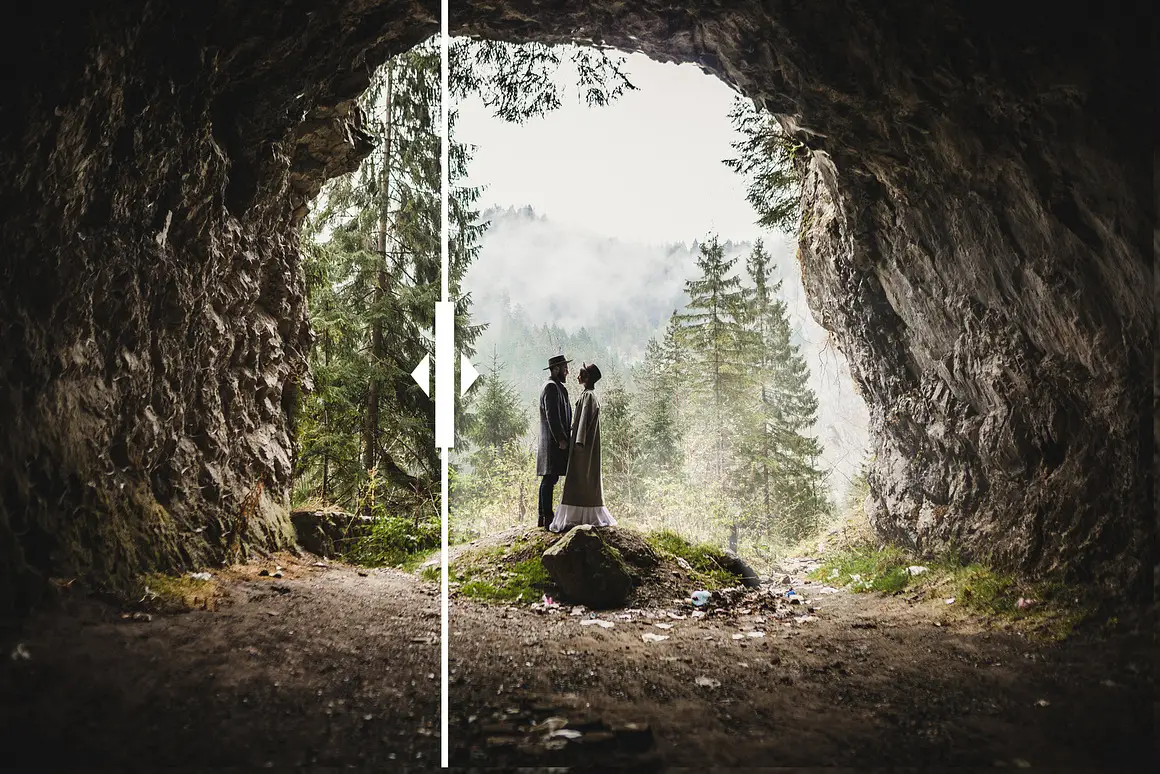
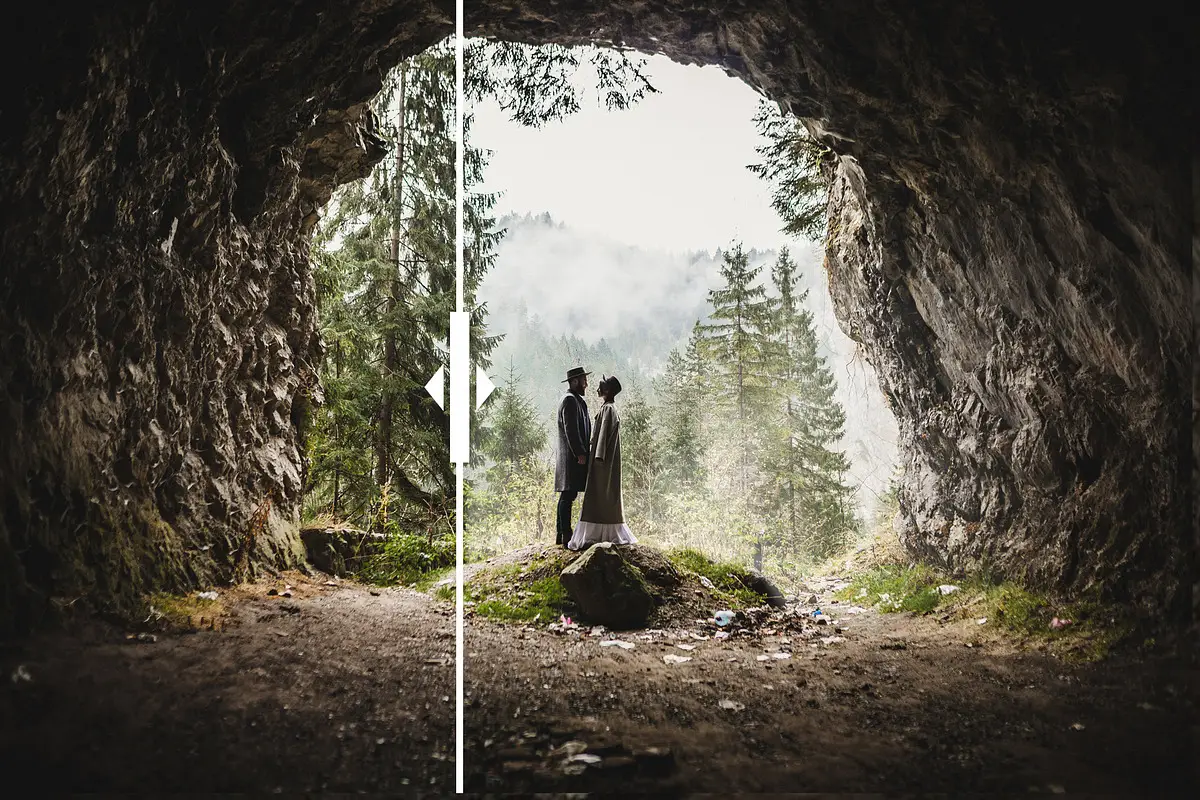
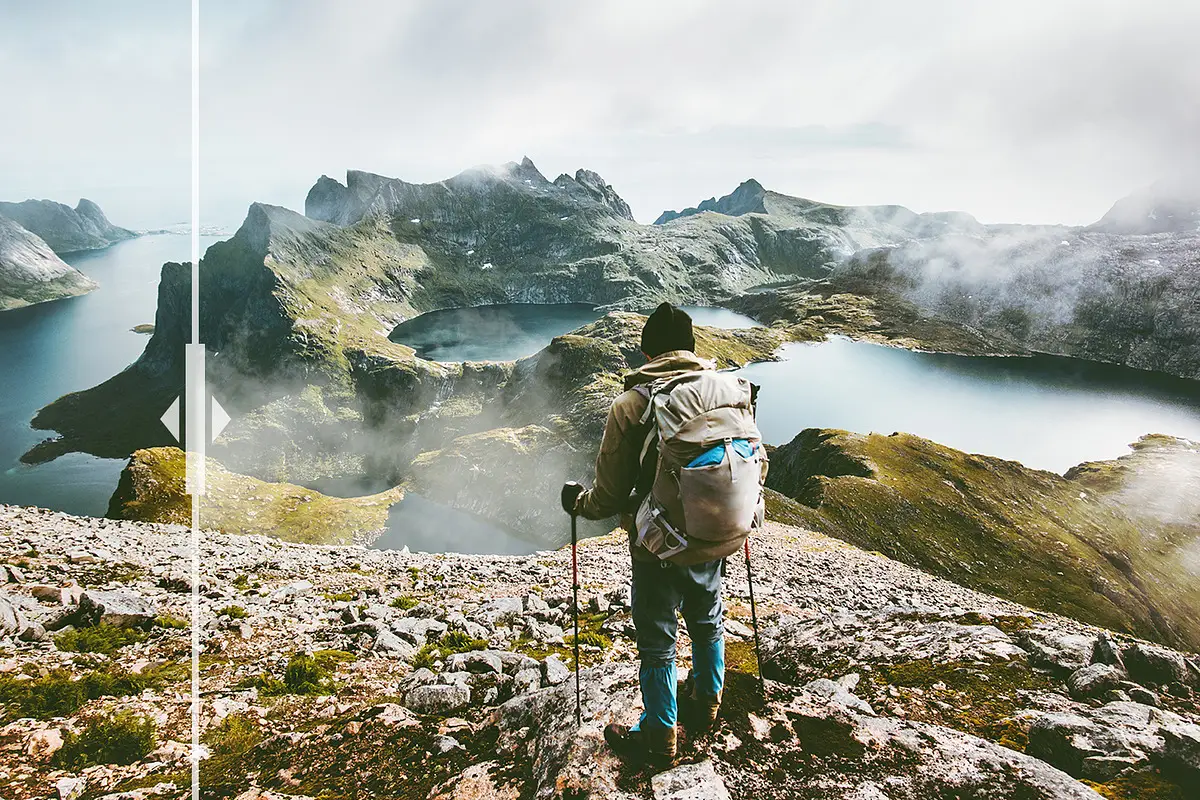
If you’re looking to enhance your photography with atmospheric effects, the 30 Fog Photo Overlays 2.0 is your perfect solution. This set includes high-quality overlays that will transform your images into captivating visuals, ideal for various themes including horror, Halloween, and more.
Product Overview
The 30 Fog Photo Overlays 2.0 set features 30 meticulously crafted JPG files, each with a width of 3840 pixels and a resolution of 300dpi. These overlays are designed for easy application in Adobe Photoshop, making it simple for you to create stunning images that will impress your clients.
Key Features & Benefits
- ✅ High-Resolution Files → Perfect for printing and digital use.
- ✅ Easy to Use → Compatible with Photoshop overlay actions for quick application.
- ✅ Versatile Styles → Ideal for various photography genres, including horror and Halloween themes.
- ✅ Screen Blend Mode → Effortlessly remove black backgrounds for seamless integration.
- ✅ Multiple Application Methods → Choose from Overlay Actions, Quickstart PSD course, or Drag’n’Drop.
Why Choose This Product
The 30 Fog Photo Overlays 2.0 is trusted by photographers worldwide for its quality and versatility. Whether you’re a professional or a hobbyist, these overlays provide an effortless way to add depth and mood to your images. Plus, with free updates forever, you can stay current with the latest design trends.
Specifications
| File Type | JPG |
|---|---|
| Number of Overlays | 30 |
| Width | 3840 pixels |
| Resolution | 300dpi |
What’s Included
- 📦 30 Fog Photo Overlays (JPG files)
- 📦 Overlay Actions for easy application
- 📦 Quickstart PSD course (available in PRO version)
Perfect For
- Photographers
- Graphic Designers
- Content Creators
- Halloween and horror-themed projects
How to Use
Follow these simple methods to apply your overlays:
- Using Overlay Actions: Load the ‘Overlay Actions.atn’ file into Photoshop and apply the desired overlay with just a click.
- Quickstart PSD Course: Open the provided PSD file, select your overlay, and make it visible.
- Drag’n’Drop: Drag the overlay from your folder into your Photoshop file and adjust the blend mode as needed.
FAQ
- What if the overlays have a black background? Use the Screen Blend Mode in Photoshop to remove the black background.
- Are updates included? Yes, you will receive free updates for life!
Ready to elevate your photography? Add to cart now and start creating stunning visuals today! 🚀
User Reviews
Be the first to review “30 Fog Photo Overlays 2.0”
You must be logged in to post a review.
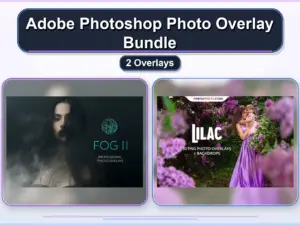
Adobe Photoshop Photo Overlay Bundle – 2 Overlays
Sold by

Original price was: $9.00.$4.50Current price is: $4.50.


There are no reviews yet.