23 Procreate Brushes for Textured Portraits Vol.2: Expand Your Process!
Original price was: $17.50.$5.00Current price is: $5.00.

drawsseal
Product Specs
- Compatible with: Procreate
- File Type: zip
- Instant Download
- File Size: 46.3 MB
23 Procreate Brushes for Textured Portraits Vol.2
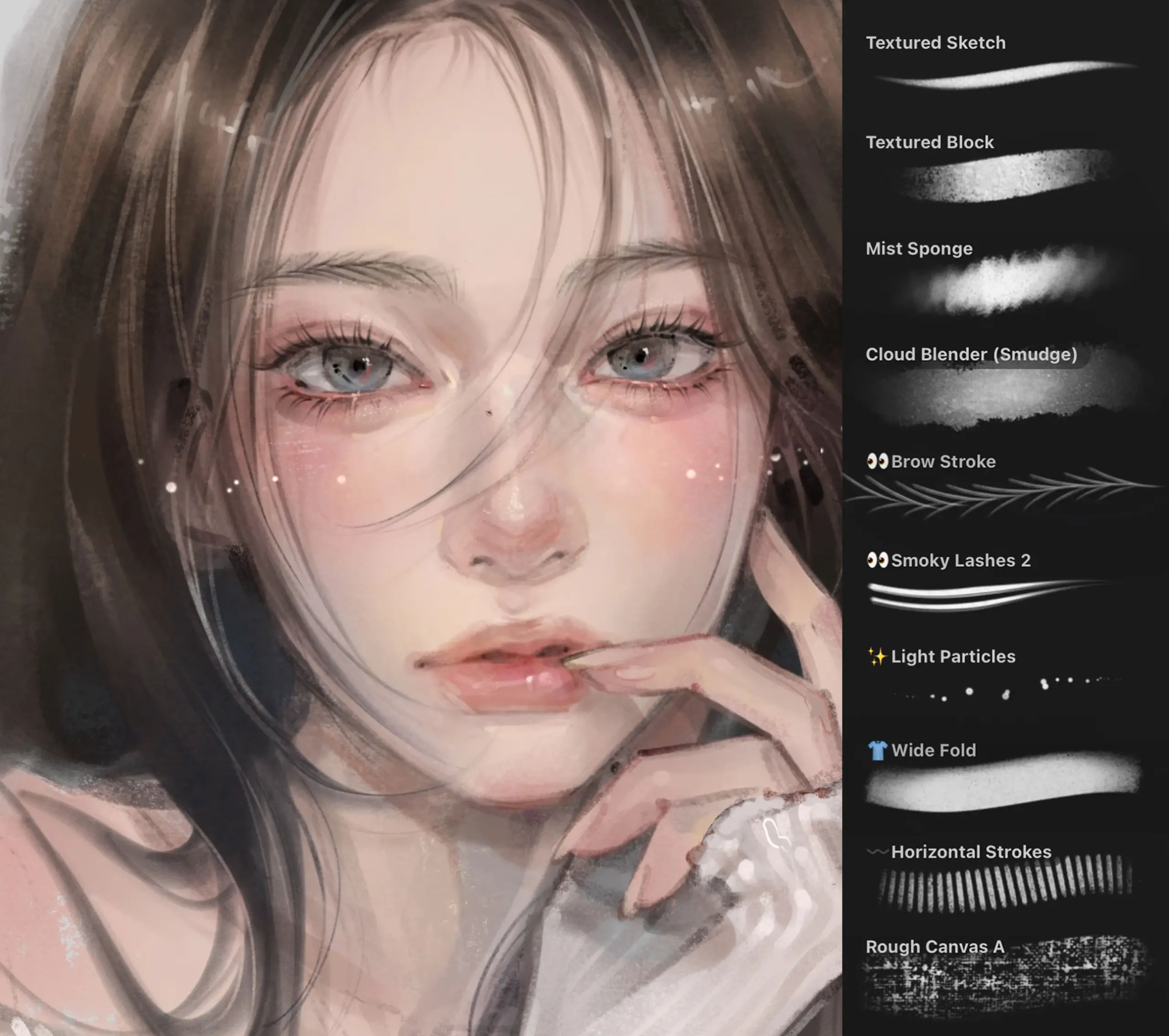
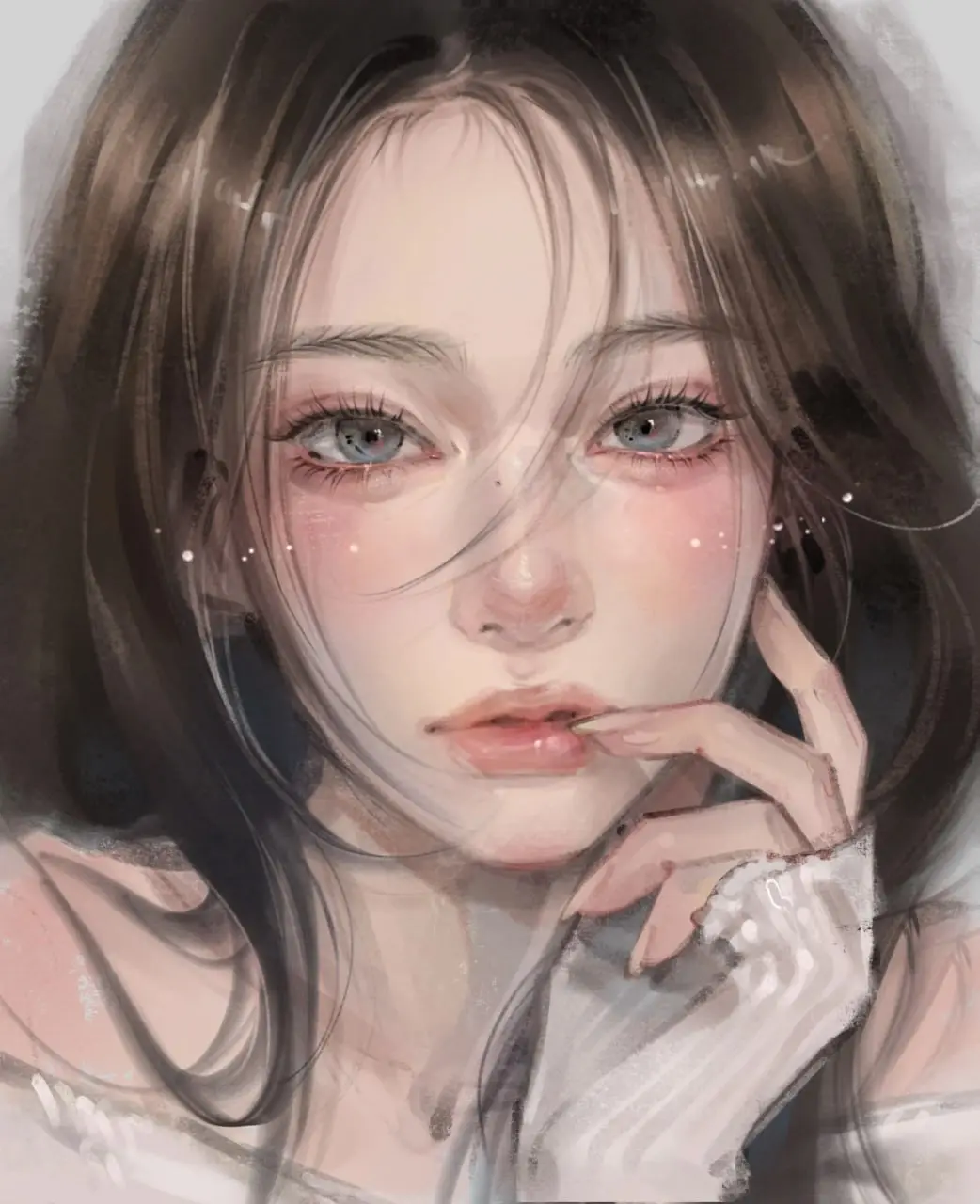
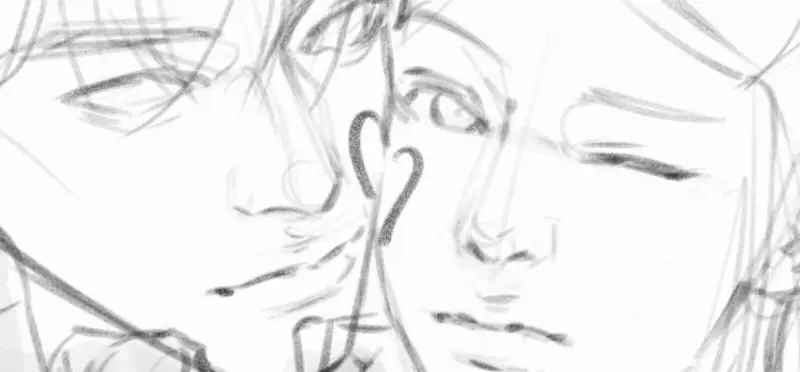
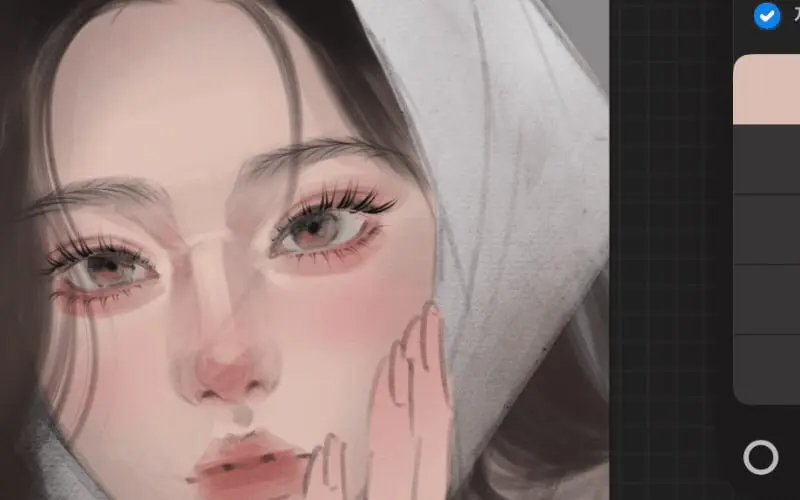
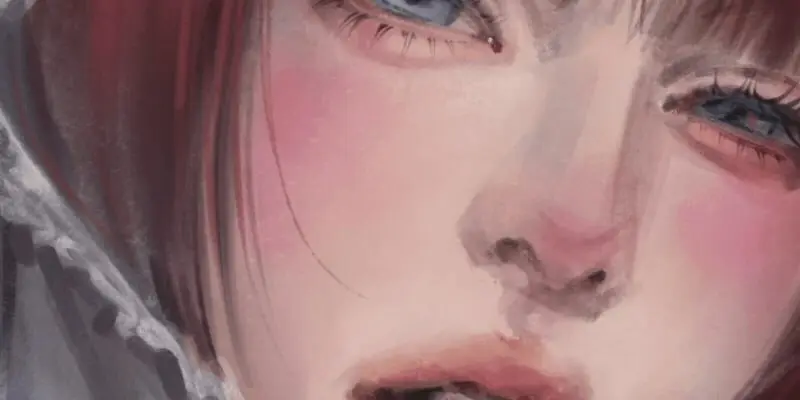
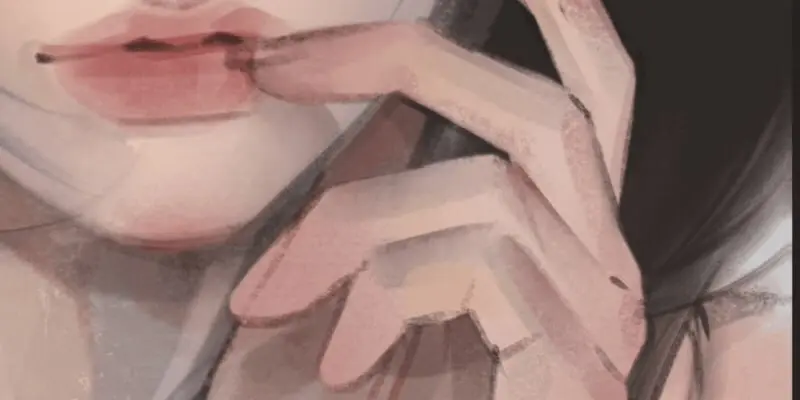
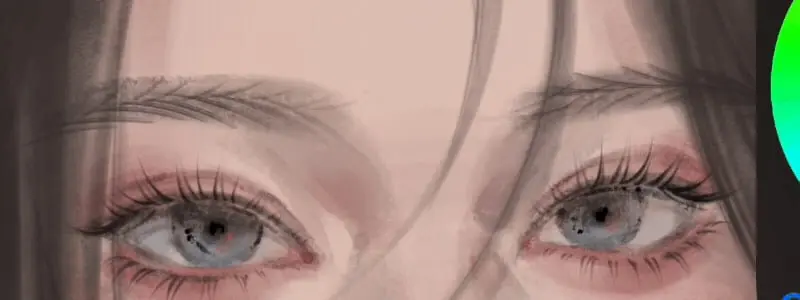
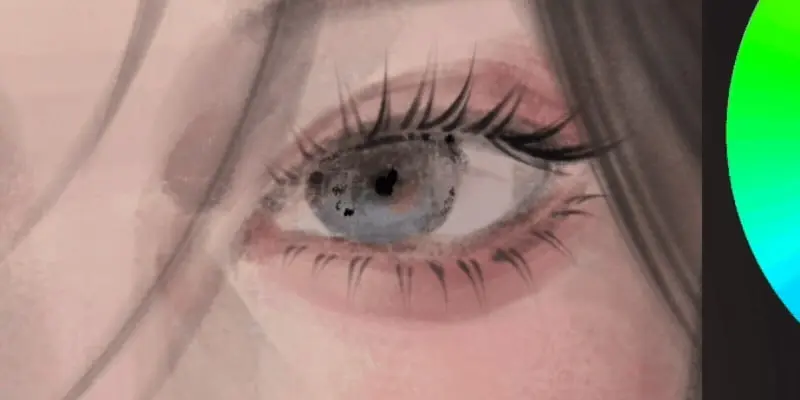
Take your textured portrait painting further with a carefully crafted brush set that helps you add depth, character, and a hand-painted feel to every layer of your artwork. Whether you are blocking in shapes, refining facial features, or adding the finishing canvas grain, this collection gives you the tools to work with more freedom and control in Procreate.
Check out the overview video!
This set pairs well with [Full of Texture! 9 Procreate Brushes for Portraits], so I recommend using them together.
Check out the overview video!
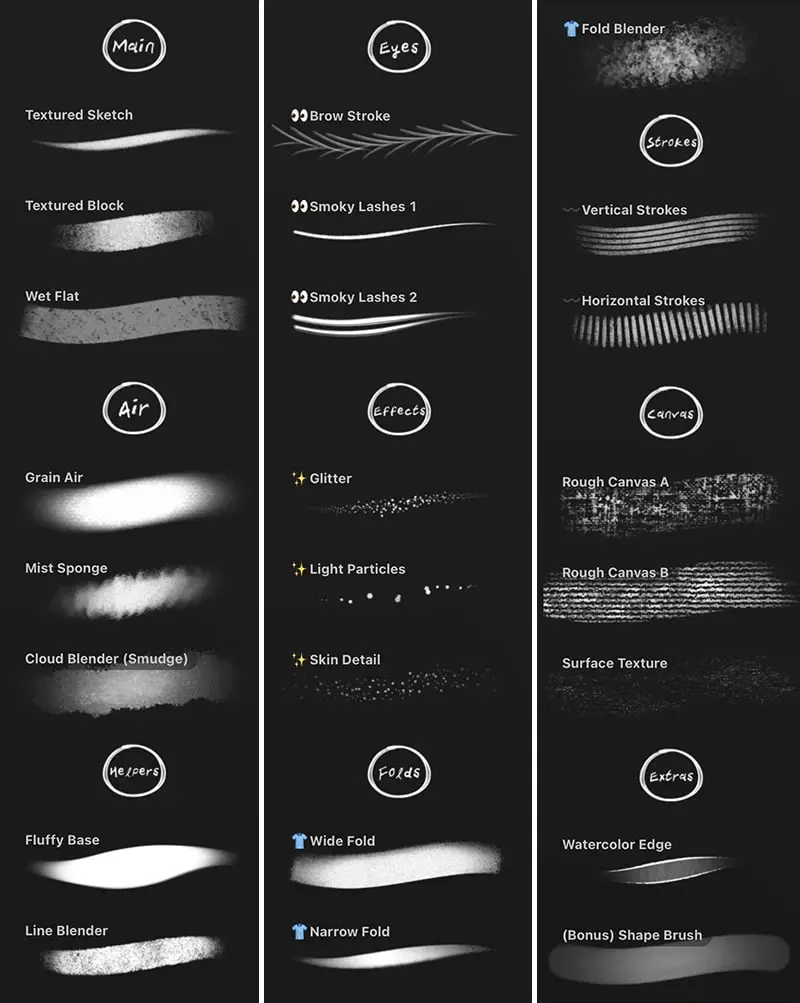
Basic Brushes: Textured Sketch / Textured Block / Wet Flat
1. Textured Sketch
A soft textured brush specially designed for sketching. It allows for detailed drawing that can be difficult to achieve with the ‘Textured Drawing Brush’.
Try using it for areas that require detailed rough sketches or delicate linework.
2. Textured Block
An angular textured coloring brush that allows you to paint while preserving the shape and contours. It helps add form and define edges where soft brushes alone may not be enough.
The charm of portrait painting comes from its vivid contours and edges.
From blocking in shapes during the early stages of coloring to refining the outer edges at the end, use this angular brush to build a solid sense of form.
Mix it with your existing ‘textured coloring’ brushes rather than replacing them to create more dimensional portraits!
3. Wet Flat Brush
Rough brushes can make artwork look stylish, but they aren’t easy to handle. I softened the difficult textures and added blending properties, making them easier and more comfortable to use.
Use it to add an oil-paint-like brush feel to backgrounds or upper layers, or for rough coloring of clothing and props.
Air Brushes: Grain Air / Mist Sponge / Cloud Blender
4. Grain Air
An airbrush with a crisp, visible grain, like drawing on paper with the side of a pencil. Even when layering colors, the particles don’t become blurred, allowing you to build up color while maintaining the grainy texture.
5. Mist Sponge
A brush with fine particles randomly scattered, creating a texture that looks like it was stamped with a sponge. Instead of drawing in one continuous stroke, it creates a touch that feels individually built up, leaving behind a subtle noise texture.
6. Cloud Blender (Smudge)
A textured blending brush that preserves the original texture of your artwork. It quickly smooths out awkwardly clumped areas while leaving broad marks behind, preventing the painting from becoming flat or dull.
*Use this brush only as a smudge tool.
Coloring Aids: Fluffy Base / Line Blender
7. Fluffy Base
A brush with a wide range of size variation depending on pen pressure, making it easy to quickly fill areas from large surfaces to small details. The edges have a subtle grainy texture and blend out naturally.
8. Line Blender
Having trouble naturally cleaning up the boundaries between lines and coloring?
I created a dedicated blending tool for lines that gently softens the strokes while preserving their texture, making it perfect for textured portrait painting!
*Use with the Paint tool, not the Smudge tool.
Brow & Lash Brushes: Brow Stroke / Smoky Lashes 1 & 2
9. Brow Stroke
A guide that helps you create eyebrow strokes in a single pass.
The direction of the eyebrow strokes, which naturally converge toward the center, is important. Missing this detail can make the eyebrows look unnatural. Use the guide to establish the direction, then refine it to create polished, natural-looking eyebrows with ease.
10. Smoky Lashes 1
An eyelash brush with darker roots and fine, tapered ends.
It adds a subtle, softly diffused effect, allowing you to create smoky and captivating eyelashes.
11. Smoky Lashes 2
An eyelash brush where two sharp strands come together naturally. Create delicate details quickly with two distinct, defined strands.
You can draw in any direction depending on the angle of your wrist.
Particle Brushes: Glitter / Light Particles / Skin Detail
12. Glitter
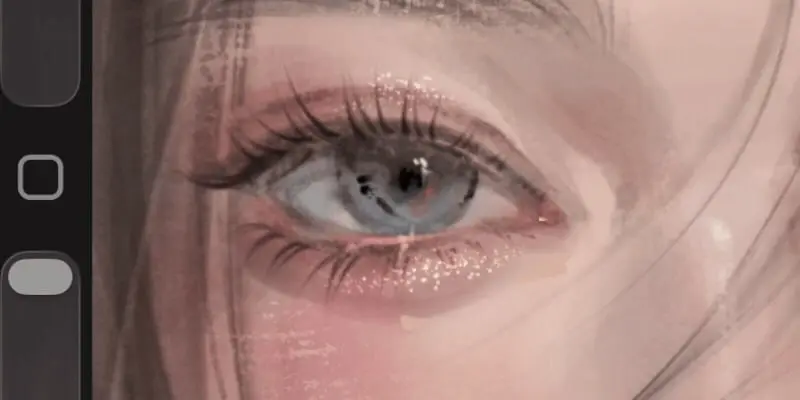
Try using it on a layer set to Add. Small particles overlap randomly to create a natural, sparkling effect.
13. Light Particles
A light-droplet brush that flows naturally around the figure.
It creates subtle particles of light that seem to gently pass around the subject.
14. Skin Detail
A detail brush that brings out the texture and subtle unevenness of the skin. It can be used in various ways, from pores to freckles, with both light and dark tones.
Fabric Folds: Wide Fold / Narrow Fold /Fold Blender
15. Wide Fold
A fold brush designed to easily create wide, large folds.
One side is sharp and defined, while the other has a subtle grainy texture, allowing you to create the natural shape of folded fabric.
16. Narrow Fold
A detail brush for adding thin, small folds.
With a wide range of pressure sensitivity, you can naturally express even the smallest wrinkles and folds.
17. Fold Blender
A blending brush that softens colors while actually creating more texture.
It works especially well for flat-looking fabric folds, but can also be used anywhere you want to soften a boundary while maintaining a textured look.
*Use with the Paint tool, not the Smudge tool.
Texture Strokes: Vertical Strokes / Horizontal Strokes
18. Vertical Strokes
A brush that leaves visible texture strokes in your artwork.
Vertical strokes add a natural texture that flows along the direction of the stroke.
19. Horizontal Strokes
Horizontal strokes create texture perpendicular to the stroke direction, increasing the density and making the texture more tightly packed.
With both texturing and blending properties, the strokes naturally blend into the artwork instead of looking like they are sitting on top.
Canvas Textures: Rough Canvas A & B / Surface Texture
20. Rough Canvas A
A texture brush that adds the atmosphere of having painted directly onto a rough canvas surface.
21. Rough Canvas B
Add it to the background or topmost layer to give your artwork the distinctive character and feel of a rough canvas.
22. Surface Texture
A brush that lightly adds small, sharp textures to your artwork.
Try applying it to areas that look too smooth or feel a little empty to add subtle surface detail.
Extras: Watercolor Edge / (Bonus) Shape Brush
23. Watercolor Edge
A brush that creates watercolor-like edges.
If you continue drawing without lifting your pen, the edge gradually fades away, allowing you to control exactly how much of the boundary remains.
I created this brush to help you recreate the dense, layered expression I usually achieve by repeatedly adding small strokes.
+ Shape Brush
A shape brush that makes it easy to block in the basic form, from the face to the full body.
It layers softly and evenly, and even with increased pen pressure, the opacity does not become too dark, making it ideal for establishing the overall shape.
I originally made this brush just for my personal use, but I liked it much more than I expected, so I decided to include it so you can try it too!
Notice
- Commercial Use: You may use artwork created with these brushes for commercial purposes.
- Redistribution: Copying, sharing, redistributing, or reselling the brush files is strictly prohibited. Violations may result in legal action without prior notice.
FAQ
- Can I use these brushes in Photoshop or Clip Studio Paint?
No. They are compatible only with Procreate for iPad. - What canvas size do you recommend?
I recommend a canvas width of around 2,000 pixels.
⚠️ You should be able to make light strokes with brushes. When the Apple Pencil connection is unstable or your stylus is not a genuine Apple Pencil, there may be issues with pressure sensitivity.
Expand Your Creative Process With Texture
This second volume builds on the popular textured portrait brush series with 23 brushes covering every stage of a portrait. From soft sketching and angular blocking to airbrushes, brow and lash detail, fabric folds, particles, canvas textures, and watercolor edges, each brush is designed to make textured painting feel natural and enjoyable. The set works beautifully on its own and pairs especially well with the 9-brush original volume, so you can mix and match for even more variety.
Key Features
- 23 Procreate Brushes: A complete textured portrait toolkit covering sketching, coloring, detailing, and finishing effects.
- Purpose-Built Categories: Brushes are grouped into basic brushes, airbrushes, coloring aids, brow and lash brushes, particles, fabric folds, texture strokes, canvas textures, and extras, so you can find the right tool quickly.
- Beginner-Friendly Tutorials: Practice files and video tutorials are included to help you get familiar with the brushes and put them to work right away.
- Realistic Texture: Each brush preserves grain, edges, and surface detail rather than flattening your painting, helping your portraits retain a rich, painterly look.
- Commercial Use Allowed: You may use artwork created with these brushes for commercial projects, giving you flexibility for client work and personal sales.
Compatible Software
- Procreate for iPad only. These brushes are not compatible with Photoshop or Clip Studio Paint.
Perfect For
- Digital artists who want to paint textured portraits with more depth and character.
- Procreate users looking for a versatile brush set that covers sketching, coloring, blending, and final textures.
- Illustrators and hobbyists who want to add canvas, fabric, and watercolor effects without leaving the digital workflow.
- Creators interested in a brush pack that supports a complete portrait painting process from start to finish.
What’s Included
- 23 Procreate brushes organized across basic brushes, airbrushes, coloring aids, brow and lash brushes, particle brushes, fabric fold brushes, texture strokes, canvas textures, and extras.
- Practice files and video tutorials to help you learn the brushes.
- Bonus Shape Brush for blocking in basic forms with soft, even layering.
Product Specifications
- Product Type: Procreate brush set
- File Format: ZIP
- File Size: 46.3 MB
- Delivery: Instant download
- Compatibility: Procreate for iPad only
Why You’ll Love It
This set is built to make textured portrait painting feel approachable and rewarding. The brushes reduce the hassle of building texture manually while keeping the organic feel that makes painted portraits so appealing. With the included tutorials, practice files, and a bonus shape brush, you get everything you need to start creating richer, more expressive portraits right after download.
Frequently Asked Questions
Can I use these brushes in Photoshop or Clip Studio Paint?
No. These brushes are compatible only with Procreate for iPad.
Is this a physical product?
No. This is a digital download you can use immediately after purchase.
What canvas size do you recommend?
A canvas width of around 2,000 pixels is recommended.
Can I use the artwork I create commercially?
Yes, you may use artwork created with these brushes for commercial purposes. Redistribution or resale of the brush files themselves is strictly prohibited.
User Reviews
Be the first to review “23 Procreate Brushes for Textured Portraits Vol.2: Expand Your Process!”
You must be logged in to post a review.
Original price was: $17.50.$5.00Current price is: $5.00.


There are no reviews yet.