
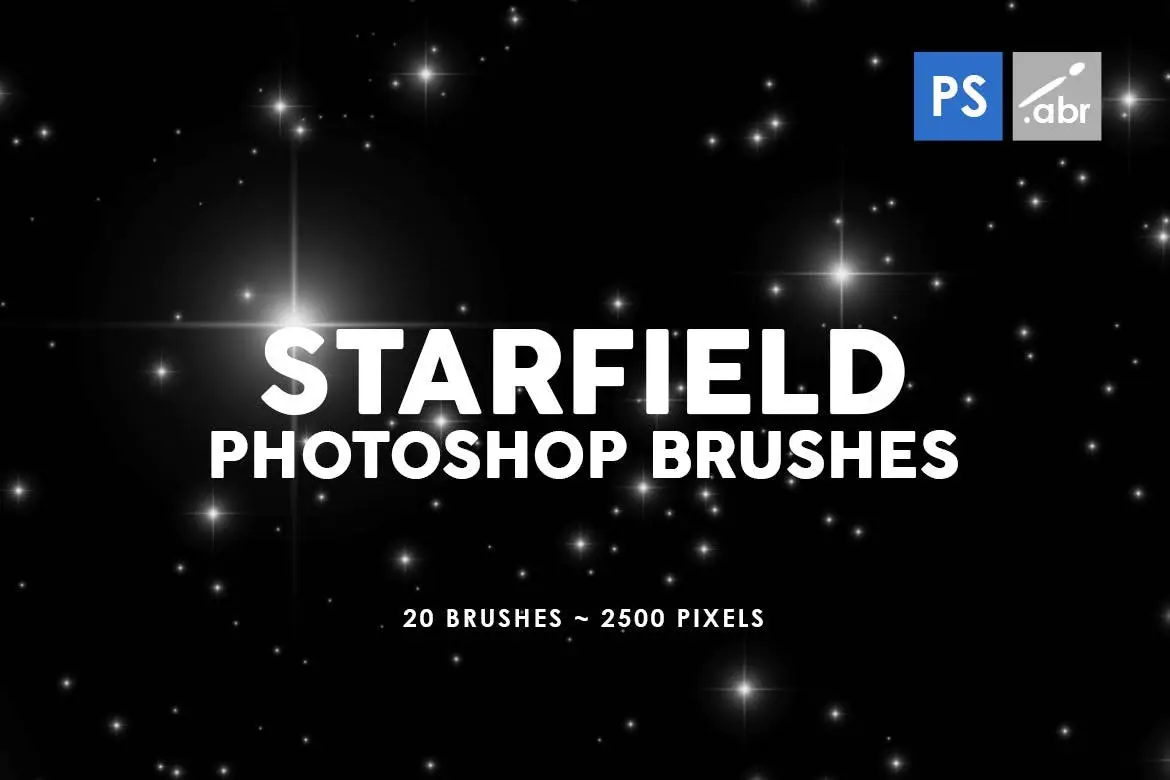
20 Starfield Photoshop Stamp Brushes
Original price was: $5.00.$2.50Current price is: $2.50.

Mef
Product Specs:
- Compatible with: Brushes
- File Type: 2 ZIP
- File Size: 13.2 MB
- Instant Download
20 Starfield Photoshop Stamp Brushes for Stunning Cosmic Effects
Transform your digital artwork with our 20 Starfield Photoshop Stamp Brushes. Designed for use in Photoshop CS2 through CC, these brushes are perfect for adding depth and a cosmic touch to your projects. Whether you’re creating stunning visuals for games, digital art, or photo manipulation, these high-resolution brushes will elevate your creative work.
Product Overview
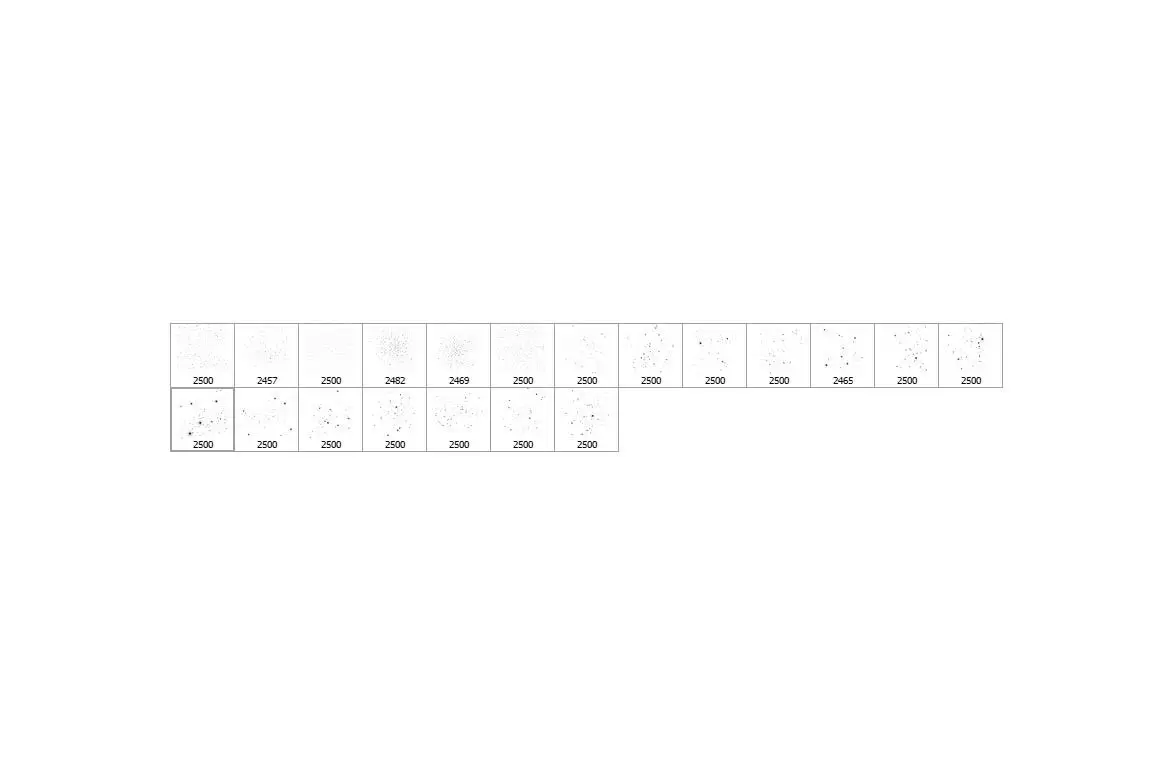
Our Starfield Photoshop Stamp Brushes include 20 unique star and space-themed designs, each at a size of 2500 pixels. These brushes are compatible with all versions of Photoshop, making them a versatile tool for artists and designers alike. With these brushes, you can easily create beautiful starry skies, cosmic backgrounds, and more.
Key Features & Benefits
- ✅ High Resolution → Each brush is 2500 pixels, ensuring sharp and clear details in your artwork.
- ✅ Wide Compatibility → Works seamlessly with Photoshop CS2 to CC, making it accessible for all users.
- ✅ Diverse Usage → Ideal for photo overlays, digital manipulation, and visual effects in games.
- ✅ Easy to Use → Simply select a brush and start painting to create stunning cosmic effects.
- ✅ Creative Flexibility → Use these brushes as decorative elements or as part of your artwork’s main theme.
Why Choose This Product
With the 20 Starfield Photoshop Stamp Brushes, you gain access to a collection that not only enhances your creative toolkit but also inspires your imagination. Trusted by digital artists worldwide, these brushes are designed to save you time while providing professional-quality results. Whether you’re a beginner or a seasoned pro, these brushes will help you create breathtaking visuals effortlessly.
Specifications
| Brush Size | 2500 pixels |
|---|---|
| Compatibility | Photoshop CS2 – CC |
| Format | ABR (Photoshop Brush) |
What’s Included
- 20 Starfield Photoshop Stamp Brushes 📦
Perfect For
- Digital artists looking to enhance their artwork
- Graphic designers creating cosmic-themed projects
- Game developers needing starry backgrounds
- Photographers wanting to add overlays to their images
How to Use
- Open your Photoshop project and select the brush tool.
- Load the Starfield brushes from your brush panel.
- Choose a brush and start painting to create stunning star fields.
FAQ
- Can I use these brushes in other software? No, these brushes are specifically designed for Photoshop.
- Are the brushes easy to install? Yes, simply load the ABR file in your Photoshop brush panel.
Add a touch of the cosmos to your designs with these versatile brushes. Get your 20 Starfield Photoshop Stamp Brushes today and start creating stunning artwork! 🚀
User Reviews
Be the first to review “20 Starfield Photoshop Stamp Brushes”
You must be logged in to post a review.
36 Short Ink Strokes Photoshop Stamp Brushes
Sold by Mef
Snowflakes Photoshop Stamp Brushes
Sold by Mef
45 Cracks Photoshop Stamp Brushes
Sold by Mef
Plastic Photoshop Brushes
Sold by Mef
Abstract Dancing Light Backgrounds
Sold by Mef Original price was: $5.00.$2.50Current price is: $2.50.


There are no reviews yet.