
20 Photoshop Mix Media Brushes
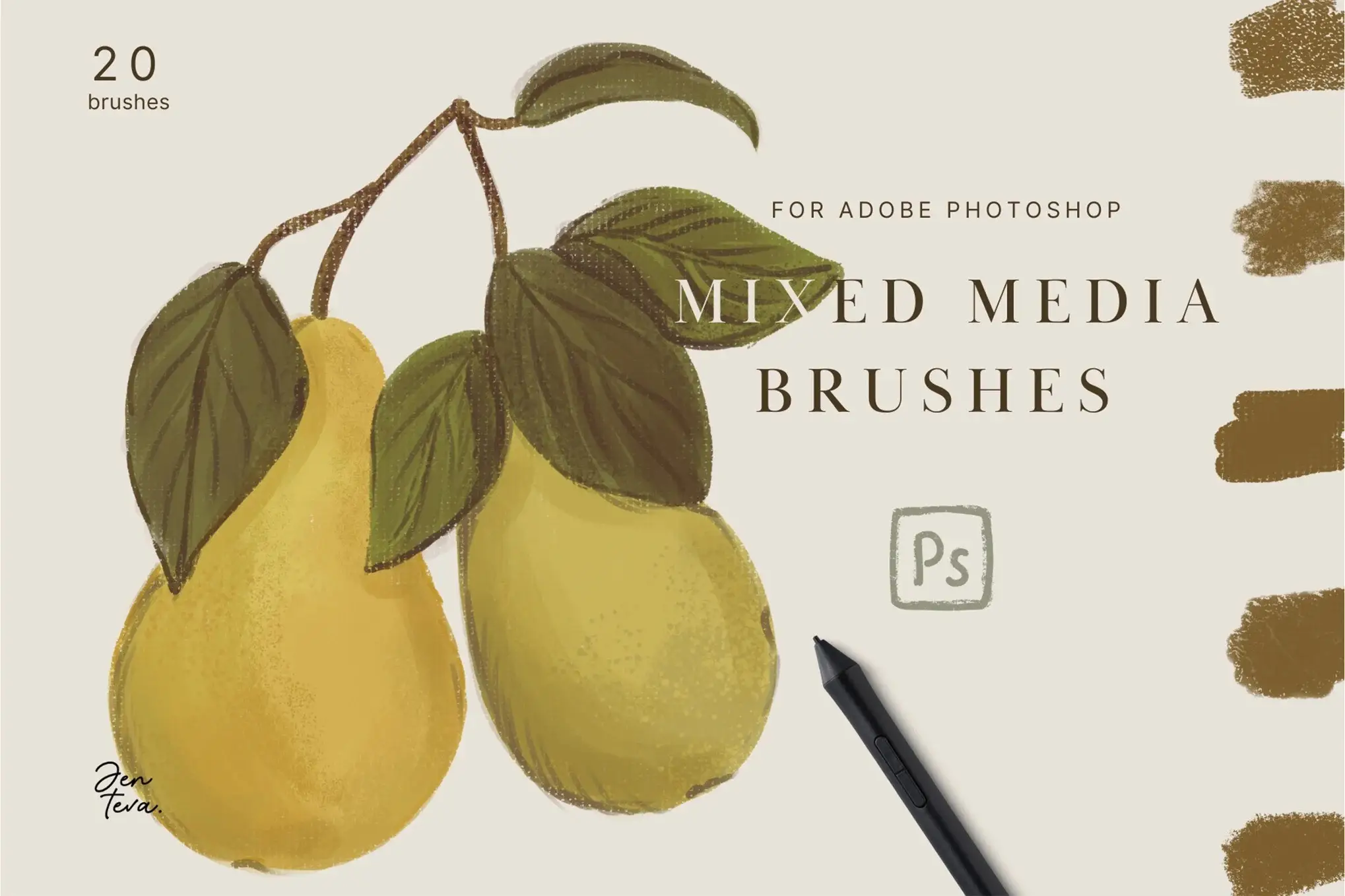
20 Photoshop Mix Media Brushes for Creative Illustrations
Transform your digital artwork with the 20 Photoshop Mix Media Brushes. Designed for artists and illustrators, these brushes are compatible with all currently supported versions of Adobe Photoshop, including the latest Creative Cloud on both PC and Mac. Whether you’re creating textured illustrations or adding unique touches to your designs, this brush set is your perfect companion.
Product Overview
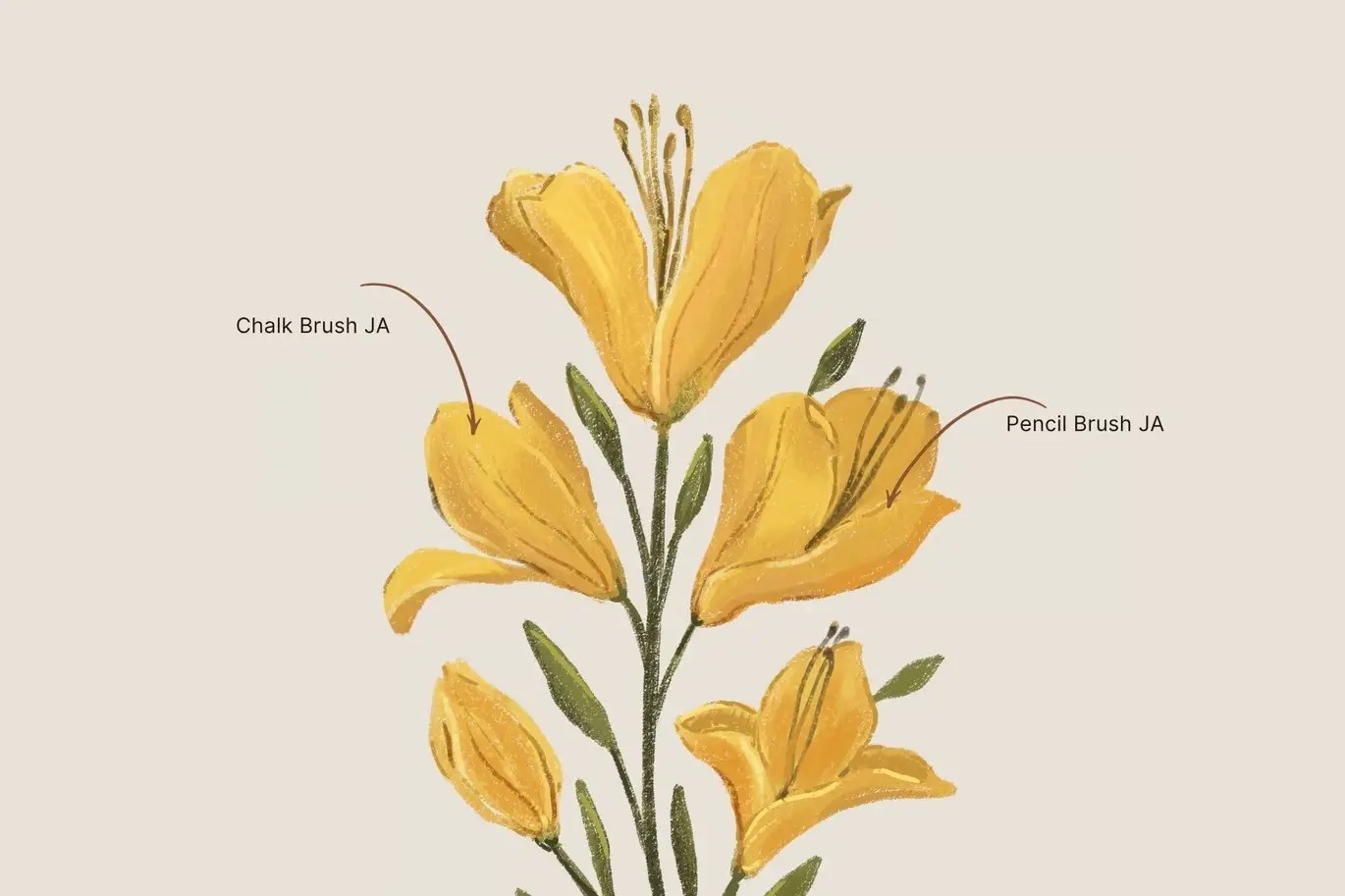
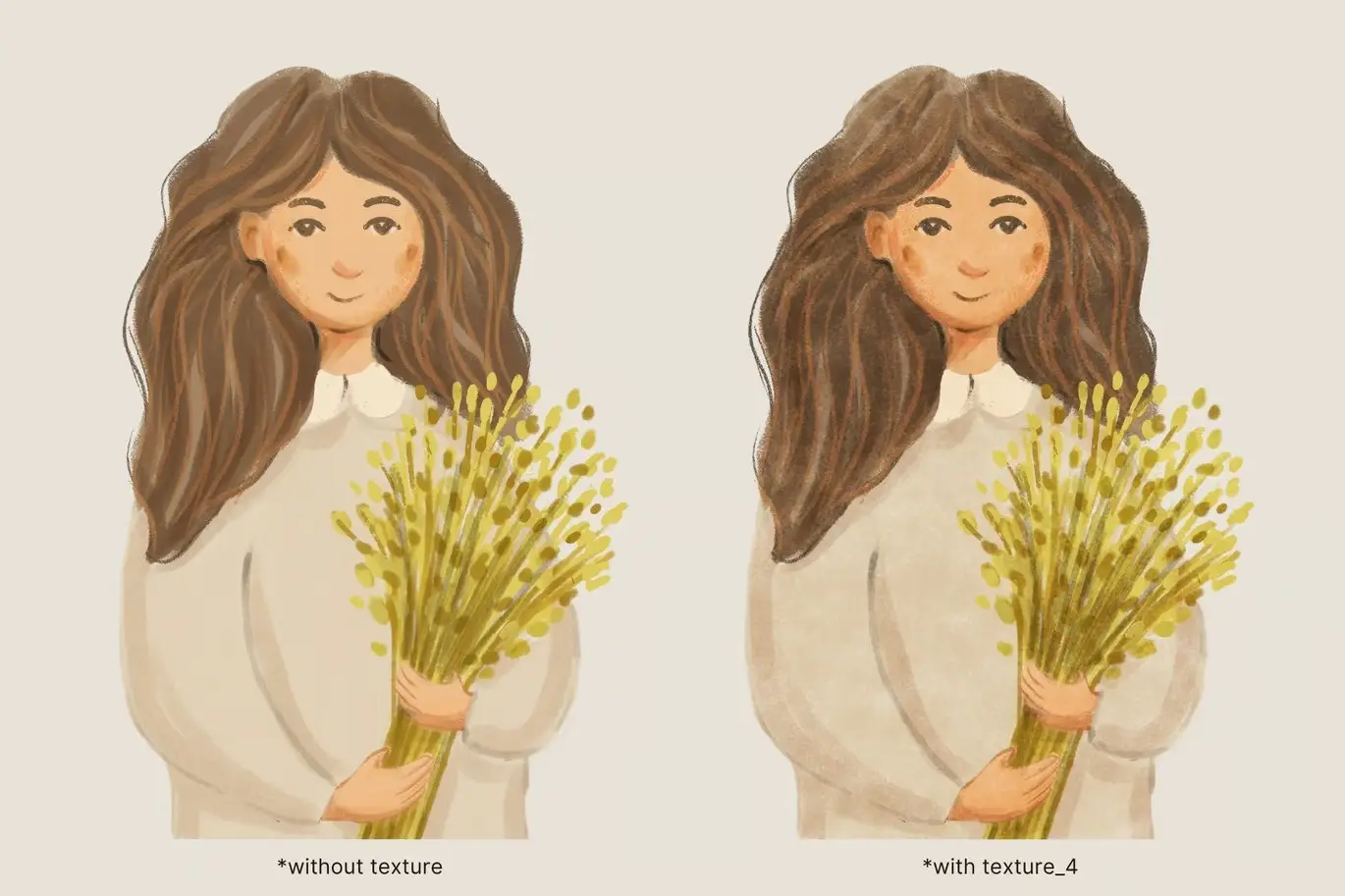
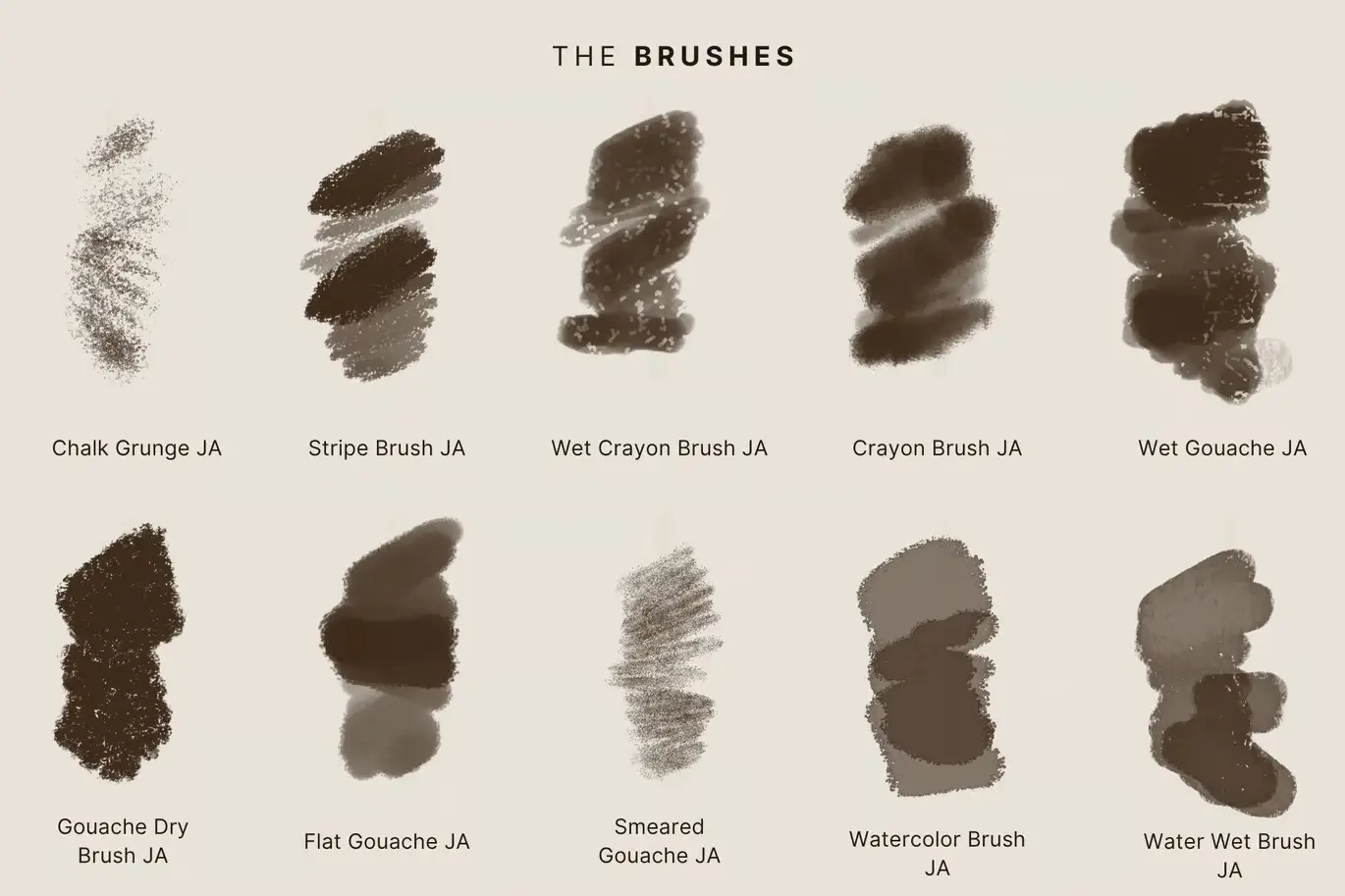
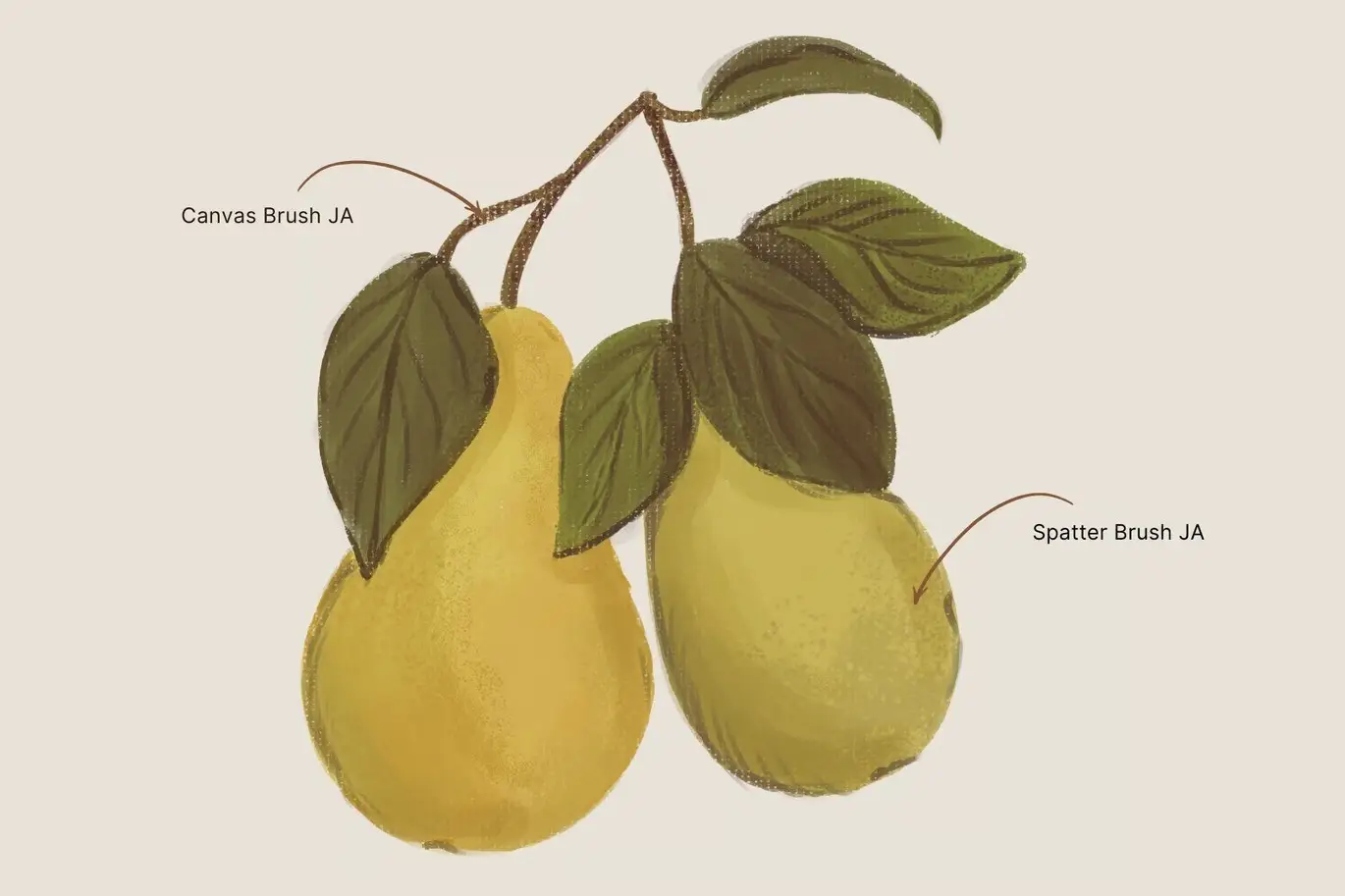
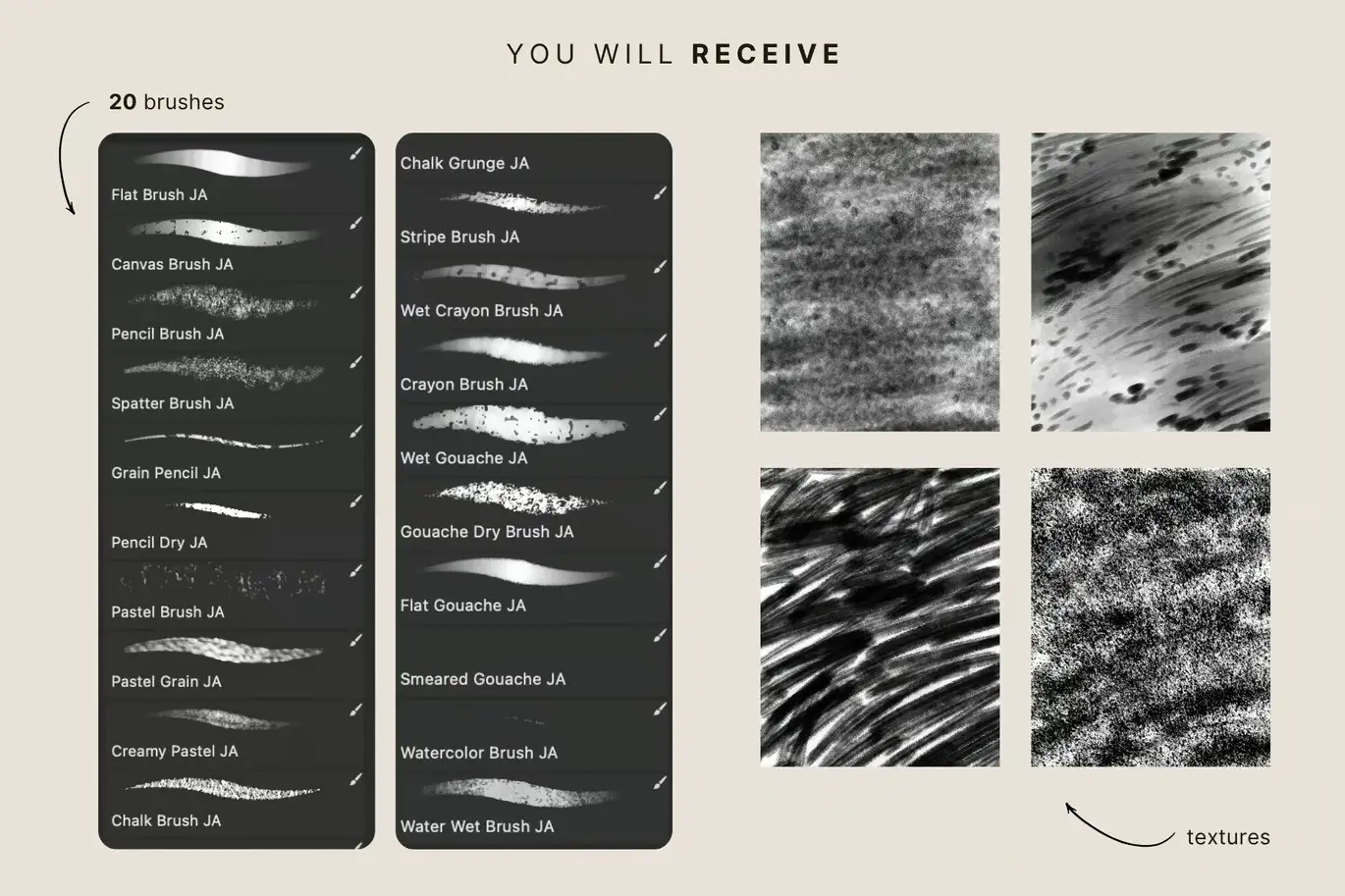
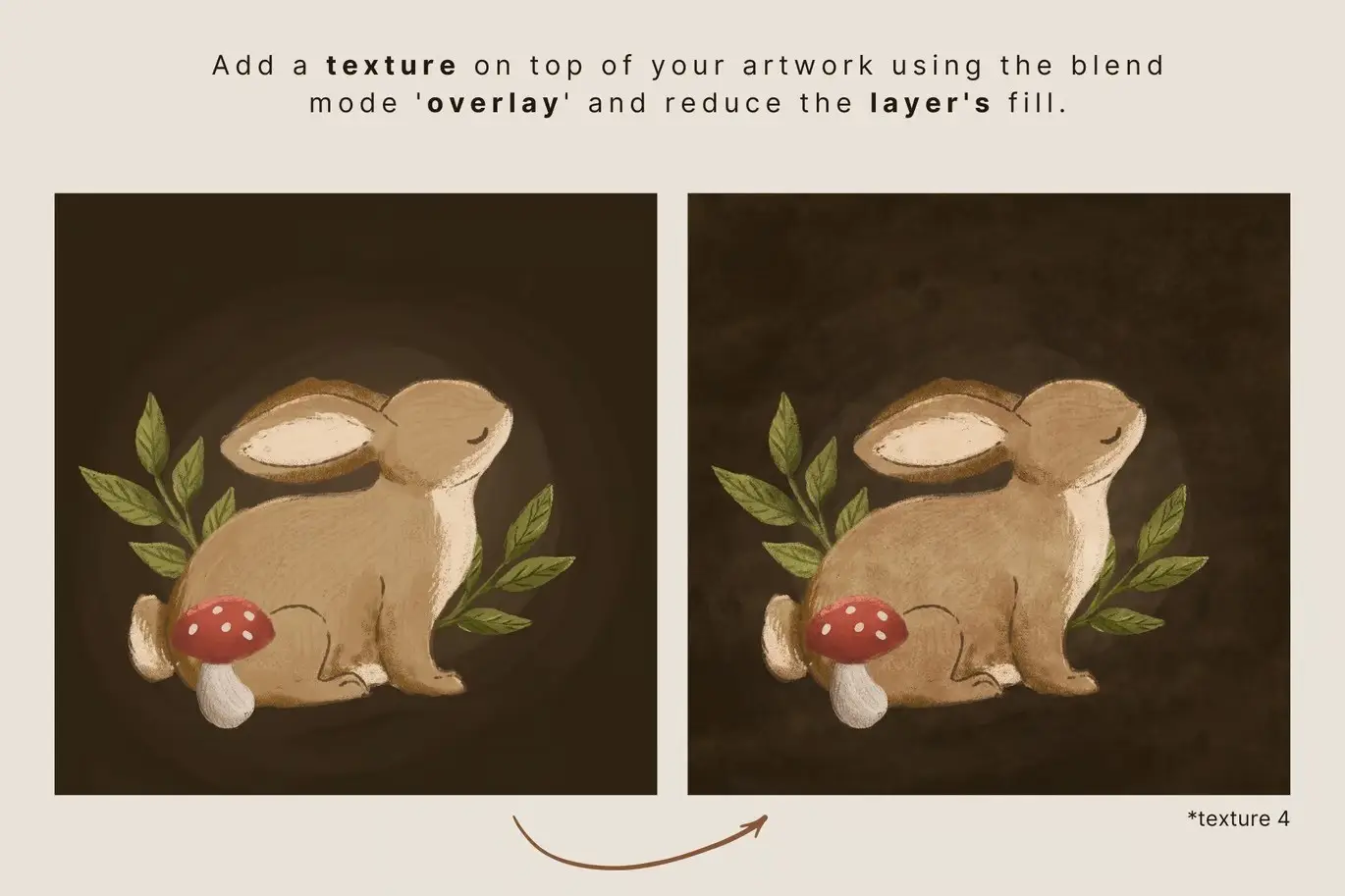
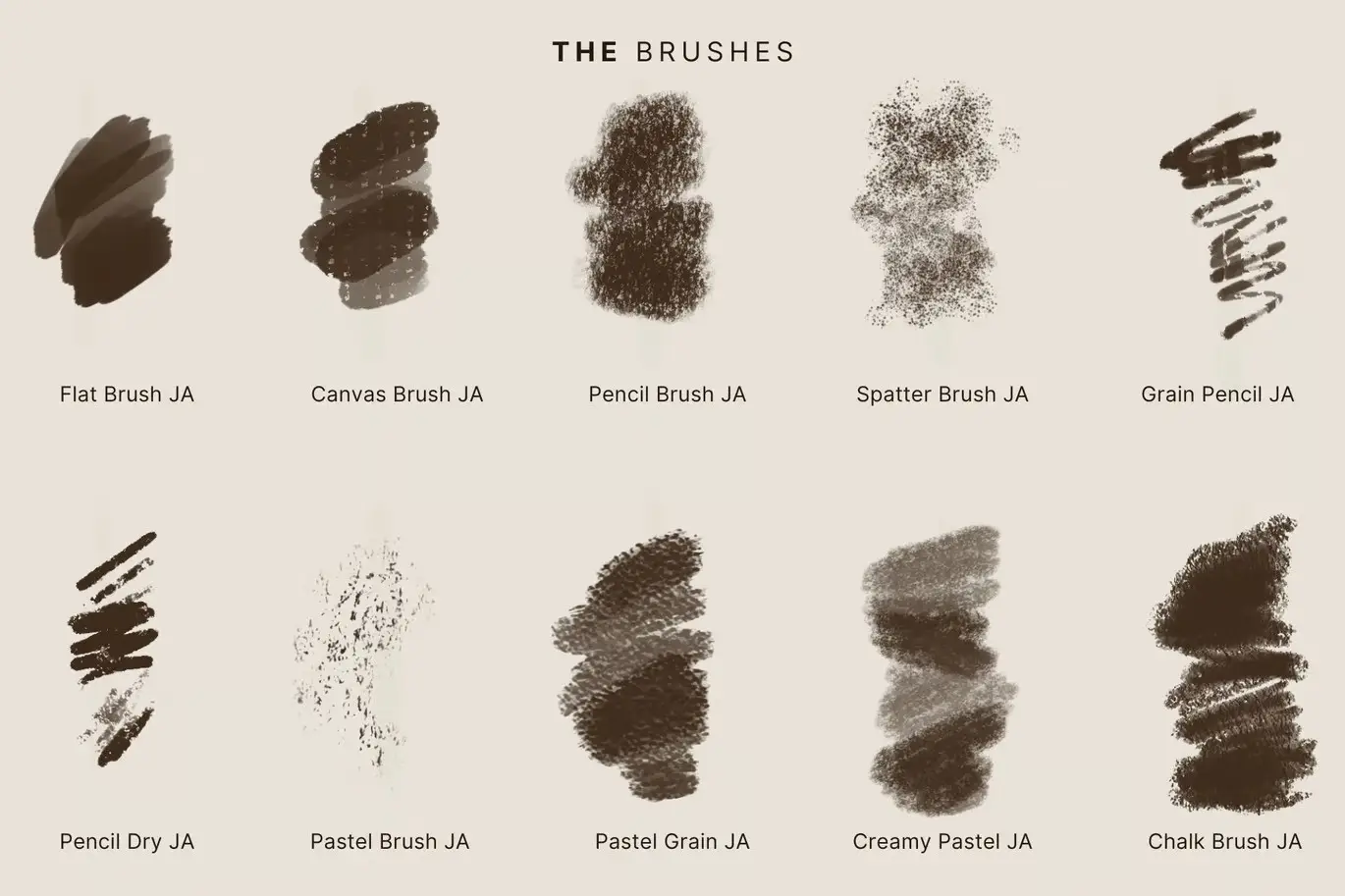
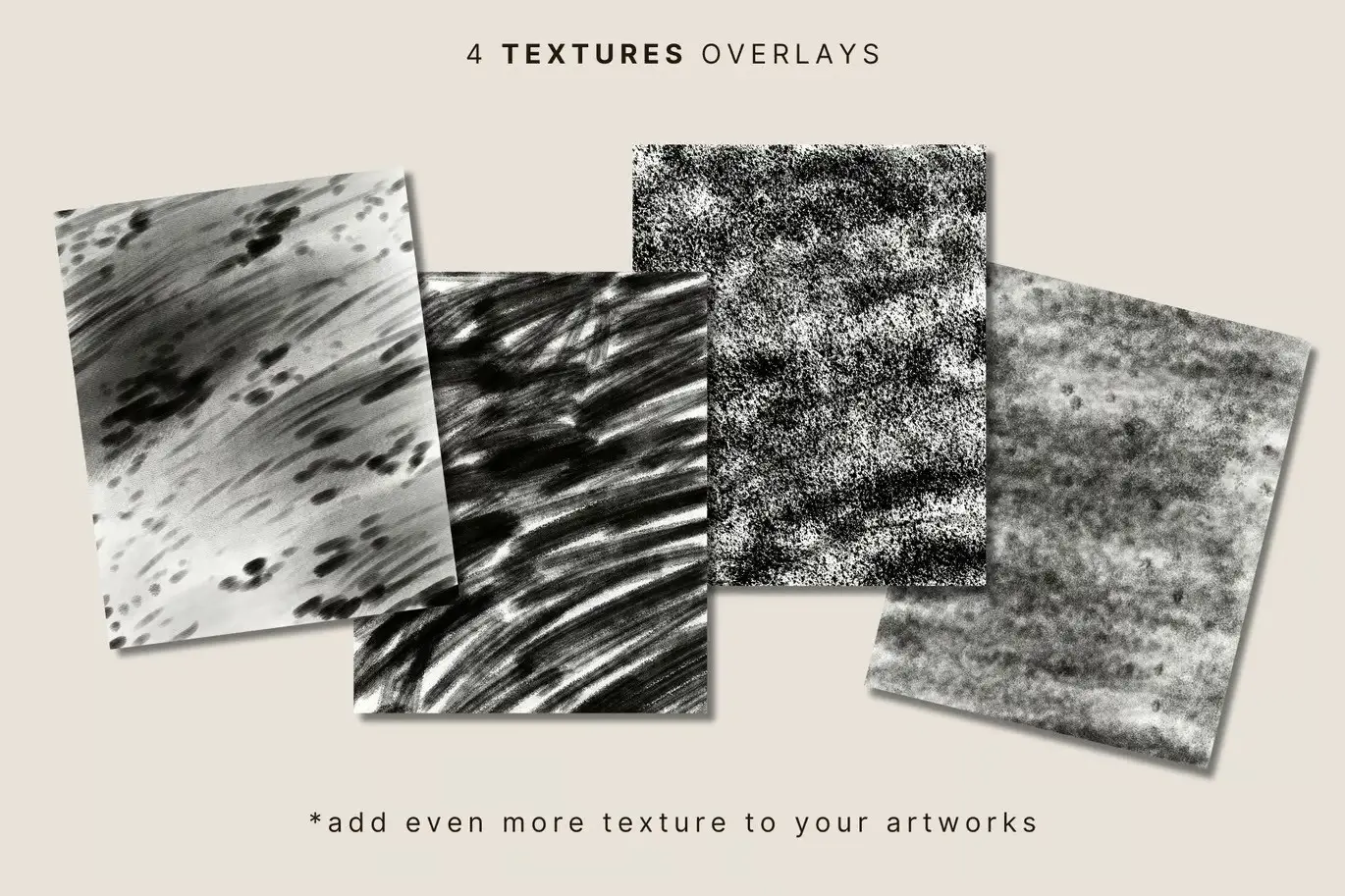
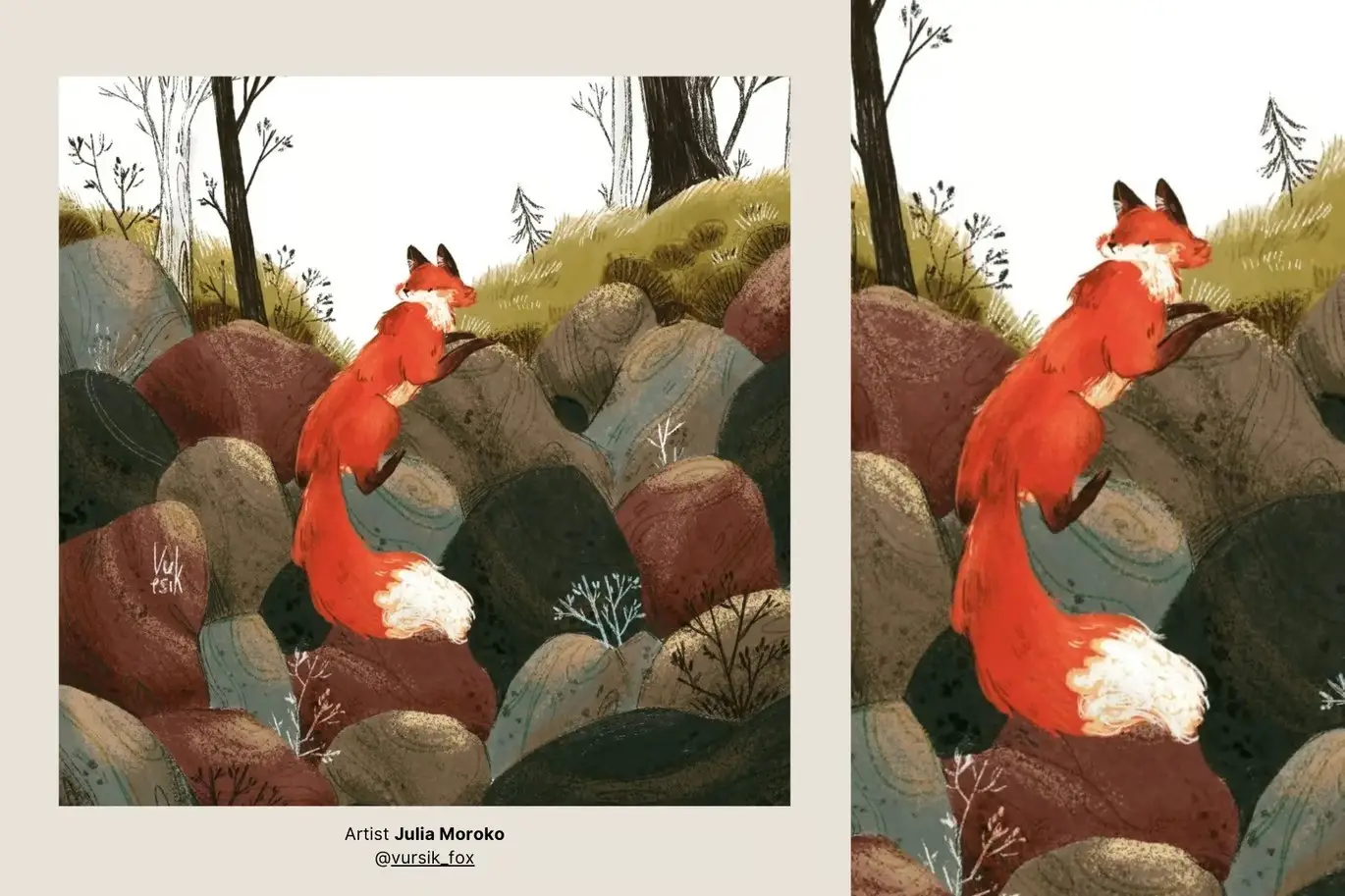
The 20 Photoshop Mix Media Brushes offer a diverse range of textures, including chalk, pastel, gouache, pencil, watercolor, and grain. Each brush is crafted to mimic real art materials, allowing you to create stunning, textured illustrations that stand out. With an additional four painted textures, your artwork will achieve a depth and richness that captivates viewers.
Key Features & Benefits
- ✅ Versatile Textures → Includes chalk, pastel, gouache, and more for varied artistic effects.
- ✅ High Resolution → Each brush is designed for high-quality output, ensuring your artwork looks professional.
- ✅ Easy to Use → Simply install the .abr file in Photoshop and start creating with ease.
- ✅ Compatible with Creative Cloud → Works seamlessly with the latest versions of Adobe Photoshop.
- ✅ Support Available → Have questions? Reach out for assistance anytime!
Why Choose This Product
Choosing the 20 Photoshop Mix Media Brushes means investing in quality and versatility. These brushes are trusted by artists worldwide for their ability to blend beautifully and create authentic textures. Whether you’re a professional illustrator or a hobbyist, this set will elevate your digital art projects.
Specifications
| Brush Format | .abr |
|---|---|
| Compatibility | Adobe Photoshop (latest Creative Cloud) |
| Number of Brushes | 20 |
| Texture Types | Chalk, Pastel, Gouache, Pencil, Watercolor, Grain |
What’s Included
- 📦 20 high-resolution Photoshop brushes in .abr format
- 📦 4 additional painted textures for enhanced creativity
Perfect For
- Artists looking to add texture to their digital illustrations
- Illustrators wanting to experiment with mixed media styles
- Graphic designers seeking unique brush options for projects
How to Use
- Install the .abr file in Adobe Photoshop.
- Select a brush and adjust the size and opacity as needed.
- Experiment with different textures to find your perfect style!
FAQ
- Can I use these brushes in older versions of Photoshop? No, these brushes are optimized for the latest Creative Cloud versions.
- Are these brushes suitable for commercial use? Yes, you can use them in your commercial projects.
Ready to enhance your artwork? Add to cart now and start creating stunning illustrations today! 🚀
User Reviews
Be the first to review “20 Photoshop Mix Media Brushes”
You must be logged in to post a review.
Original price was: $5.00.$2.50Current price is: $2.50.


There are no reviews yet.