
15 Vintage Overlay Textures Mock-up
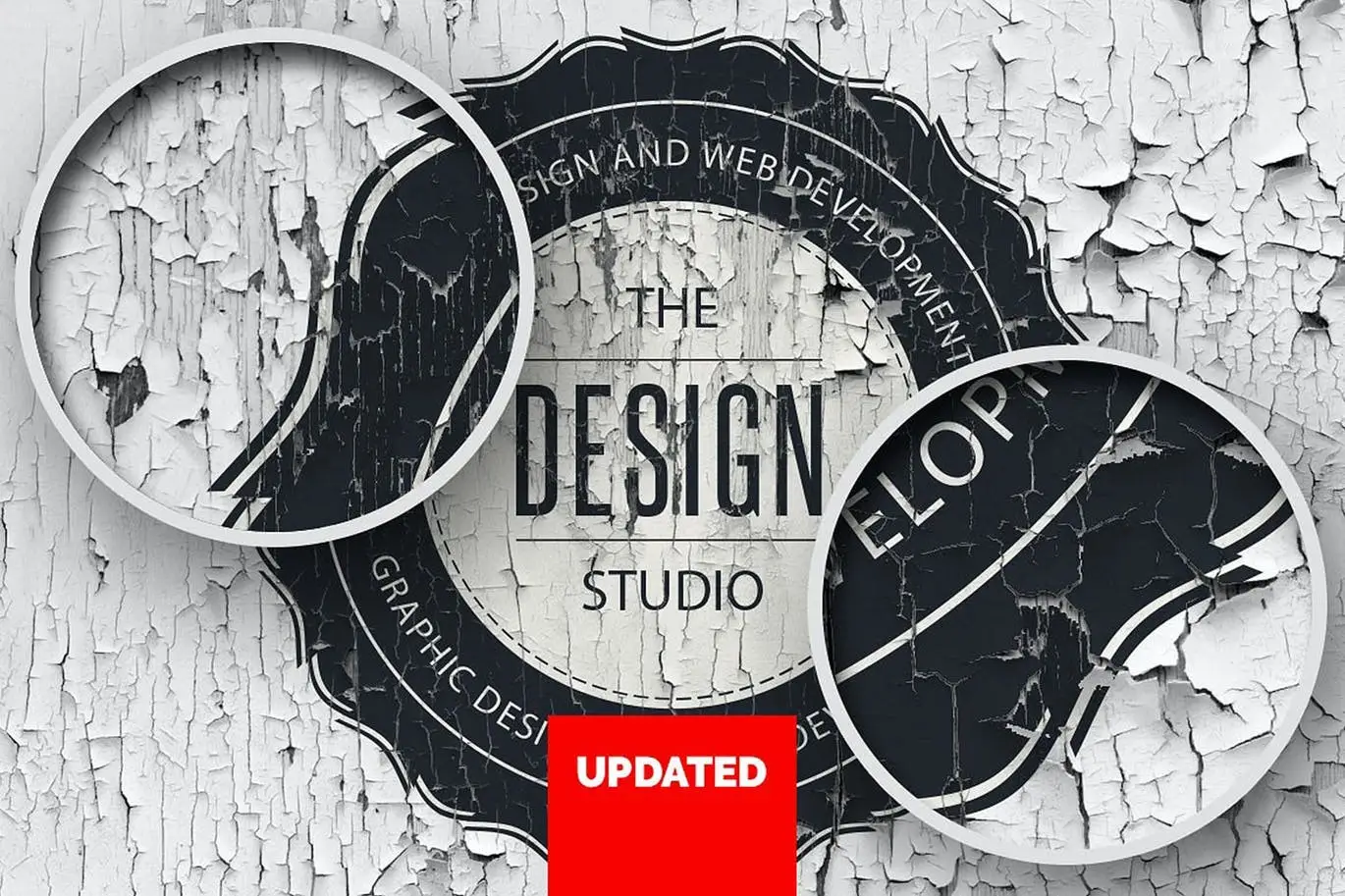
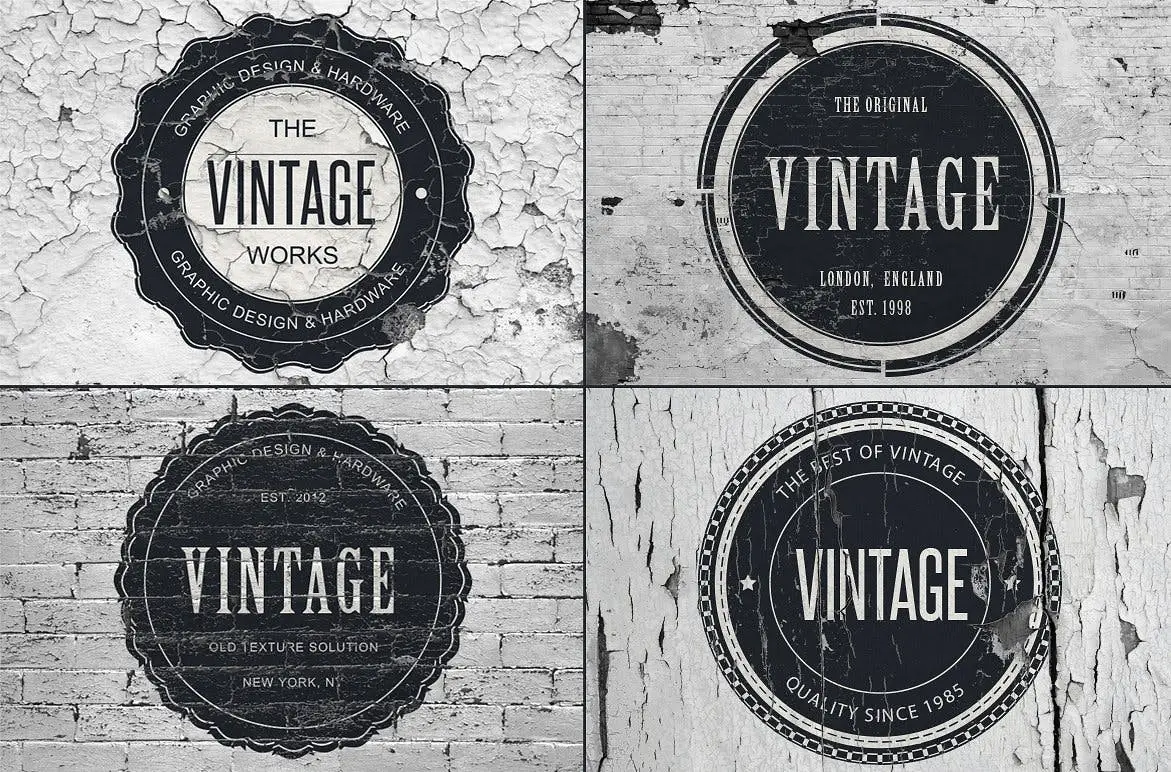
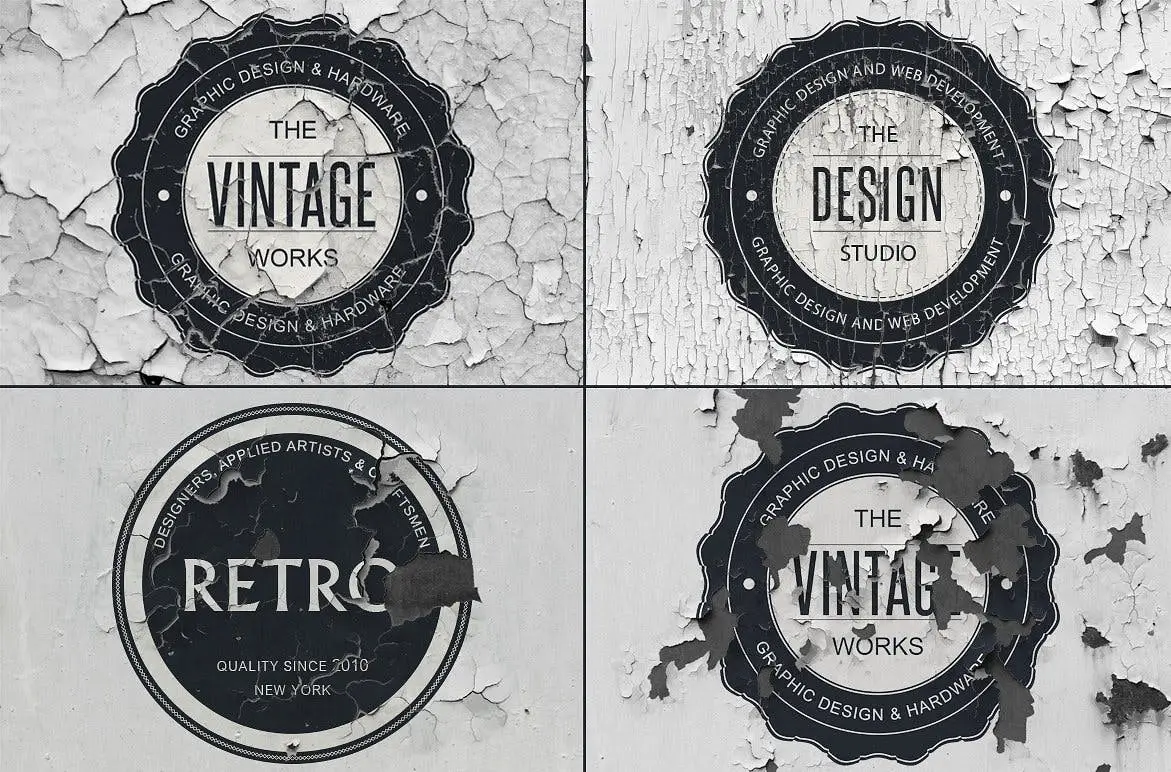
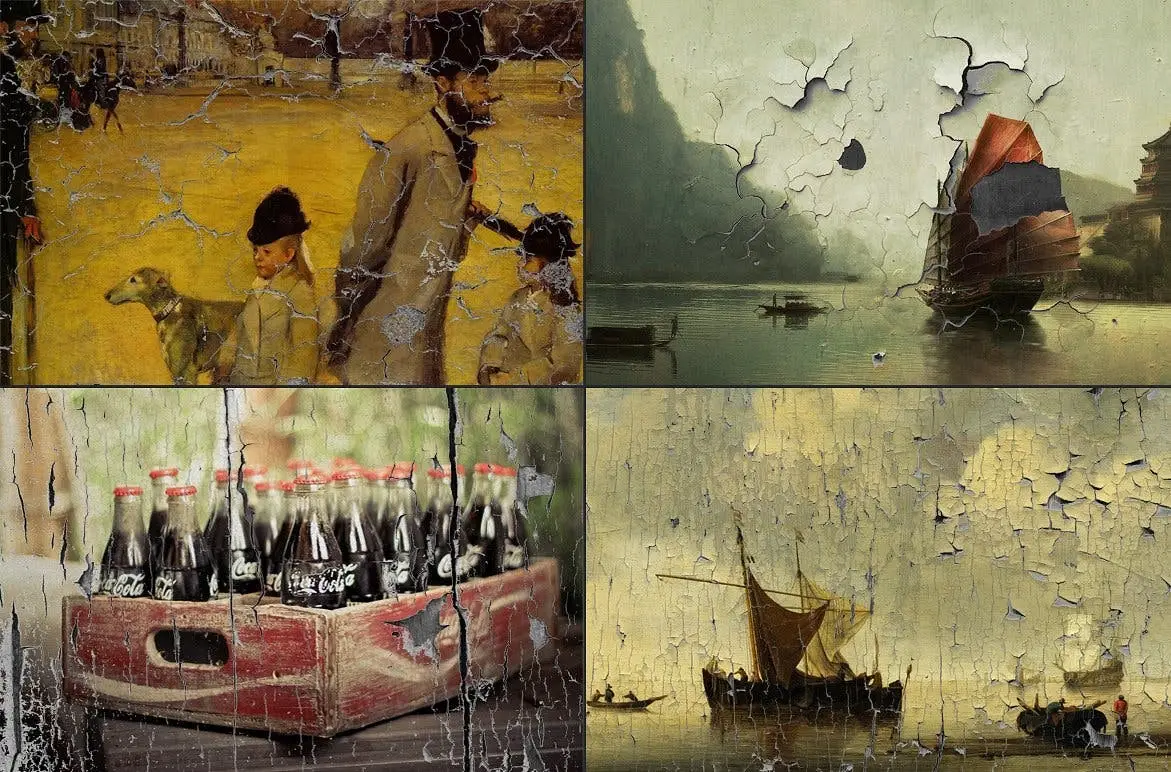
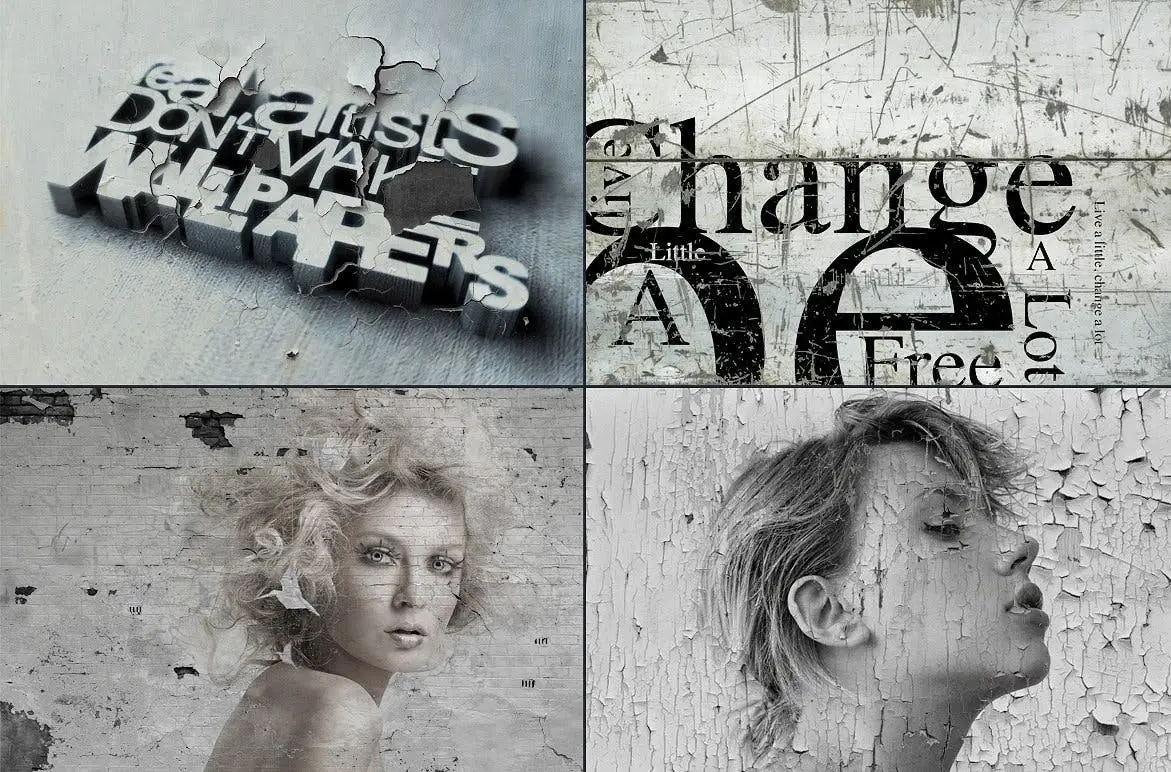
15 Vintage Overlay Textures Mock-up
Enhance your design projects with our 15 Vintage Overlay Textures Mock-up. This versatile mock-up allows you to seamlessly integrate any logos, images, backgrounds, or textures, giving your work a classic touch.
Product Overview
This mock-up includes a single Photoshop file compatible with CS4 to CS6, featuring ten distinct overlay textures. Each texture is designed as a Photoshop Smart Object, making it easy for you to replace artwork effortlessly. With dimensions of 3000 x 2000 pixels at 300 dpi, your designs will maintain high quality.
Key Features & Benefits
- ✅ Ten Unique Overlay Textures → Perfect for adding vintage flair to your designs.
- ✅ Easy to Use Smart Objects → Quickly replace artwork with just a few clicks.
- ✅ Well Layered and Organized → Navigate your project with ease.
- ✅ High-Quality Resolution → Ensure your designs look professional and polished.
- ✅ Compatible with Photoshop CS4-CS6 → Seamlessly integrate into your existing workflow.
Why Choose This Product
Our 15 Vintage Overlay Textures Mock-up stands out due to its user-friendly design and high-quality textures. Whether you’re a professional designer or a hobbyist, these overlays can elevate your projects, making them visually appealing and unique. Trusted by designers worldwide, this mock-up is a must-have for anyone looking to add a vintage touch to their work.
Specifications
| Dimension | 3000 x 2000 pixels |
|---|---|
| Resolution | 300 dpi |
| File Type | Photoshop (.psd) |
| Compatibility | Photoshop CS4-CS6 |
What’s Included
- 📦 1 Photoshop file with 10 overlay textures
- Layered and organized structure for easy navigation
Perfect For
- Graphic designers
- Photographers
- Marketing professionals
- Creative enthusiasts
How to Use
- Open the file in Photoshop.
- Access the layer panel (Windows > Layers).
- Activate the visible layers by clicking the eye icon.
- Select a template and expand it by clicking the arrow next to the layer title.
- Double-click on the sub-layer labeled “REPLACE WITH YOUR ARTWORK”.
- A new window will open; insert your image, then save and close.
FAQ
- Are the badges and images included? No, they are for presentation purposes only.
- Can I use this mock-up for commercial projects? Yes, you can use it for both personal and commercial designs.
Don’t miss out on enhancing your design projects with these vintage overlays. Add to cart now and start creating today! 🚀
User Reviews
Be the first to review “15 Vintage Overlay Textures Mock-up”
You must be logged in to post a review.
Original price was: $20.00.$10.00Current price is: $10.00.


There are no reviews yet.