
100 Snow Photoshop Brushes
Original price was: $5.00.$2.50Current price is: $2.50.

Mef
Product Specs:
- Compatible with: Brushes
- File Type: ZIP
- File Size: 1.0 GB
- Instant Download
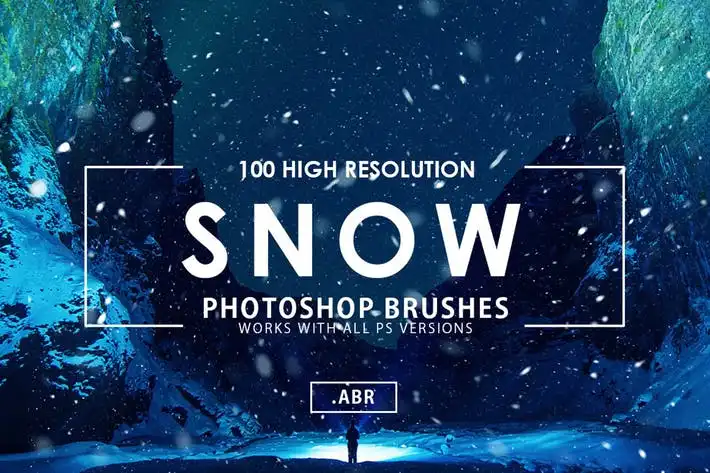
100 Snow Photoshop Brushes for Stunning Winter Designs
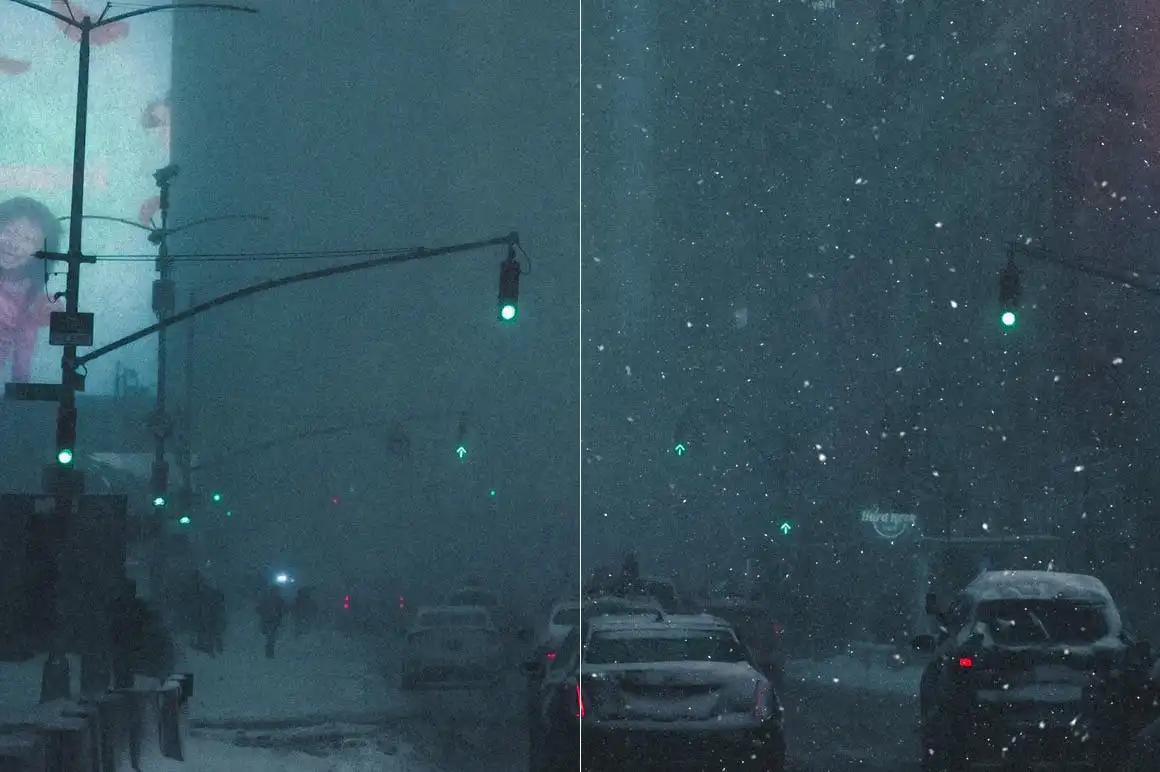
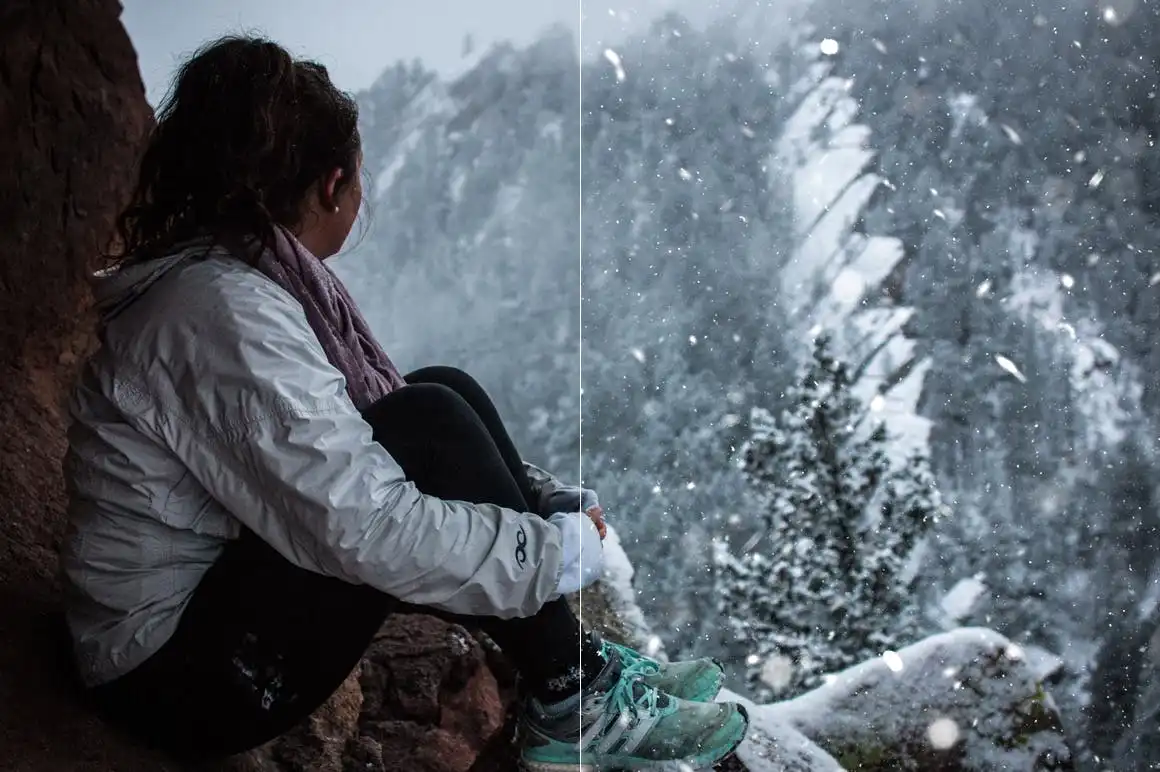
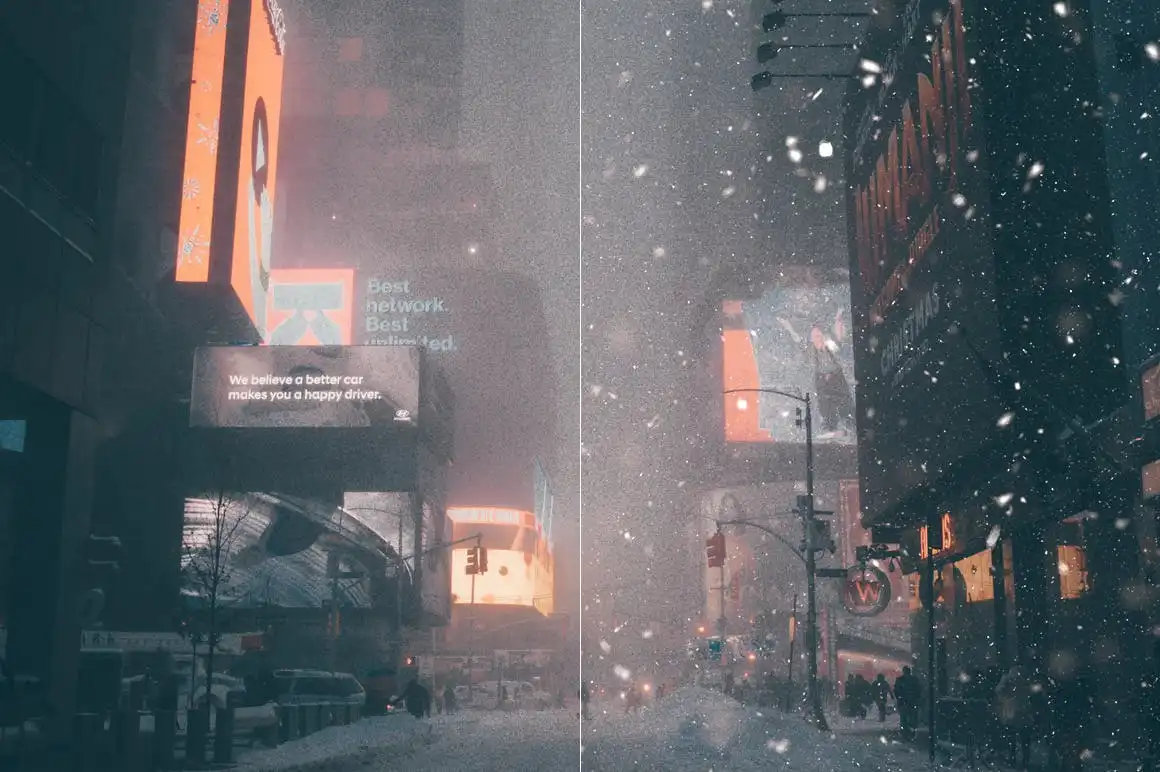
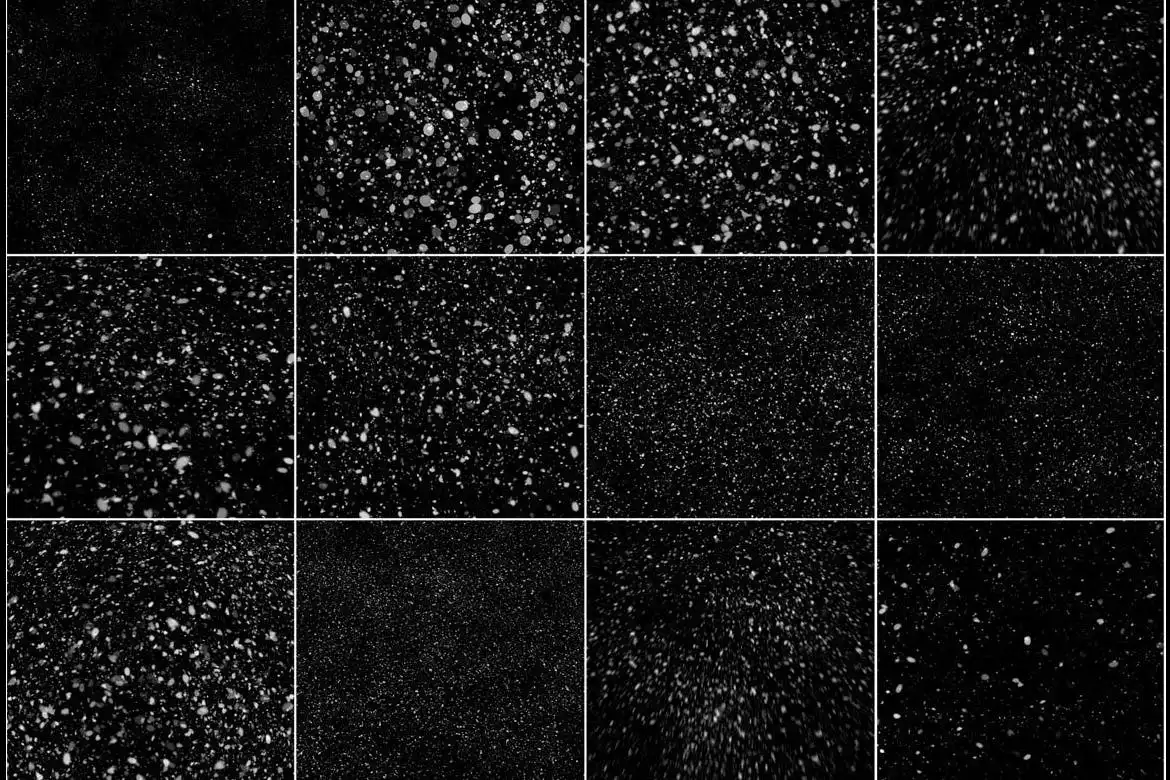
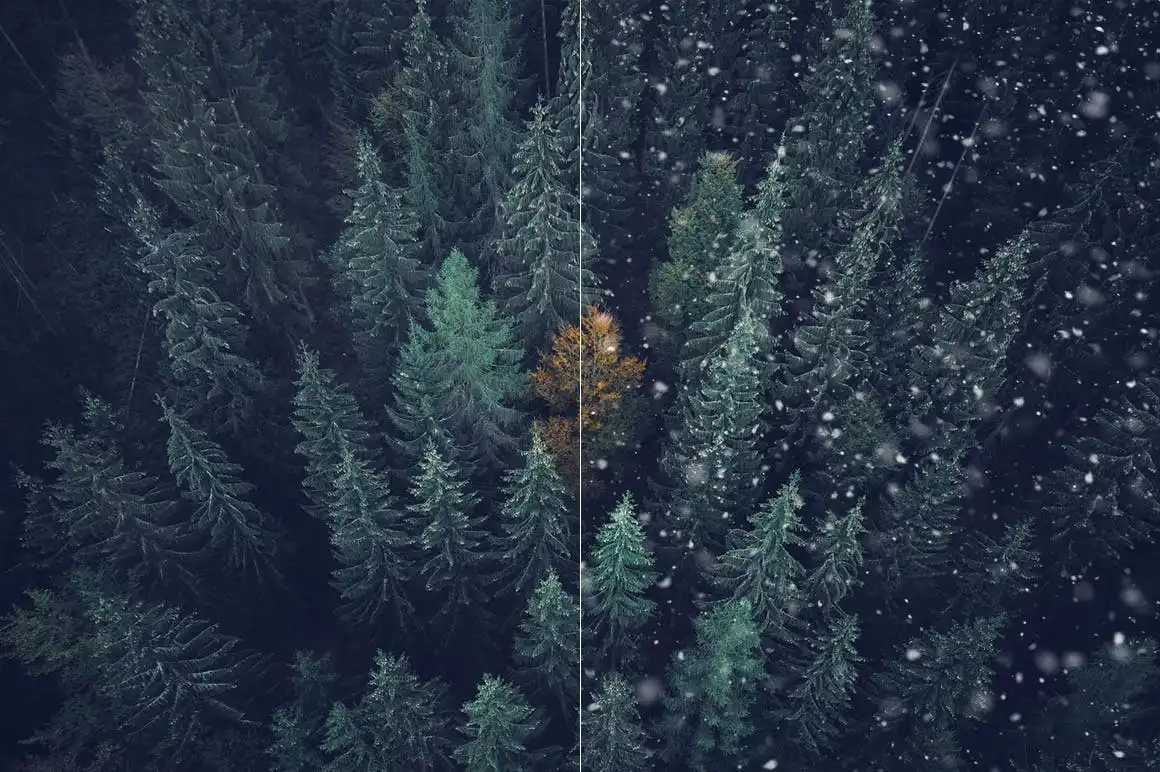
Transform your winter and Christmas-themed projects with our 100 Snow Photoshop Brushes. Perfect for adding a touch of snow magic to your photos and designs, these brushes allow you to create enchanting winter scenes with just one click!
Product Overview
These brushes are specifically designed for use in Adobe Photoshop, making them ideal for photographers, graphic designers, and digital artists looking to enhance their winter-themed artwork. With a resolution of 5000×5000 pixels, you can achieve high-quality results that stand out.
Key Features & Benefits
- ✅ Two .ABR Files Included → Compatible with Photoshop CS2-CS5 and CS6-CC and above, ensuring versatility for all users.
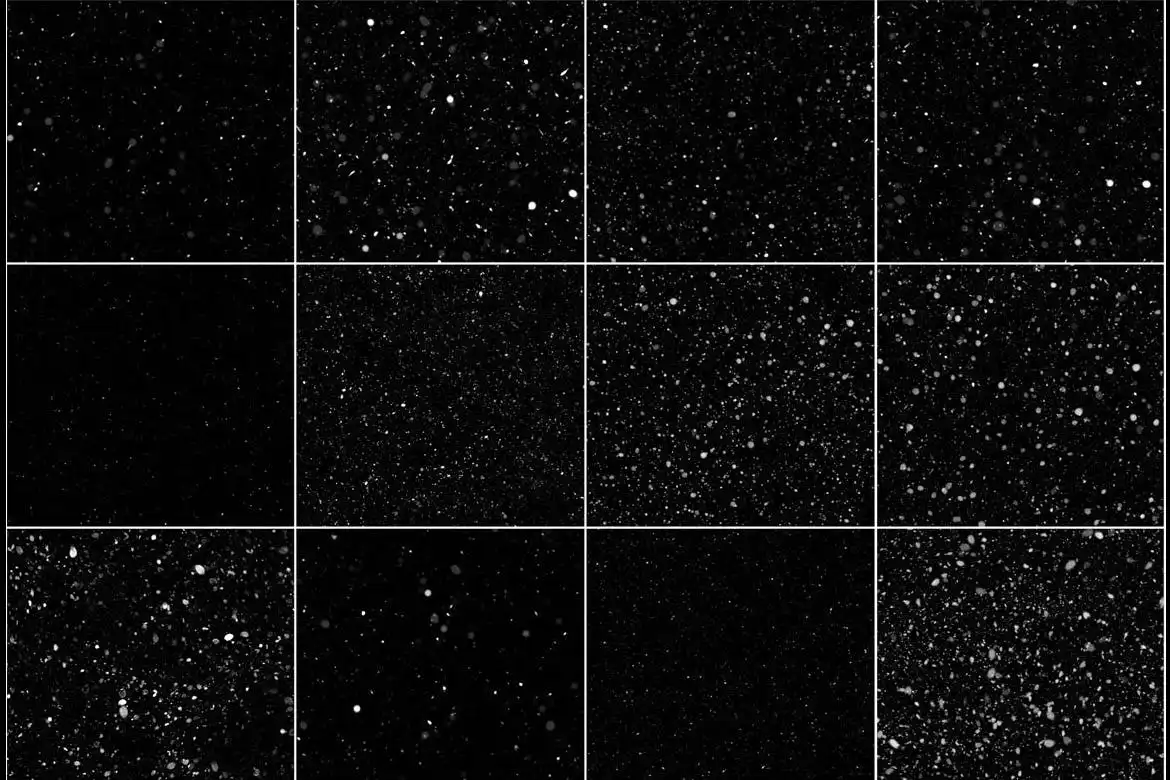
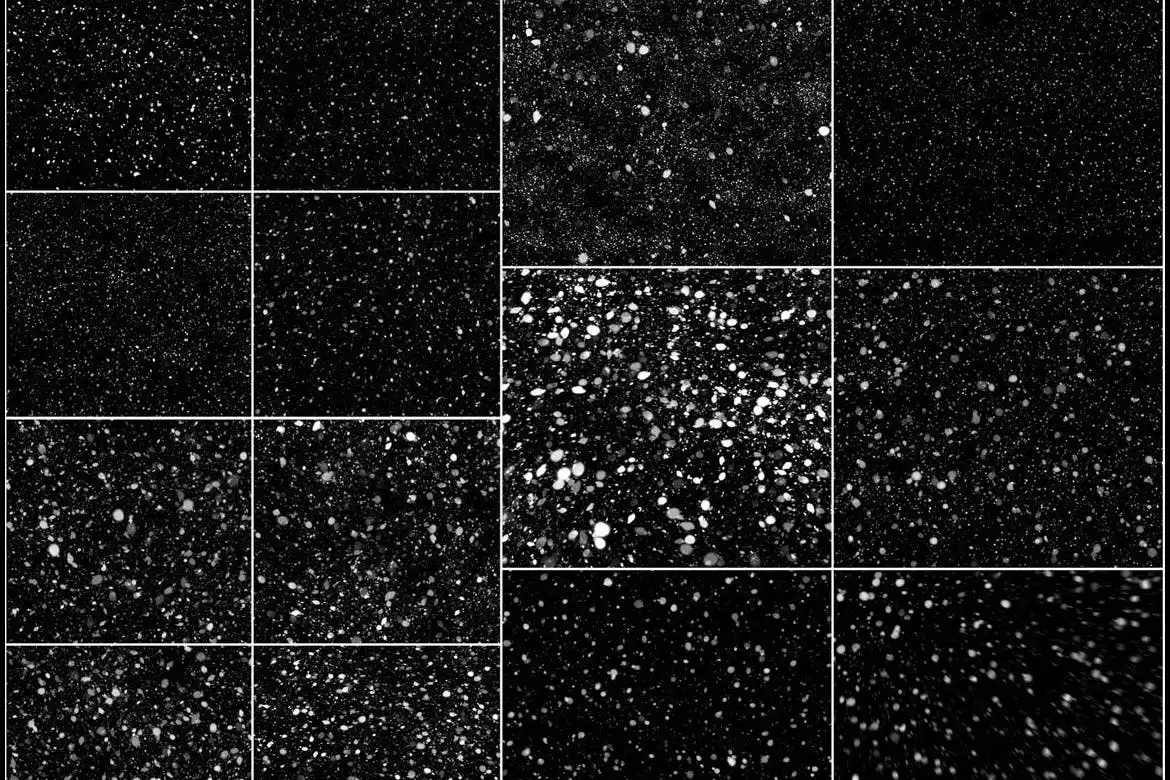
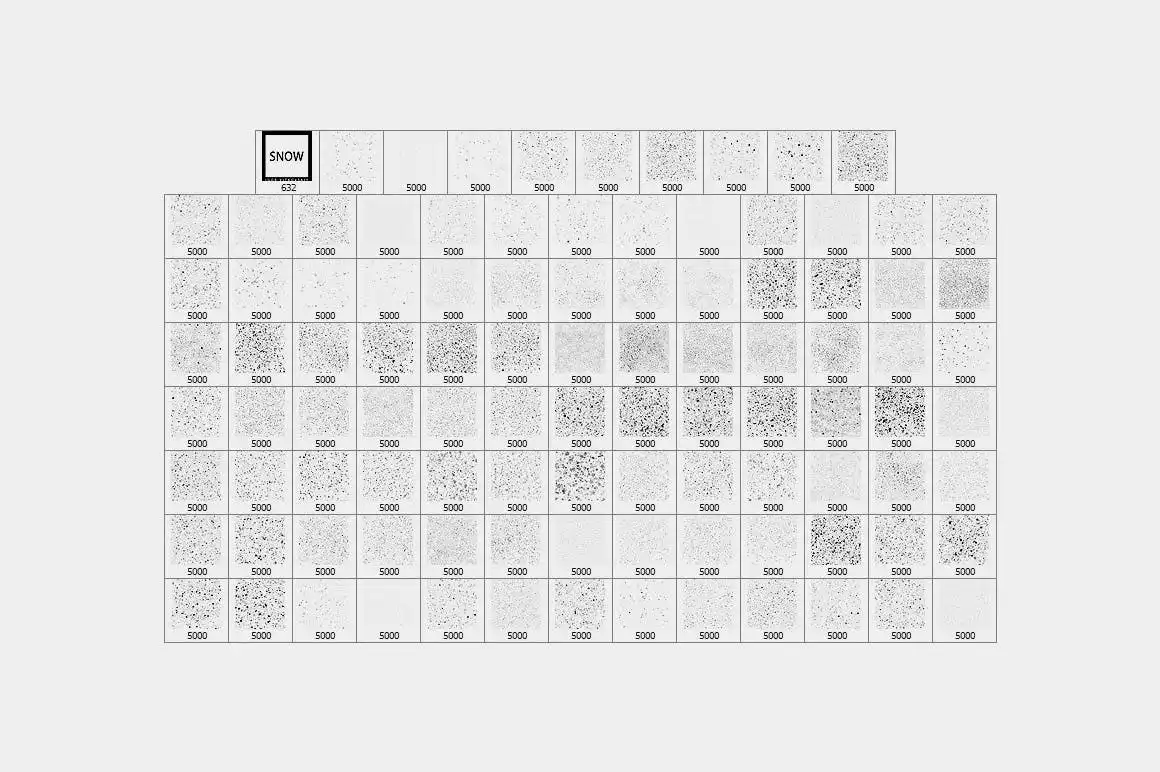
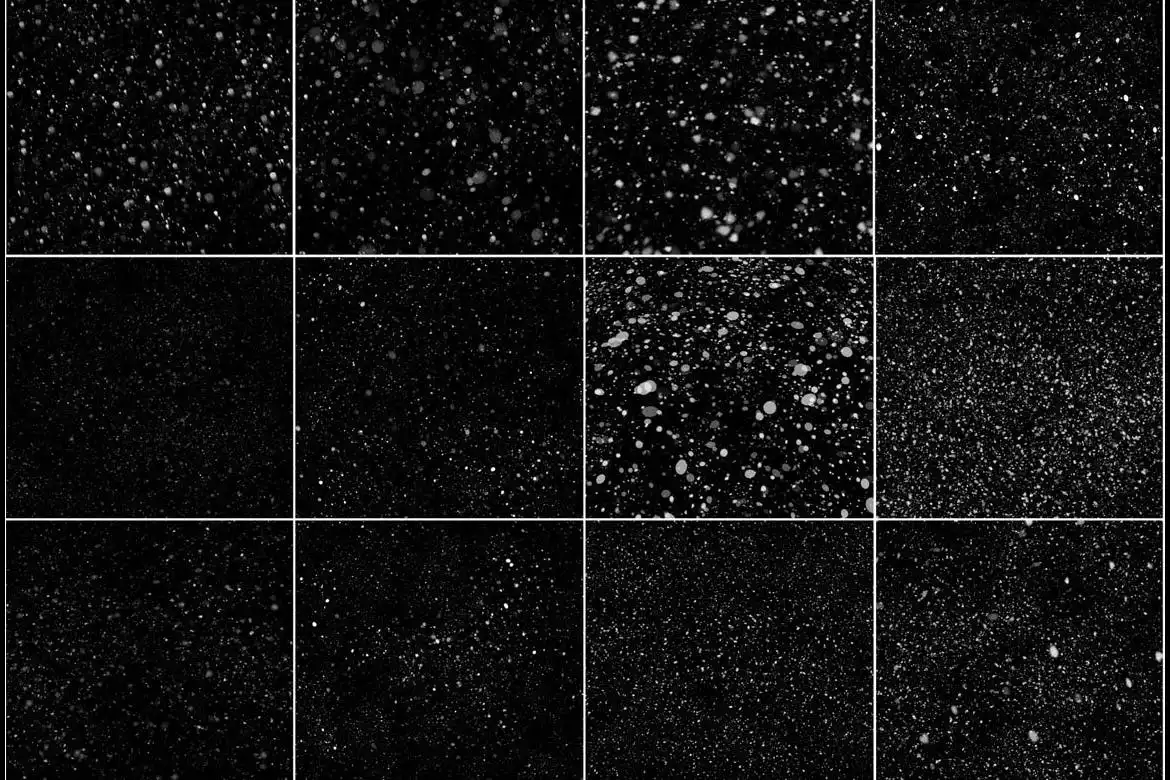
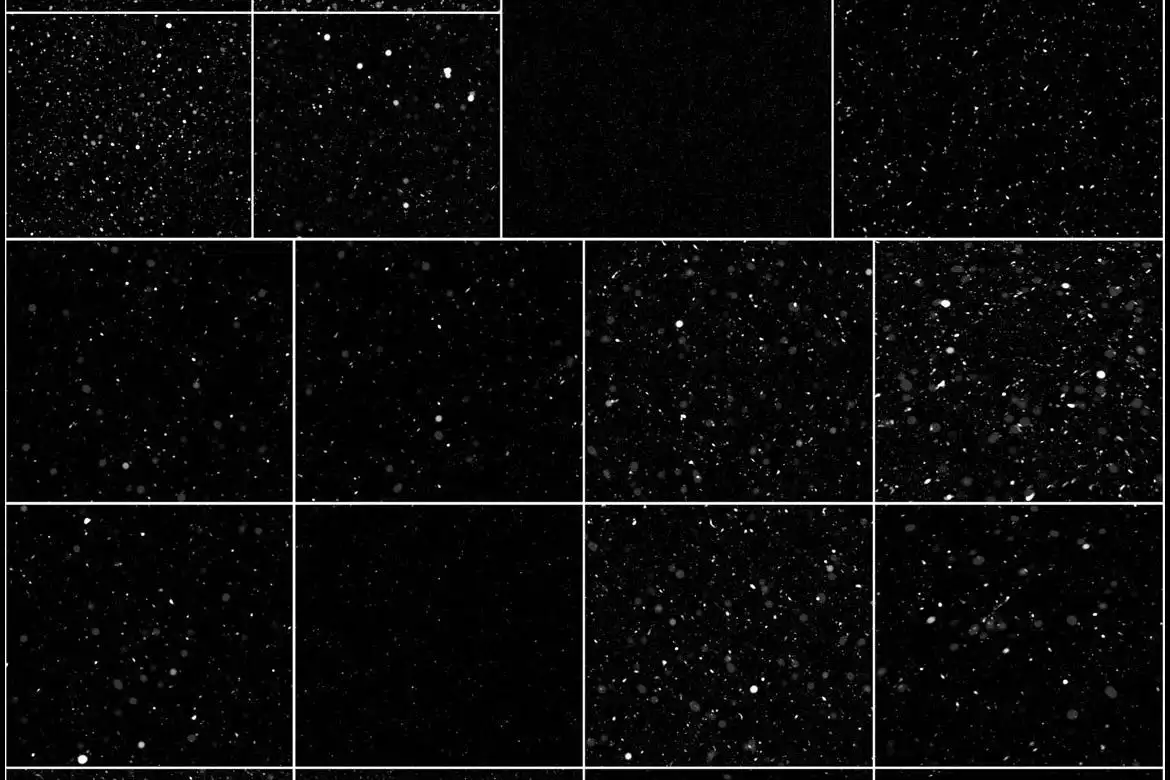
- ✅ 100 Unique Snow Designs → Offers a variety of snow effects to suit any winter project.
- ✅ High Resolution (5000×5000) → Ensures crisp and clear details for professional-quality results.
- ✅ Easy to Use → Simply click to apply snow effects, saving you time and effort in your design process.
- ✅ Layer Duplication Tips → Duplicate layers to intensify the snow effect for a more realistic look.
- ✅ Customizable Effects → Combine different snow effects for unique results and use filters to adjust sharpness and motion.
Why Choose This Product
Our 100 Snow Photoshop Brushes are trusted by artists and designers worldwide. They not only simplify the design process but also enhance the visual appeal of your work. Whether you’re creating holiday cards, winter landscapes, or festive graphics, these brushes provide the flexibility and creativity you need to bring your vision to life.
Specifications
| File Format | .ABR |
|---|---|
| Compatibility | Photoshop CS2-CS5, CS6-CC and above |
| Resolution | 5000×5000 pixels |
| Number of Brushes | 100 |
What’s Included
- 📦 2 .ABR files for different Photoshop versions
- 📦 100 unique snow brush designs
Perfect For
- Photographers looking to enhance winter photos
- Graphic designers creating holiday-themed graphics
- Digital artists wanting to add snow effects to their artwork
How to Use
- Open your Photoshop project and load the brushes.
- Select a snow brush and click to apply.
- Duplicate layers for more intensity and combine different brushes for unique effects.
- Use filters to sharpen or blur the snow for added realism.
FAQ
- Can I use these brushes in other software? No, these brushes are specifically designed for Adobe Photoshop.
- Are there any tutorials available? Yes, we provide tips and best practices for using the brushes effectively.
Add to cart now and start creating your winter wonderland today! 🚀
User Reviews
Be the first to review “100 Snow Photoshop Brushes”
You must be logged in to post a review.
25 Grass Photoshop Stamp Brushes
Sold by Mef
30 Vintage Paper Photoshop Stamp Brushes
Sold by Mef
42 Plastic Shapes Photoshop Stamp Brushes
Sold by Mef
100 Mist Photoshop Stamp Brushes
Sold by Mef
100 Fog Photoshop Stamp Brushes
Sold by Mef
15 Organic Photoshop Stamp Brushes
Sold by Mef Original price was: $5.00.$2.50Current price is: $2.50.


There are no reviews yet.