
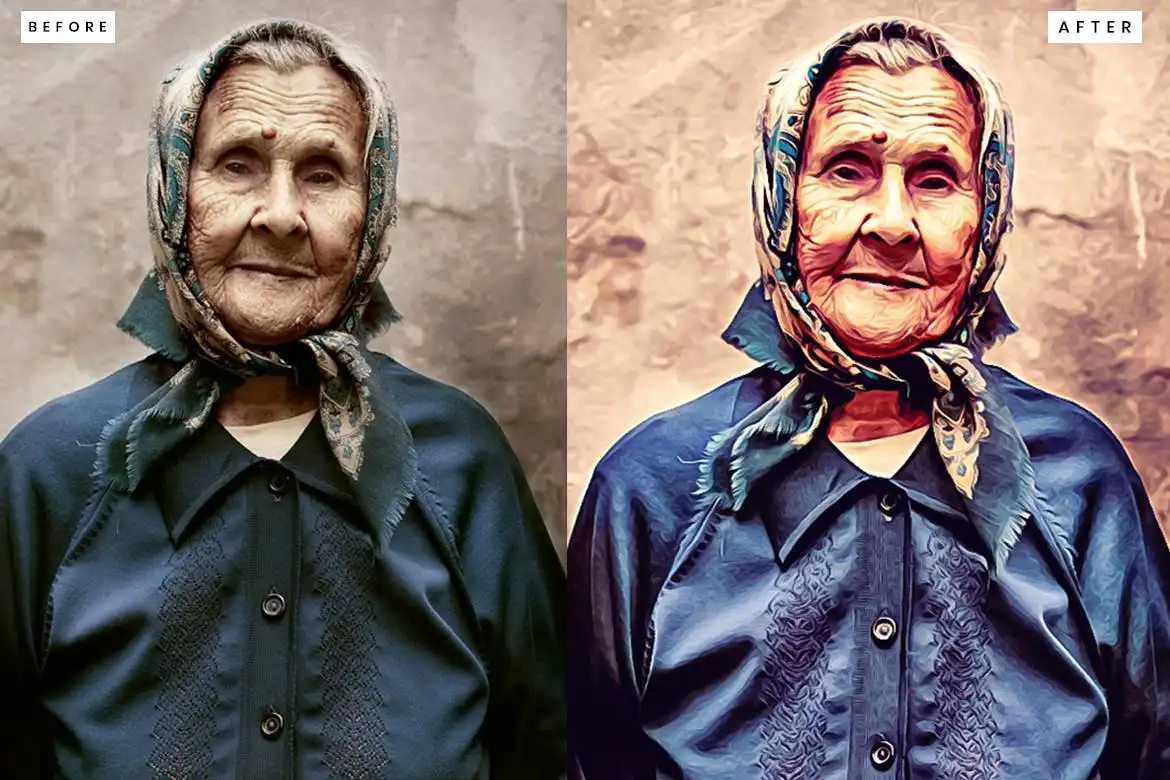
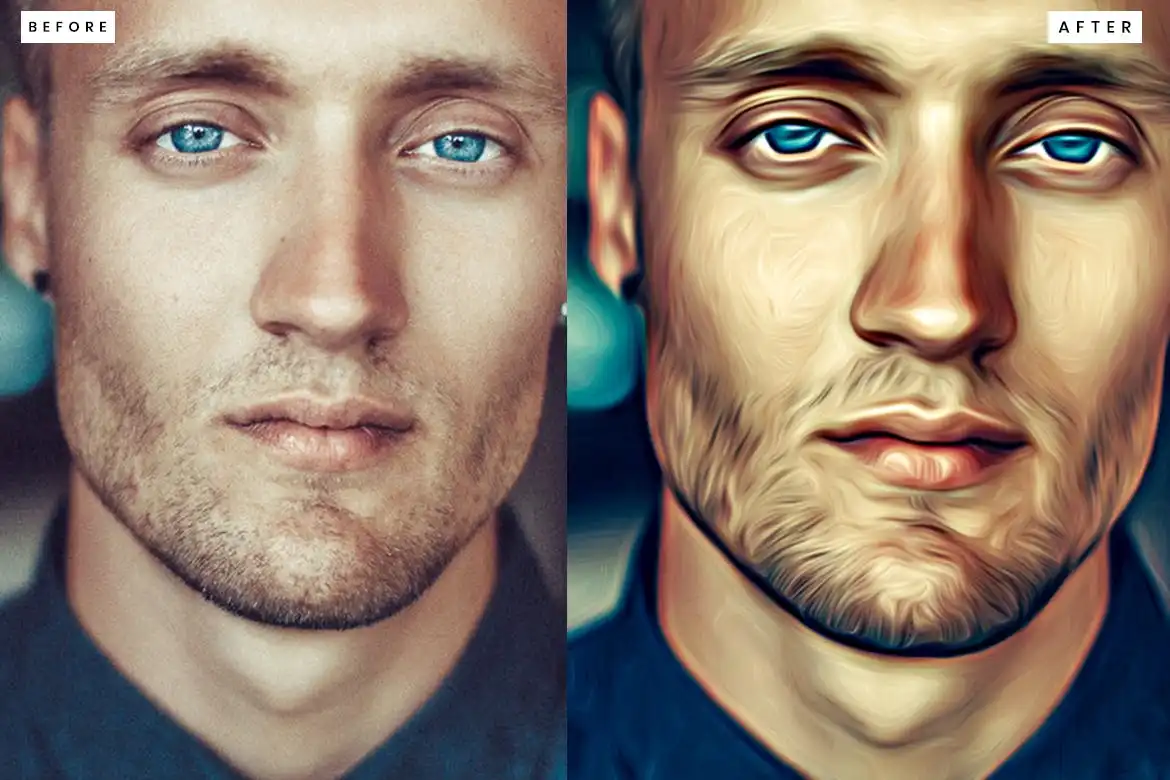
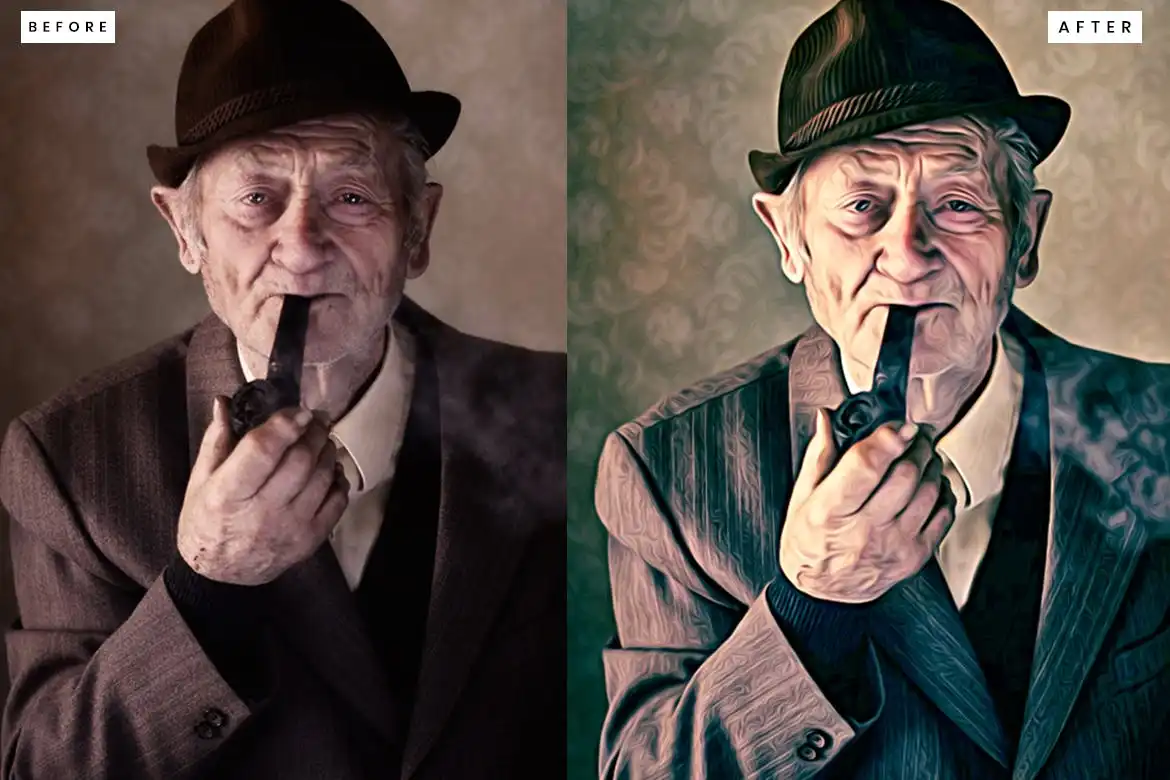
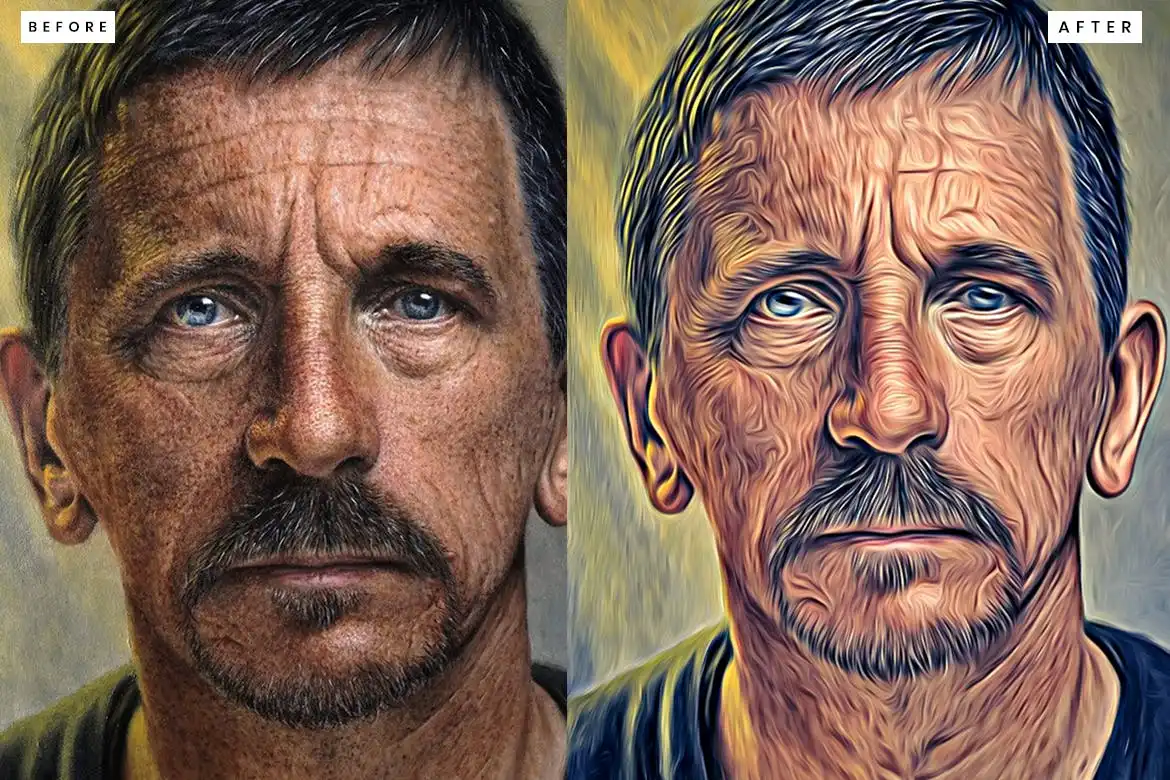

10 Oil Painting Photoshop Action: Transform Your Photos Effortlessly
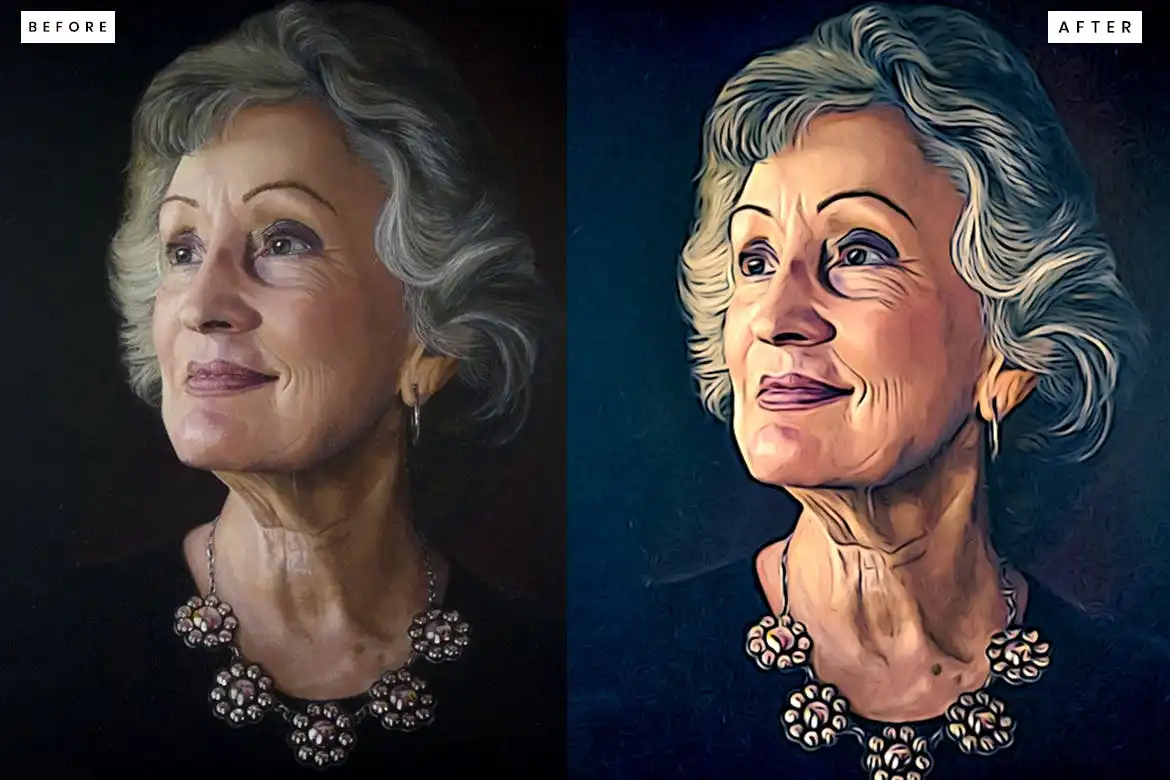
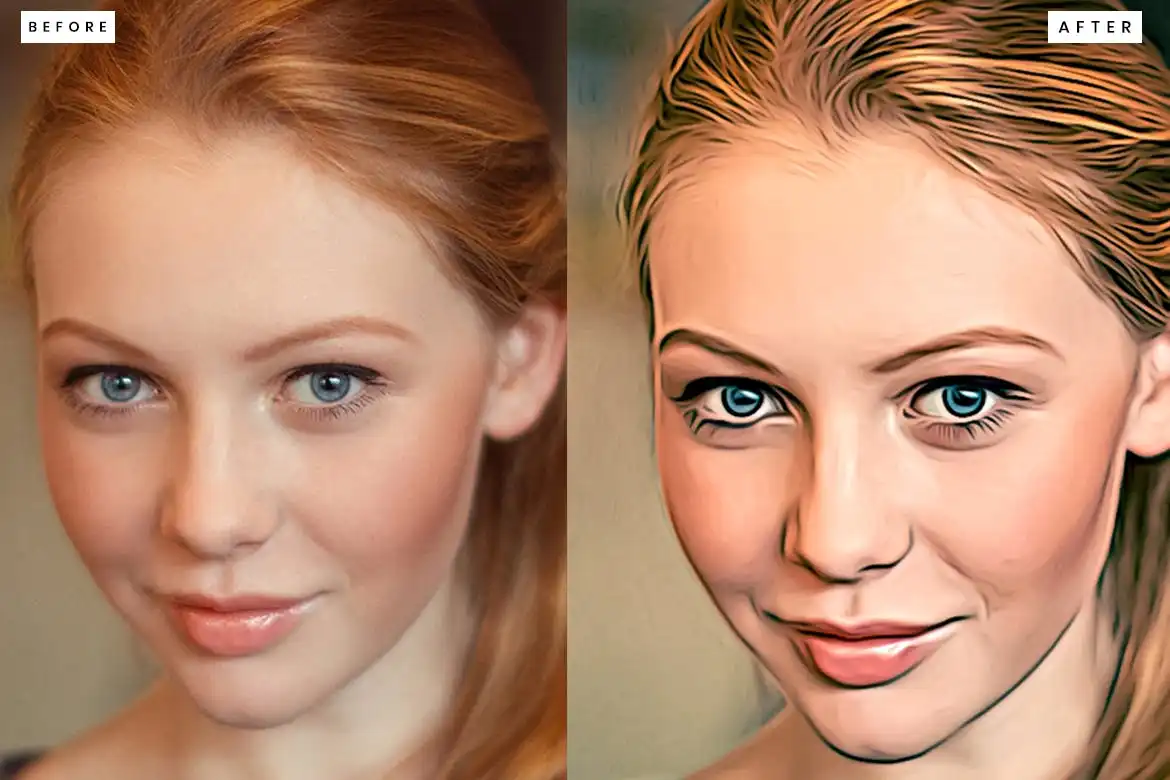
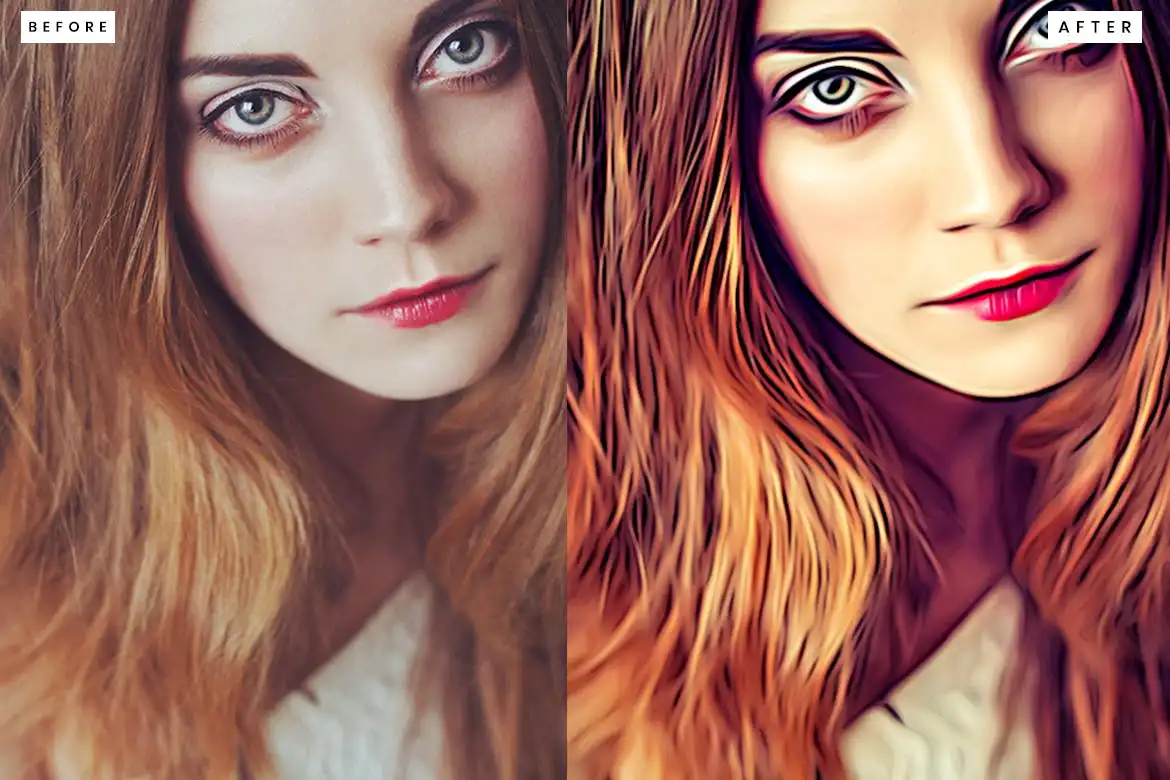
Elevate your photography with the 10 Oil Painting Photoshop Action, designed specifically for photographers and designers who seek a professional and modern touch. This unique action allows you to create stunning oil painting effects with just a single click, making it perfect for both beginners and seasoned professionals.
Product Overview
The 10 Oil Painting Photoshop Action is a digital design asset that transforms your images into beautiful oil paintings. Whether you’re looking to enhance portraits, landscapes, or artistic shots, this action provides a versatile solution that adapts to various styles and subjects.
Key Features & Benefits
- ✅ One-Click Application → Instantly apply an oil painting effect with minimal effort.
- ✅ Customizable Adjustments → Tailor the effect to suit your individual photos for a personalized touch.
- ✅ Clean Actions → Enjoy a streamlined editing process without unnecessary clutter.
- ✅ High-Quality Results → Achieve professional-grade edits that enhance your images significantly.
- ✅ Compatible with Various Resolutions → Works best with images sized between 1000px to 1500px at 72 or 300 DPI.
- ✅ Includes Help File → Get started quickly with an included guide to maximize your editing experience.
Why Choose This Product
This Photoshop action stands out due to its ease of use and high-quality results. Trusted by photographers and designers worldwide, it allows you to create stunning artwork without the need for extensive editing skills. With the 10 Oil Painting Photoshop Action, you can transform your images into captivating pieces that impress clients and viewers alike.
Specifications (Technical Details)
| Feature | Details |
|---|---|
| File Type | ATN (Photoshop Action) |
| Recommended Image Size | 1000px to 1500px |
| Resolution | 72 or 300 DPI |
| Compatibility | Adobe Photoshop |
What’s Included / What’s in the Box
- 📦 10 Oil Painting Photoshop Actions
- 📦 Help file for easy setup
Perfect For
- Photographers looking to enhance their portfolio
- Graphic designers seeking unique effects
- Artists wanting to create digital paintings
- Social media managers aiming to elevate visual content
How to Use
To get started with the 10 Oil Painting Photoshop Action, simply load the ATN file into Photoshop, open your desired image, and apply the action. You can make further adjustments to fine-tune the effect to your liking.
FAQ
- Can I use this action on any image? Yes, it works well with various image types, but results may vary based on the original quality.
- Do I need any special plugins? No additional plugins are required, but having HDR and retouching capabilities will enhance your results.
Ready to transform your photos into stunning oil paintings? Add to cart now and start creating today! 🚀
User Reviews
Be the first to review “10 Oil Painting Photoshop Action”
You must be logged in to post a review.


Pop Art Portraits Photoshop Action
Sold by
Cyberpunk Color Grade Photoshop Action
Sold by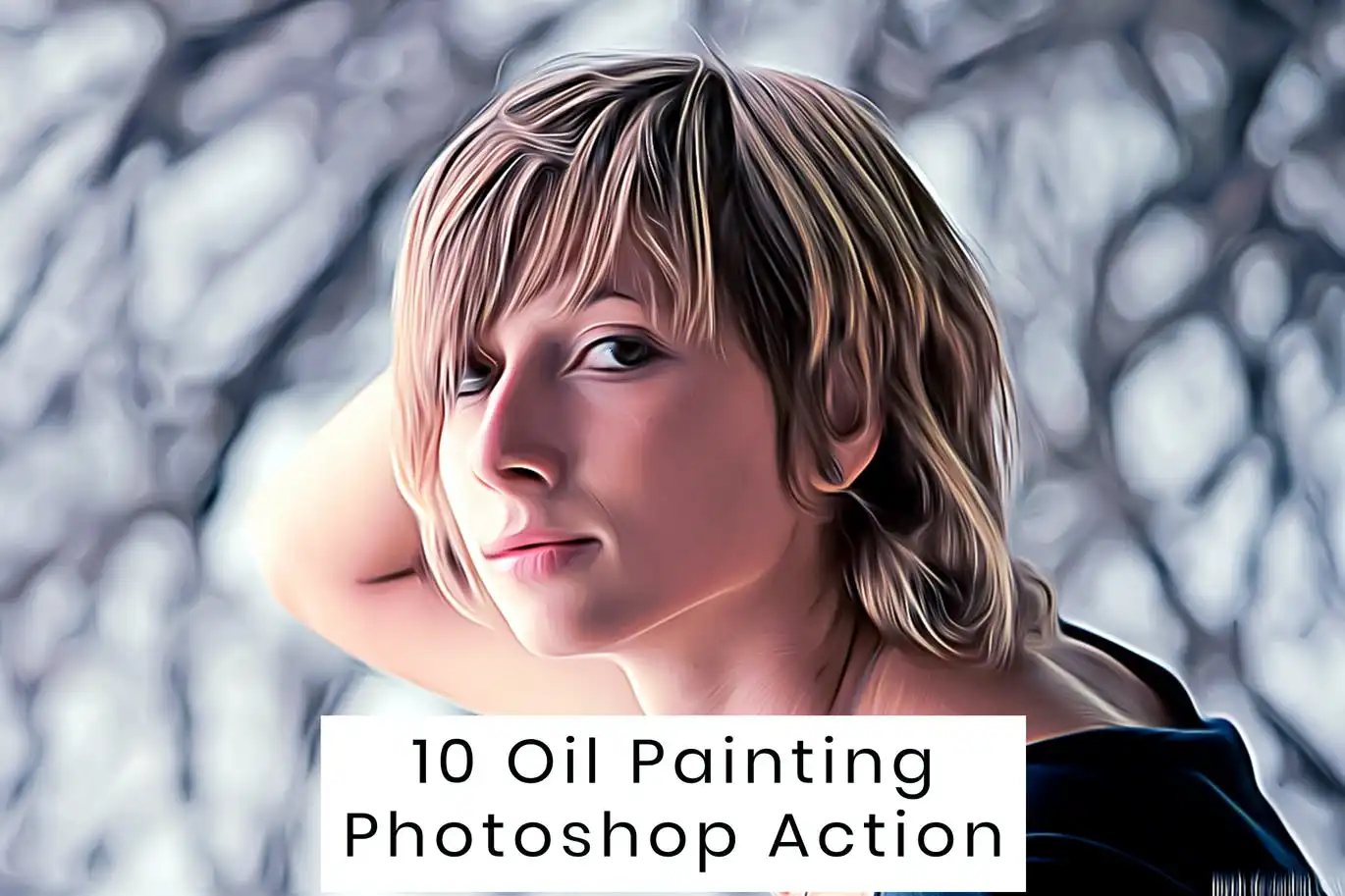
Original price was: $5.00.$2.50Current price is: $2.50.


There are no reviews yet.