Welcome back, creative fam! 🎨✨ If you thought the first drop of oxygen_art’s tools was incredible, just wait until you see what’s cooking in Part 2. We’re diving deep into a treasure chest of Photoshop plugins, actions, and presets that will completely supercharge your workflow. Whether you’re a graphic designer, a digital painter, or a photographer looking to level up, these goodies are about to become your new best friends. Let’s jump right in! 🚀
Why Use These Oxygen_Art Photoshop Tools?
Imagine cutting your editing time in half while adding a professional, jaw-dropping polish to every project. That’s exactly what these tools deliver! From generating mind-bending 3D isometric views to painting dreamy watercolor effects with one click, oxygen_art has engineered a suite that blends automation with pure artistry. Say goodbye to tedious manual work and hello to more time for actual creativity. 🙌
Top 6 Oxygen_Art Photoshop Tools Picks
Isometrical – 3D View Generator – Photoshop Plugin
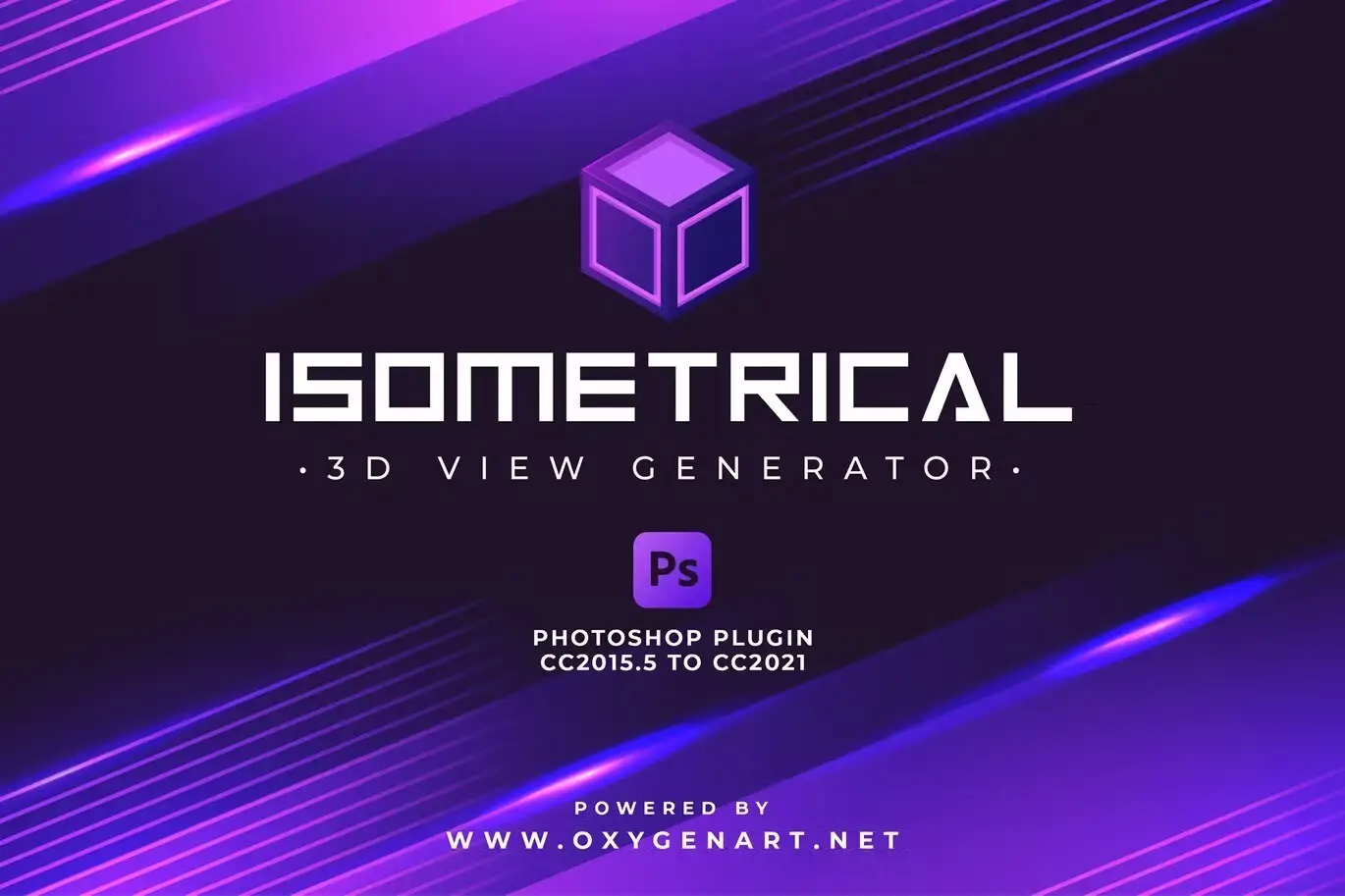
Level up your design game with this absolute beast of a plugin! 🏔️ Isometrical lets you create stunning 3D isometric views, icon effects, and perspective mockups with just a single click. No need to wrestle with 3D software—this Photoshop plugin does all the heavy lifting, turning flat designs into dimensional masterpieces in seconds. Your clients will think you spent hours building these! 🤯
Stylish Art – Watercolor Photoshop Action
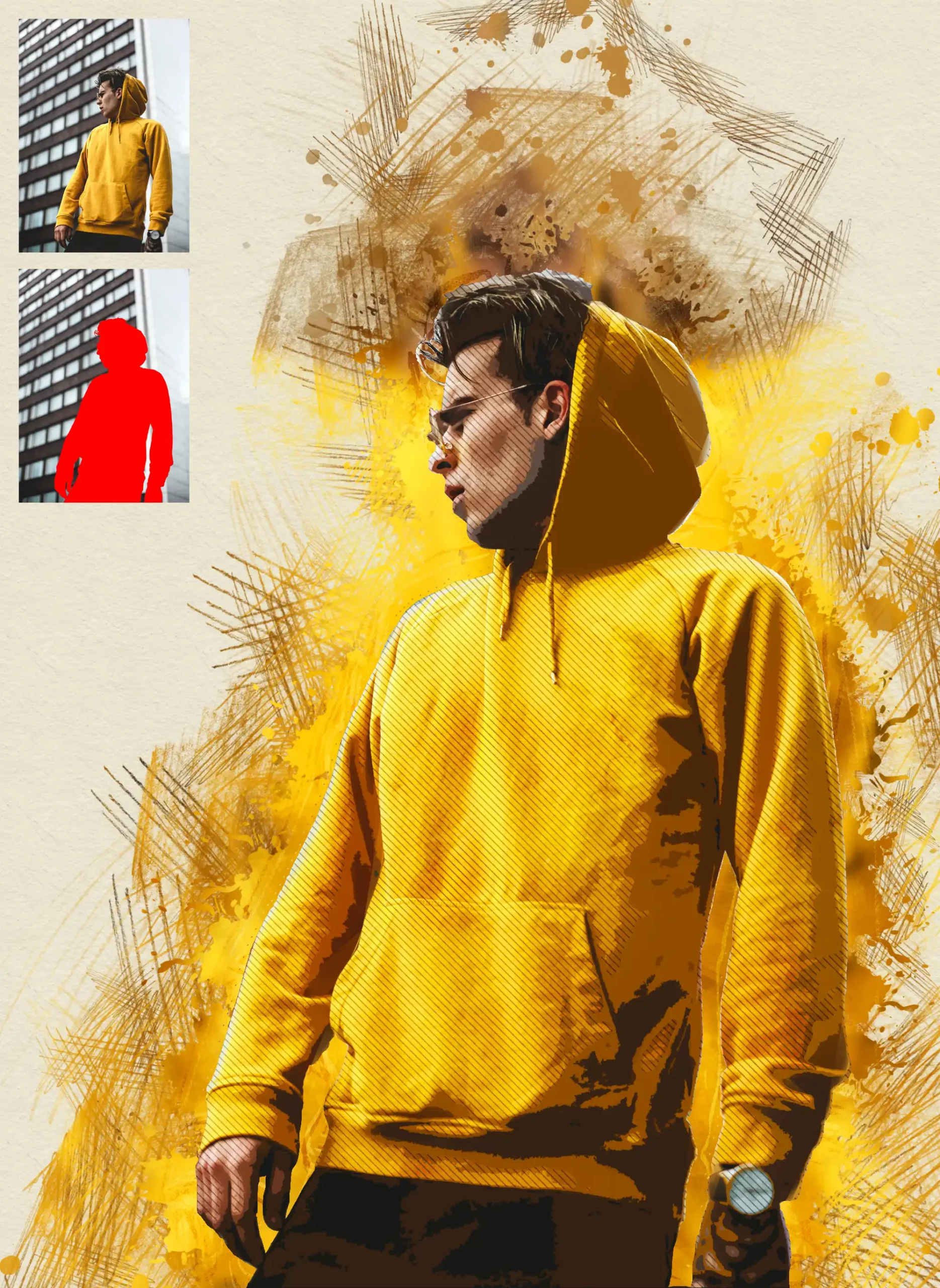
Ready to turn your photos into liquid poetry? 🌊✨ The Stylish Art action adds a breathtaking watercolor effect that feels organic and painterly. Whether you’re creating social media art, posters, or just experimenting, this tool delivers rich, blending pigments that look like they belong in a gallery. It’s magical, messy (in the best way), and incredibly easy to use! 🎨
Pluto – 69+ Photoshop Presets Pack
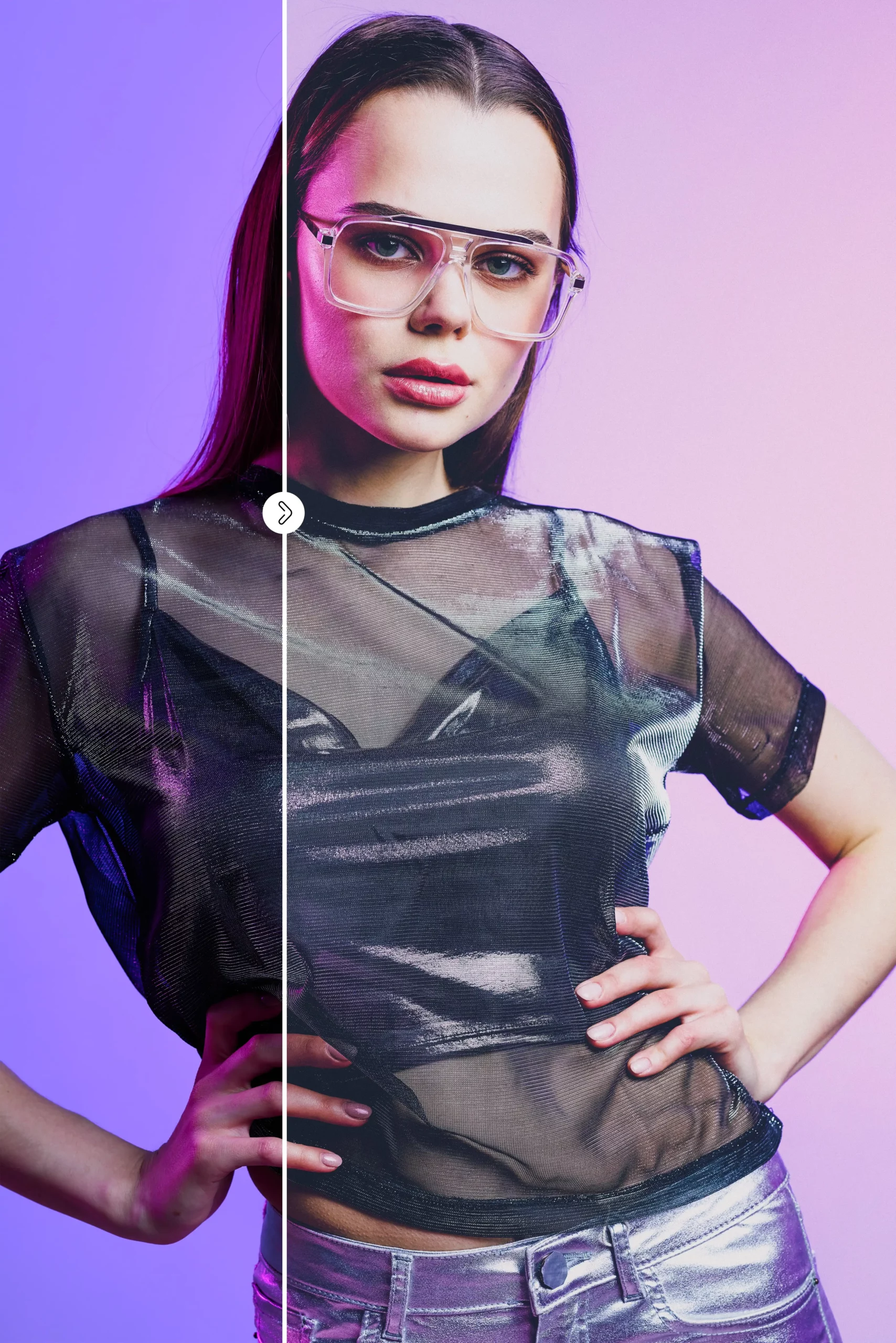
Say hello to over 70 out-of-this-world presets that will instantly elevate your photography! 🌟 Pluto is a massive pack covering everything from moody vibes to vibrant, cinematic tones. Whether you’re editing portraits, landscapes, or lifestyle shots, these are your one-click ticket to a consistent, polished feed. Your Instagram will thank you! 📸💫
Enso Art Photoshop Tool

Get ready to find your zen with this gorgeous tool! 🧘♂️ The Enso Art Photoshop Tool transforms your images into stunning Japanese-inspired ink artwork in minutes. Think elegant brush strokes, minimalist beauty, and a serene aesthetic that works perfectly for logos, posters, or meditative art prints. It’s simplicity meets sophistication—and your followers will absolutely vibe with it. 🖤
Digitalis Art Photoshop Plugin

Unleash your inner digital alchemist! ⚡ The Digitalis Art Plugin is your gateway to creating stunning, abstract, and futuristic digital art with a single click. Perfect for creating unique textures, fantasy landscapes, or surreal portraits, this tool makes the impossible feel effortless. It’s like having a magic wand for your creative projects! 🧙♂️✨
Arquitectura – Architecture Sketch Photoshop Action
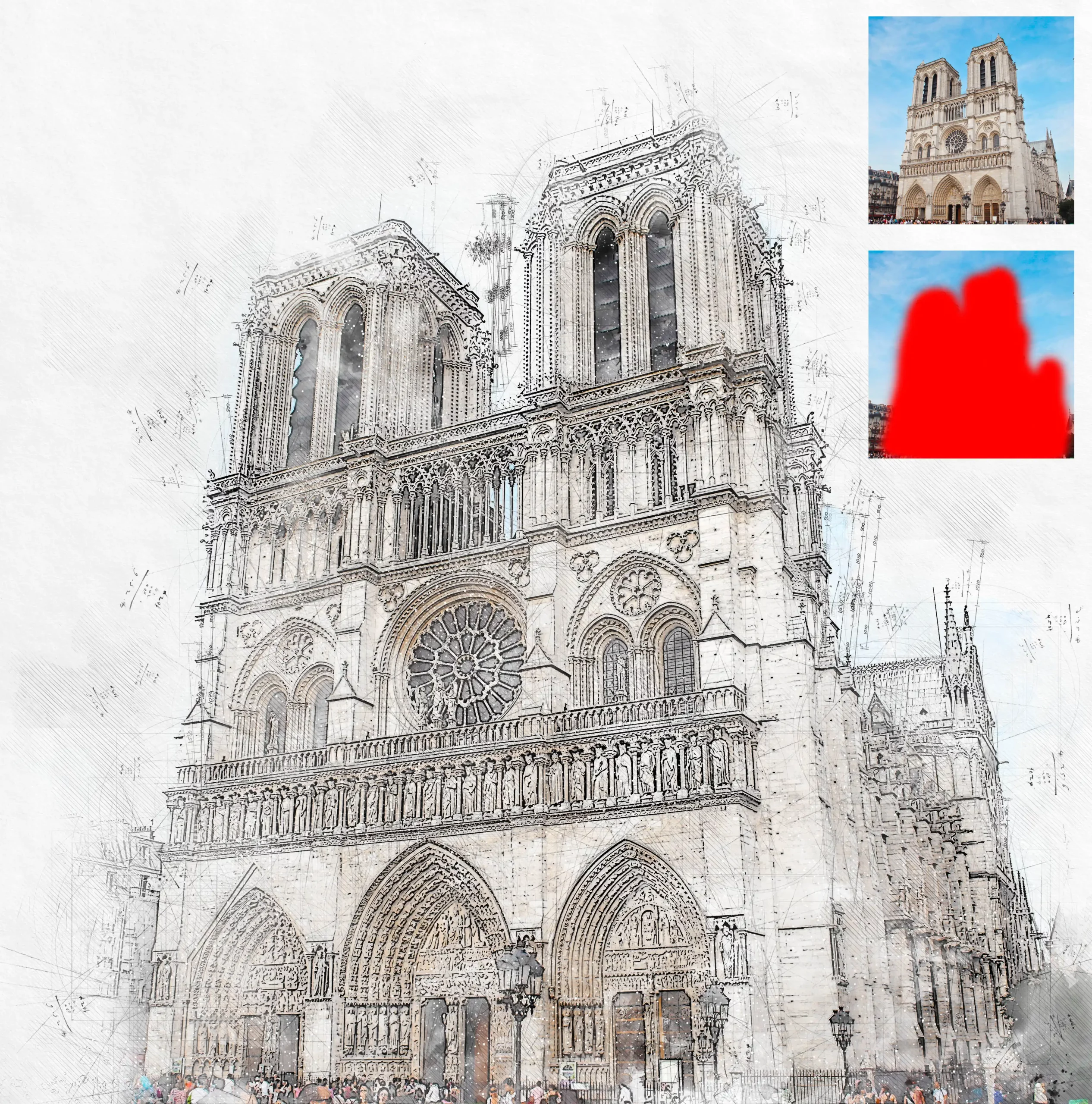
Architects, designers, and dreamers—this one’s for you! 🏛️ The Arquitectura action turns your photos into stunning, hand-drawn architectural sketches. Imagine presenting your concepts with beautiful pencil-like lines and elegant shading, all without picking up a graphite stick. It’s perfect for client presentations, mood boards, or just adding a touch of class to your portfolio. 📐✏️
Conclusion
Whether you’re building futuristic 3D mockups, crafting serene ink art, or sketching architectural dreams, oxygen_art’s Part 2 collection has everything you need to level up your creative game. These tools are built for efficiency, but they also leave plenty of room for your unique artistic touch. Don’t just design—create with intention, speed, and a lot of style. Grab your favorites today and let the magic begin! 🌈🚀
Frequently Asked Questions
Are these Photoshop tools compatible with all versions of Photoshop?
Most of these tools are optimized for Photoshop CC and newer versions (CS6 and above). However, always check the product description for specific version requirements to ensure smooth installation. 🖥️
Can I use these tools for commercial projects?
Absolutely! All products from oxygen_art come with a commercial license, meaning you can use them in client work, products, and any professional designs. Just give credit where it’s due and you’re good to go! 💼
How do I install a Photoshop action or plugin?
It’s super easy! After downloading your file, simply load the .atn file (for actions) via the Actions panel, or install the .8bf file (for plugins) in your Photoshop plugins folder. Most products also include a handy PDF guide to walk you through it step by step. 📘✨