
Hey there, creative soul! 🎨✨ Are you ready to supercharge your After Effects workflow and create visuals that make people say “whoa”? If you’ve been scrolling through endless plugins looking for that perfect blend of 3D magic and automation, the Nataworkstudio Collection is exactly what you need. This talented designer has crafted a suite of tools that feel like cheat codes for motion designers, VFX artists, and digital storytellers. Let’s dive into six absolute gems that will transform how you work. 🚀
Why Use These Nataworkstudio Tools?
Whether you’re a seasoned pro or just getting your feet wet with camera projection mapping and compositing, these tools are built to save you hours of tedious manual work. Think automated masking, seamless 3D face modeling, and mind-blowing parallax effects—all packed into intuitive interfaces. Nataworkstudio’s philosophy is simple: let the software handle the heavy lifting so you can focus on the art. 💪🔥
Top 6 Nataworkstudio Picks
Projection 3D V5 (Version 2)
This is THE tool for anyone who wants to create jaw-dropping 3D visual experiences without breaking a sweat. 🔥 The second version of Projection 3D V5 takes camera projection mapping and photo parallax animation to a whole new level. Imagine turning flat images into immersive 3D scenes that feel like stepping into another world. With a super user-friendly interface, you’ll be crafting cinematic masterpieces in minutes. Perfect for home theaters, multimedia presentations, or just flexing your creative muscles at 3 AM. 🌟
✨ Get This Now by Nataworkstudio
Projection 3D V5 (Original)
You can never have too much 3D magic, right? 🎭 The original Projection 3D V5 is the rockstar of 3D projection mapping in After Effects. It lets you manipulate layers like a puppeteer, creating immersive parallax animations that add depth and drama to any project. Whether you’re building a professional presentation or a wild music video, this tool gives you that cinematic “wow” factor without needing a PhD in 3D software. Get ready to warp reality, one layer at a time. 🌀✨
✨ Get This Now by Nataworkstudio
Multi Replacer
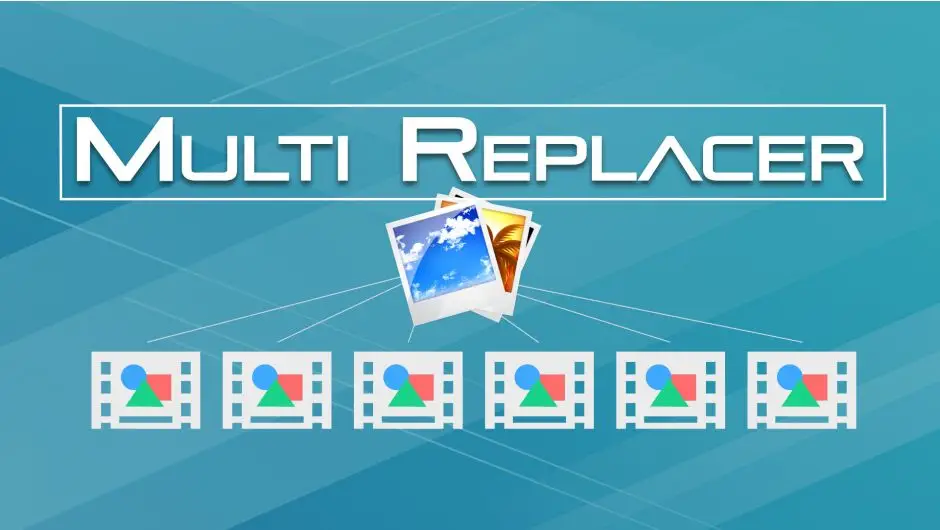
If you’ve ever spent an entire afternoon manually swapping out images in a massive After Effects project, this tool is your new best friend. 🤯 The Multi Replacer is an absolute beast when it comes to batch image replacement. You can replace, insert, and resize multiple images in just a few clicks. It’s like having a tiny robot assistant that handles all the boring stuff so you can stay in the creative flow. Perfect for product mockups, slideshows, or any repetitive task that makes you want to pull your hair out. Say goodbye to monotony! 🚀🎉
✨ Get This Now by Nataworkstudio
After Keying
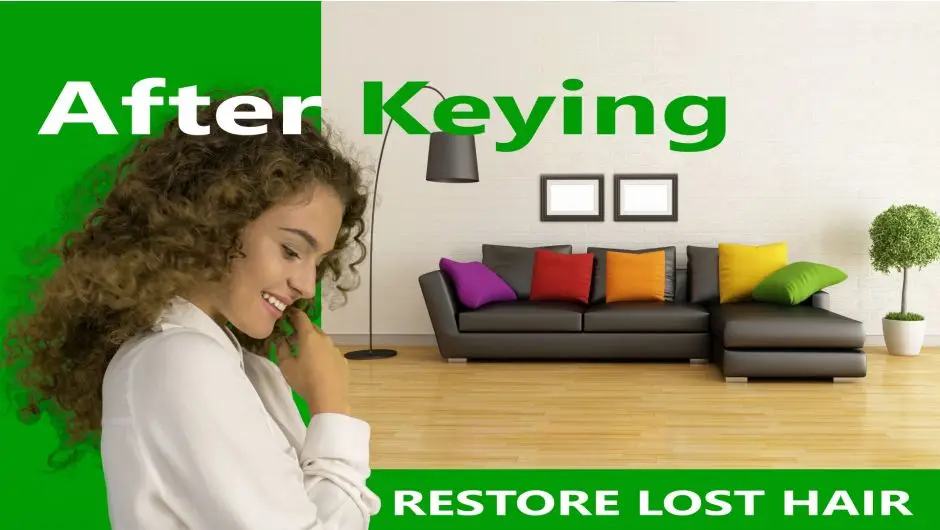
Green screen nightmares? Not anymore! 💚💥 After Keying is the secret weapon you’ve been waiting for. This powerful tool handles tricky keying challenges like restoring lost hair detail (yes, that flyaway hair you thought was gone forever!) and seamlessly integrating objects into any scene with just one click. It’s perfect for video editors and motion graphics artists who want compositing that feels clean and magical. Say hello to professional results without the stress. ✨🎬
✨ Get This Now by Nataworkstudio
Advanced Mask Editor 2
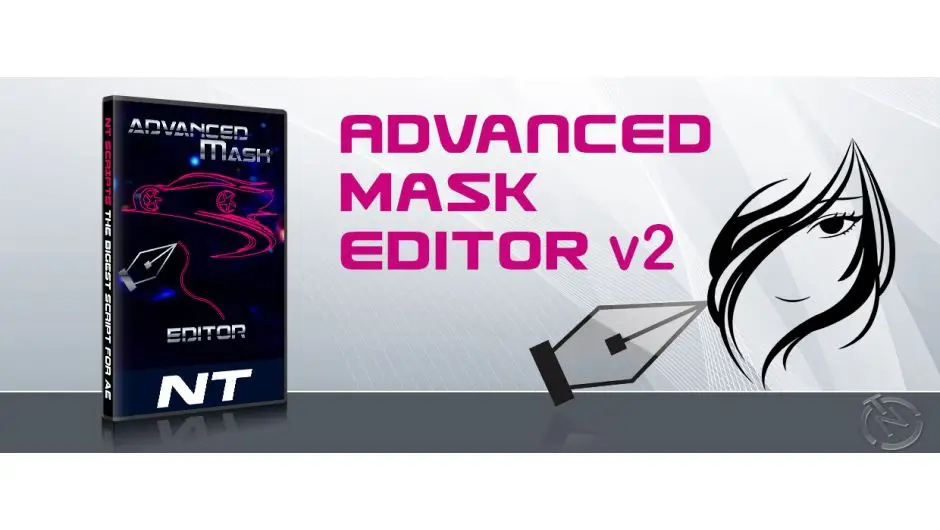
Masking in After Effects can feel like a love-hate relationship, but this toolkit makes it all love and no hate. 😍 The Advanced Mask Editor 2 gives you superpowers over your masks, letting you create stunning visual effects with incredible precision. Think seamless rotoscoping, intricate shapes, and effects that look like you spent days on them (but you didn’t). If you want to level up your graphic design game and add a professional polish to your visuals, this is your go-to weapon. 🎯✨
✨ Get This Now by Nataworkstudio
Face 3D
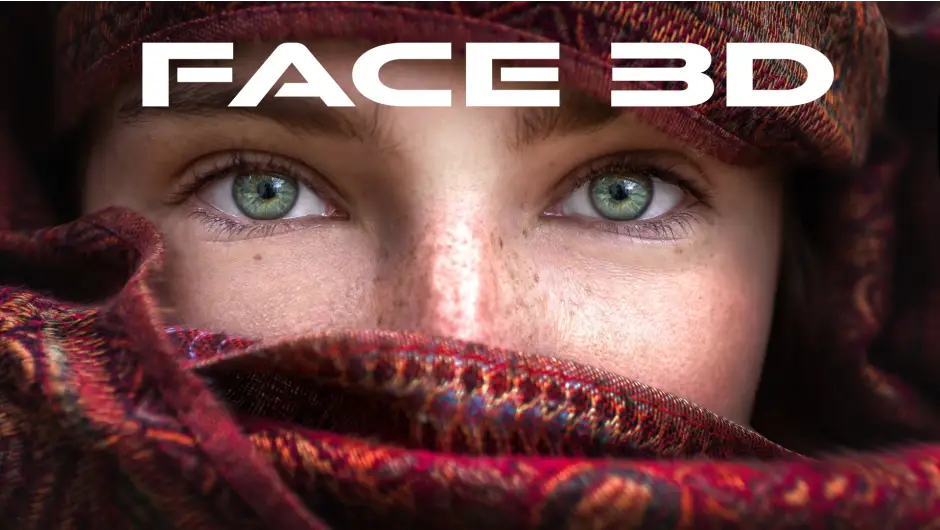
Ever wanted to turn regular photos into living, breathing 3D characters? 👤✨ Face 3D is your magic wand! This incredibly fun tool lets you create fully animated 3D face models from ordinary photos. Whether you’re making unique avatars, experimental art, or just want to freak out your friends with a 3D version of that old family photo, this tool makes it ridiculously easy. It’s a must-have for digital artists, game designers, and anyone who loves to push the boundaries of creativity. Let the 3D adventures begin! 🚀🎭
✨ Get This Now by Nataworkstudio
Conclusion
There you have it, creative fam—my top six picks from the incredible Nataworkstudio Collection. From 3D projection mapping wizardry to super-efficient keying and masking, these tools are designed to make your After Effects life easier and way more fun. Don’t just take my word for it—grab a few, play around, and watch your projects come alive. Your art deserves this upgrade! 💥🎨
Frequently Asked Questions
What makes Nataworkstudio tools different from other After Effects plugins?
Nataworkstudio focuses on blending powerful automation with a super intuitive, user-friendly interface. Instead of overwhelming you with complicated settings, these tools do the heavy lifting behind the scenes—so you get professional, jaw-dropping results without the steep learning curve. It’s like having a smart assistant built right into your workflow! 🤖✨
Can I use Projection 3D V5 for real-time 3D projection mapping?
Yes! While it works beautifully in After Effects for pre-rendered projects, the parallax and depth controls are so responsive that you can create immersive, cinematic animations that feel almost real-time. It’s perfect for multimedia presentations, virtual sets, or adding a 3D flair to any video project. Just watch your audience’s jaws drop. 🎬🌀
Do I need advanced After Effects skills to use Face 3D or After Keying?
Not at all! That’s the beauty of this collection. Both Face 3D and After Keying are designed with a simple, click-and-go philosophy. If you can drag and drop, you can create amazing 3D faces or perfect green screen comps. It’s beginner-friendly but packs enough punch for expert-level work. Dive in and have fun! 🚀😁



