Ready to take your digital art from “meh” to “WOW!”? 🚀 Whether you’re a photographer chasing that perfect golden hour glow or a designer crafting spooky Halloween masterpieces, the MixPixBox Collection is your secret weapon. ✨ We’ve rounded up 16 incredible products—from dreamy bokeh brushes to explosive dirt overlays—that will save you hours of work and sprinkle pure magic onto every project.
Why Use These MixPixBox Tools?
Let’s be real: creating intricate lighting, atmospheric fog, or realistic wounds from scratch is a massive time-suck. 😩 These overlays and brushes are designed to give you instant, pro-level results with just a drag, drop, or brush stroke. Whether you’re adding romantic bokeh, golden sun rays, or a touch of Halloween spookiness, MixPixBox lets you focus on the fun part—creating! 🎨
Top 16 MixPixBox Picks
Lamp Light Photo Overlays
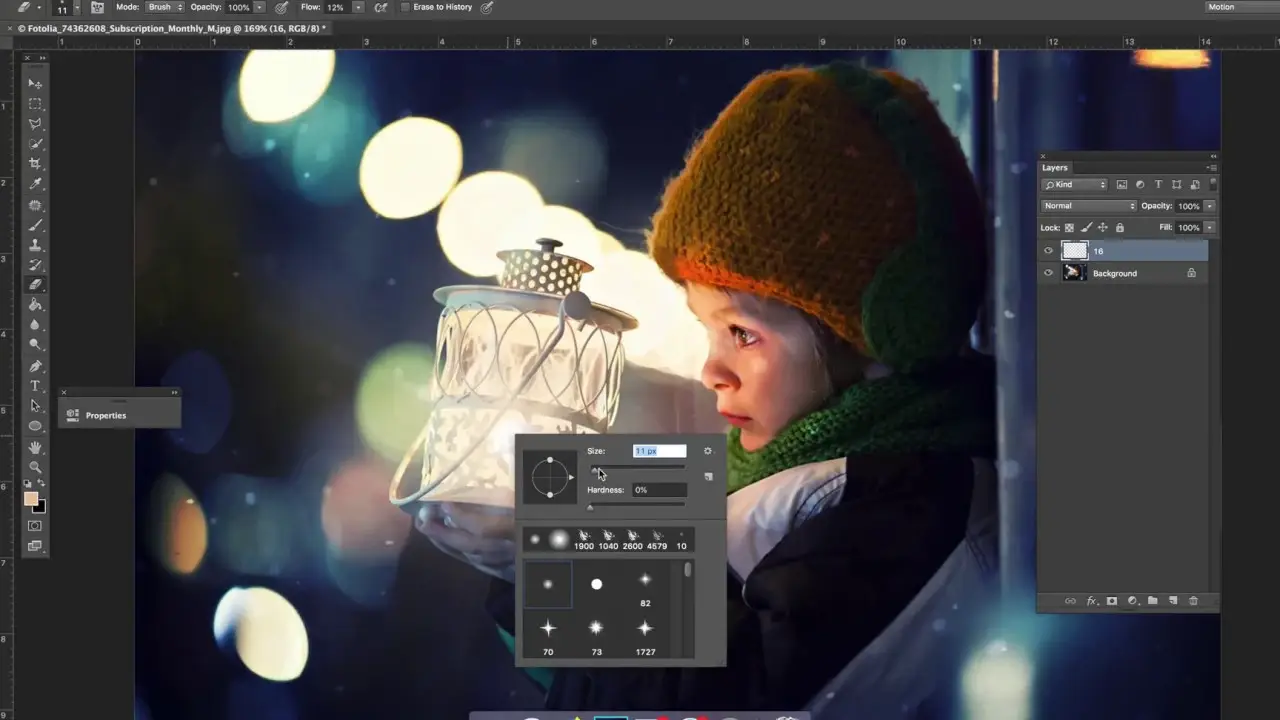
Bring the cozy, warm vibe of a candlelit room to any photo instantly! 🕯️ These overlays are like having a film crew’s lighting rig in your pocket. Perfect for portraits or moody still lifes. ✨
50 Bokeh Photoshop Brushes
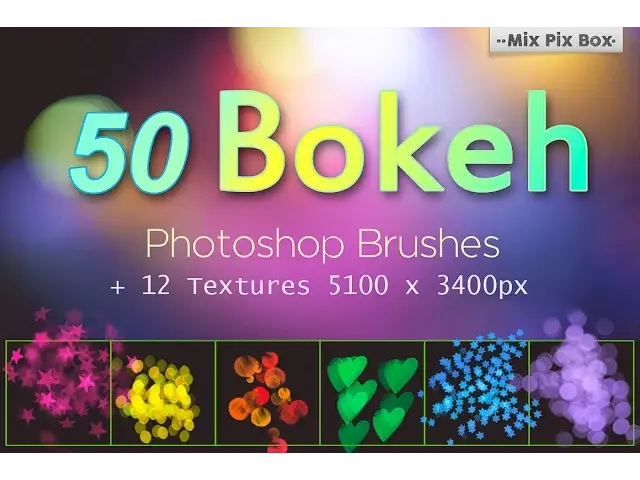
Create that dreamy, out-of-focus background glow that makes weddings and portraits look like pure fairy tales! 🌸 With 50 unique brushes, you can paint romance and softness into any scene. 💖
Sun Rays Photo Overlays
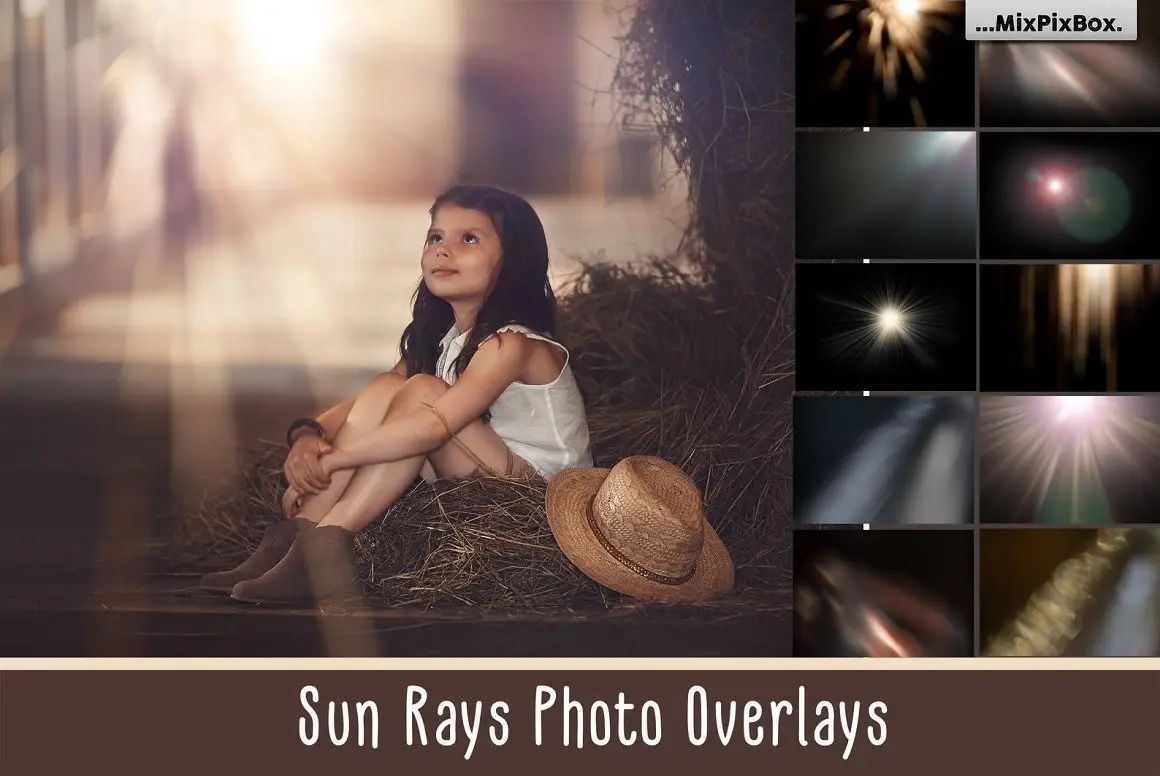
Who needs to wait for golden hour when you can summon the sun with a click? ☀️ These high-res rays add instant drama, warmth, and a cinematic feel to landscapes or portraits. 🔥
Blood Photo Overlays
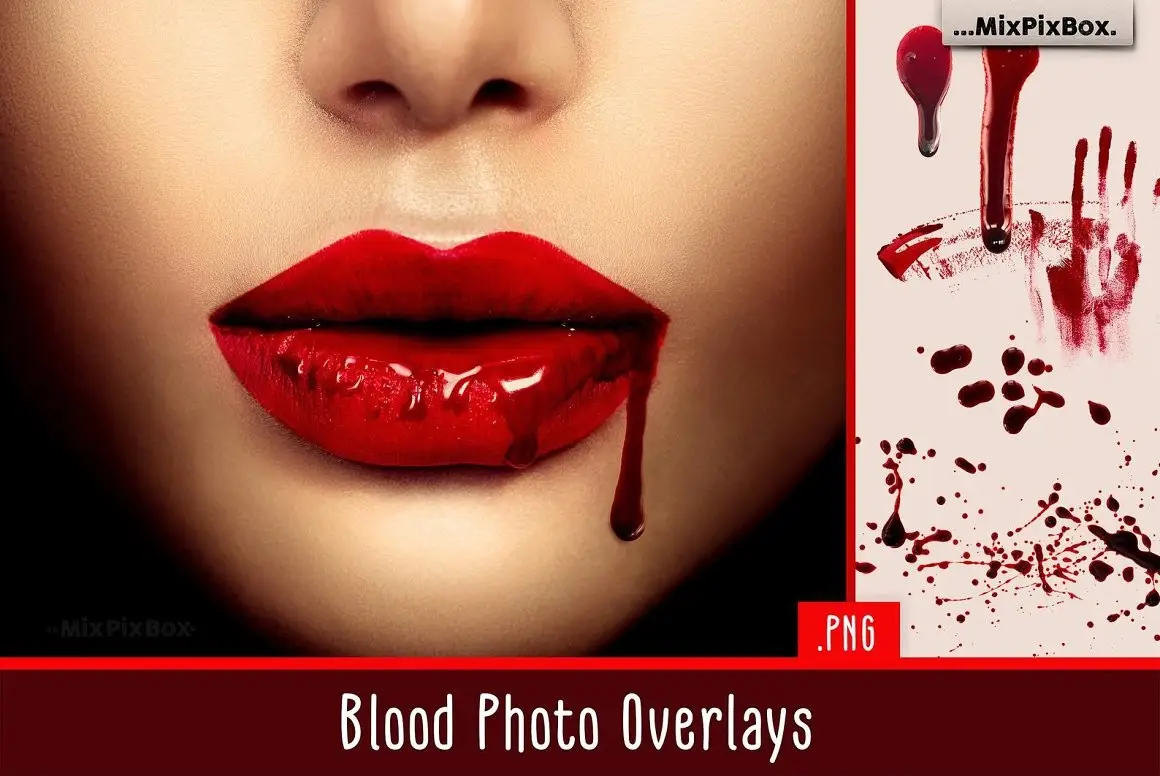
Get your spook on! 👻 Perfect for Halloween invites, horror movie posters, or zombie-themed shoots. These realistic splatters and drips are disgustingly good (in the best way). 💀
Dirt Explosion Photo Overlays
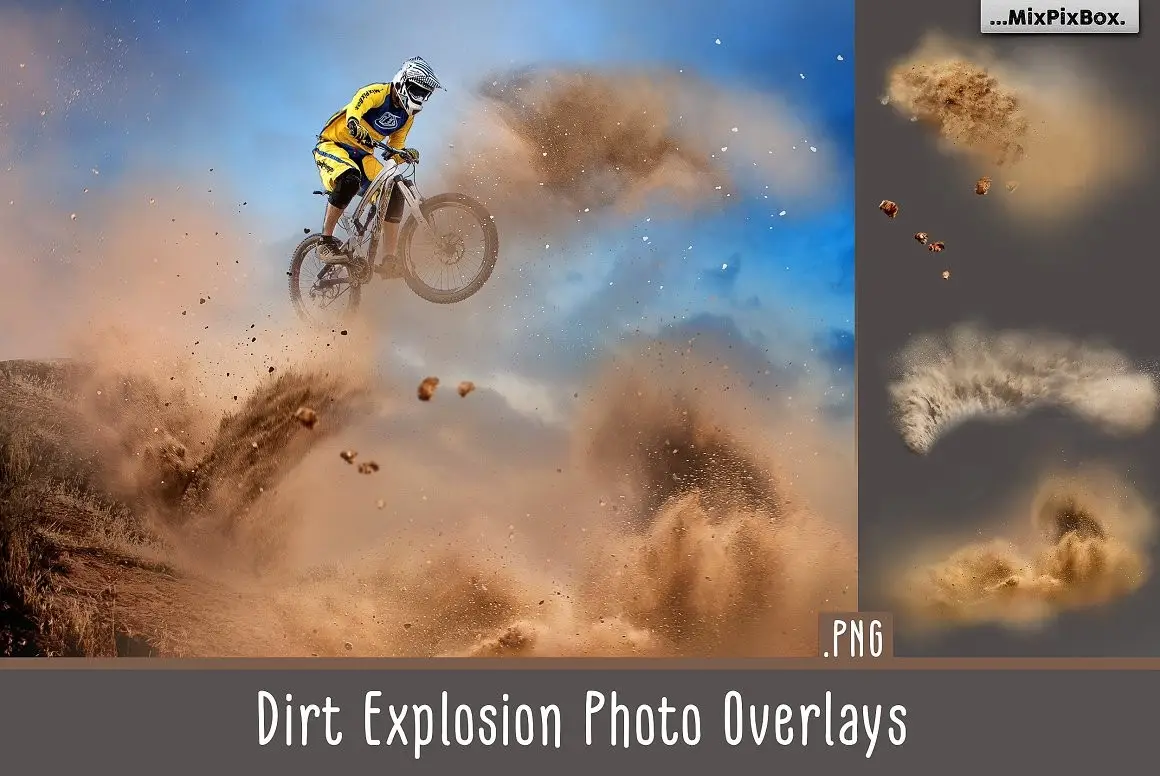
Add drama, dust, and grit to action shots or apocalyptic scenes! 🏜️ These overlays make a simple photo look like a scene from *Mad Max* in seconds. Explosive power, zero cleanup. 💥
Wounds and Scars Overlays
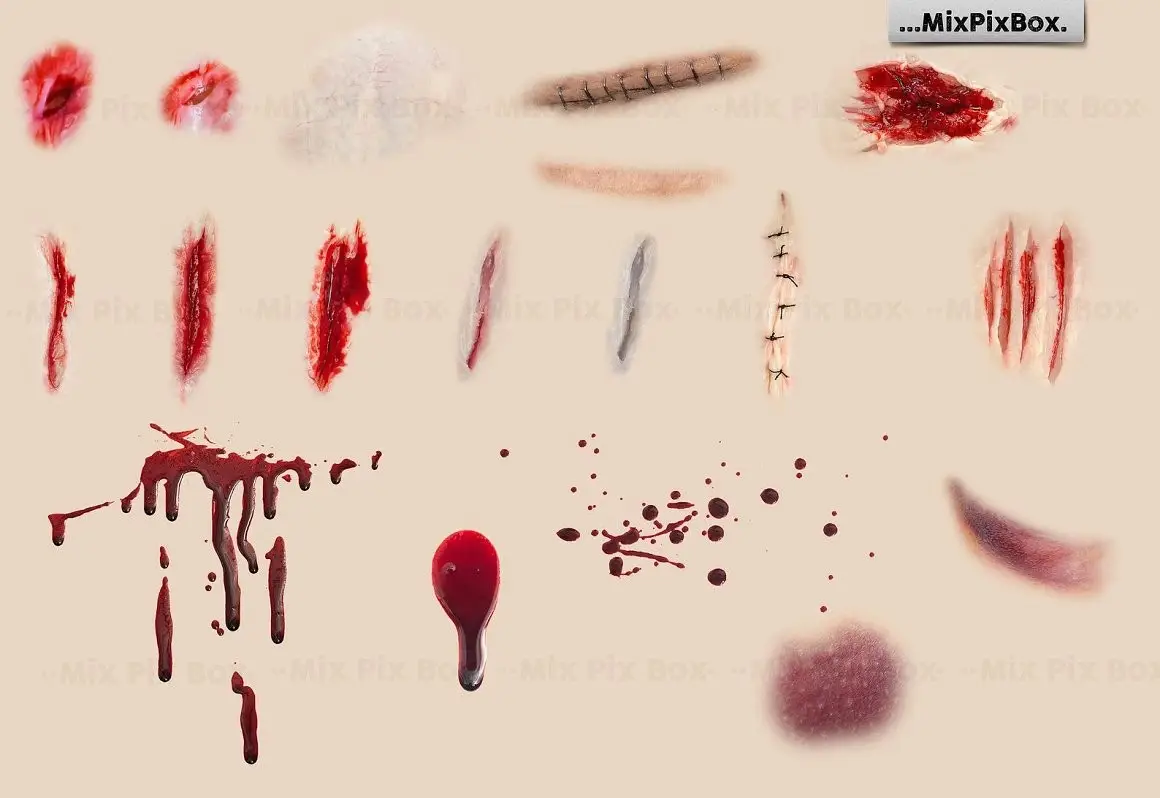
Take your character design to the next level with battle-worn realism! ⚔️ Whether it’s for a gritty video game or a fantasy cosplay edit, these overlays look painfully real. 😬
Dandelion Overlays
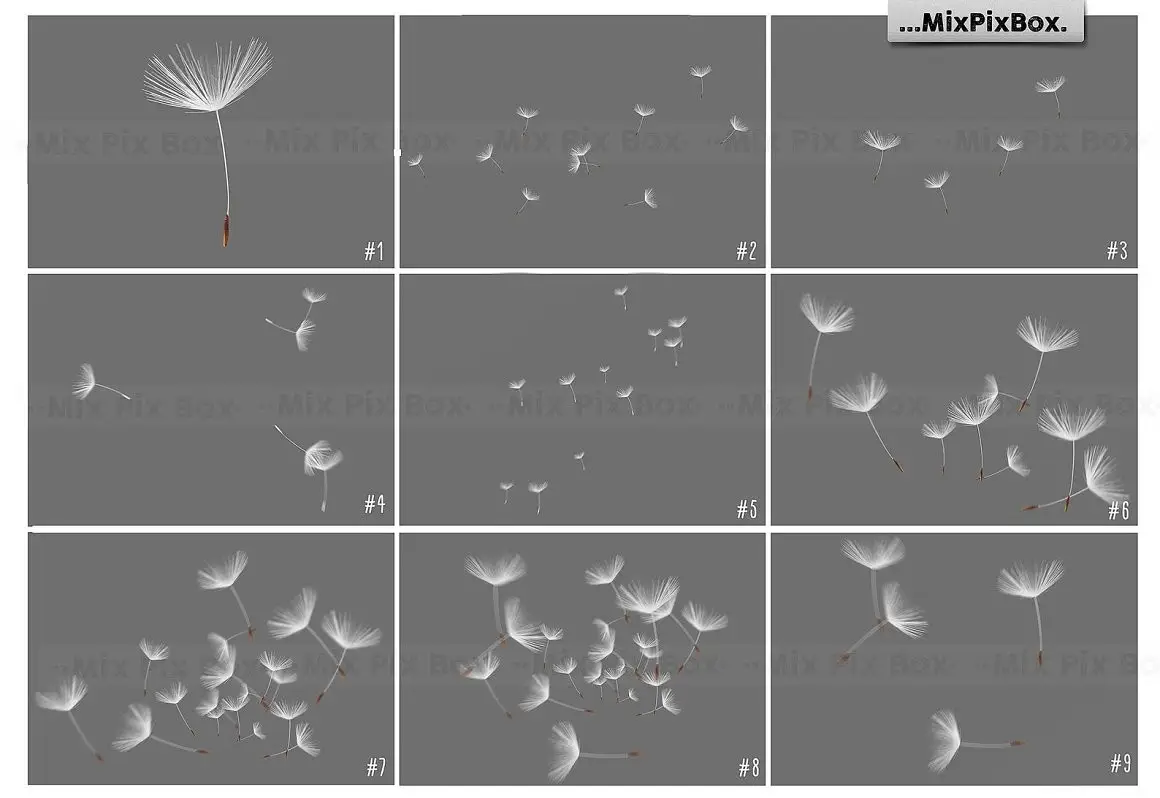
Capture that whimsical, “wish upon a star” feeling! 🌬️ These floating seeds are perfect for adding a soft, ethereal touch to engagement photos or spring-themed art. So dreamy! 🌼
Colored Powder Photo Overlays
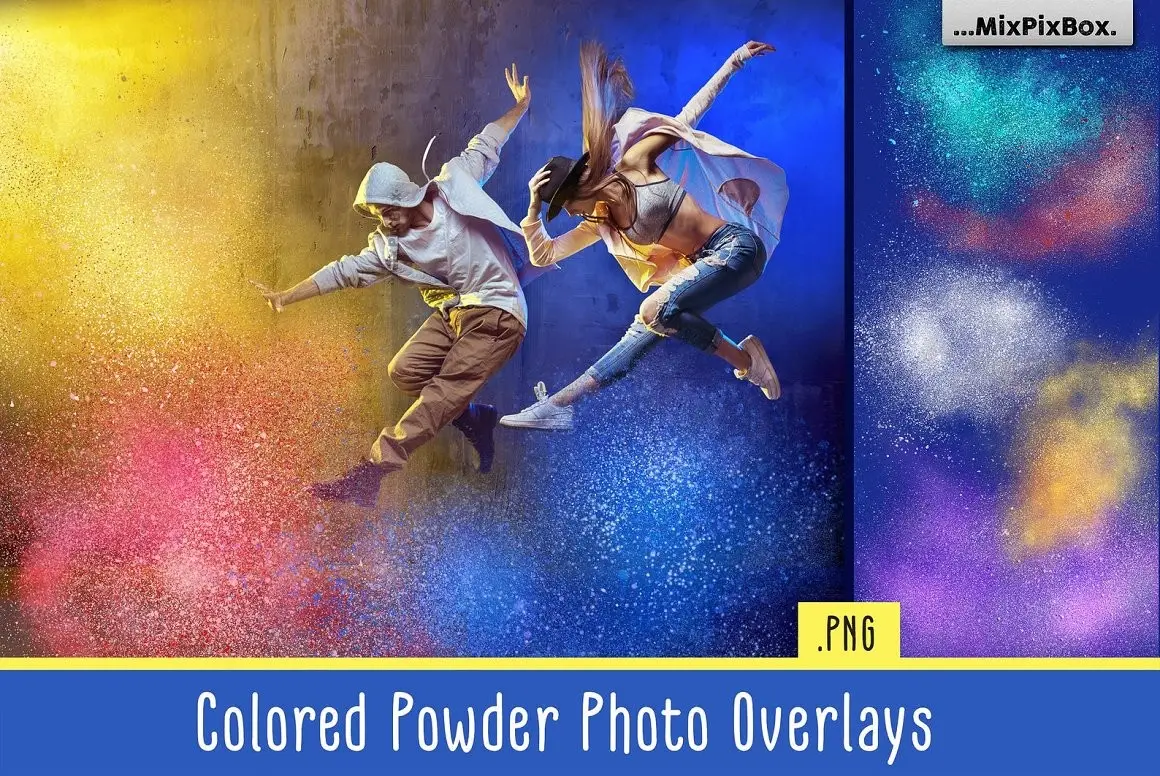
Throw a colorful party in your design! 🎉 These vibrant powder explosions in pink, blue, and purple are perfect for festival themes, music posters, or just adding a burst of joy. 🌈
Golden Fireflies Photo Overlays
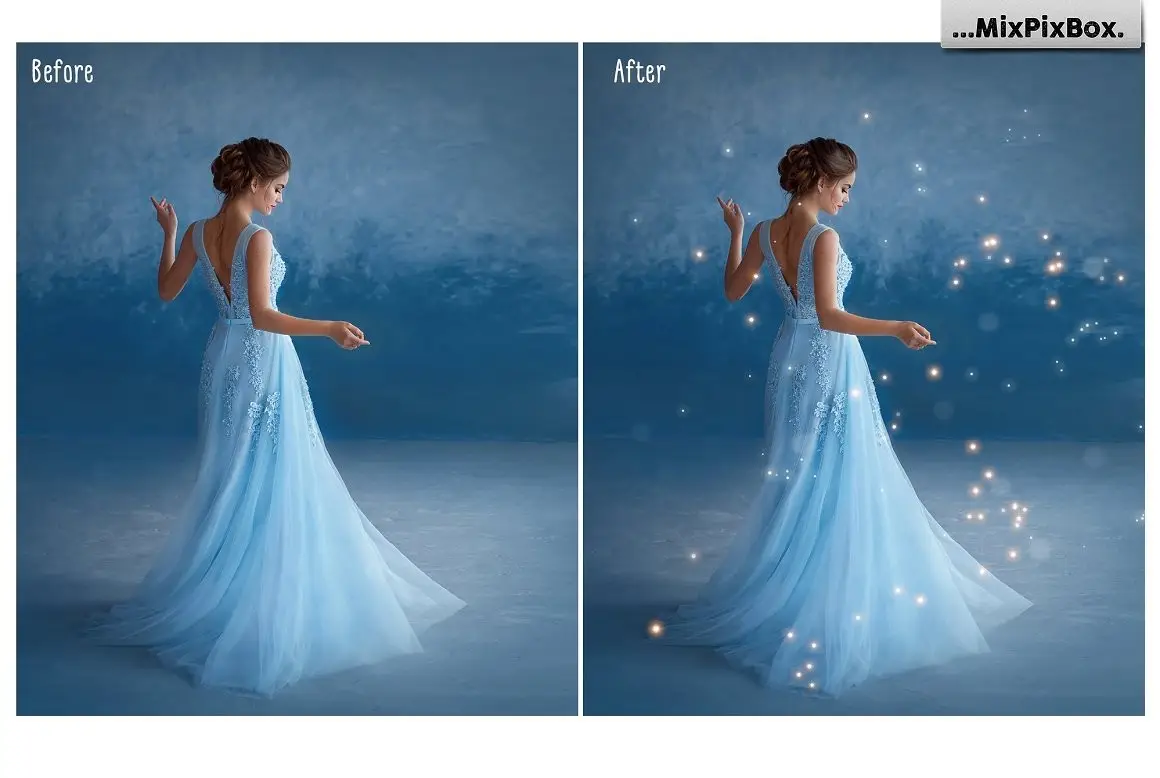
Add a sprinkle of fairy dust to your photos! 🧚♀️ These glowing golden specks create a magical, enchanting atmosphere that’s perfect for fantasy portraits or romantic wedding shots. Mesmerizing! ✨
Radiant Effects Bundle by MixPixBox

The ultimate all-in-one kit for any digital artist! 🎁 This bundle packs dreamy backdrops, dynamic lights, and vibrant textures into one huge download. It’s like Christmas morning for creatives! 🎄
Lens Flare Brushes for Adobe PS

Channel your inner J.J. Abrams! 🌟 These brushes let you paint beautiful, cinematic lens flares directly into your photos. Perfect for adding that Hollywood blockbuster feel. 🎬
SUN RAYS brushes for Adobe Photoshop

Paint sunshine directly onto your canvas! ☀️ These brushes are perfect for creating morning light in landscapes or a divine glow in spiritual artwork. Instant warmth! 🔥
50 Bokeh Photoshop Brushes

Another gorgeous set of bokeh brushes because you can never have too much blurry magic! 🌟 This classic pack is perfect for holiday cards or dreamy social media posts. Happy vibes only! 😊
Park Bench Backdrops

Instantly transport your subject to a serene, storybook park setting! 🌳 These backdrops are fantastic for portrait photographers who want an elegant, nature-inspired look without leaving the studio. 🪑
Smoke Bomb Brushes For Photoshop

Add a mysterious, ethereal haze to your portraits or fantasy scenes! 🌫️ These brushes create beautiful, wispy smoke effects that add depth, drama, and a touch of the unknown. So atmospheric! 🖤
Ribbon Brushes for Adobe Photoshop

Add a touch of elegance and flow to your typography or logo designs! 🎀 These brushes create beautiful, swooping ribbon shapes that look like they’re dancing on the page. Perfect for invitations or branding. 💌
Conclusion
There you have it—the complete MixPixBox Collection rundown! 🎉 Whether you’re lighting up a portrait with golden fireflies or adding gritty realism with wounds and scars, these 16 tools will supercharge your creativity. Don’t just take my word for it—try them out and watch your art transform. Happy creating, legends! 🚀
Frequently Asked Questions
Are these overlays and brushes easy to use for beginners?
Absolutely! 🎯 Most of these products are drag-and-drop overlays or one-click brush installs. Even if you’re new to Photoshop, you can achieve pro-level effects in minutes. Just open the file, apply it to your image, and blend away!
Can I use these products for commercial projects?
Yes, the MixPixBox collection generally comes with a commercial license, meaning you can use them in client work, social media, or even merchandise. Always check the specific product description on Brushespack.com to be sure, but you’re good to go for most projects! 💼
What format do these files come in?
The overlays are typically high-resolution PNGs with transparent backgrounds, while the brushes come as .ABR files for Adobe Photoshop. Both formats are industry-standard and super easy to work with. No weird file types here! 📁