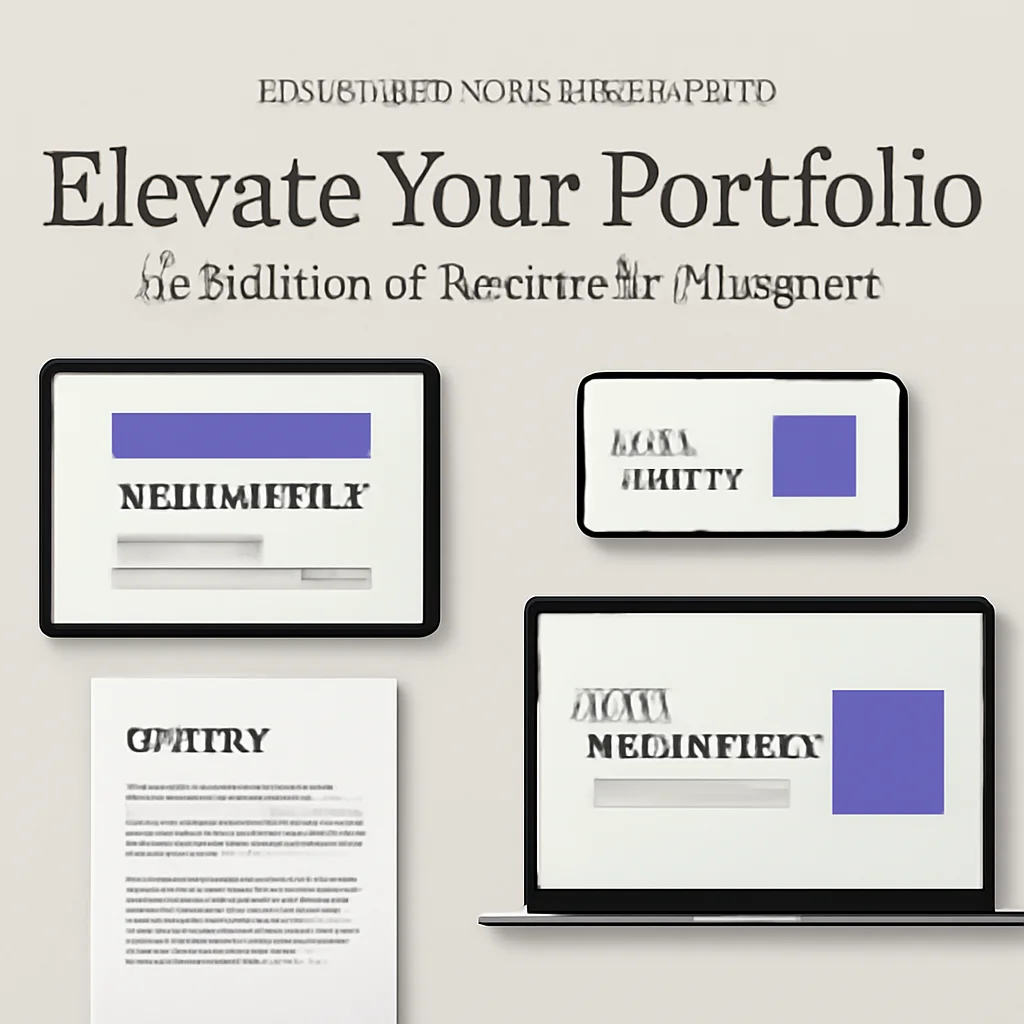
Hey there, creative soul! 🎨 Ready to take your portfolio from “meh” to “WOW”? I’m absolutely thrilled to share the OrbytStudio Collection Part 3 with you. This powerhouse lineup features 13 insanely professional mockups that will make your brand presentations look like a million bucks—without the hefty price tag. Whether you’re a seasoned designer or just starting your freelance journey, these assets are your secret weapon for wowing clients. ✨
Why Use These Mockups?
Let’s be real—presenting a flat file just doesn’t cut it anymore. Clients want to see their logo on a real business card, their book cover on a coffee table, or their app design glowing on a MacBook. These OrbytStudio mockups are fully adjustable in Photoshop, meaning you can drop your design in seconds and get a photorealistic result. 🚀 They save you hours of tedious lighting and perspective work, so you can focus on what you do best: being a rockstar designer!
Top 13 Mockup Picks
Business Card 06 Standard Mockup

Kicking off the list with pure elegance! 🎉 This mockup features a smooth, minimalist layout perfect for showcasing foil accents or minimalist branding. Your designs will look like they belong in a high-end agency portfolio.
Business Card 04 Standard Mockup

This one is all about texture! 🎨 The subtle shadows and paper grain give your business card a tactile, luxurious feel. Ideal for photographers or boutique brands wanting to show off premium quality.
Business Card 05 Standard Mockup

Got a bold, colorful brand? 🌟 This mockup’s clean white background and crisp focus make your design pop instantly. The standard layout works wonders for corporate identities.
Business Card 03 Standard Mockup

Looking for a slightly angled, dynamic perspective? 📐 This template brings a sense of depth, perfect for presentation decks or social media teasers.
Business Card 02 Standard Mockup

Two cards side-by-side for double the impact! 🪄 Perfect for showcasing front and back designs in a single, elegant shot. Your clients will love the clarity.
Business Card 01 Standard Mockup

The classic standard—simple, clean, and timeless. ✨ If you need a no-fuss mockup that lets your design steal the show, this is it. A must-have for every toolkit!
Book 03 Standard Mockup

Your book cover deserves a grand stage! 📚 This mockup shows the book slightly open with a beautiful soft shadow, making it feel real enough to touch.
Book 02 Standard Mockup

This mockup features a flat lay view with a subtle leather texture—perfect for novels, portfolios, or magazine covers. It screams sophistication! 🌟
Book 01 Standard Mockup Graphics

A clean, top-down view of a closed book with a soft, warm background. 🪄 Ideal for minimalistic covers or modern brand books. Easy to edit and stunning results!
Binder 02 Standard Mockup

Presenting a binder mockup with a professional, corporate vibe! 📁 Great for brand guidelines, portfolios, or proposal presentations. The metal rings and spine add realistic detail.
Binder 01 Standard Mockup

This binder is shown slightly ajar with a subtle desk background—adding a human touch to your stationery designs. It’s an instant client-pleaser! 🤩
A-Frame Sign 01 Standard Mockup

Outdoor advertising meets chic design! 🪧 Perfect for cafe menus, pop-up shops, or event signage. This mockup lets you visualize your brand in the real world with amazing depth of field.
MacBook Pro 01 Standard Mockup

Show off your UI/UX designs or web layouts on a stunning MacBook Pro! 💻 The screen reflection and metallic finish look incredibly real. It’s the ultimate digital presentation tool.
Conclusion
And there you have it—13 absolutely gorgeous mockups from the OrbytStudio Collection Part 3! 🎉 Whether you need to pitch a branding package, update your Behance portfolio, or just want to have fun visualizing ideas, these Photoshop templates will save you time and make you look like a total pro. Don’t wait—grab your favorites and start dazzling your clients today! 🚀
Frequently Asked Questions
What file formats do these OrbytStudio mockups come in?
All mockups in this collection are PSD files designed for Adobe Photoshop. They use smart objects, so you can simply double-click, paste your design, and save—it’s that easy! 🪄
Can I use these mockups for commercial projects?
Absolutely! You are free to use these mockups for both personal and commercial client work. Just remember, you cannot resell the mockup files themselves. 🚀
Do I need advanced Photoshop skills to use them?
Not at all! OrbytStudio designs these with simplicity in mind. If you know how to use Smart Objects, you’re golden. Even beginners can achieve professional results in minutes. ✨