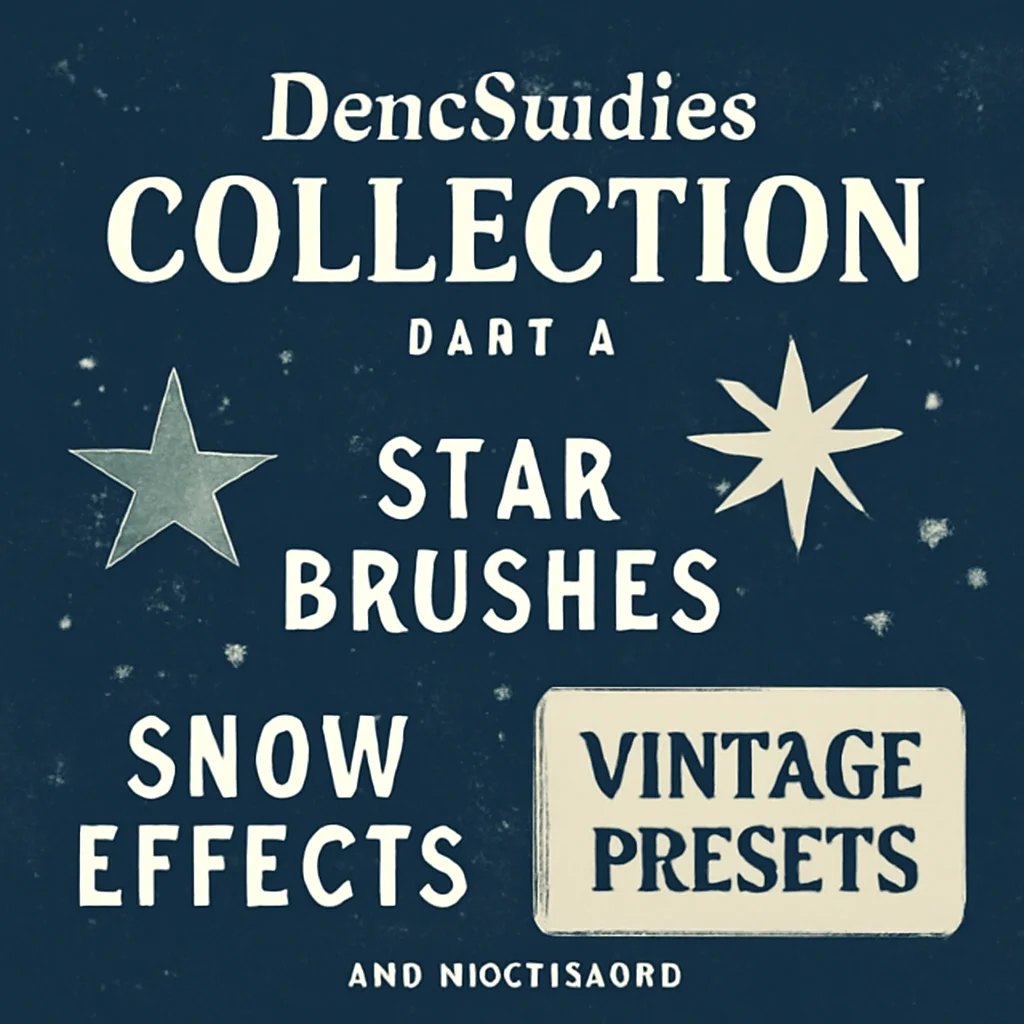
Hey there, creative soul! 🎨✨ Welcome back to the fourth installment of our deep dive into the DeneStudios Collection. If you’ve been following along, you know that DeneStudios has a knack for crafting tools that feel like pure magic. Today, we’re mixing starry skies, winter wonderlands, and a dash of vintage flair. Whether you’re a digital painter, a photographer, or just someone who loves to make things beautiful, these three resources are about to become your new best friends. Let’s dive in! 🚀
Why Use These Design Resources?
Because time is precious, and you deserve tools that work as hard as you do! 🕰️ These brushes and presets from DeneStudios are designed to save you hours of manual work while giving your projects that high-end, professional polish. Whether you’re adding a celestial glow, a blanket of snow, or a nostalgic film vibe, these assets deliver instant, stunning results without the guesswork. Ready to level up your creative game? Let’s check out the top picks. 🌟
Top 3 DeneStudios Picks
20 Star Photoshop Brushes
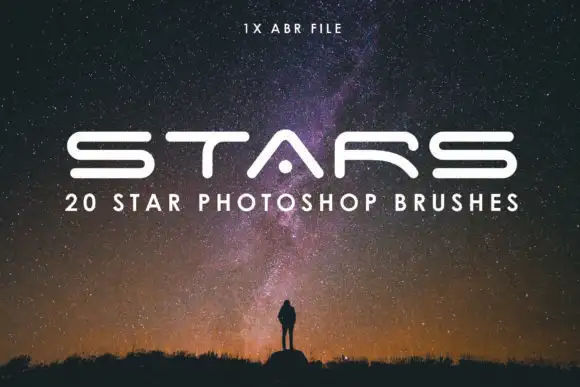
Get ready to paint the cosmos! 🌌 These 20 Star Photoshop Brushes are an absolute dream for anyone wanting to sprinkle a little stardust into their projects. From tiny twinkling dots to bold, glowing star bursts, each brush is perfectly designed to help you create magical night skies, fantasy landscapes, or boho-inspired art. I love how versatile they are—you can use them for backgrounds, textures, or even as decorative elements in your typography. Seriously, your inner child will be doing a happy dance! ✨🚀
10 Realistic Photoshop Snow Brushes
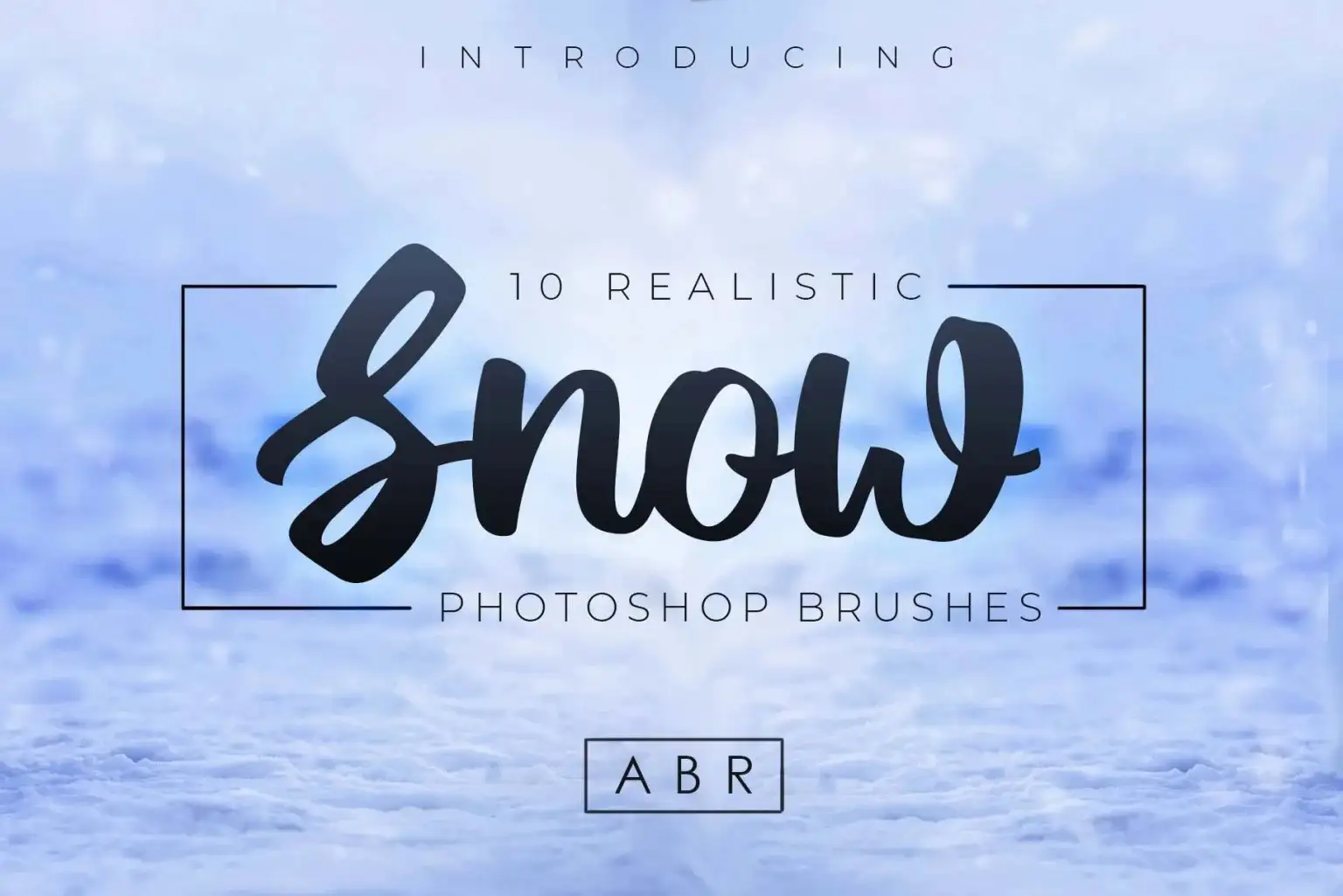
Brrr, it’s beautiful out here! ❄️ If you’ve ever tried to paint individual snowflakes by hand, you know it’s a recipe for a sore wrist and a lot of patience. These 10 Realistic Photoshop Snow Brushes from DeneStudios are a total lifesaver! They give you fluffy, drifting snow, gentle flurries, and even heavy blizzard effects in just one click. Perfect for holiday cards, winter mood boards, or adding a frosty touch to your photos. The realism is stunning—you’ll feel the chill right through your screen! 🎄✨
5 Vintage Lightroom Presets

Calling all nostalgia lovers—this one’s for you! 📸✨ These 5 Vintage Lightroom Presets are the secret sauce to achieving that dreamy, retro film look without any of the hassle. From warm sepia tones to moody, faded pastels, each preset is meticulously crafted to give your photos a timeless, editorial-quality vibe. I’ve used them on portraits, street photography, and even flat lays—they instantly add so much character and warmth. Just one click and boom, you’re an analog-era legend! 🎞️🔥
Conclusion
There you have it, artist! 🌟 Three absolutely stellar resources from DeneStudios that cover the celestial, the seasonal, and the sentimental. Whether you’re adding stars to the sky, snow to the ground, or vintage warmth to your photos, these tools make the process feel effortless and, most importantly, fun. Grab them all and watch your creativity take flight! 🚀🎨
Frequently Asked Questions
Are these brushes compatible with older versions of Photoshop?
Yes! These brushes work with most modern versions of Adobe Photoshop (CS6 and above), as well as Photoshop Elements. Just make sure to follow the installation guide included in your download, and you’ll be good to go! 🖌️✅
Can I use the Lightroom presets on both mobile and desktop?
Absolutely! These DeneStudios presets are designed for Adobe Lightroom Classic (desktop) and are also compatible with Lightroom CC and the mobile app via a simple sync. So whether you’re editing on your laptop or your phone, you can get that vintage look on the go! 📱💻
How do I install the snow or star brushes once I download them?
Installing is super easy! Simply download the .ABR file, open Photoshop, grab the Brush Tool (B), open the Brush Panel, and click the gear icon to “Import Brushes.” Select the file, and boom—they’ll appear at the bottom of your brush list. If you get stuck, DeneStudios includes a handy PDF guide in the download! 🧑🎨✨