Ready to level up your creative game in Photoshop? 🚀 Whether you’re retouching portraits, crafting stunning sketches, or adding moody metallic vibes, the right action can save you hours and blow your mind with the results. In this latest BrushesPack Collection (Part 263), we’re diving into 20 absolutely fantastic tools that will make your workflow smoother and your art pop like never before. Let’s get those creative juices flowing! ✨🎨
Why Use These Photoshop Actions?
Let’s be real—time is money, and nobody wants to spend hours fiddling with layers to get that perfect look. These actions are like having a magic wand that does the heavy lifting for you! 🌟 From one-click skin retouching to transforming photos into gorgeous paintings, they help you achieve professional-quality results instantly. Perfect for photographers, digital artists, and designers who want to add a little pizzazz to their projects. 🚀
Top 20 Photoshop Actions Picks
Complexion 2 Photoshop Action

Give your portraits that flawless, airbrushed finish with just a click! ✨ This action smooths skin, balances tones, and keeps texture looking natural—perfect for anyone who wants pro-level retouching without the headache. 🎨
Scribble Pen Sketch Photoshop Action V

Craving that playful, hand-drawn look? 🖊️ This action turns your photos into dynamic scribble sketches full of energy and character. A must-have for adding a quirky, artistic vibe to your designs! ✨
Metal Color Photoshop Action
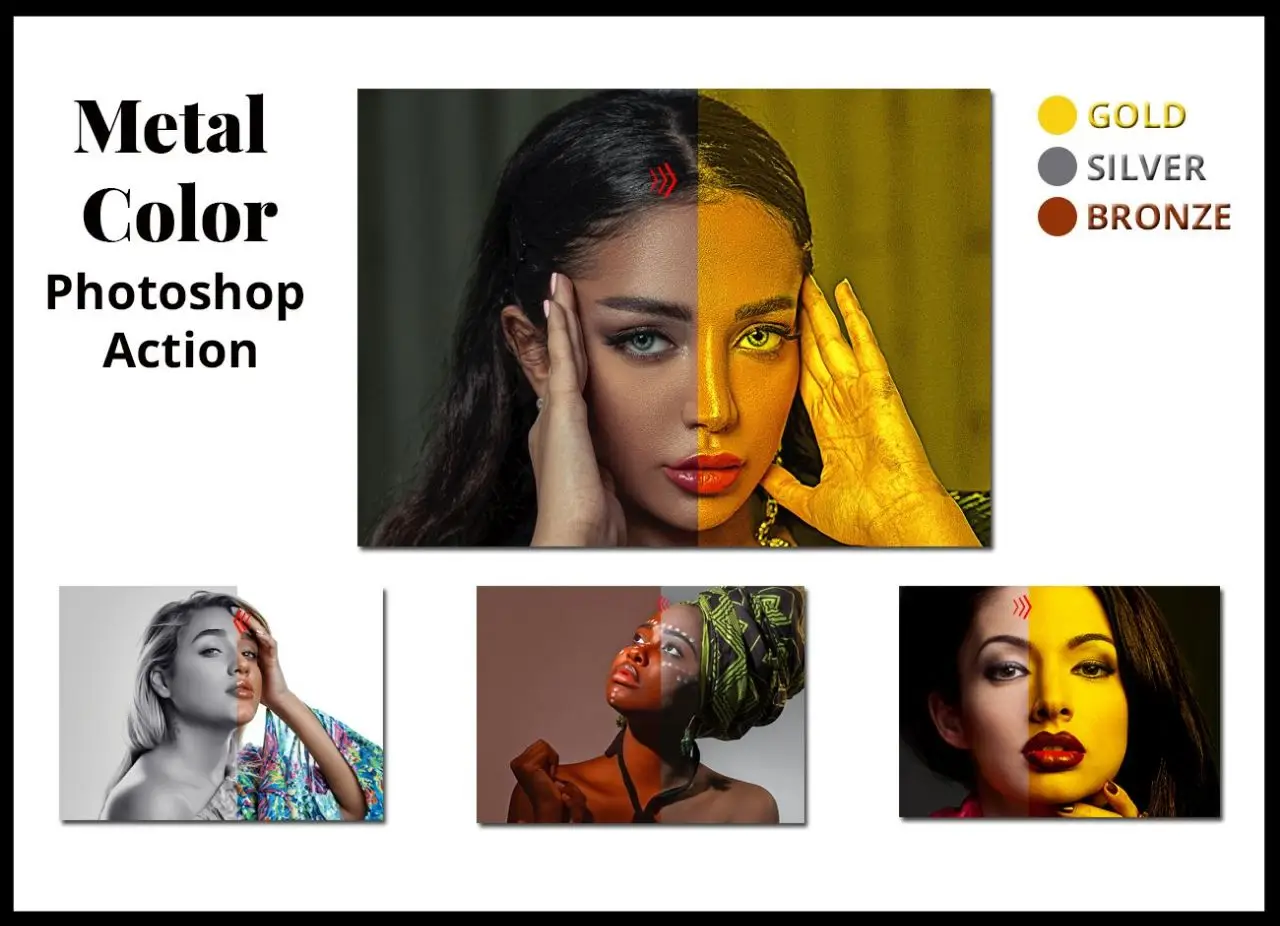
Add some serious shine to your work! 🔥 This action creates stunning, vibrant metallic effects that make your designs look like liquid gold (or silver, or copper!). Perfect for eye-catching posters and graphics. 🚀
Modista Photoshop Action

Step into the world of fashion-forward editing! 👗 This action enhances colors and adds stylish, professional retouching that makes your portraits look straight out of a magazine. Simply stunning! ✨
Vintage Portrait Photo Effect
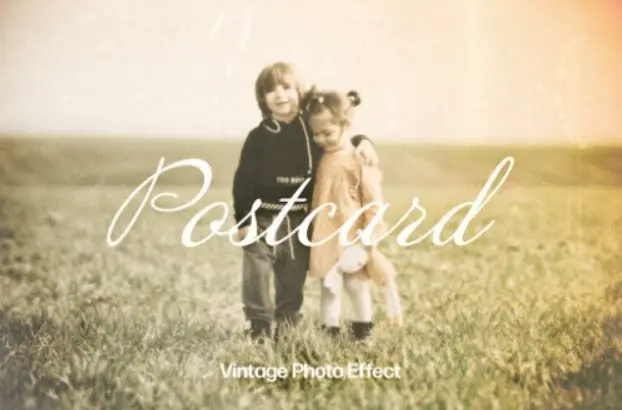
Bring on the nostalgia! 📷 This action infuses your portraits with warm, aged tones and soft film grain. Perfect for creating that timeless, romantic vibe that never goes out of style. ❤️
Realistic Painting
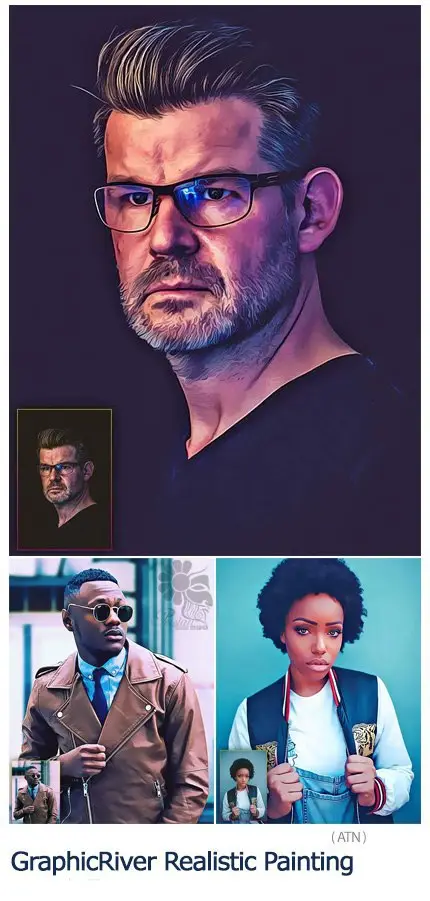
Turn your photos into breathtaking, lifelike paintings! 🖼️ This action mimics the beautiful brushstrokes of traditional art, giving your images a gallery-worthy feel. A true masterpiece maker! 🎨
Scrape Art Photoshop Action

Get that edgy, textured look that screams “cool artist”! 🖌️ This action adds gritty, scraped effects that bring depth and a raw, handmade feel to your digital creations. Love it! 🔥
Double Exposure Photo Effect
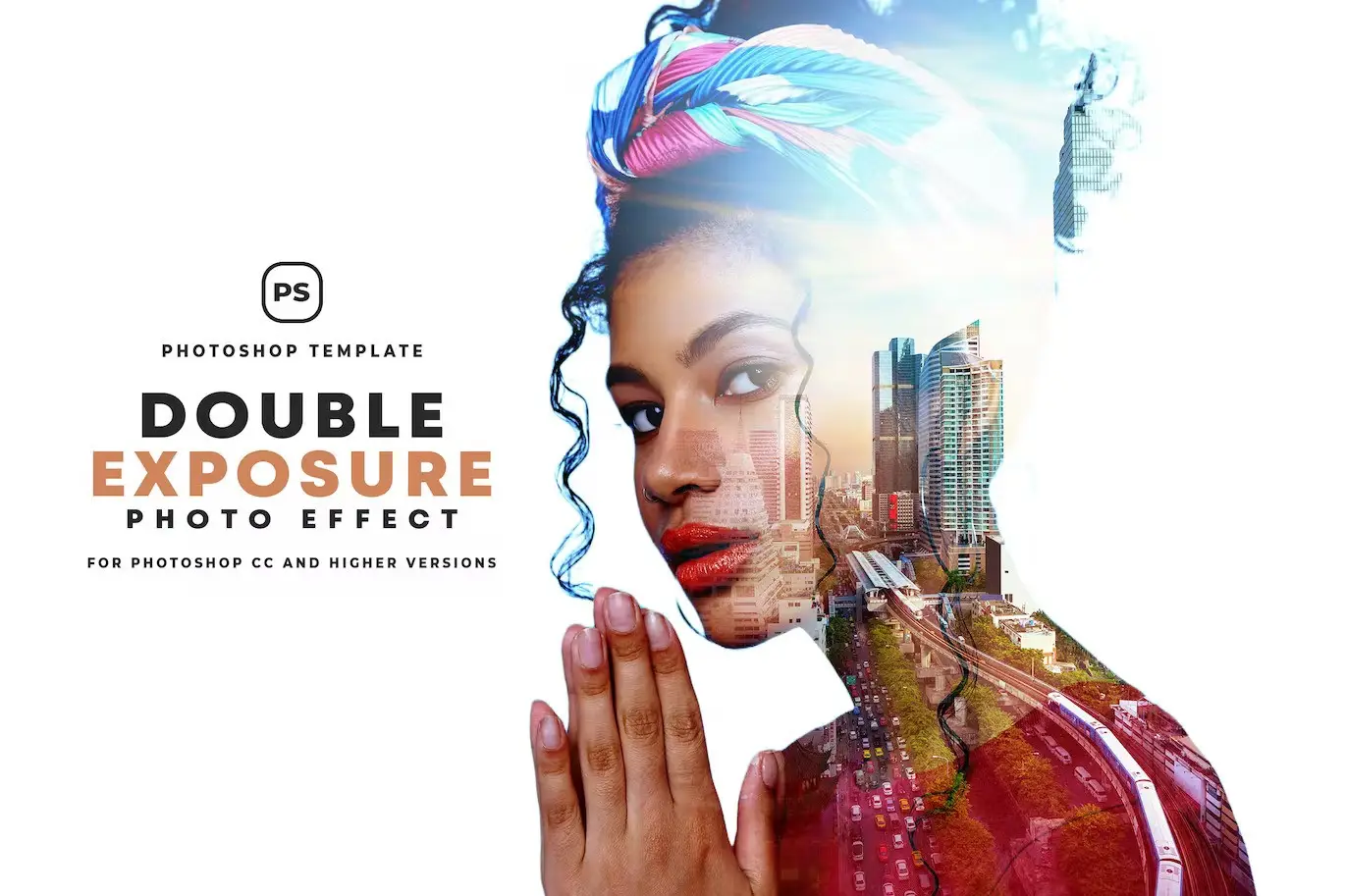
Blend two images into one magical story! 🌟 This action creates surreal double exposures effortlessly—perfect for dreamy portraits, conceptual art, or just wowing your followers. ✨
Sketch Watercolor Effect Ps Act
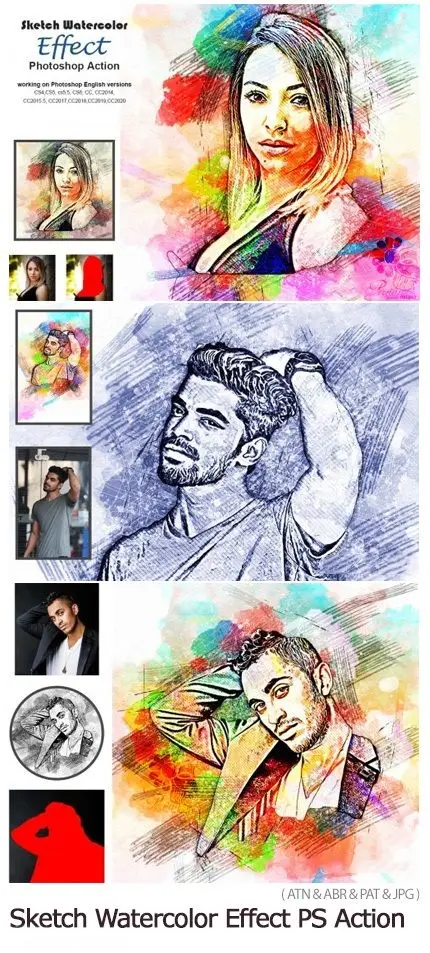
A beautiful fusion of sketch lines and dreamy watercolors! 💧 This action gives your photos a delicate, hand-painted look that’s both elegant and whimsical. Perfect for cards and prints! 🎨
Oil Sketch Photoshop Action
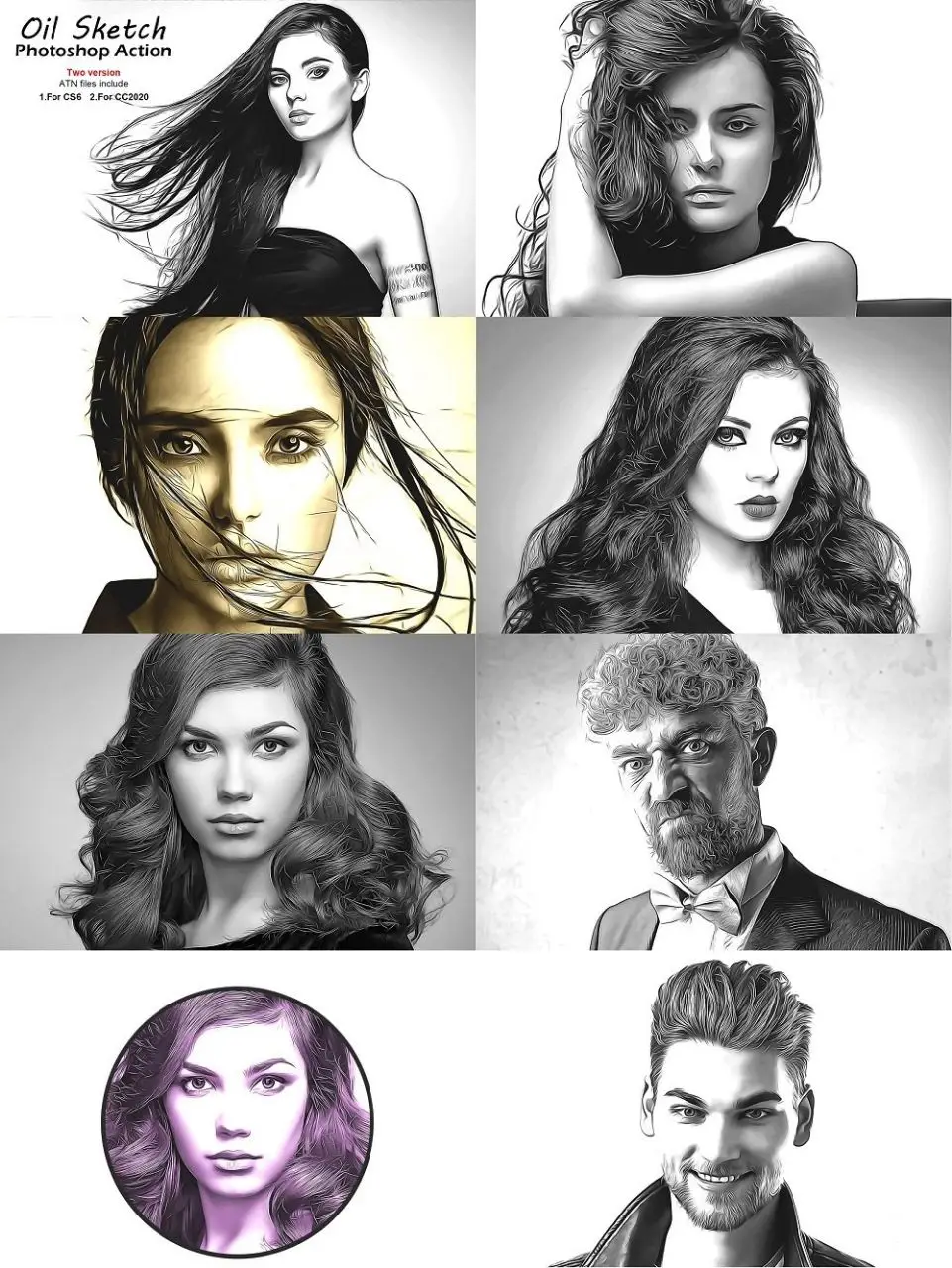
Get that rich, buttery oil painting texture with a sketchy twist! 🖼️ This action creates incredibly realistic oil effects that look like they came straight from an artist’s easel. So cool! 🎨
Incense Photoshop Action
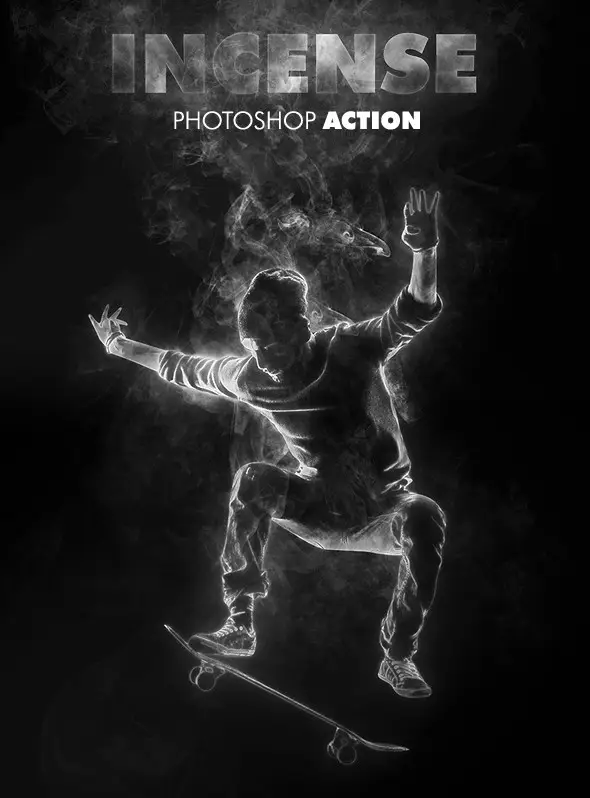
Add a touch of mystery and magic with mesmerizing smoke effects! 🌫️ This action generates beautiful incense swirls that give your photos an ethereal, dreamy atmosphere. Simply enchanting! ✨
Architecture Sketch Art Photoshop Action
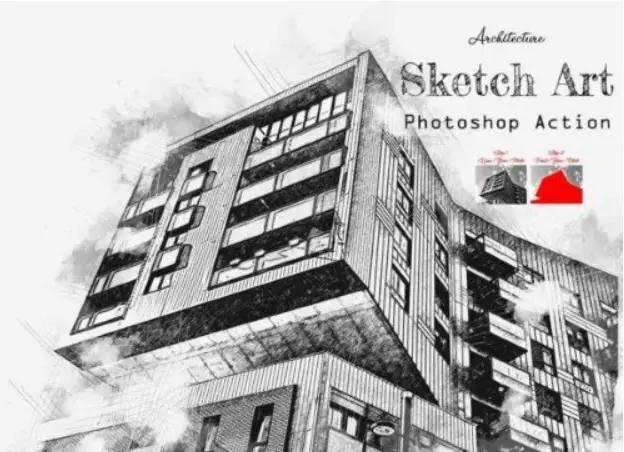
Turn your building photos into stunning architectural sketches! 🏛️ This action is perfect for architects, designers, or anyone who loves that clean, hand-drawn blueprint aesthetic. Beautiful! ✏️
Bitmap By Kroba Store
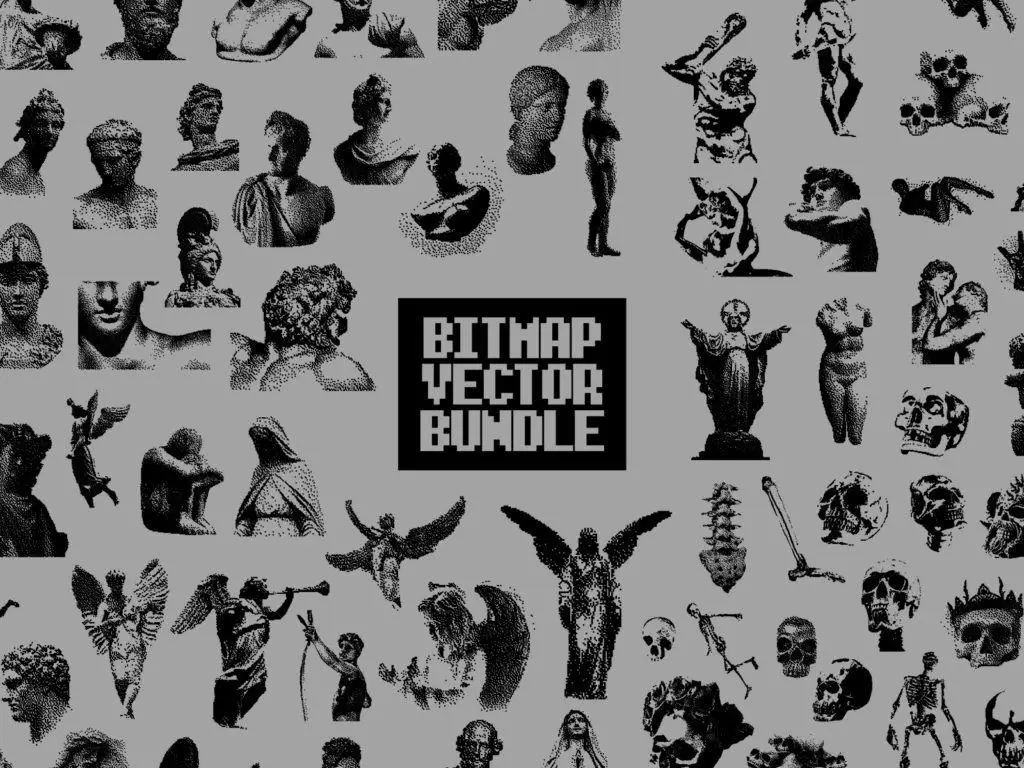
Go retro with a bold, pixel-inspired look! 🖥️ This action applies a stunning bitmap effect that’s perfect for adding a graphic, pop-art edge to your images. Super unique and fun! 🎉
Autumn Tones Action & Lightroom Preset
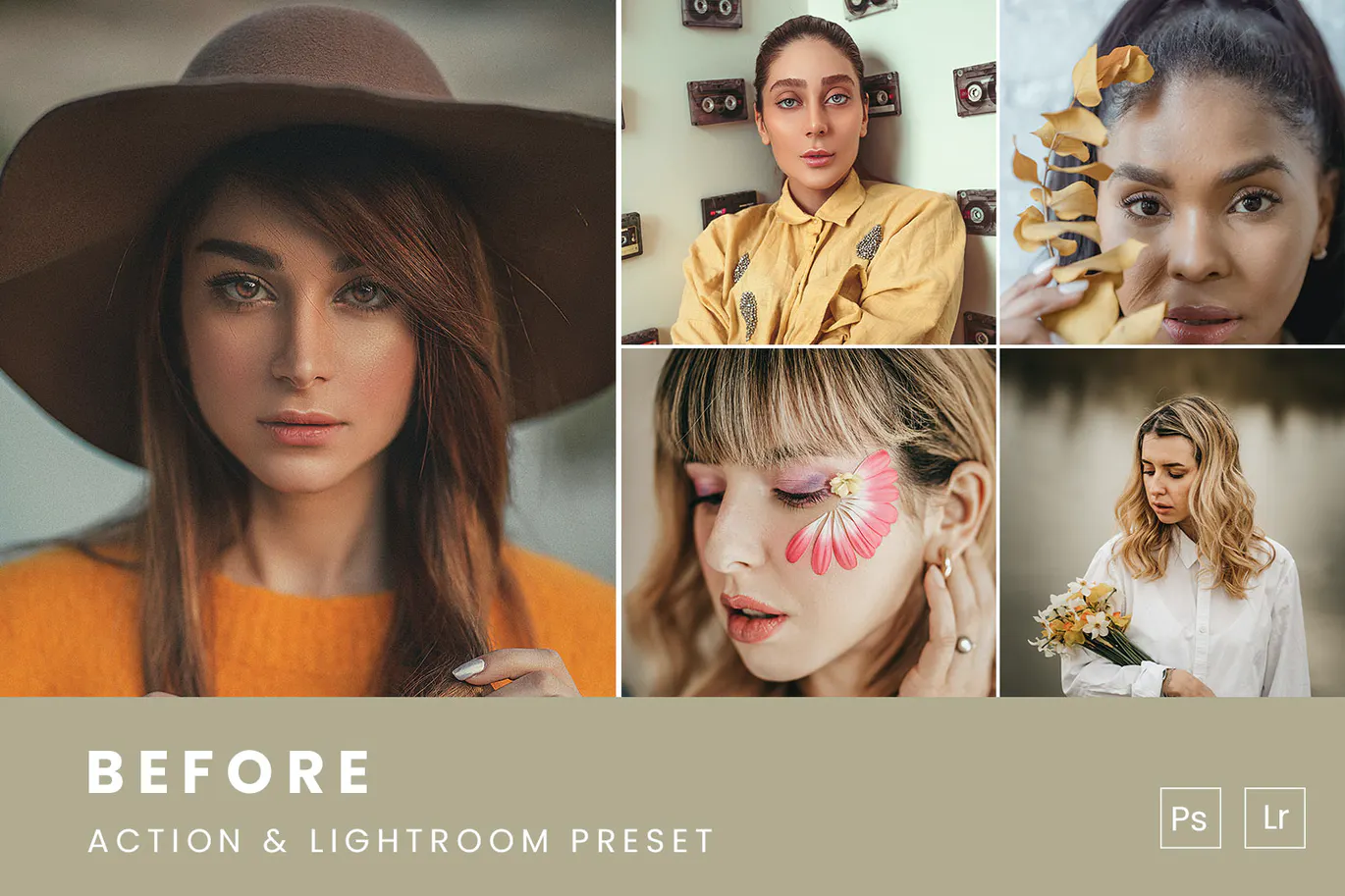
Cozy up your photos with warm fall hues! 🍂 This combo (action + preset) infuses your images with rich oranges, reds, and golds. Perfect for that crisp autumn vibe all year round! 🧡
Abstract Poster Photoshop Action

Transform your photos into wild, artistic poster designs! 🎨 This action adds bold abstract effects that are perfect for modern art prints, social media, or just showing off your creative side. ✨
12 Forever Together Photoshop Actions
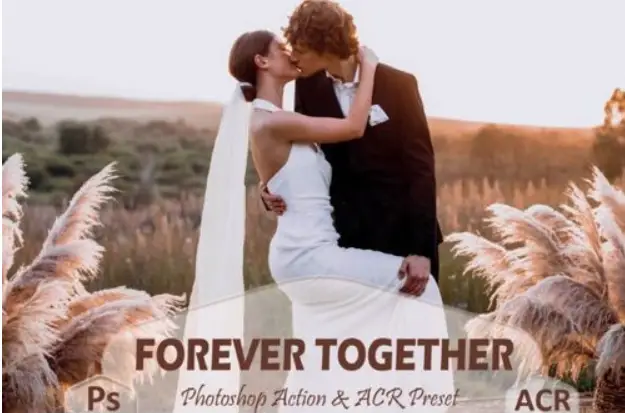
Get a whole bundle of love! 💖 This set of 12 actions adds warm, romantic tones and vibrant colors to your images. Perfect for weddings, couple shoots, or anytime you need a little extra heart. ❤️
4 In 1 Cartoon Vector Art Photoshop Actions
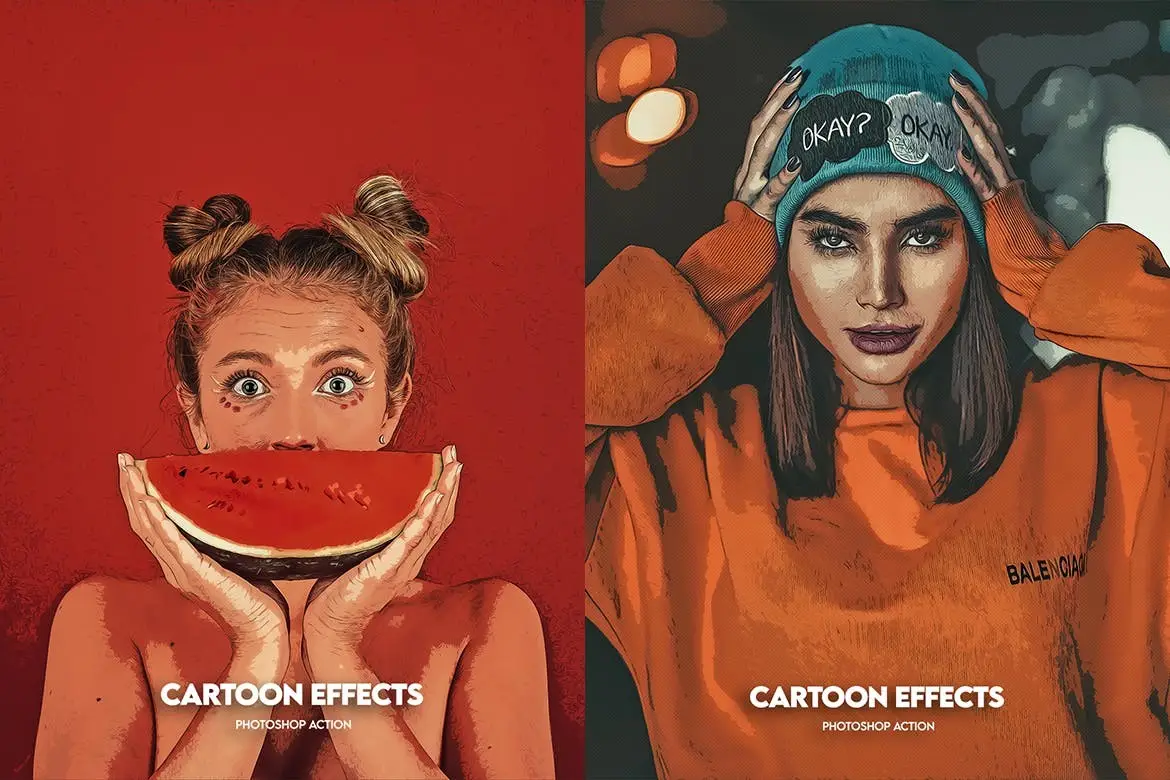
Turn yourself into a cartoon! 🎉 With four unique actions, you can transform your photos into vibrant, vector-style cartoon art in seconds. Super fun for avatars, merch, or just for laughs! 😄
White Skin Photoshop Action
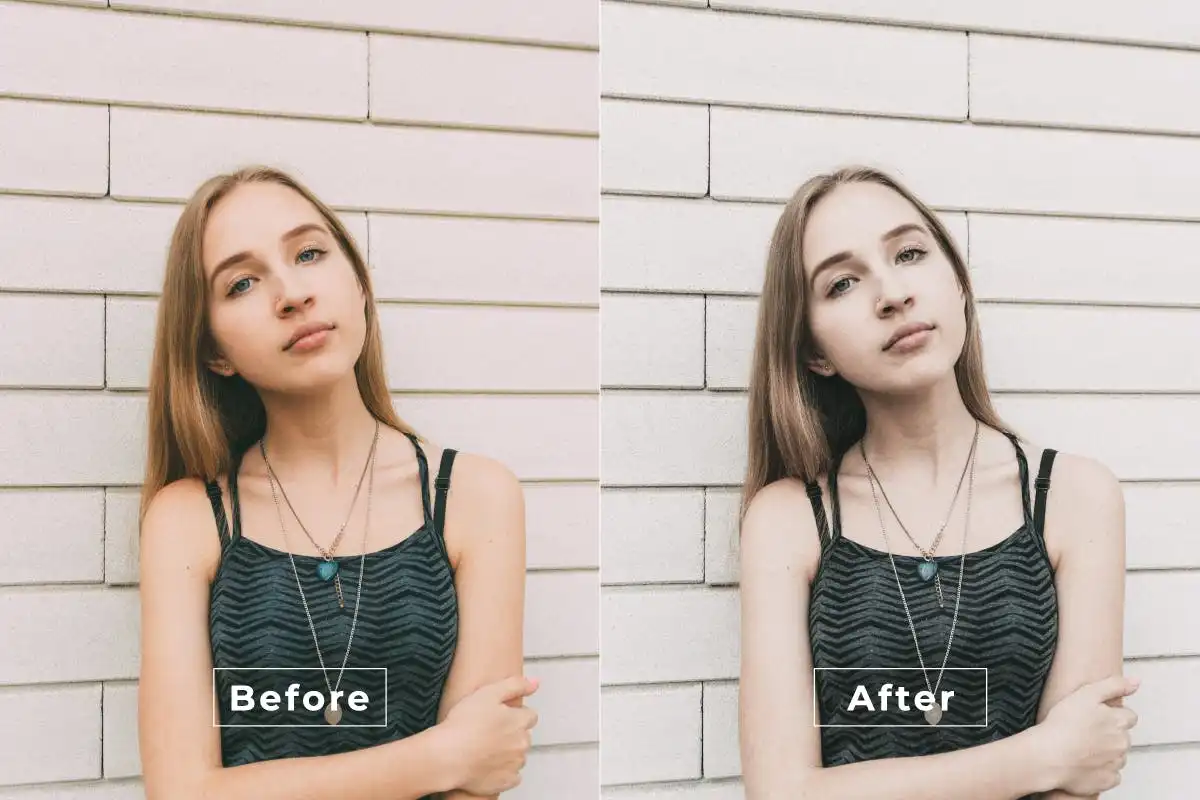
Brighten and smooth skin tones effortlessly! ✨ This action gives you that gorgeous, luminous look while keeping natural texture intact. Perfect for portraits, beauty shots, and flawless selfies. 📸
Vintage Grace Photoshop Action
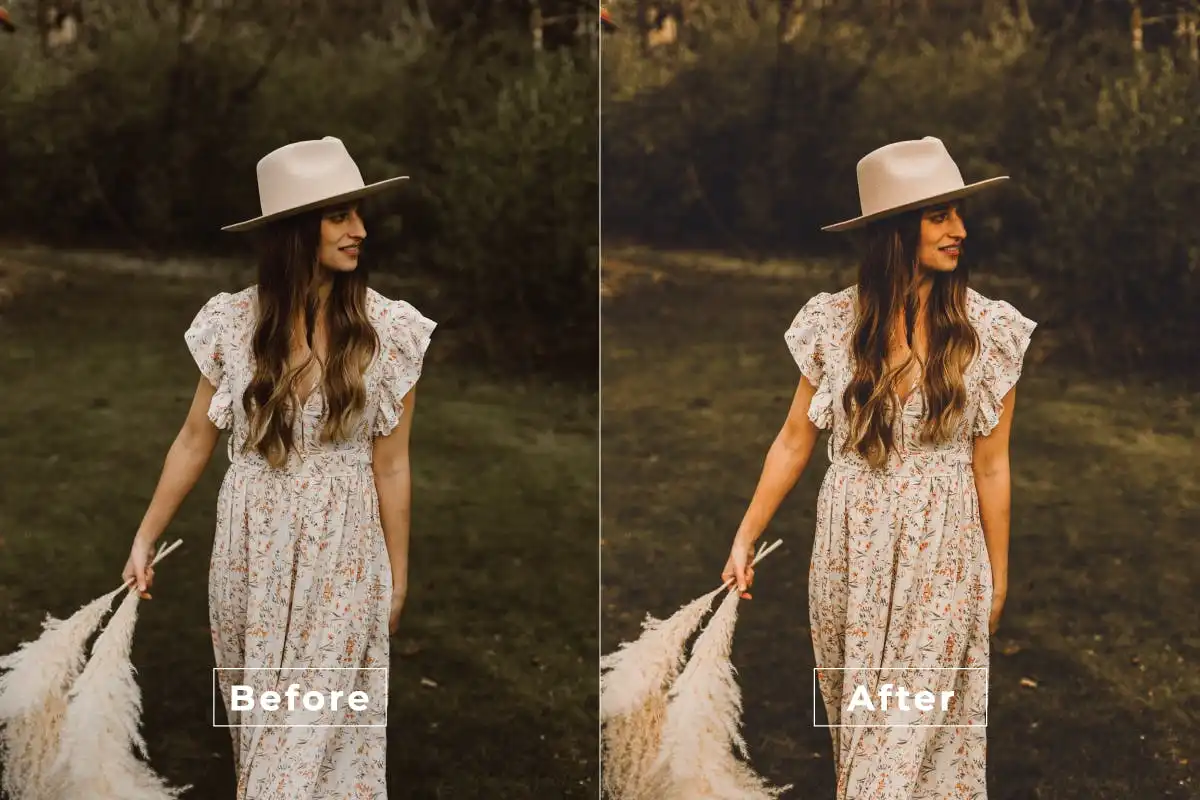
Add a touch of elegant nostalgia! 🌸 This action creates soft, faded tones with a classic, timeless feel. Perfect for portraits, landscapes, or any photo that needs a little old-school charm. 🕰️
Recolor Effect Photoshop Action
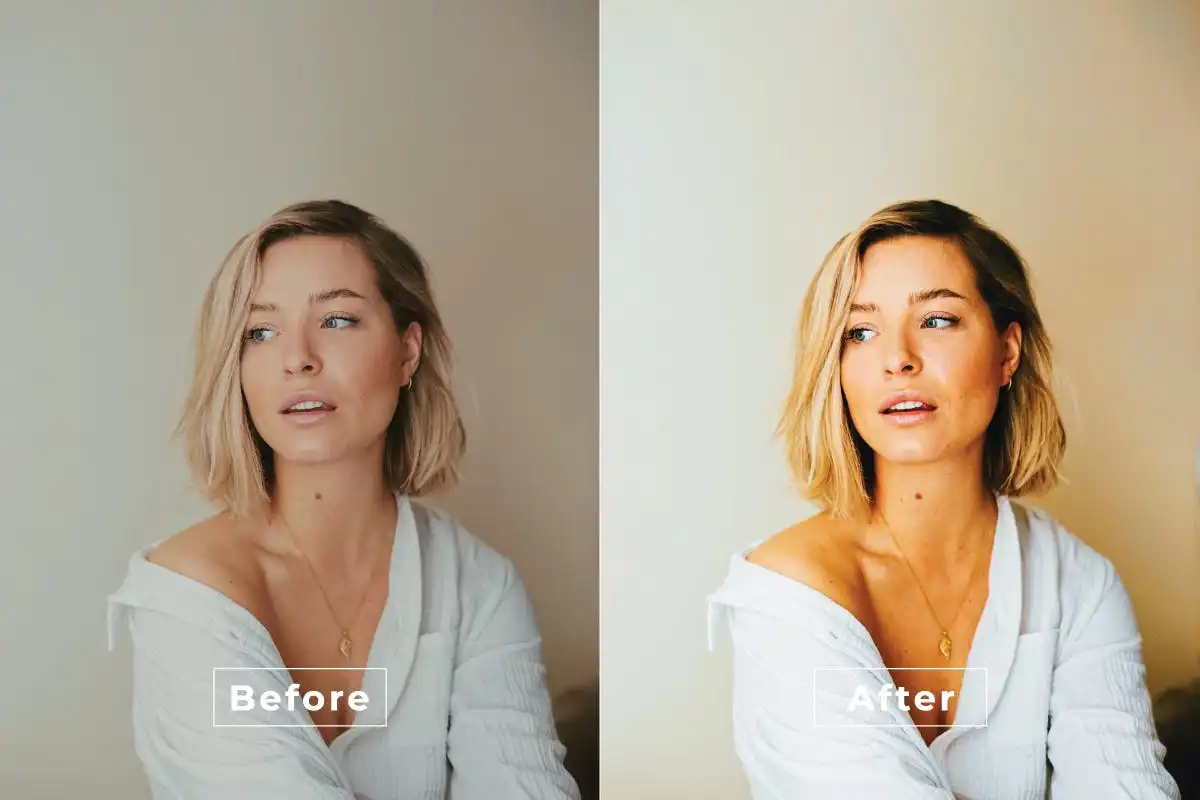
Say goodbye to boring colors! 🎨 This action lets you completely recolor your images with stunning, professional-grade effects. Perfect for creating unique color palettes and making your photos pop! 🚀
Conclusion
And there you have it—20 incredible Photoshop actions from the BrushesPack Part 263 collection that are guaranteed to spice up your creative workflow! 🎉 Whether you’re into dreamy double exposures, retro bitmap vibes, or flawless skin retouching, there’s something here for every artist. Don’t wait—grab your favorites and start creating magic today! 🚀✨
Frequently Asked Questions
Are these Photoshop actions easy to use for beginners?
Absolutely! All actions are designed to work with just one click. Load them into Photoshop, press play on the action, and watch your image transform. No advanced skills needed—just a love for creativity! 🎨
Can I use these actions on any version of Photoshop?
Most actions are compatible with Photoshop CS6 and newer versions (including CC). Always check the product description for specific requirements, but generally, you’re good to go with modern Photoshop releases! 💻