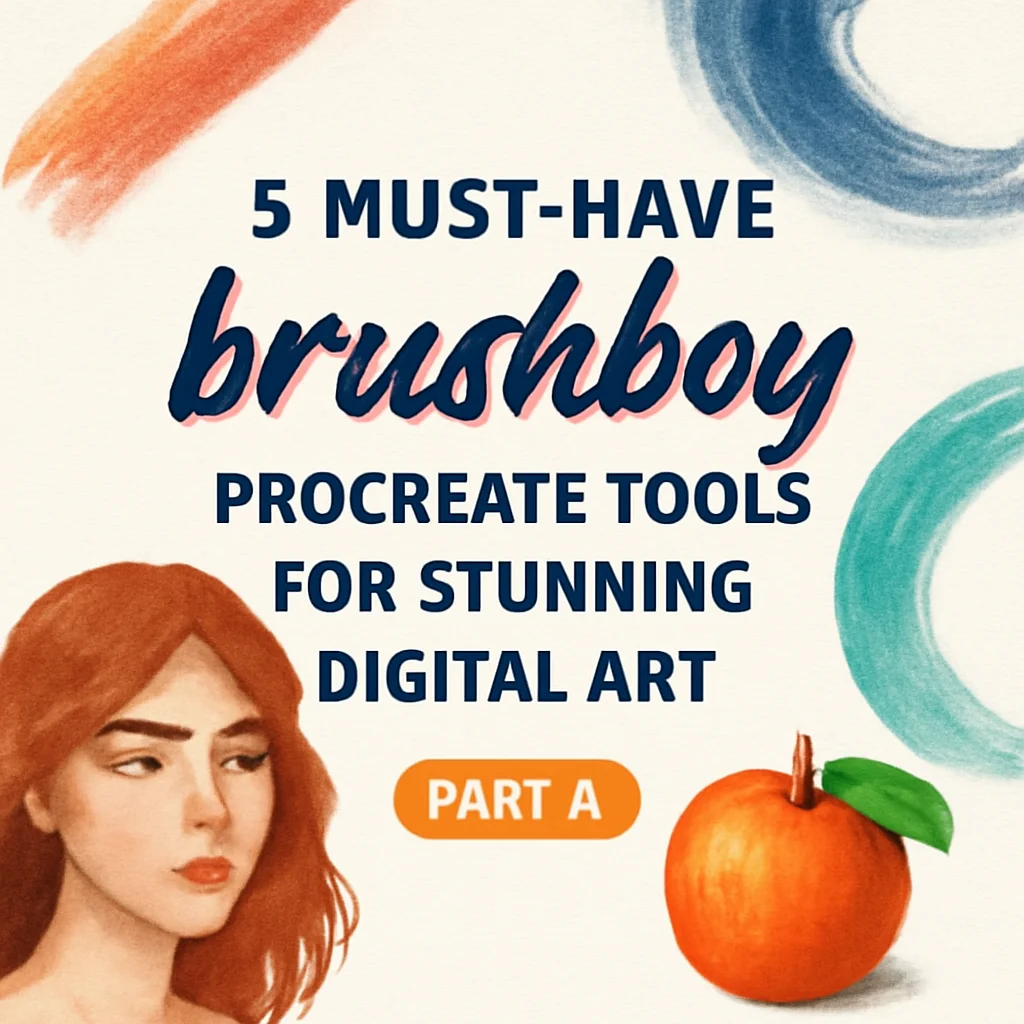
Welcome back, art friends! 🎨✨ We’re diving headfirst into Part 2 of our brushboy collection deep dive, and let me tell you—this round is absolutely bursting with color, texture, and creative potential. If you loved the first batch, you’re going to be absolutely smitten with these tools. From lush, leafy landscapes to dreamy pastel skies and playful building blocks, brushboy has crafted a toolkit that feels like pure magic for your iPad. 🌿🚀
Why Use These brushboy Tools?
Because your art deserves to feel alive, that’s why! 🌟 These aren’t just brushes and palettes—they’re creative shortcuts that let you skip the boring setup and jump straight into the fun stuff. Whether you’re illustrating a whimsical forest, designing a cozy brand aesthetic, or just experimenting with new color vibes, brushboy’s precision and passion shines through every stroke. Plus, they’re all instant downloads, so your next masterpiece is literally minutes away. 💫
Top 5 brushboy Picks
Procreate Palette – Foliage

Oh, this palette is an absolute dream for any nature lover! 🌳✨ The Procreate Palette – Foliage is packed with rich greens, earthy browns, and those soft golden sunlight tones that make your leaves look like they’re glowing. Whether you’re painting a dense jungle or a single dewy fern, this swatch will be your best friend. Instant download, instant foliage vibes! 🌿
Procreate Palette – Light Pastels
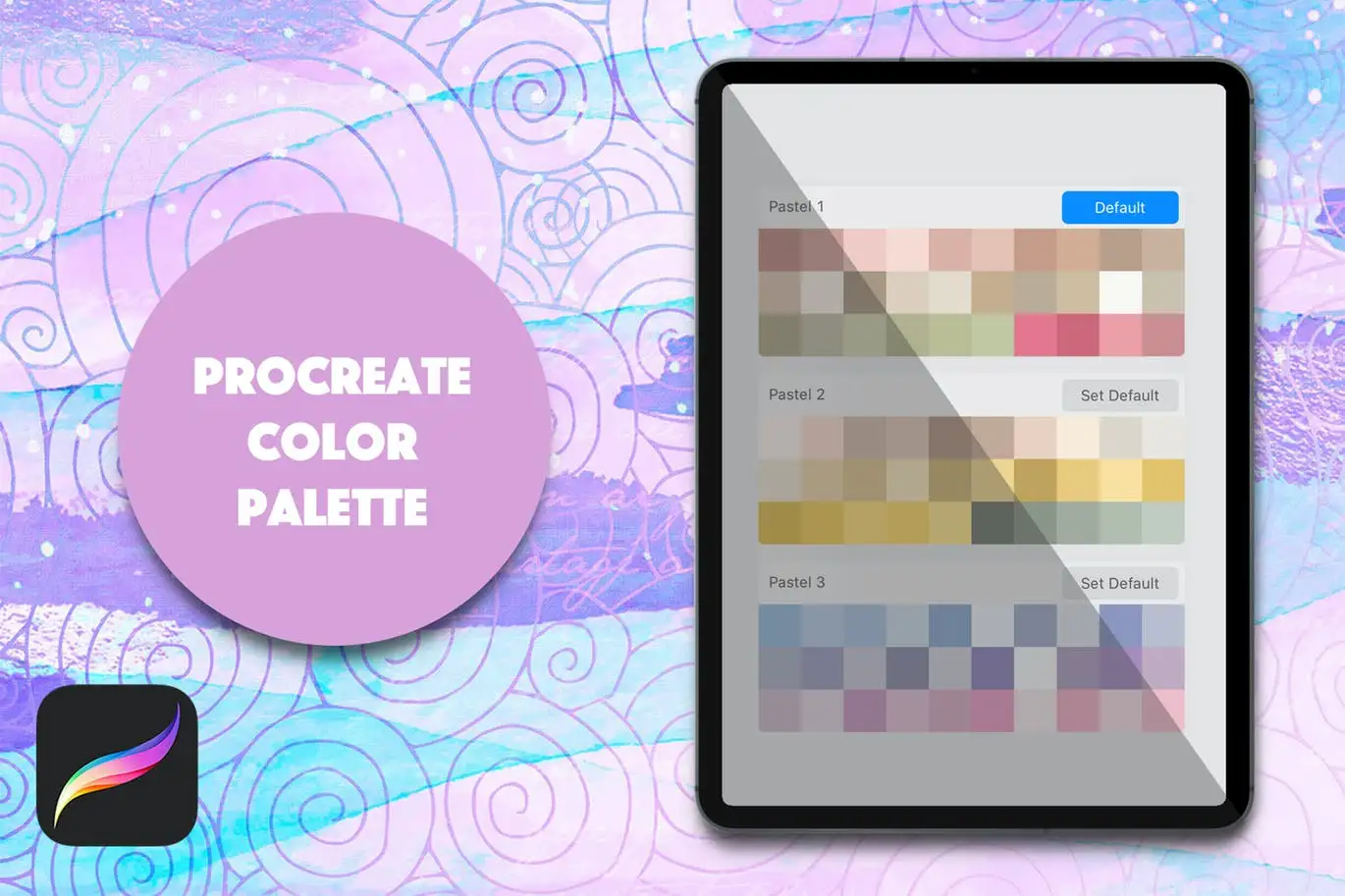
If your art needs a big, warm hug, this is it! 🤗🌈 The Light Pastels palette serves up the softest pinks, lavenders, baby blues, and buttery yellows you’ve ever seen. It’s perfect for illustrating dreamy clouds, cute characters, or even a whimsical wallpaper design. Trust me, once you load this into Procreate, you’ll wonder how you ever lived without it. 🎨☁️
Procreate Foliage Brushes – Grass
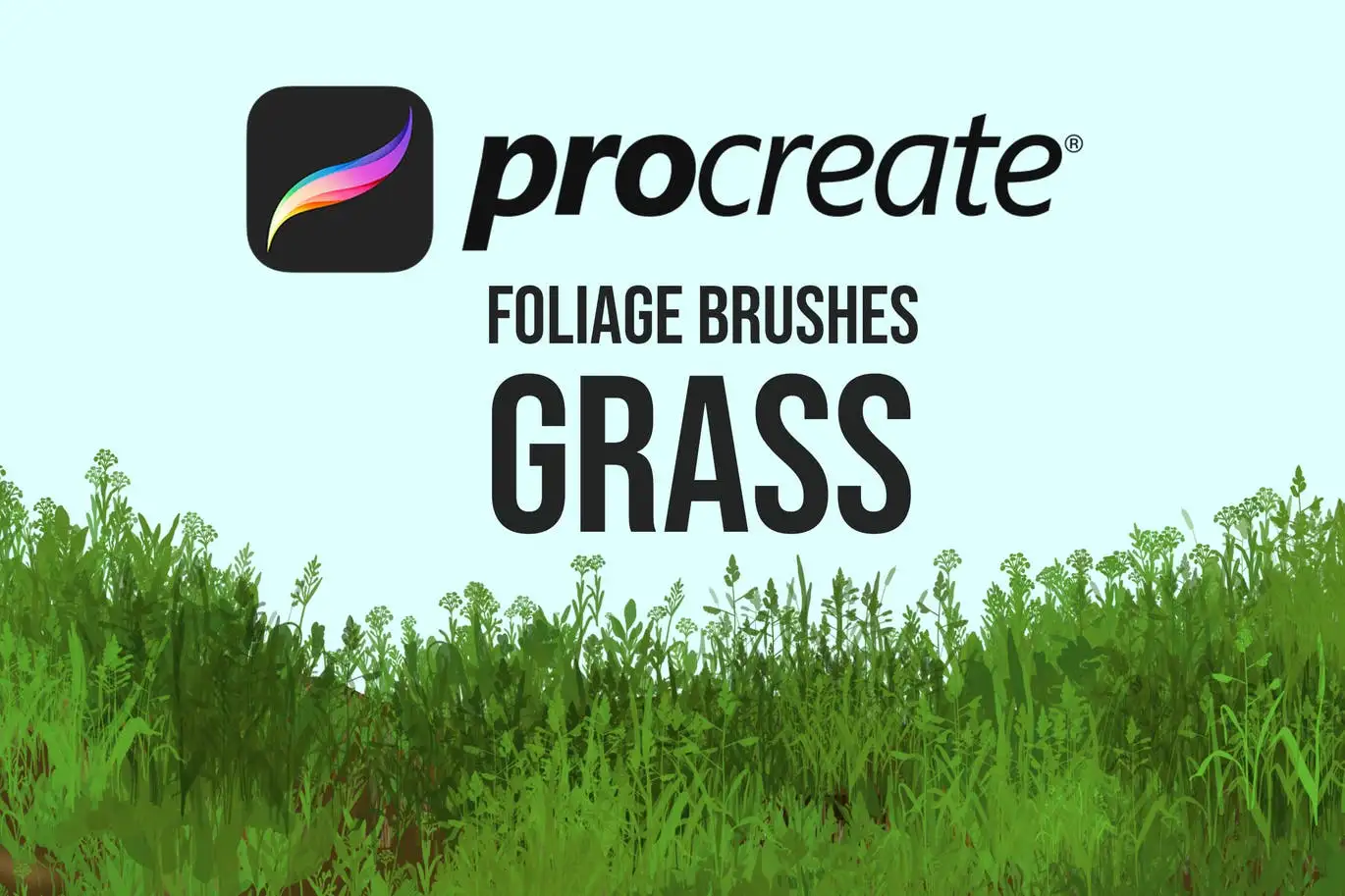
Say hello to the quickest way to create jaw-dropping landscapes! 🌾✨ The Foliage Brushes – Grass set is an absolute game-changer for digital painters. With just a single swipe, you can lay down a field of wild grass, a manicured lawn, or a windswept meadow. The textures are incredibly realistic, and they layer beautifully over each other. Your backgrounds are about to get a serious upgrade! 🚀🌿
Building Blocks: Procreate Brushes + Vector Shapes
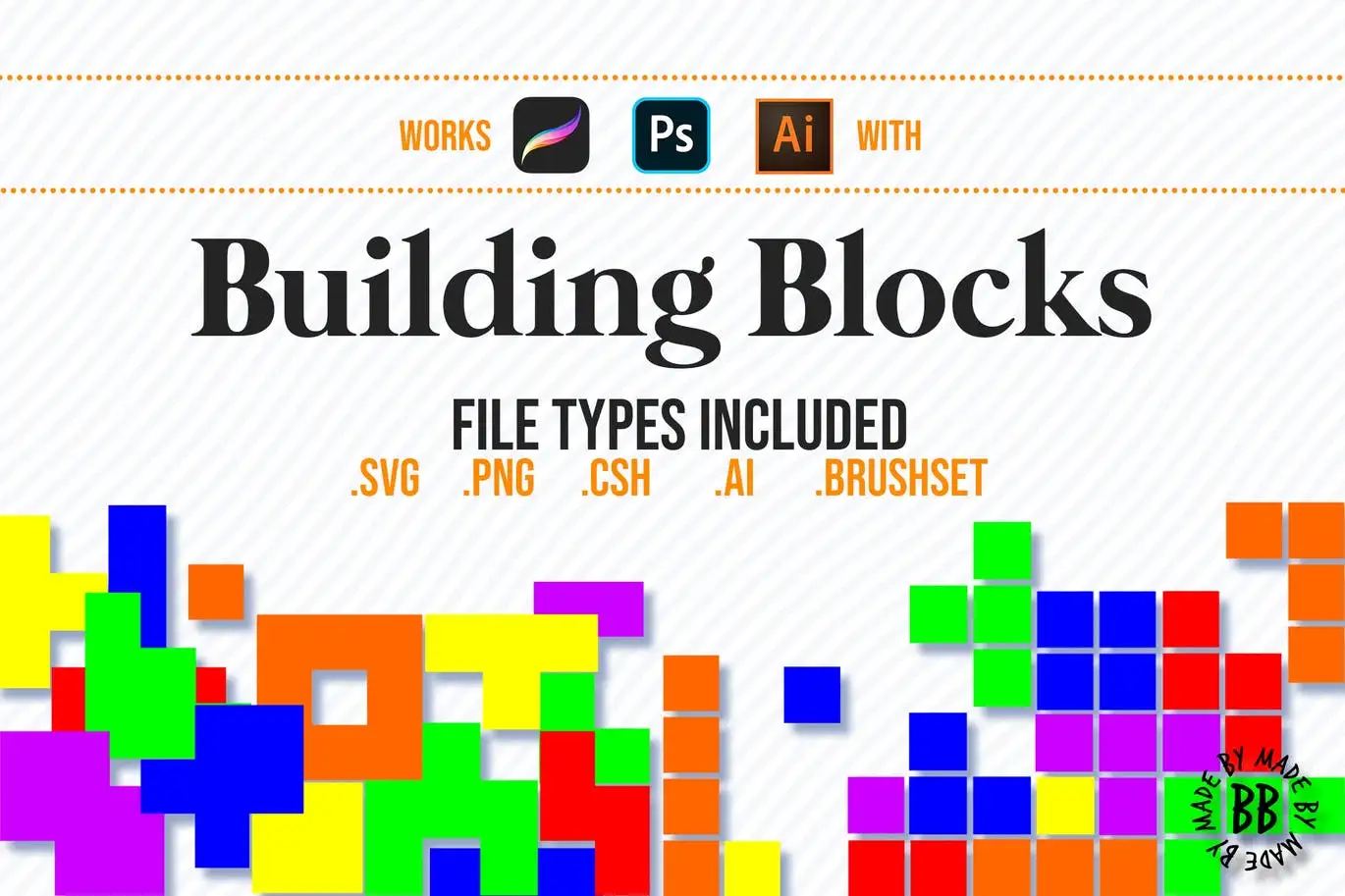
This is where functionality meets pure, joyful creativity! 🧱🎨 The Building Blocks set is unlike anything else—it combines Procreate brushes with vector shapes that you can mix and match like a digital LEGO set. Perfect for designers creating logos, patterns, or abstract compositions. You can literally build a whole illustration from scratch using these modular assets. So. Much. Fun. 🚀✨
Procreate Foliage Brushes – Plants

Welcome to your creative jungle! 🌿🎨 The Foliage Brushes – Plants pack is the ultimate companion for anyone who loves botanical illustration. With brushes that mimic monstera leaves, ferns, succulents, and tropical fronds, you can paint an entire indoor jungle in minutes. Each brush is beautifully textured and pressure-sensitive, so every leaf looks organic and full of life. Your plant-loving heart needs this! 🌱💚
Conclusion
There you have it—five incredible brushboy tools that are guaranteed to breathe new life into your digital art projects! 🌟 Whether you’re building a vibrant nature scene with the foliage palettes and brushes, softening things up with light pastels, or getting playful with building blocks, brushboy has proven once again why they’re a must-visit creator on Brushes Pack. So go ahead, treat your iPad to some new magic, and let your creativity run wild! 🚀🎨
Frequently Asked Questions
Are these brushboy tools compatible with Procreate on iPhone?
Yes! While these are designed primarily for Procreate on iPad, most Procreate brushes and palettes (like .brushset or .swatches files) also work on the iPhone version of Procreate Pocket. Just download and import them the same way! 📱✨
Can I use these brushes for commercial projects?
Absolutely! brushboy’s tools are licensed for both personal and commercial use, meaning you can use them in your client work, merchandise, and even print-on-demand products. Just remember not to resell the brushes or palettes themselves as standalone files. 🎨💰
How do I install the palettes and brushes in Procreate?
It’s super easy! After downloading, simply tap the file (like a .swatches or .brushset) and it will automatically open in Procreate. For palettes, go to your Colors panel, tap the Palettes tab, and import. For brushes, they’ll appear in the Brushes panel. You’ll be creating in under 30 seconds! ⚡🎉