Hey there, creative soul! 🎨 Ready to sprinkle some serious magic onto your photos? You’ve landed in the right place. Today, we’re diving headfirst into the Brushespack Collection Part 304—a treasure trove of 20 mind-blowing Photoshop actions that will transform your edits from “meh” to “WOW!” in just one click. ✨ Whether you’re a portrait wizard, a travel storyteller, or a digital dreamer, these tools are about to become your new best friends. Let’s get that creative energy flowing! 🚀
Why Use These Photoshop Actions?
Let’s be real—editing can be a time-suck. 😩 But with these professional-grade actions, you can skip the boring sliders and jump straight to the fun part: making art! 🎨 Each action is designed to give you a specific vibe, from dreamy cinematic tones to glowing summer colors. They’re perfect for speeding up your workflow while keeping your style unique and polished. No more guessing—just pure, clickable creativity!
Top 20 Photoshop Action Picks
Barbie Girl Photoshop Action
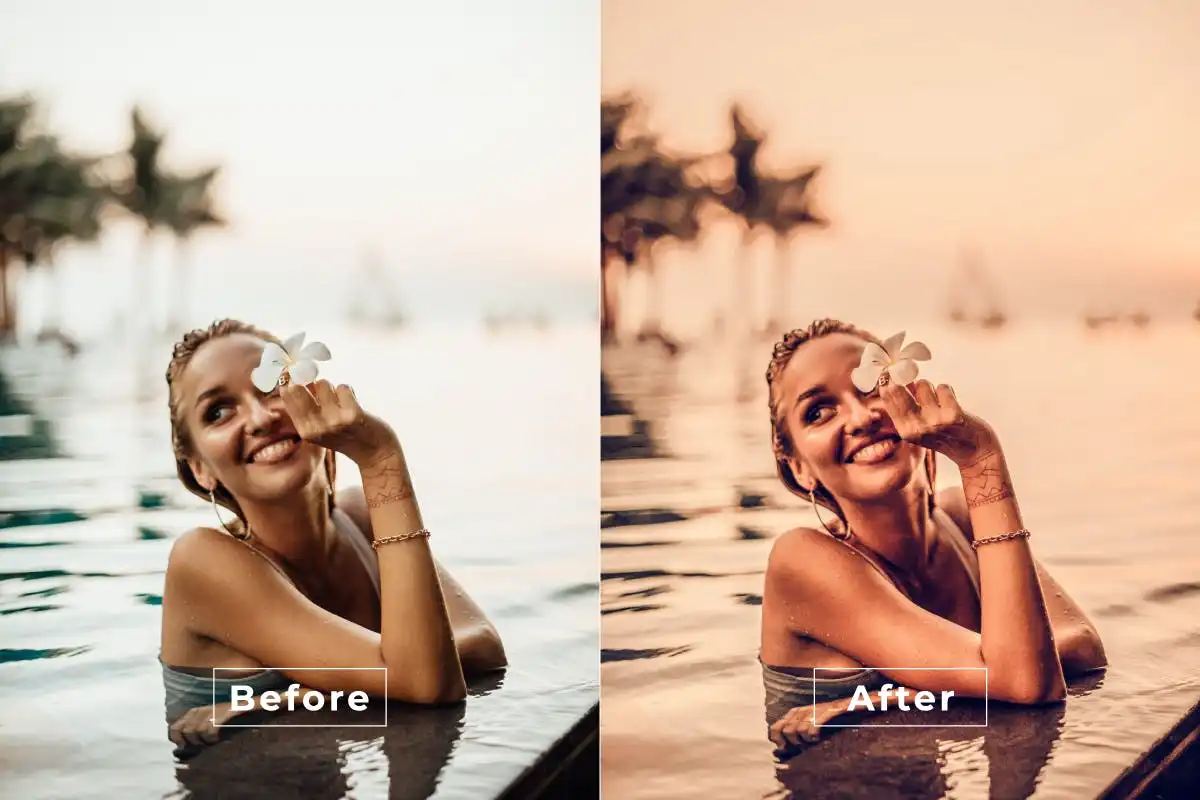
Step into a world of pink perfection with this super fun action! 💖 It instantly boosts skin tones and adds a playful, vibrant glow—perfect for that iconic Barbie photoshoot vibe. Get ready to feel like a star! 🌟
Cute Bright Photoshop Action
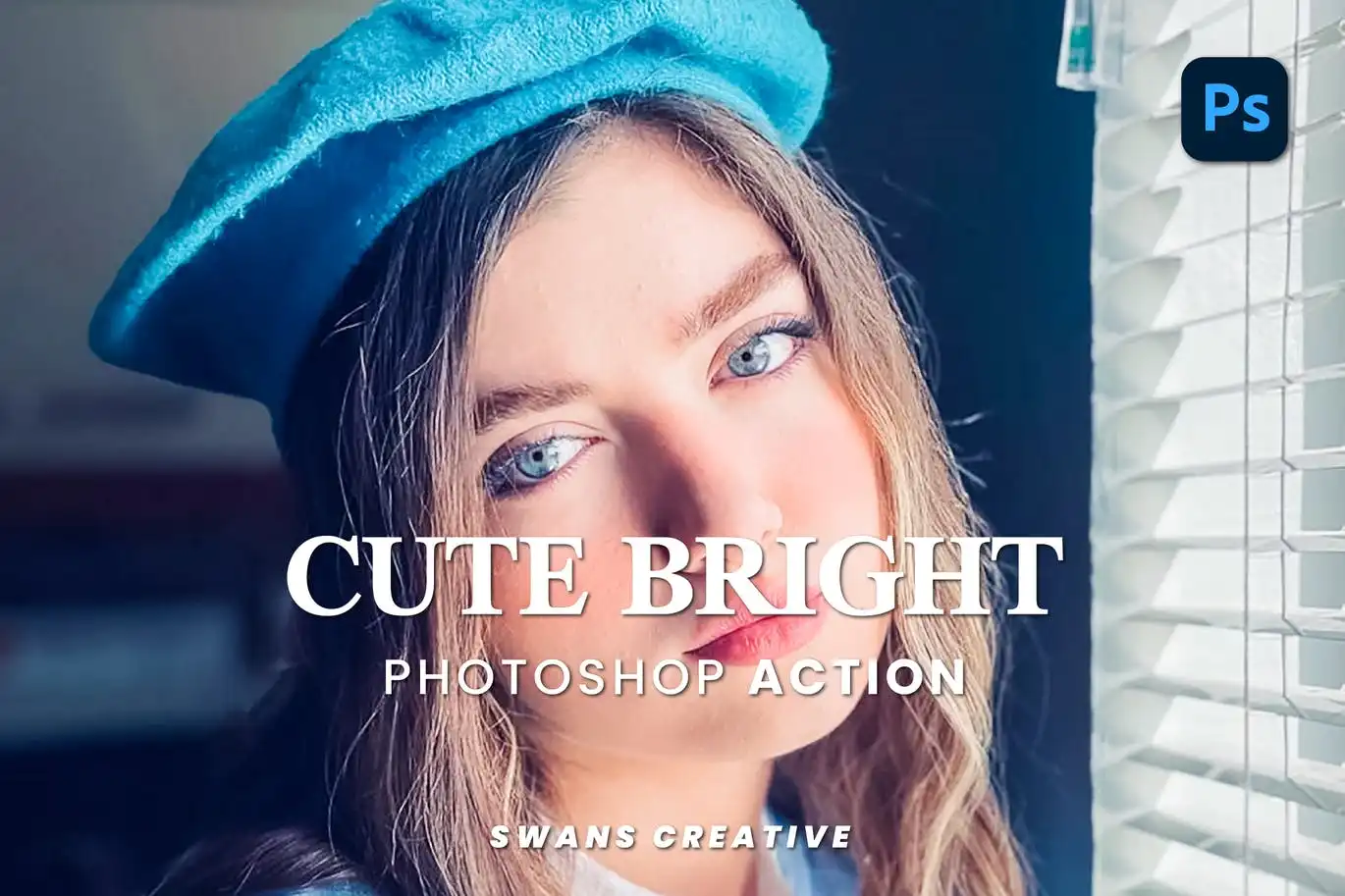
Brighten up your day and your photos with this adorable action! 🌈 It adds soft glow effects and creative color adjustments that make any image pop with joy. Perfect for bloggers and happy snappers! 📸
Color Universe Photoshop Action
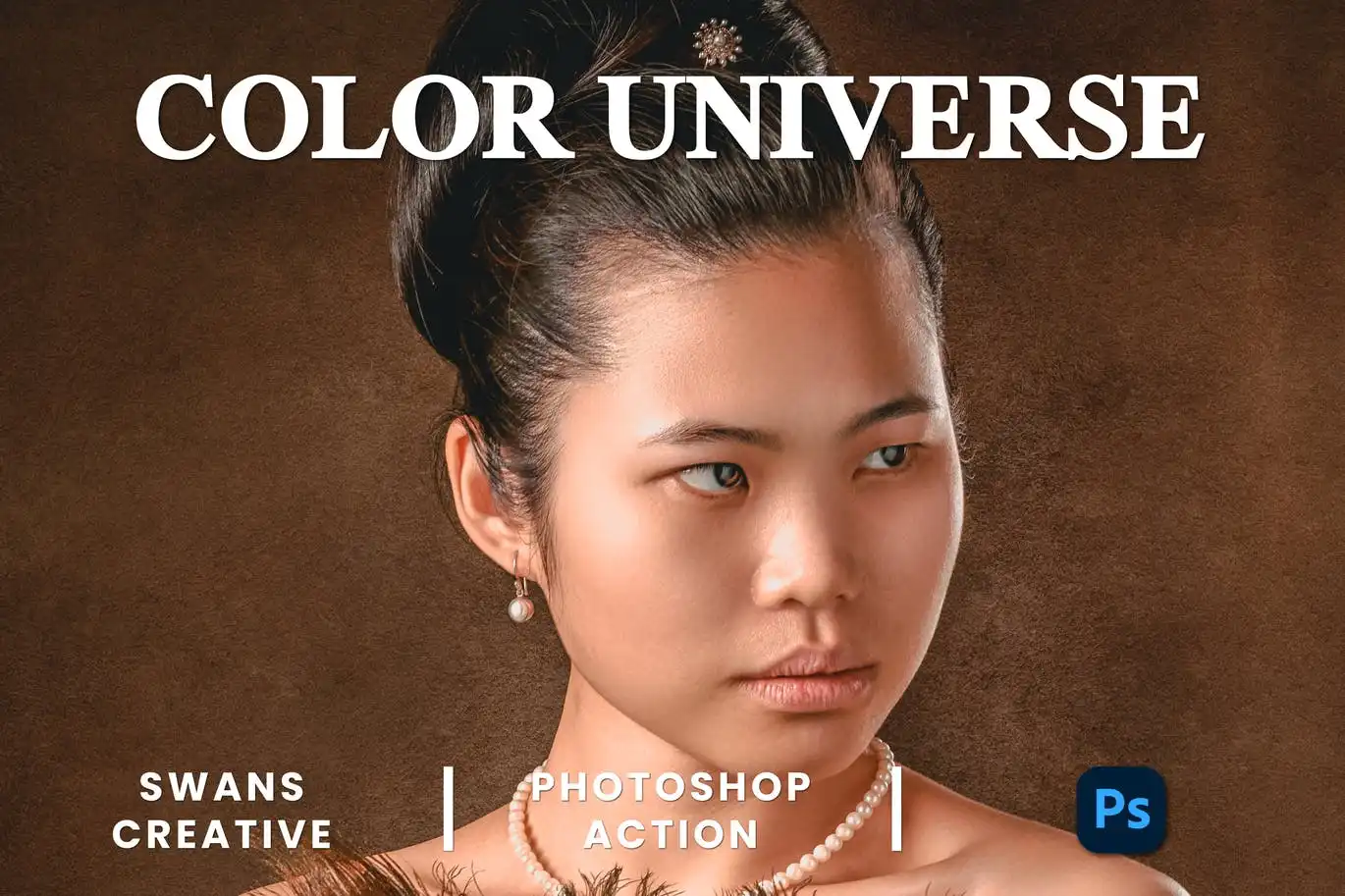
Sprinkle some cosmic magic on your edits! 🌌 This action delivers vibrant, galaxy-inspired color grading that will leave your audience in awe. It’s out-of-this-world good! 🚀
Barbie Cinematic Photoshop Action
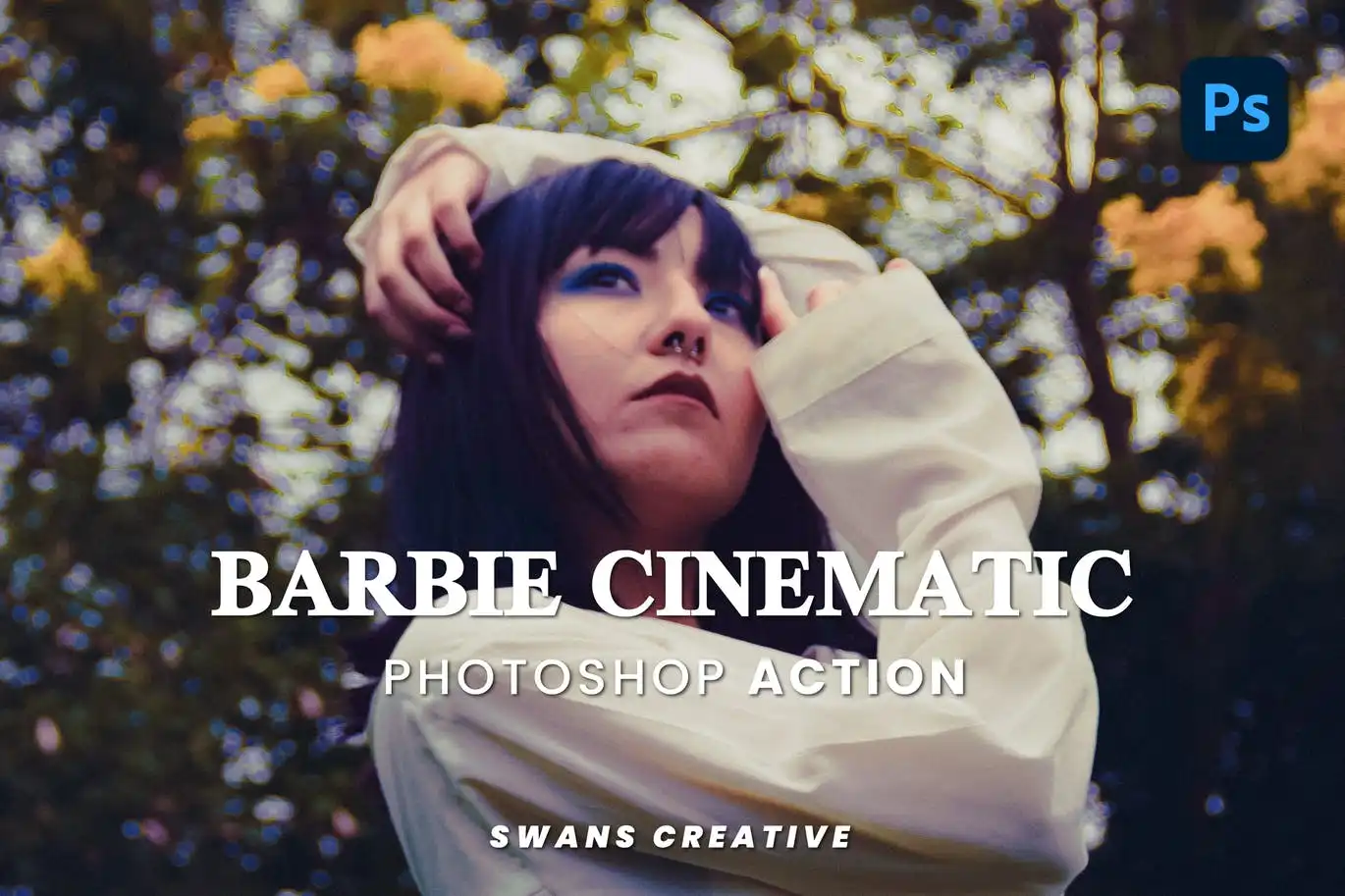
Bring the blockbuster Barbie energy to your photos! 🎬 With dreamy lighting, smooth skin tones, and bright colors, this cinematic action turns every shot into a scene from a movie. Lights, camera, action! ✨
Asian Cinematic Photoshop Action
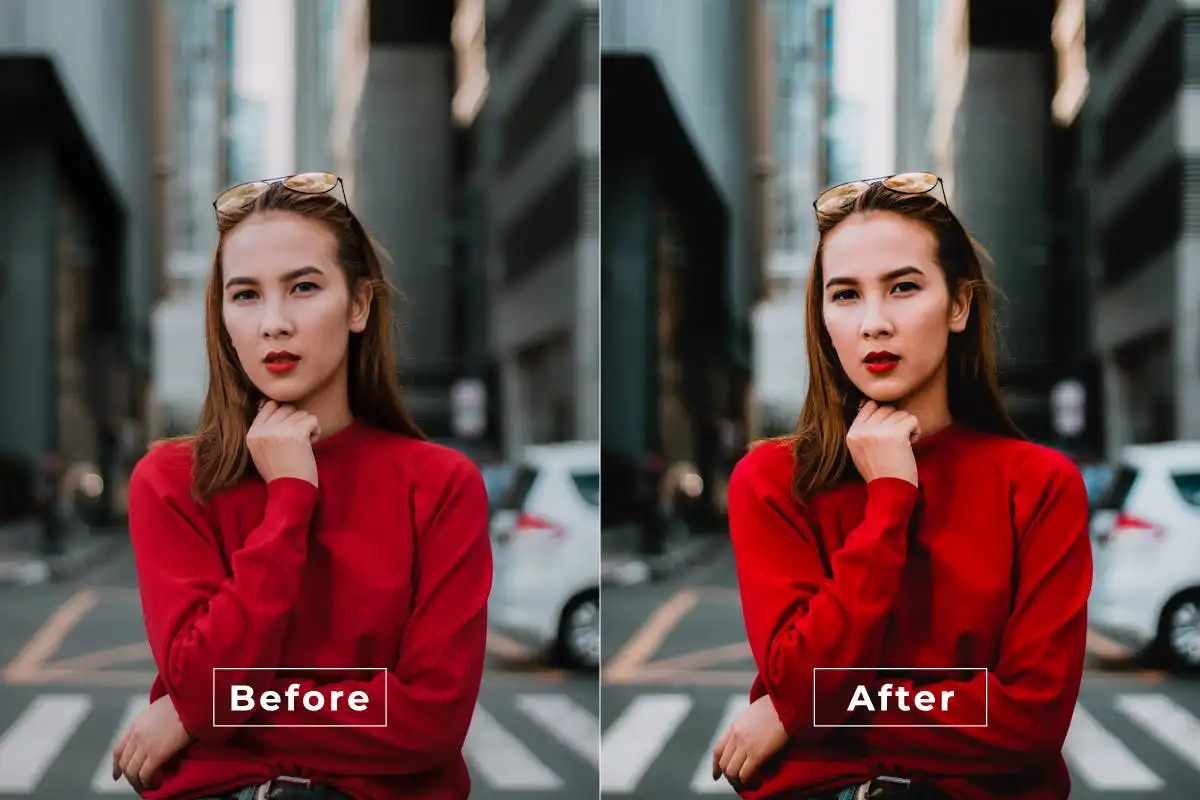
Infuse your photos with the enchanting flair of Asian cinema! 🎭 This action creates rich, moody tones and film-like textures that tell a story. Perfect for dramatic portraits and atmospheric scenes. 🎥
Color Movie Part 2 Photoshop Action
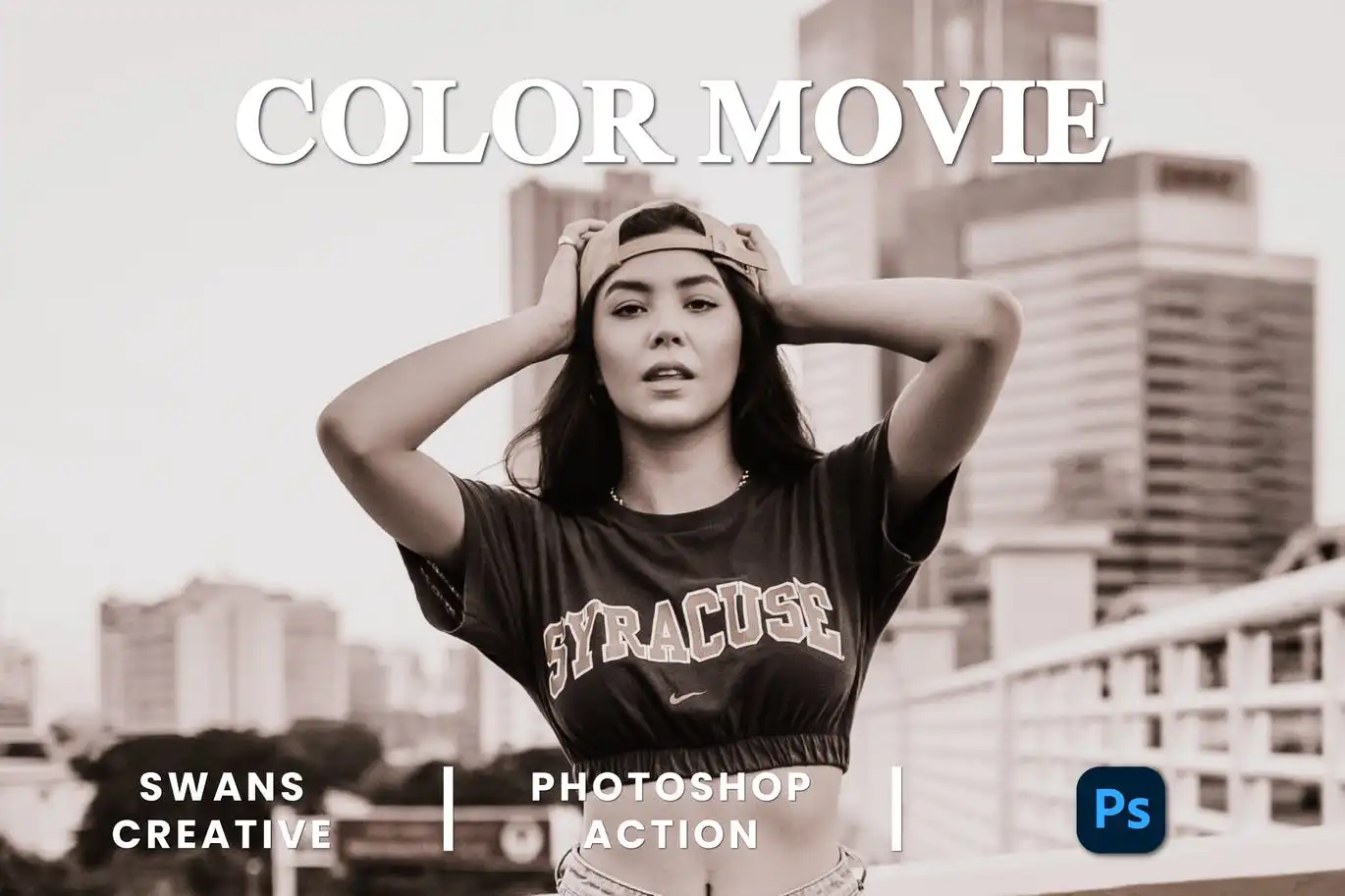
Love that cinematic blockbuster look? 🍿 This action delivers stunning film-inspired visuals with rich color grading. It’s the sequel your photo collection has been waiting for! 🎬
Beauty In White Photoshop Action
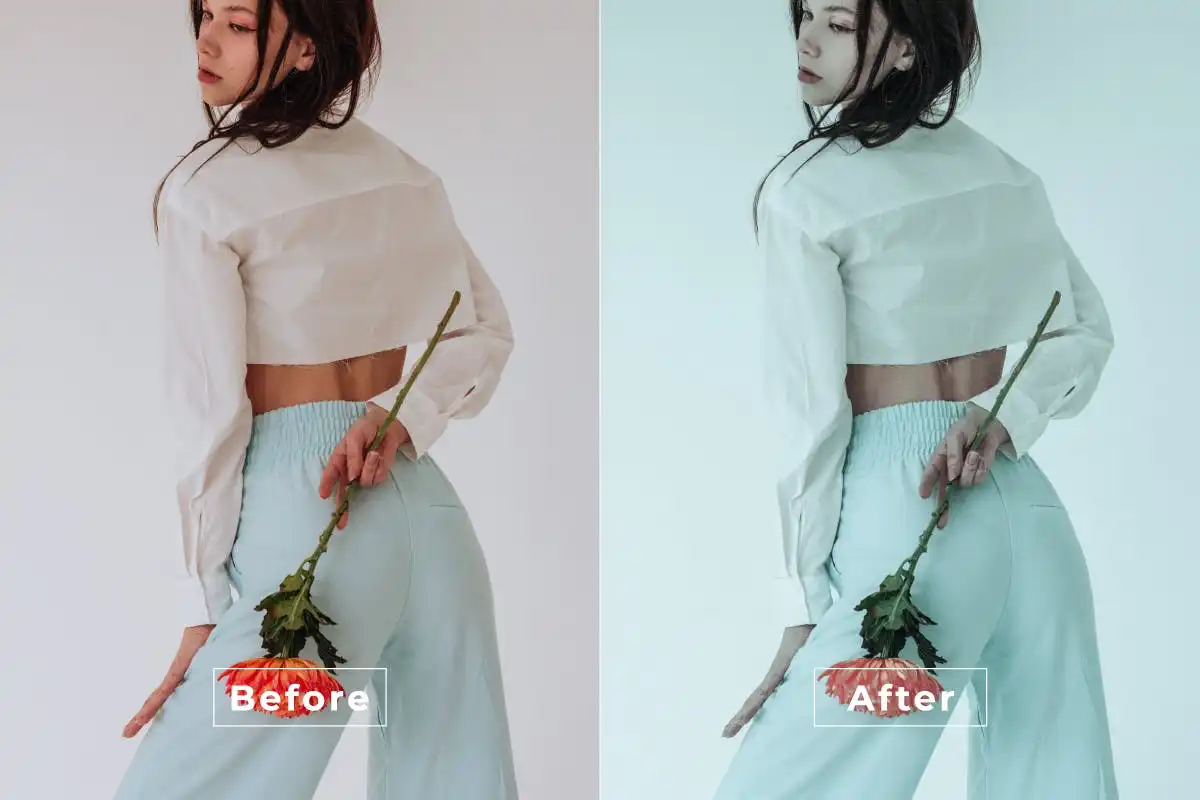
Elegance at your fingertips! 🤍 This action gives your portraits and wedding shots a clean, bright, sophisticated white-tone finish. It’s pure, airy, and absolutely stunning. ✨
Attention Photoshop Action
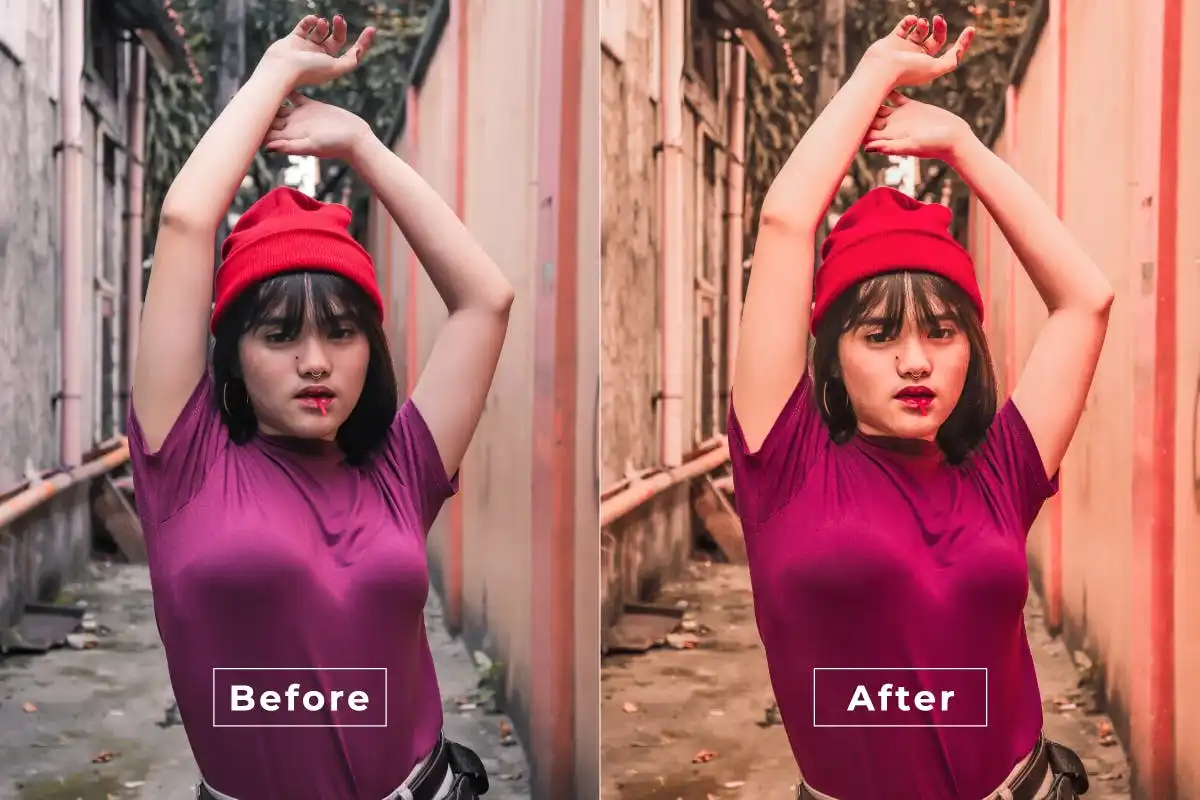
Make your subject impossible to ignore! 🔥 This action sharpens key elements and enhances contrast, drawing the viewer’s eye exactly where you want it. Perfect for portraits and product shots. 👀
Beauty Aesthetic Photoshop Action
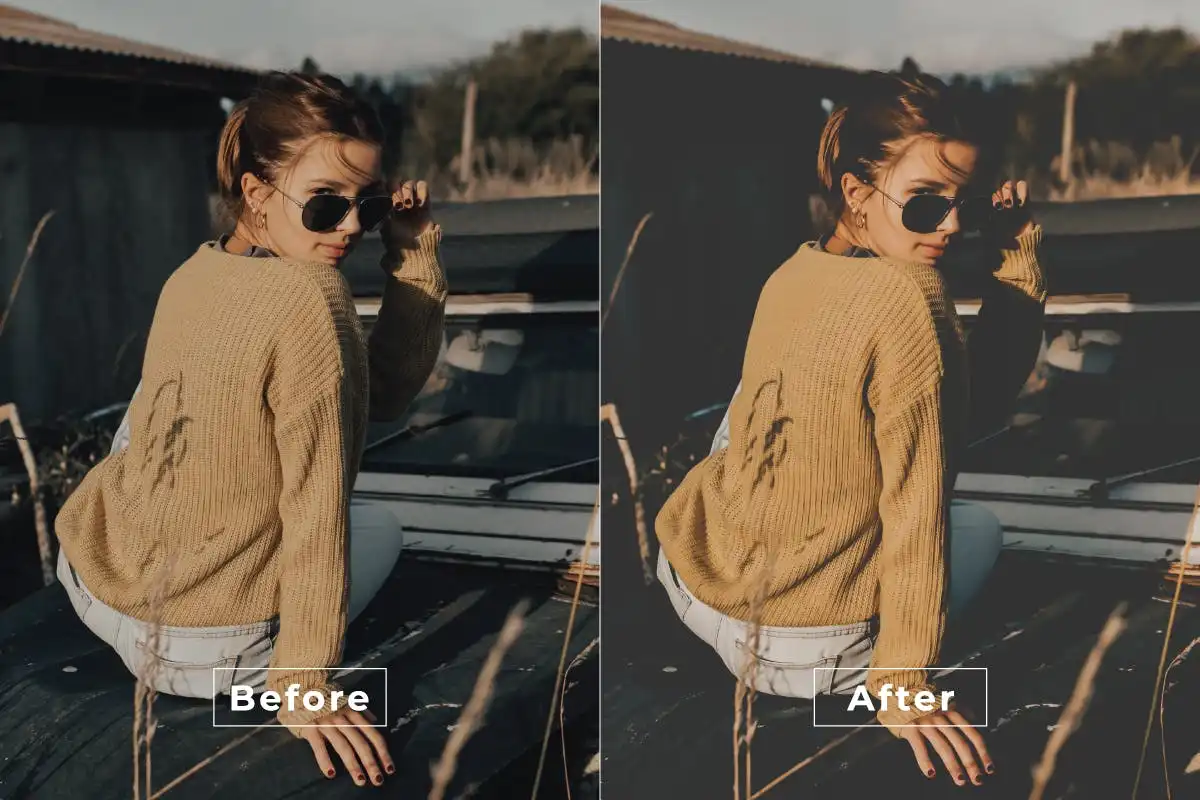
Achieve that flawless, dreamy aesthetic you see on your mood board! 💫 This action smooths skin and adds soft, ethereal tones. It’s the secret sauce for gorgeous beauty photography! 💄
Color Movie Photoshop Action
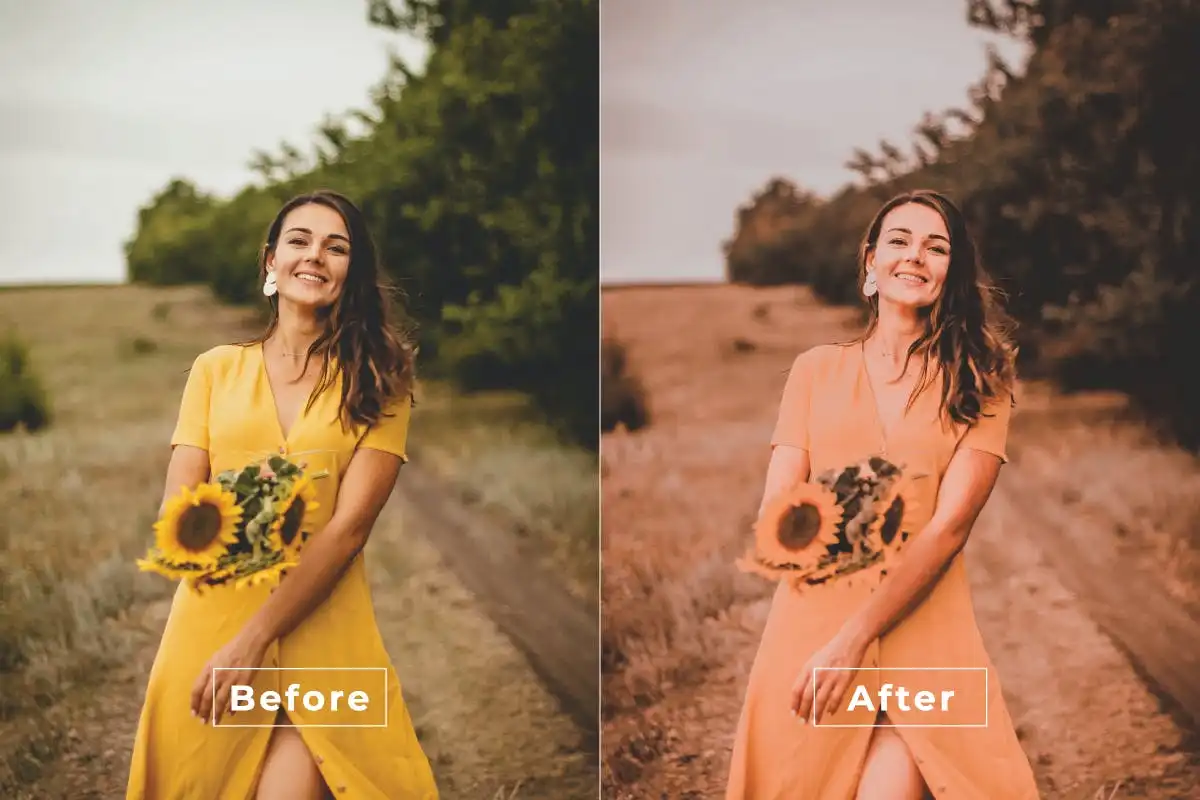
Ready for some Hollywood-style color grading? 🎥 This action creates rich, dramatic tones that mimic professional film stock. It’s a one-click ticket to cinema city! 🌟
Cinematic Stylish Photoshop Action
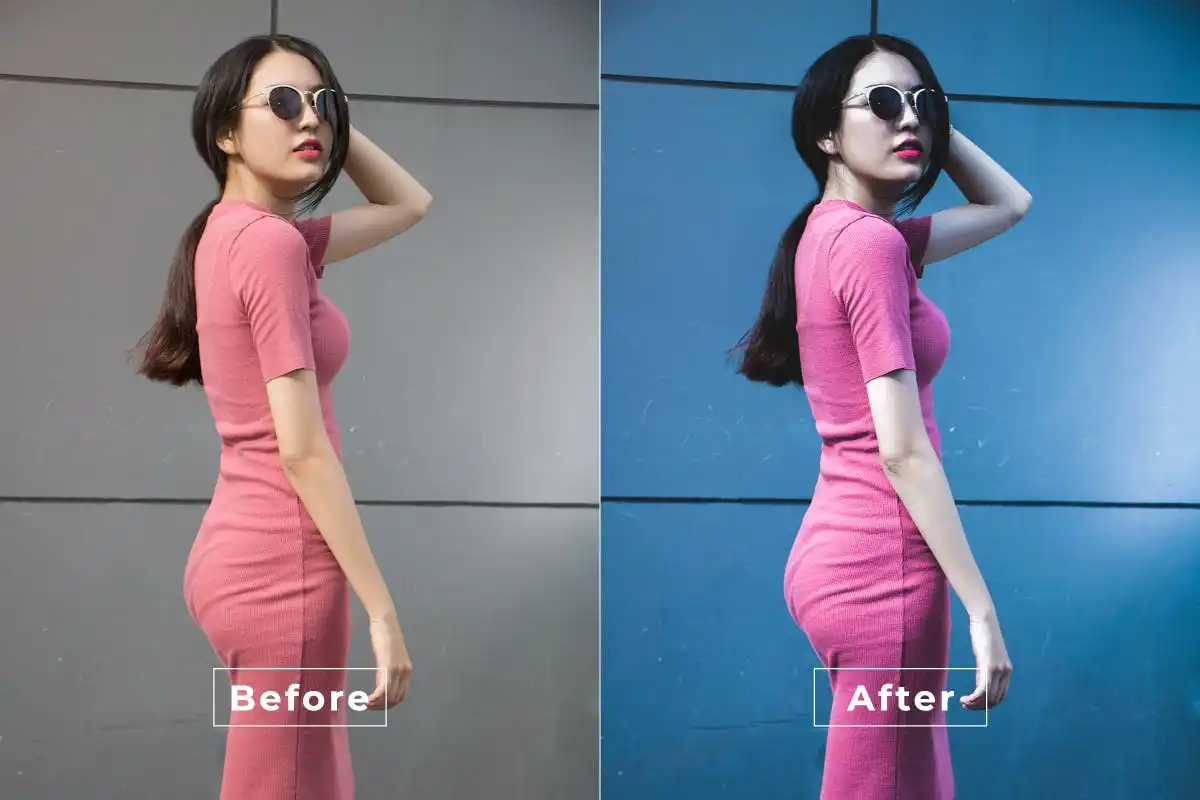
Add a touch of stylish flair with this film-like action! 🕶️ It’s perfect for portraits and editorials, giving you that polished, high-fashion look with zero effort. Chic and easy! ✨
Artistical-Photoshop Action 1
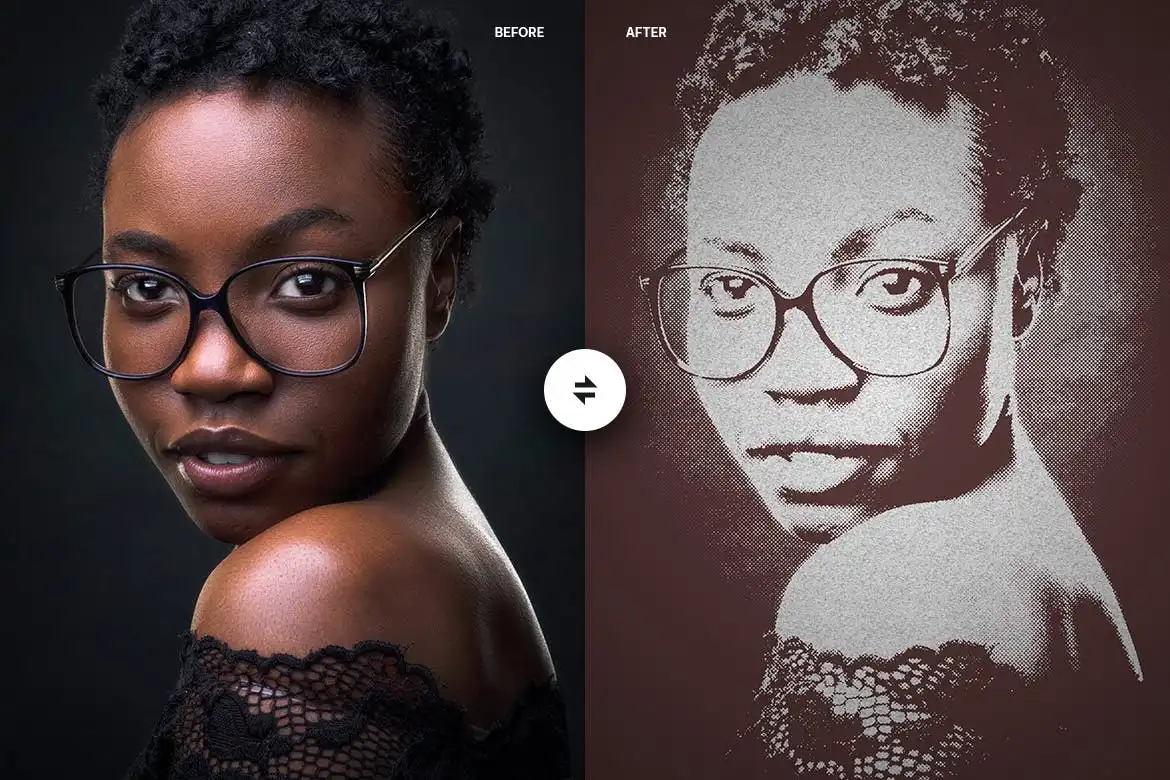
Turn your photos into captivating masterpieces with this artistic action! 🎨 It adds painterly textures and creative effects that make your images look like gallery art. Pure magic! 🖼️
Color More Photoshop Action
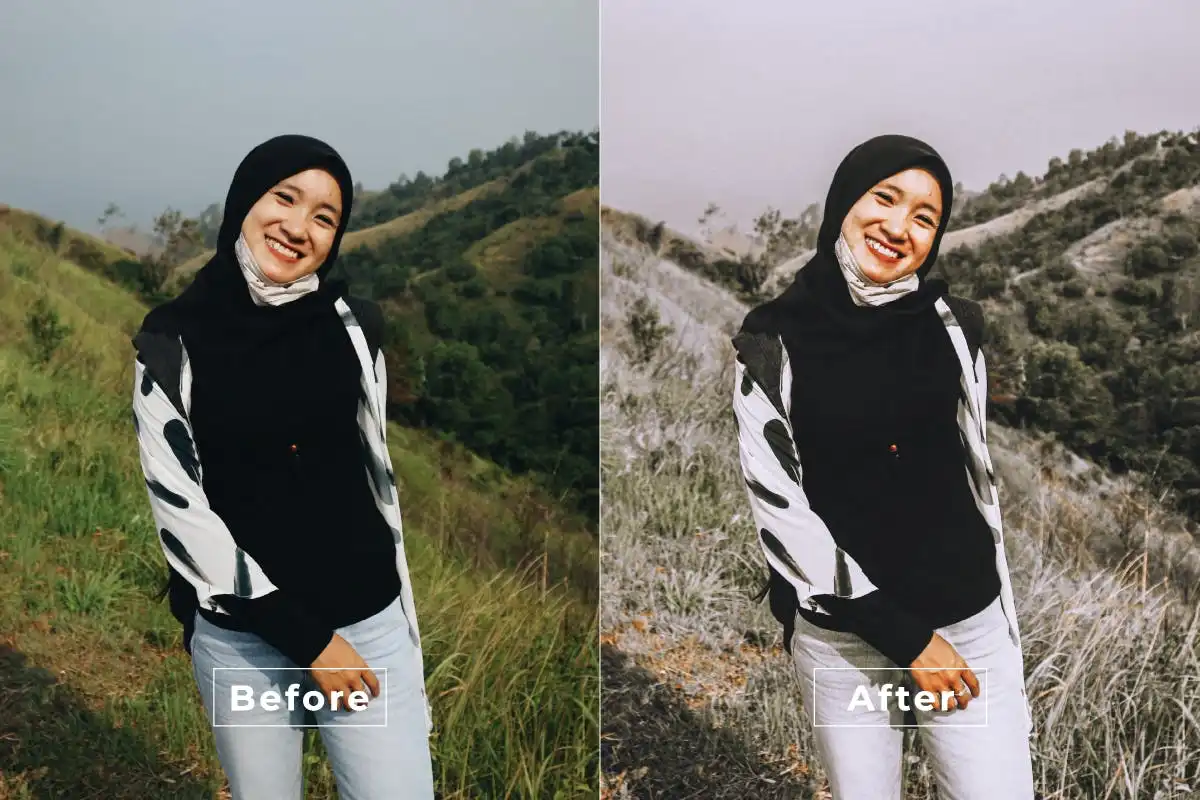
Go big on color! 🌈 This action boosts vibrancy and adds dynamic color grading that makes your images sing. It’s perfect for landscapes, fashion, and anything that needs a punch of life! 💥
Attention Filter Photoshop Action
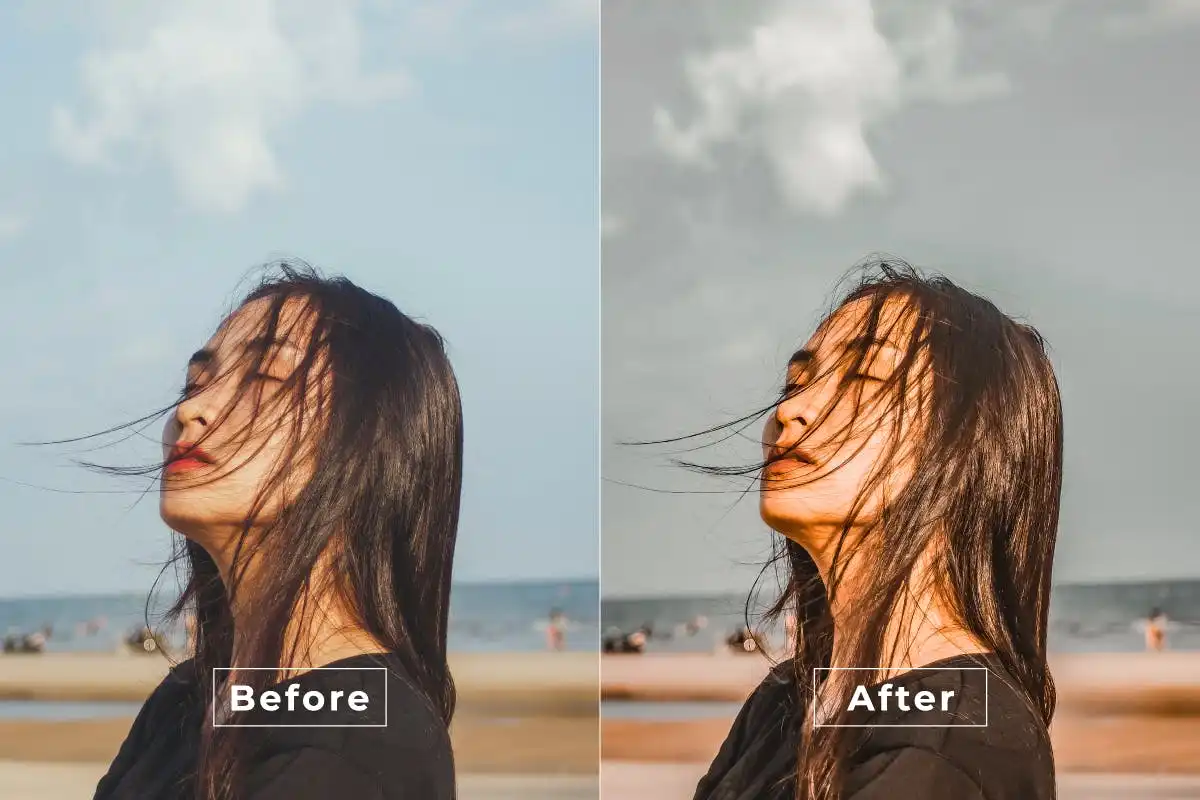
Focus on what matters! 🔍 This action applies a selective sharpening technique that highlights your subject while softening the background. It’s a pro-level trick in one click! 🎯
Back Road Photoshop Action
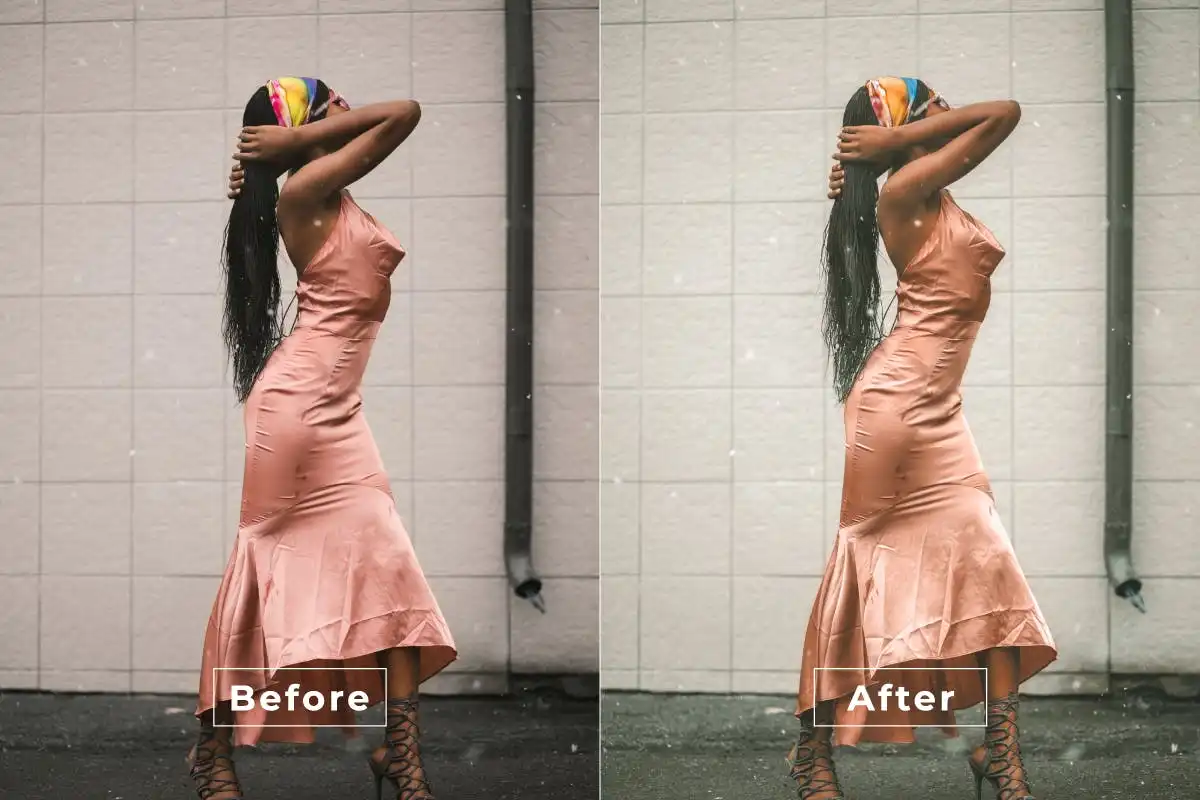
Channel that wanderlust energy! 🌄 This action adds rich, cinematic tones perfect for travel and landscape photography. It makes every road look like an adventure waiting to happen. 🚗💨
Cinematic Parallax Photoshop Action
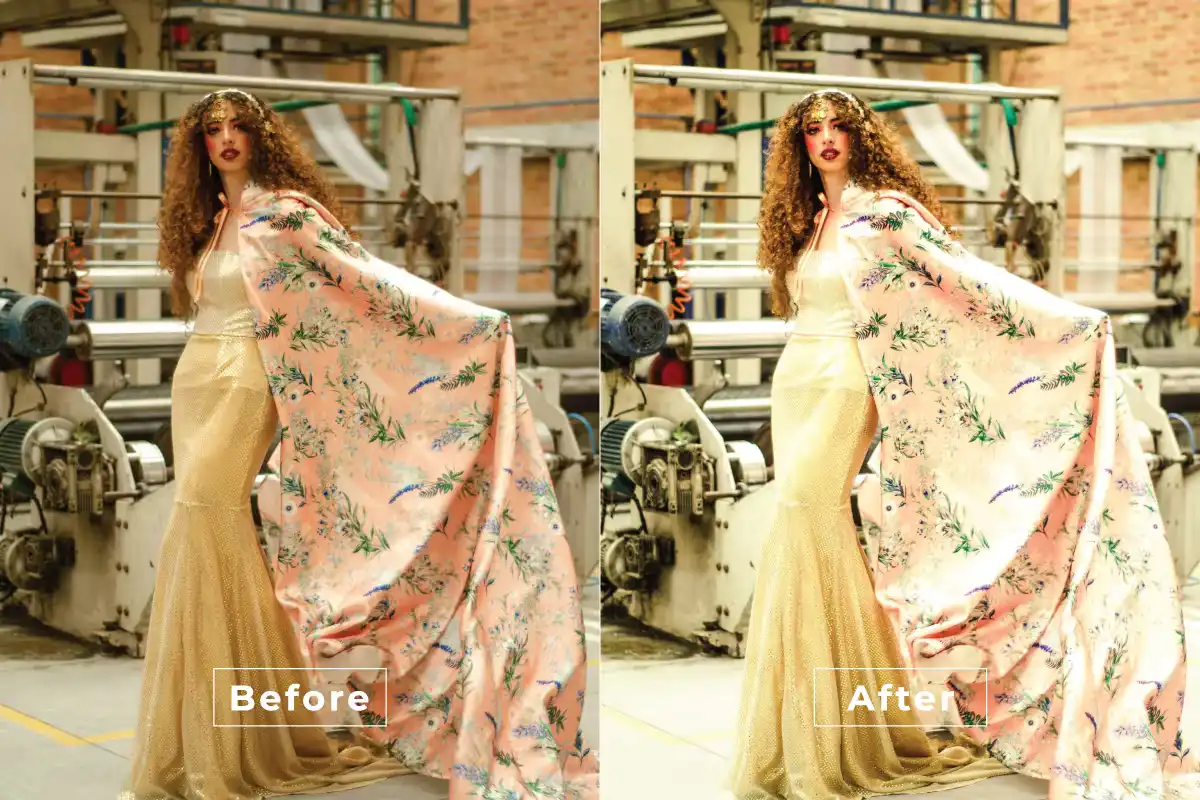
Create breathtaking depth and motion in your photos! 🌀 This action adds a stunning parallax effect that makes your images feel alive and immersive. It’s pure visual magic! ✨
Beauty Vibes Photoshop Action
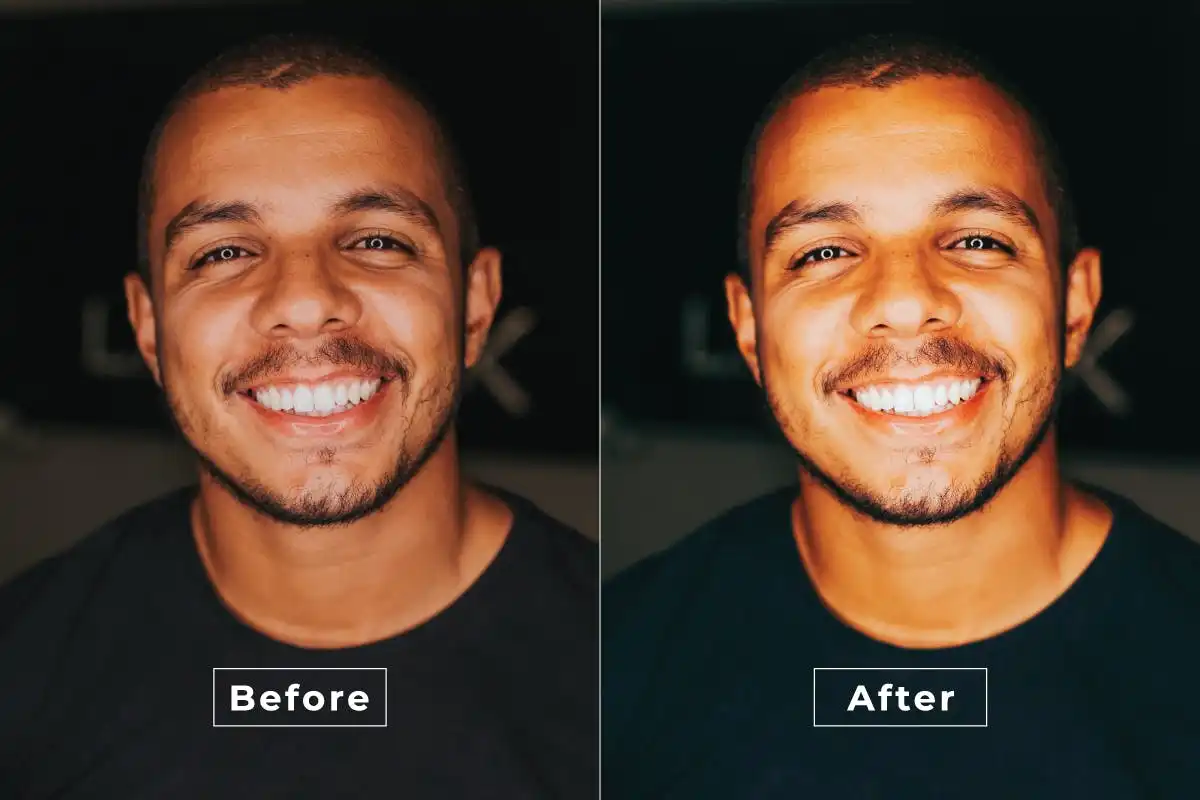
Bring the good vibes only! ✨ This action delivers flawless skin smoothing and vibrant color enhancements for gorgeous portraits. It’s like a spa day for your photos! 🧖♀️💖
Bright Aesthetic Photoshop Action
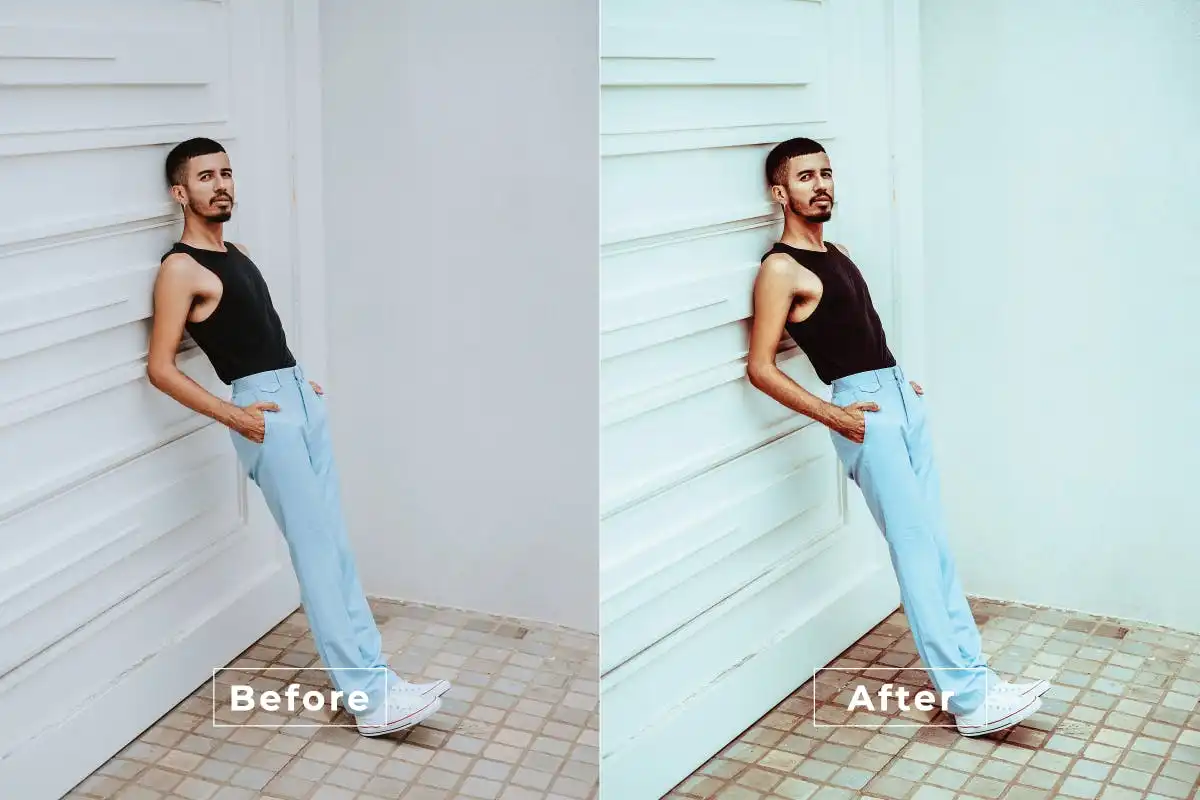
Illuminate your creativity with this luminous action! ☀️ It adds a gorgeous bright, airy aesthetic that’s perfect for lifestyle and bright aesthetic shoots. One click, endless sunshine! 🌻
Beauty Summer Photoshop Action
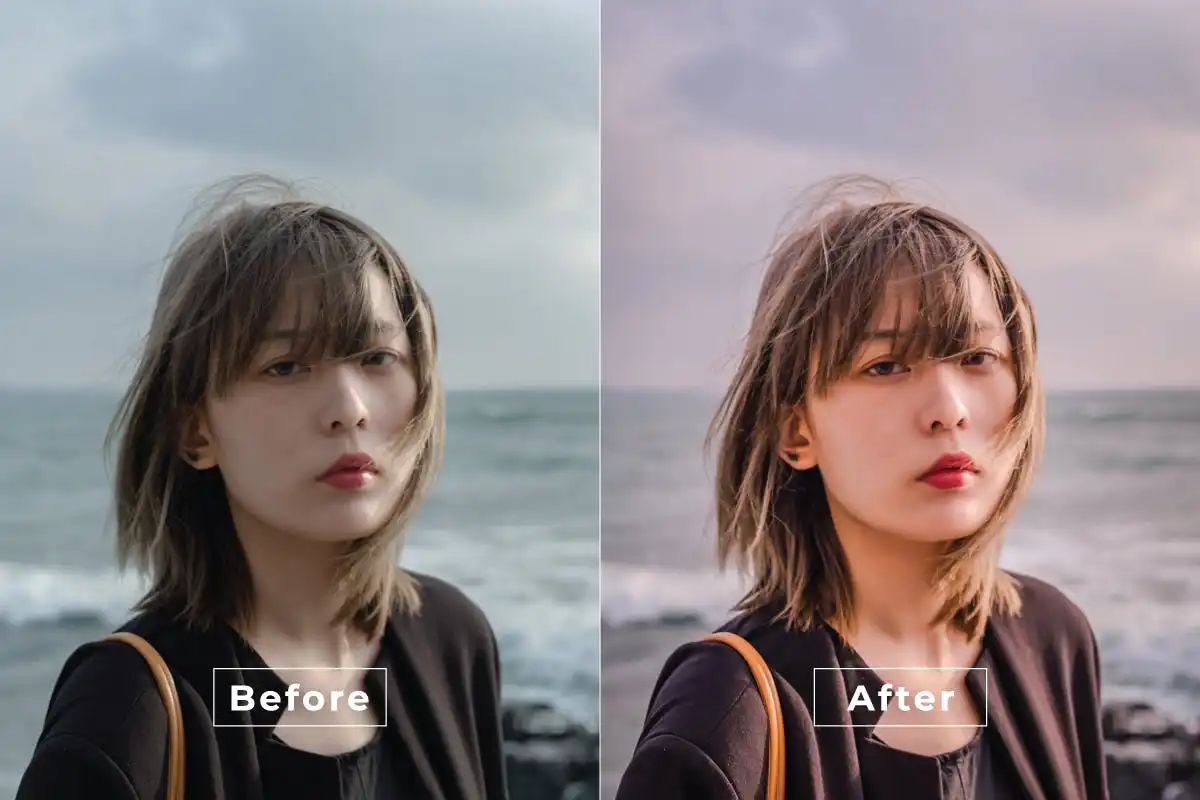
Catch those sun-kissed summer vibes all year round! ☀️ This action adds warm, glowing tones and flawless skin enhancements that scream beach days and golden hour. Feel the heat! 🔥
Bitter Love Photoshop Action
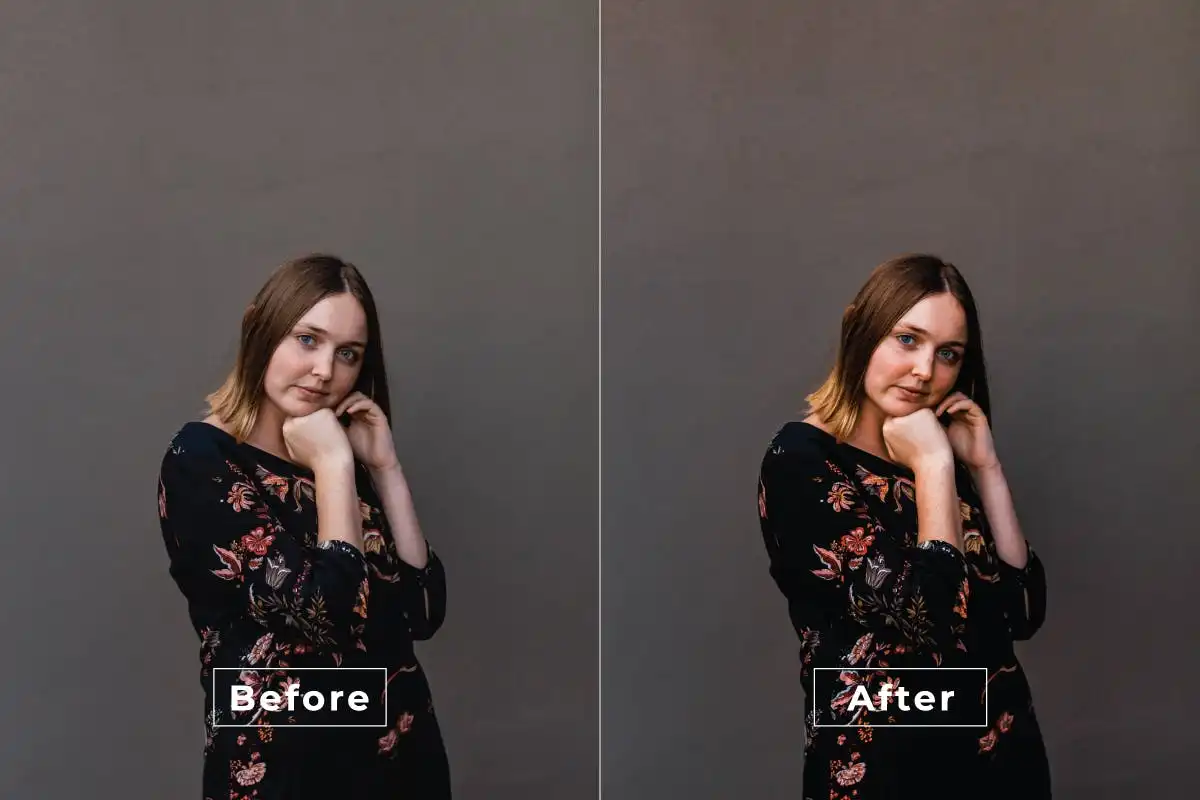
Embrace the moody romance! 🌹 This action infuses your photos with enchanting, emotional tones and rich contrasts. Perfect for portrait, lifestyle, and fashion shots that tell a deep story. 🖤
Conclusion
And there you have it—20 incredible Photoshop actions from the Brushespack Collection Part 304 that are ready to supercharge your editing game! 🚀 Whether you’re chasing Barbie dreamland, cinematic drama, or summer sunshine, there’s an action here waiting for you. The best part? They’re all just a click away, so you can stop tweaking and start creating. Go ahead, give your photos the glow-up they deserve! ✨
Frequently Asked Questions
How do I install a Photoshop Action from Brushespack?
It’s super easy! After you download the .ATN file, open Photoshop, go to the Actions panel (Window > Actions), click the little menu icon, and choose “Load Actions.” Select your file, and boom—you’re ready to rock! 🎸
Are these actions compatible with all versions of Photoshop?
Yes, these actions are designed to work with most modern versions of Photoshop (CS6 and above, including CC). Just make sure you’re working on an 8-bit RGB image for the best results! 🖥️