Hey there, creative soul! 🎨✨ Are you ready to supercharge your photo editing game? I am beyond excited to dive into the incredible Brushespack Collection Part 289, a treasure trove of 20 brand-new Photoshop Actions that will transform your ordinary snapshots into jaw-dropping works of art. Whether you’re chasing that moody cinematic vibe or a bright, bubbly aesthetic, this collection has something magical for everyone. Let’s jump right in and explore these digital gems together! 🚀
Why Use These Photoshop Actions?
Let’s be real—editing photos from scratch can be a total drag sometimes, right? 😩 That’s where these one-click wonders come in! These actions are designed to save you hours of manual tweaking by instantly applying complex color grades, textures, and lighting effects. They are perfect for social media content creators, portrait photographers, and digital artists who want to maintain a consistent, professional look without the headache. Just click play and watch the magic unfold! ✨
Top 20 Brushespack Collection Picks
Instagram Cinematic Photoshop Action
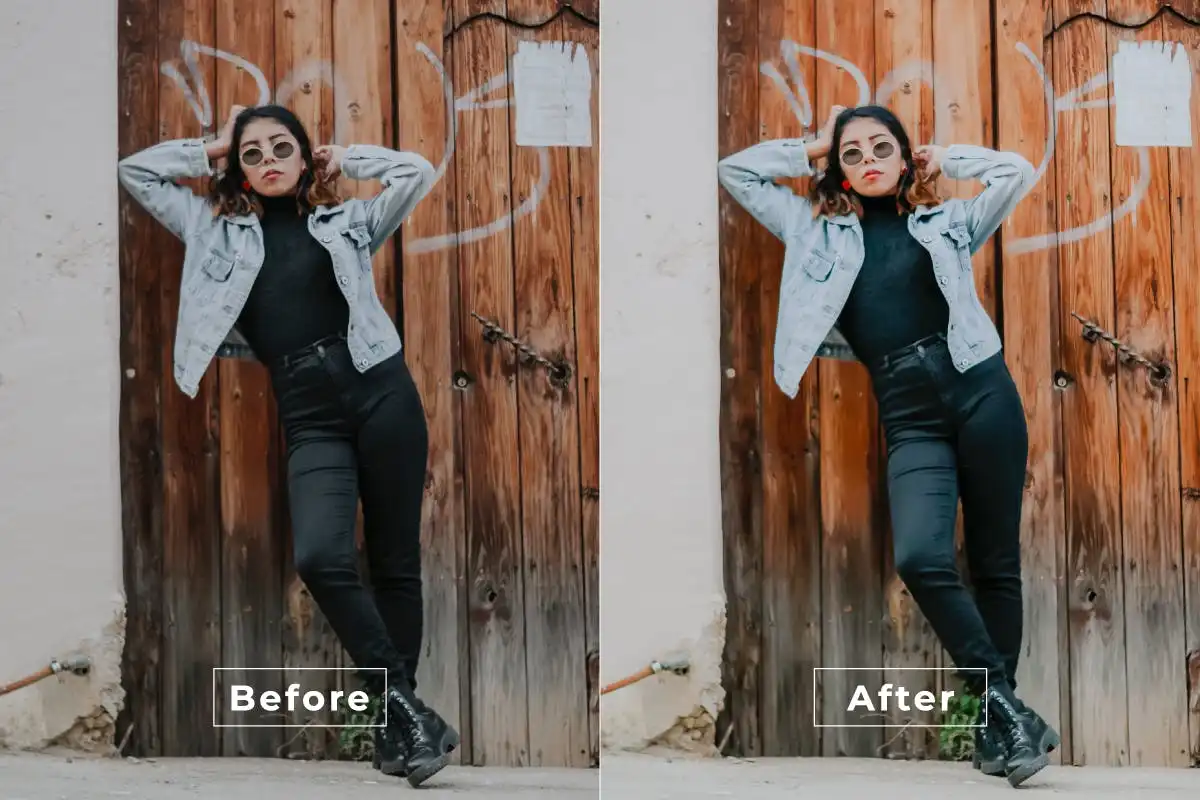
Give your feed that blockbuster movie feel! 🎬 This action deepens shadows and enriches colors to create a moody, film-inspired look that screams Hollywood on your Instagram grid.
Island Photoshop Action
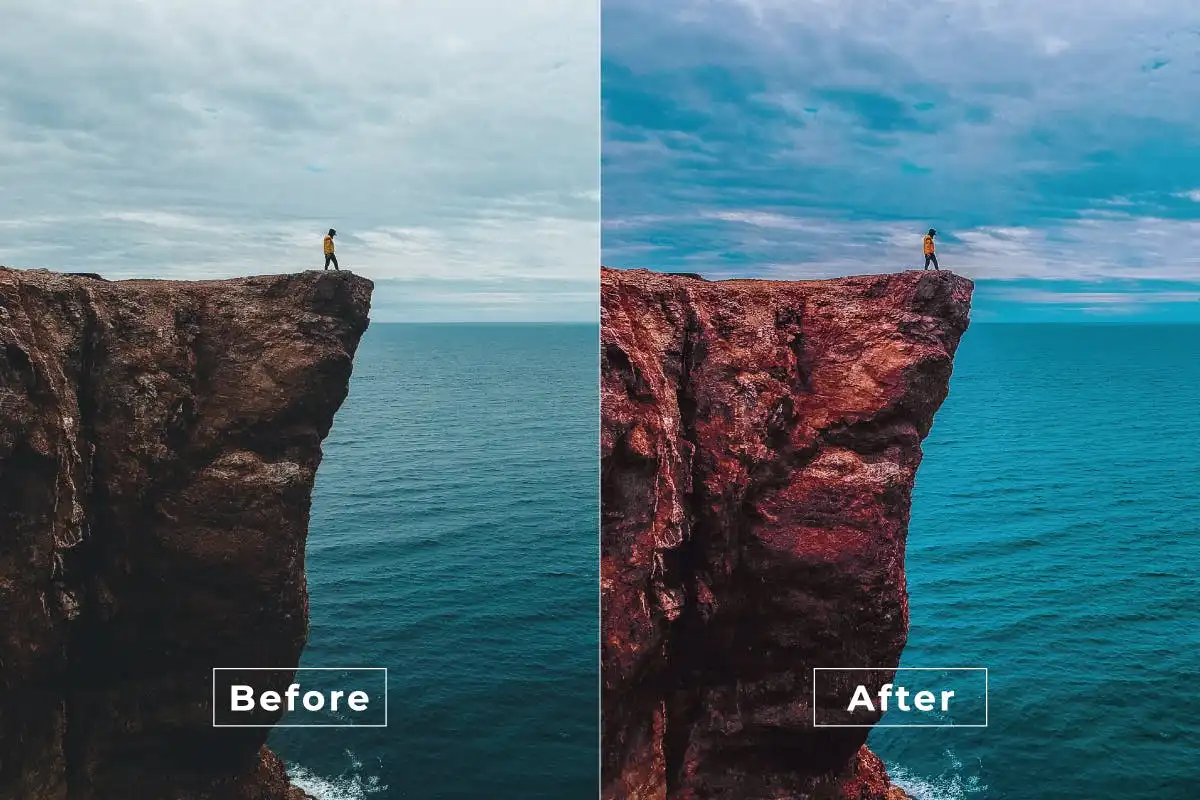
Escape to paradise without leaving your desk! 🌴 This action bathes your photos in warm, sun-kissed tones that make every shot look like a tropical vacation postcard.
Homesick Photoshop Action
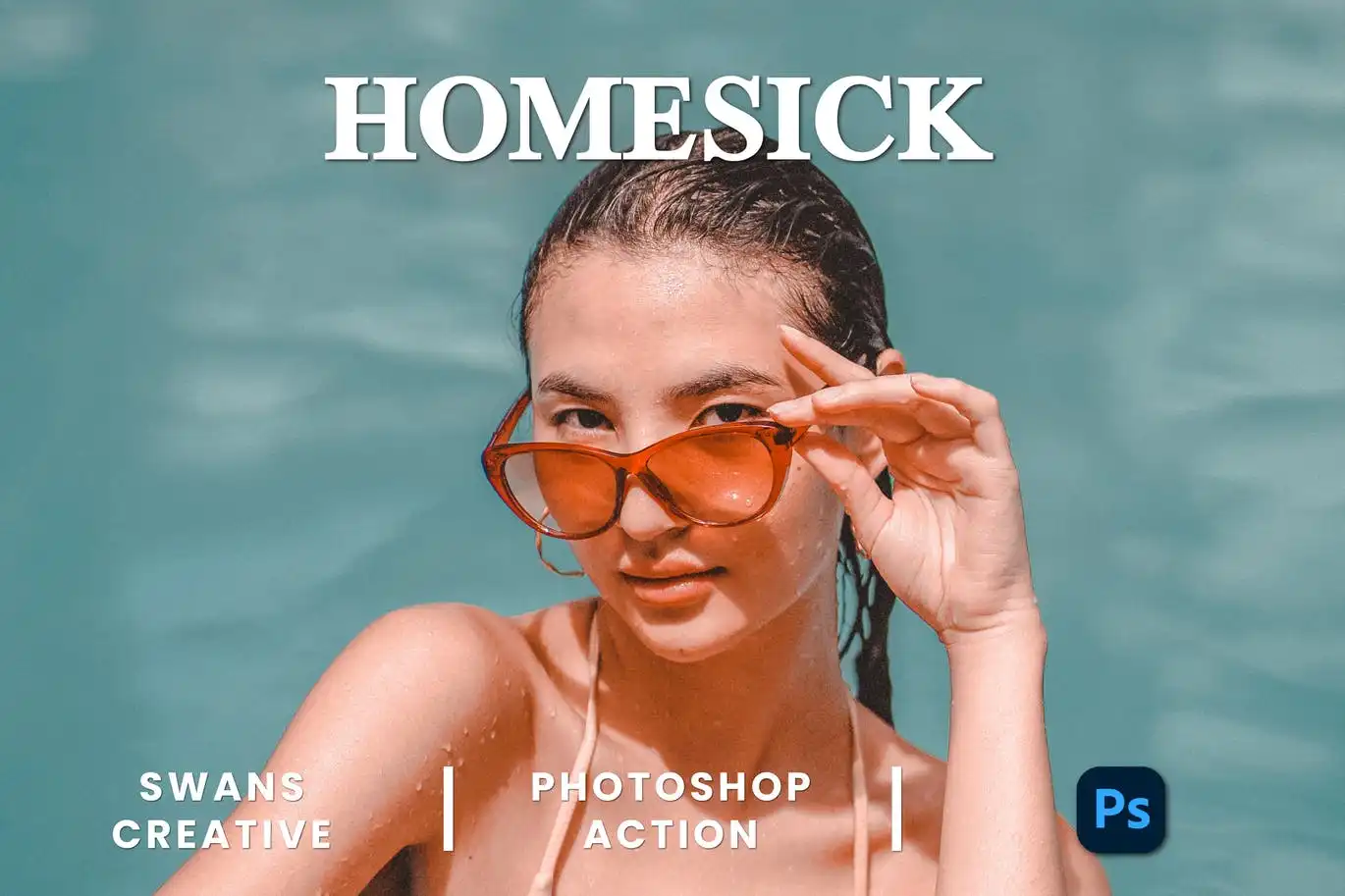
Wrap your images in a cozy blanket of nostalgia! 🥺✨ This action adds a warm, faded glow that evokes those deep, sentimental feelings of home and happy memories.
Filter More Photoshop Action
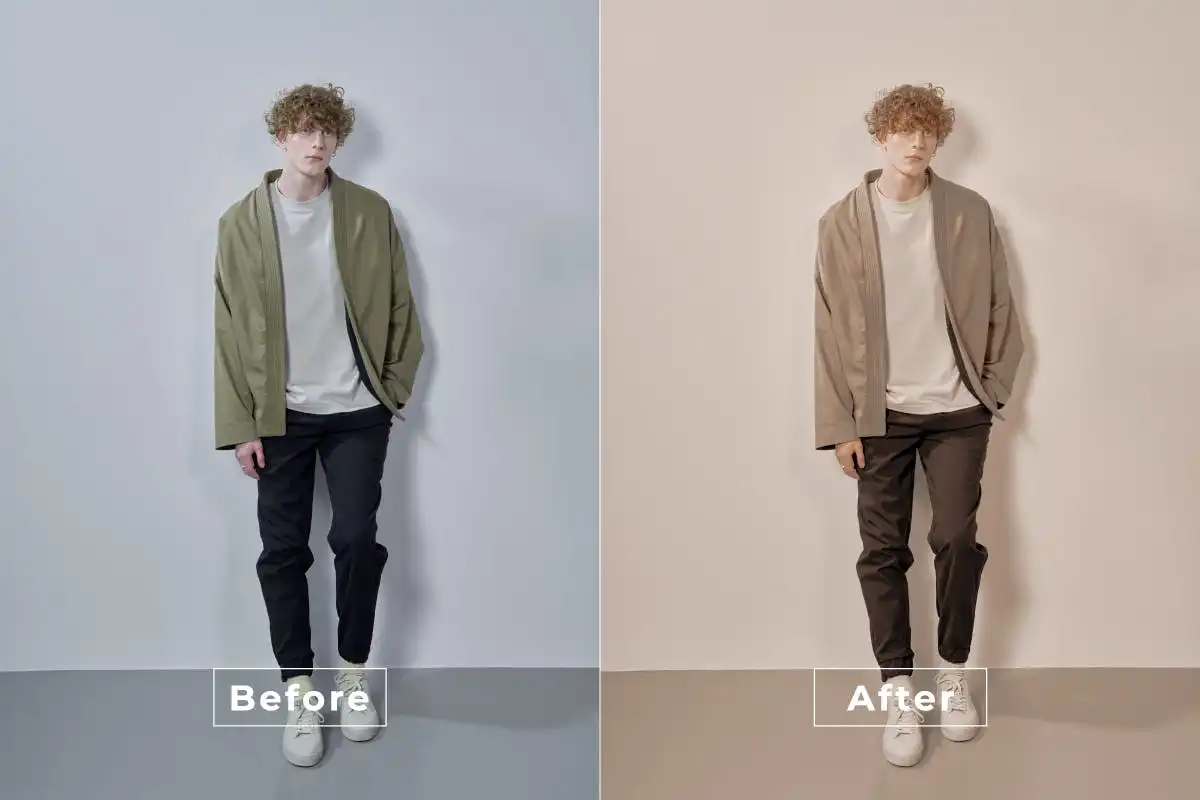
Go wild with layers of gorgeous filters! 🤩 This action gives you a massive library of stylish effects to play with, letting you find the perfect vibe for any photo in seconds.
Disposable-Photoshop Action
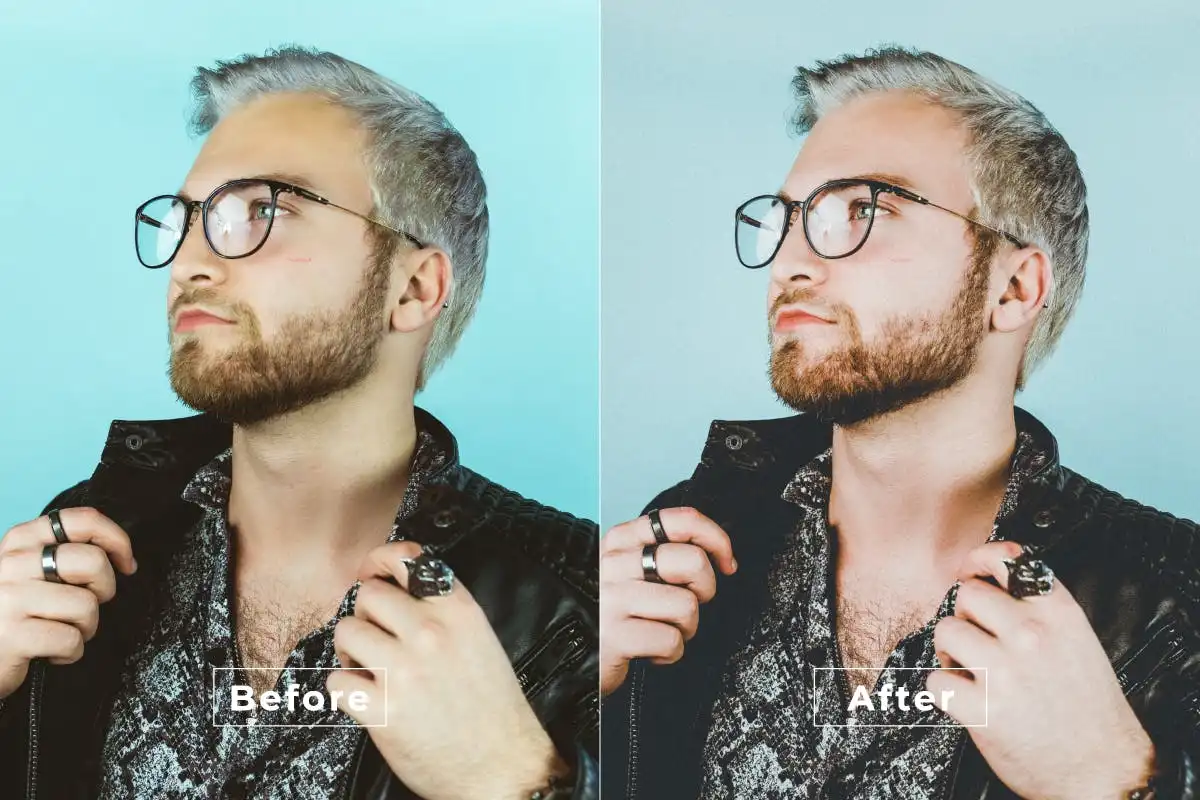
Channel that early 2000s summer camp vibe! 📸💫 This action nails the grainy, flash-heavy, slightly overexposed look of disposable cameras, perfect for adding raw character.
Gold Liquid Photoshop Action
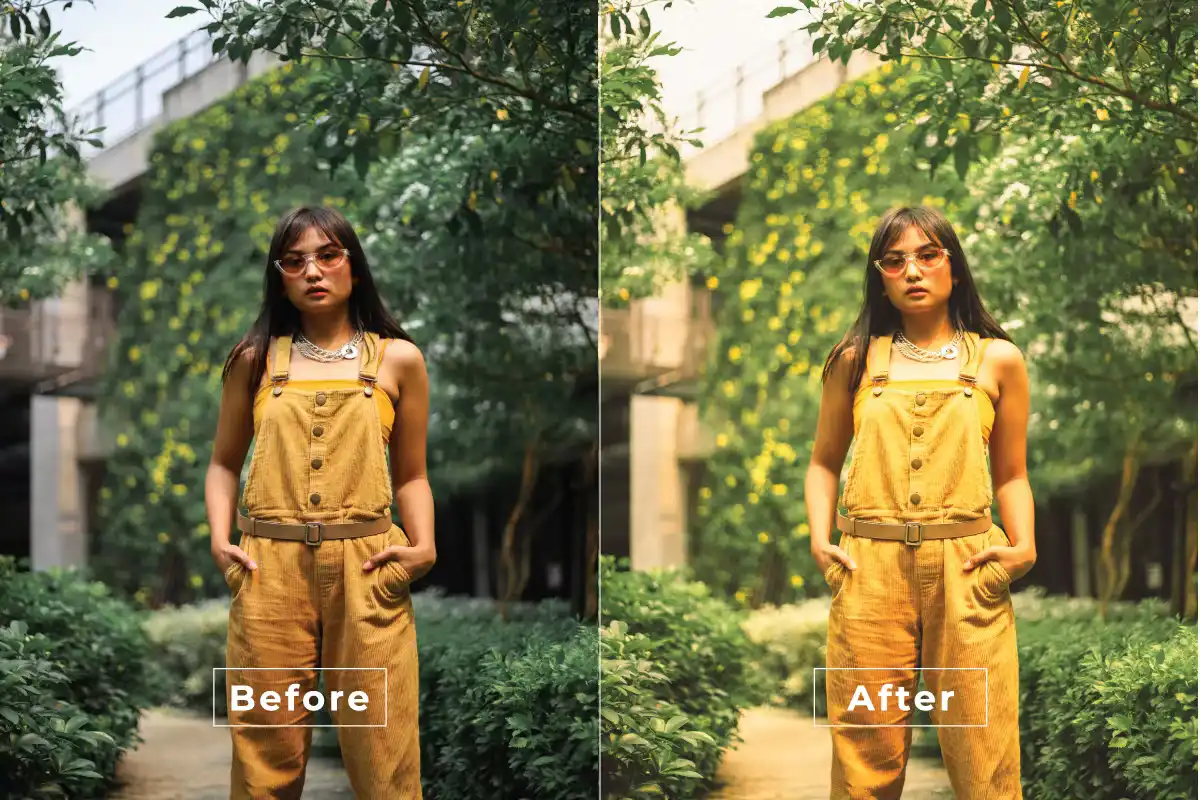
Sprinkle some liquid gold on your art! ✨ This luxurious effect adds shimmering, metallic highlights that make your photos look like pure magic and royalty.
Good Mood Photoshop Action
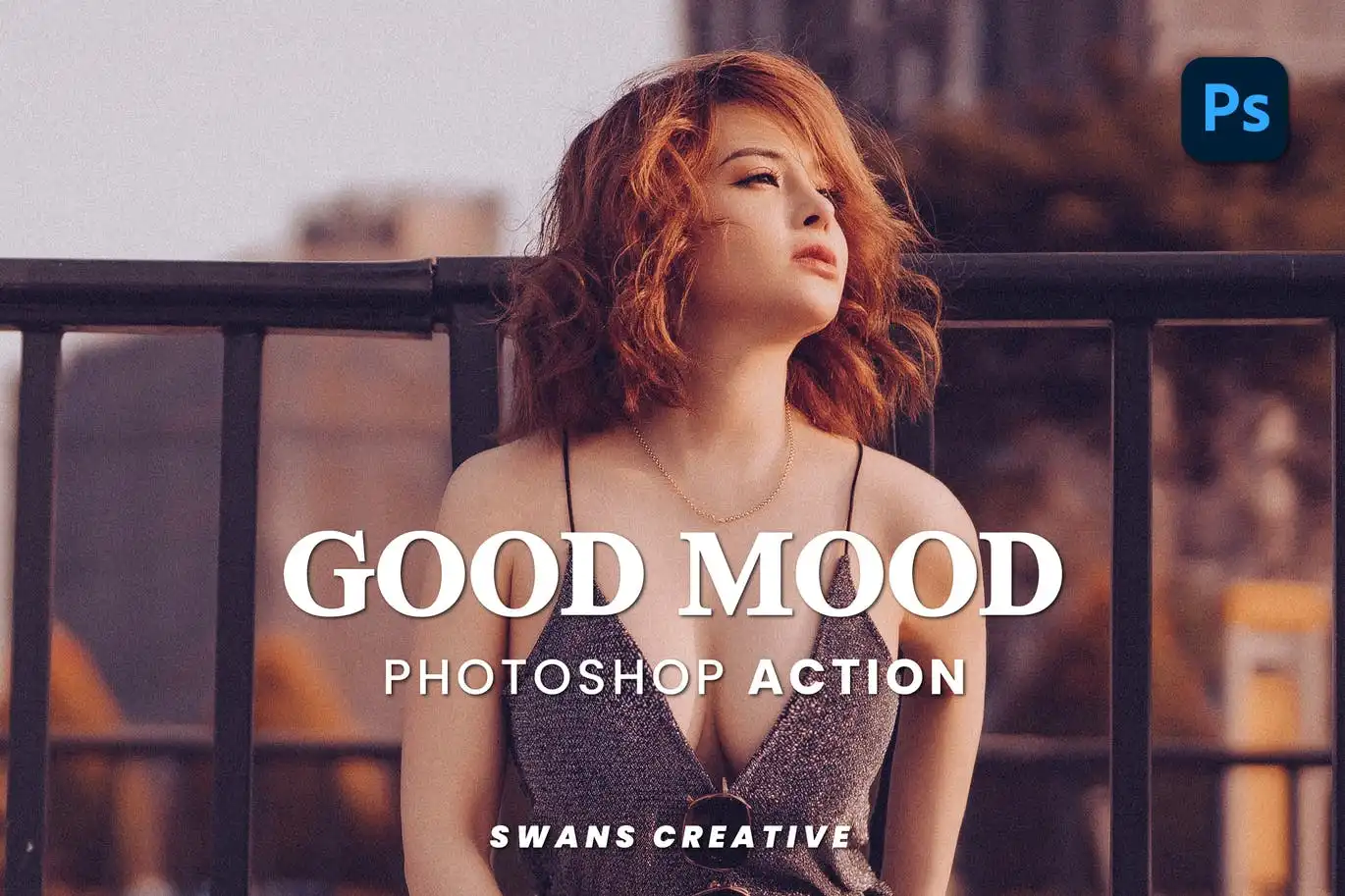
Inject pure sunshine into your shots! ☀️ This action boosts brightness and adds airy, soft pastel tones that will instantly lift your spirits and make you smile.
Drama Cinematic Photoshop Action
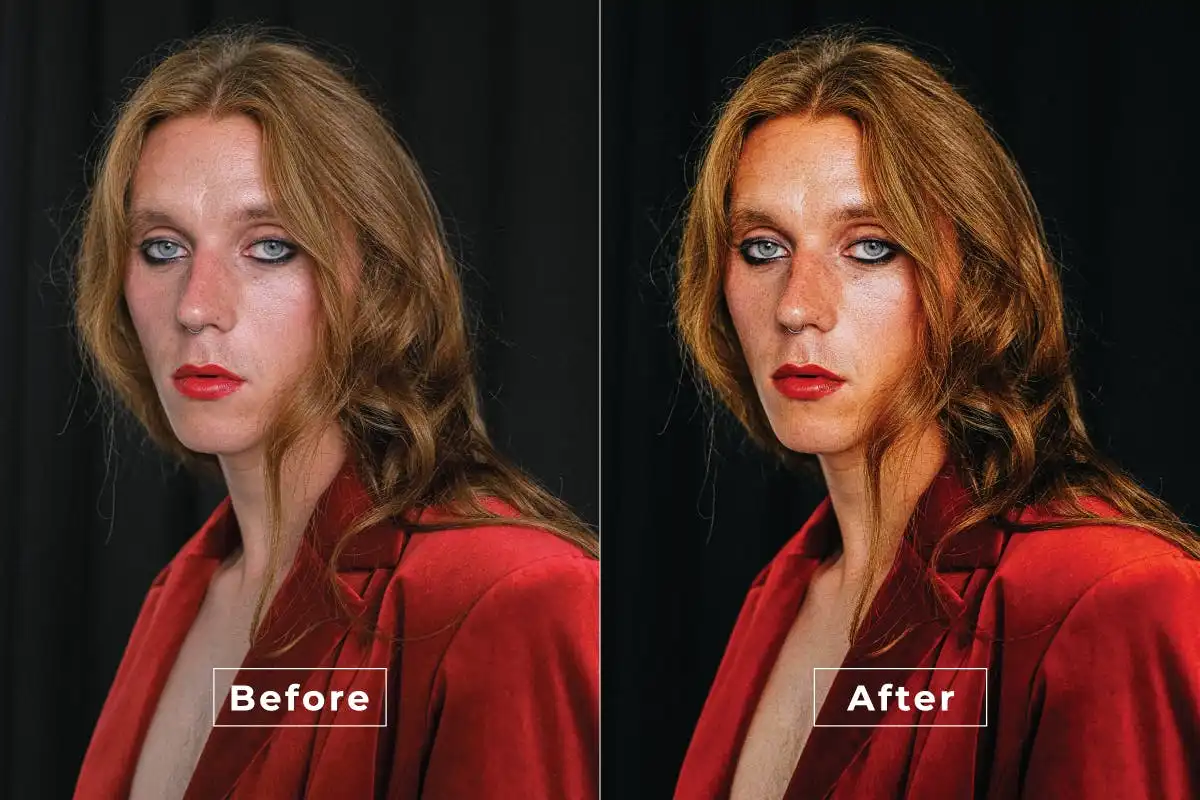
Bring the thunder and lightning! ⚡🎥 This action creates intense contrast and rich, deep shadows that make every portrait look like a scene from an epic thriller.
Cinematic Natural Photoshop Action
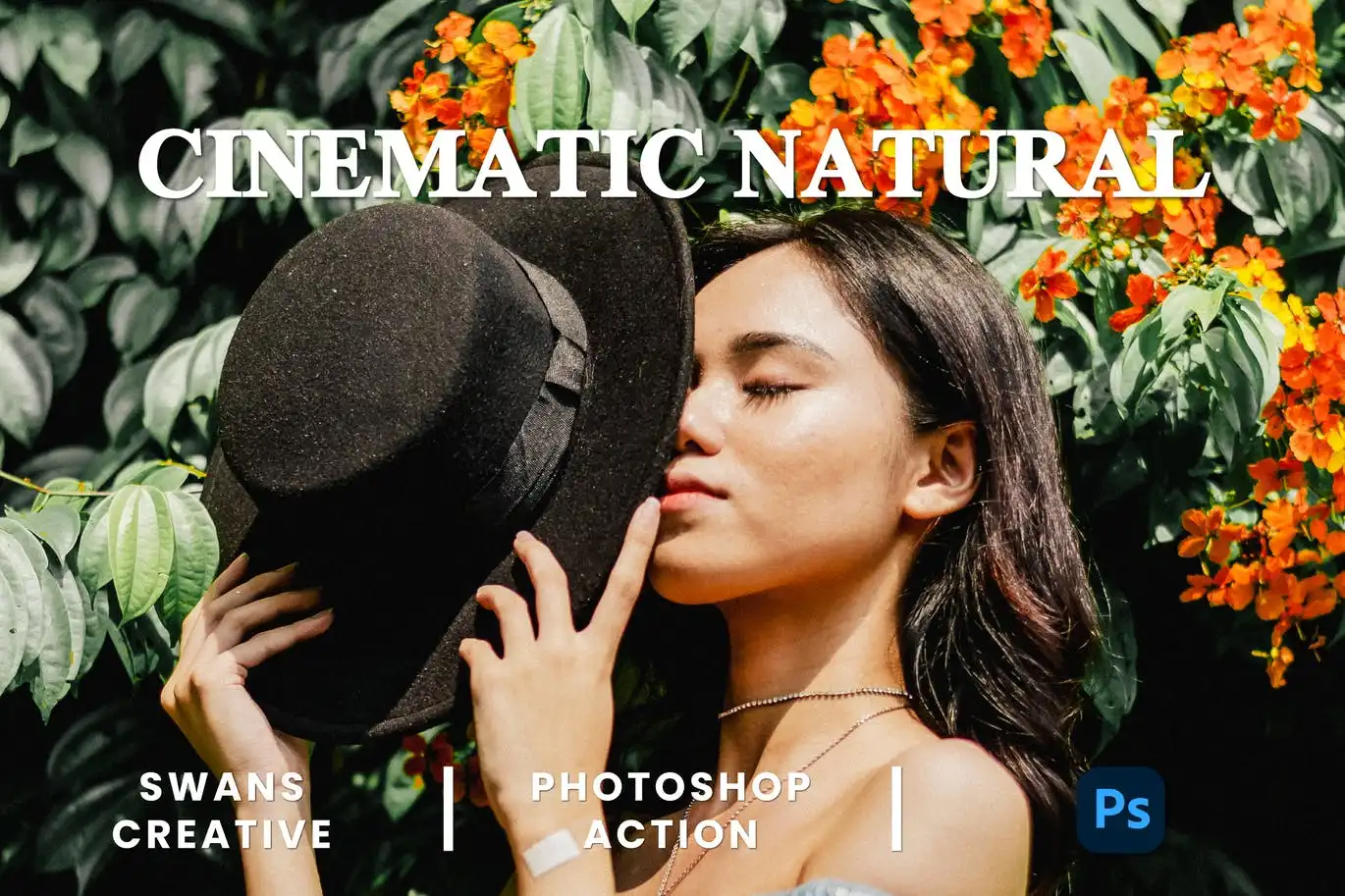
Get that high-budget indie film look without the heavy editing! 🎞️🌿 This action gives your photos a soft, organic color grade that feels both sophisticated and raw.
Augmented Reality Photoshop Action
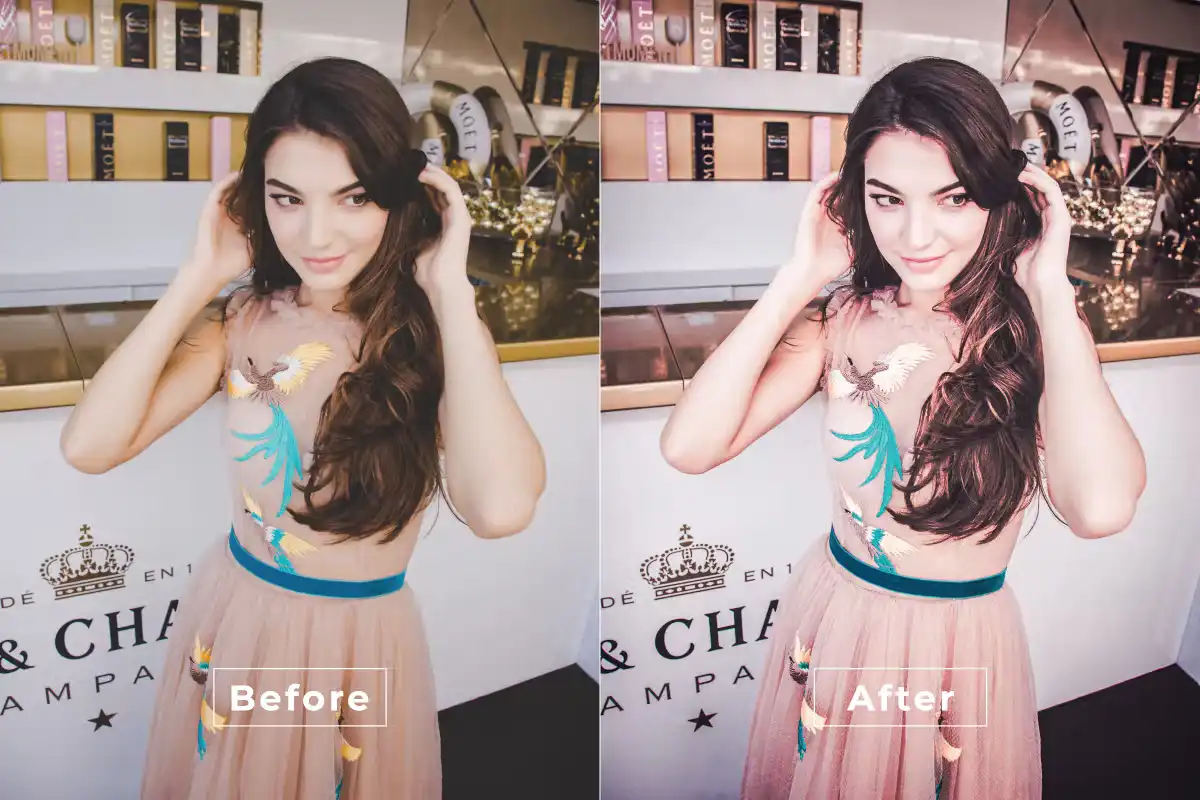
Step into the future of creativity! 🚀👾 This mind-bending action adds digital glitch effects, neon flares, and sci-fi overlays that make your images look like cyberpunk art.
Cute Bright Photoshop Action
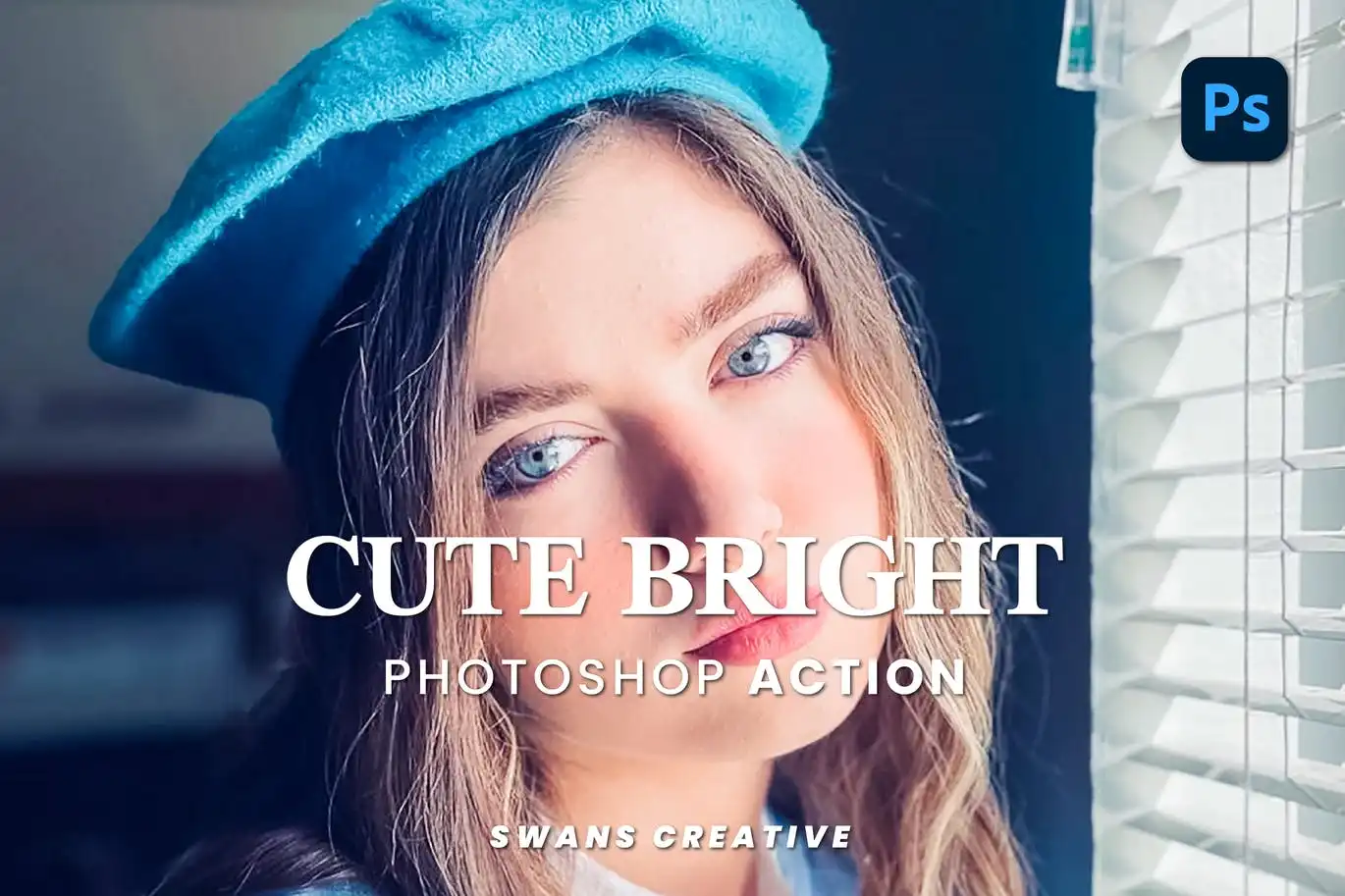
Unleash the sweetness! 🍭🌈 This action adds a dreamy, candy-colored brightness that is absolutely perfect for lifestyle shots, food photography, and selfies.
Bright Aesthetic Photoshop Action
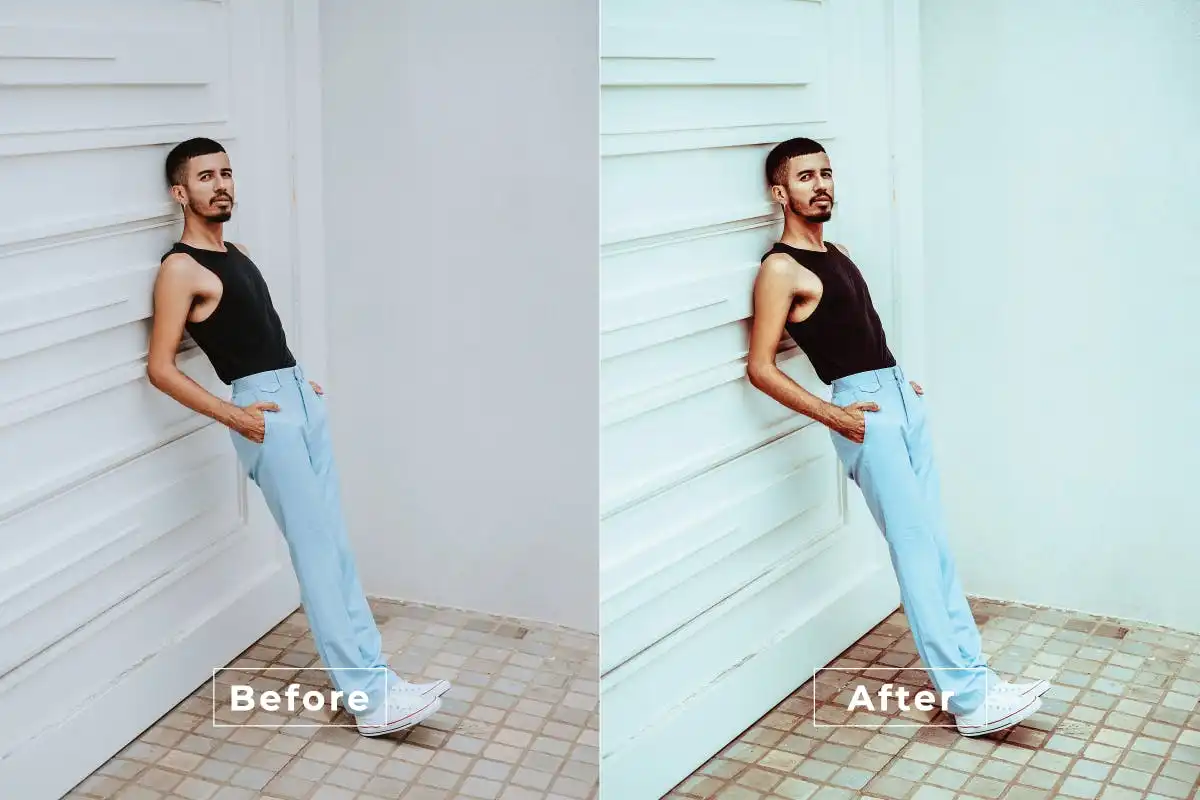
Your new secret weapon for that trendy, airy look! ☁️🌸 This action washes your photos in soft whites and pastels, giving them a clean, minimalistic aesthetic.
Bright Color Photoshop Action
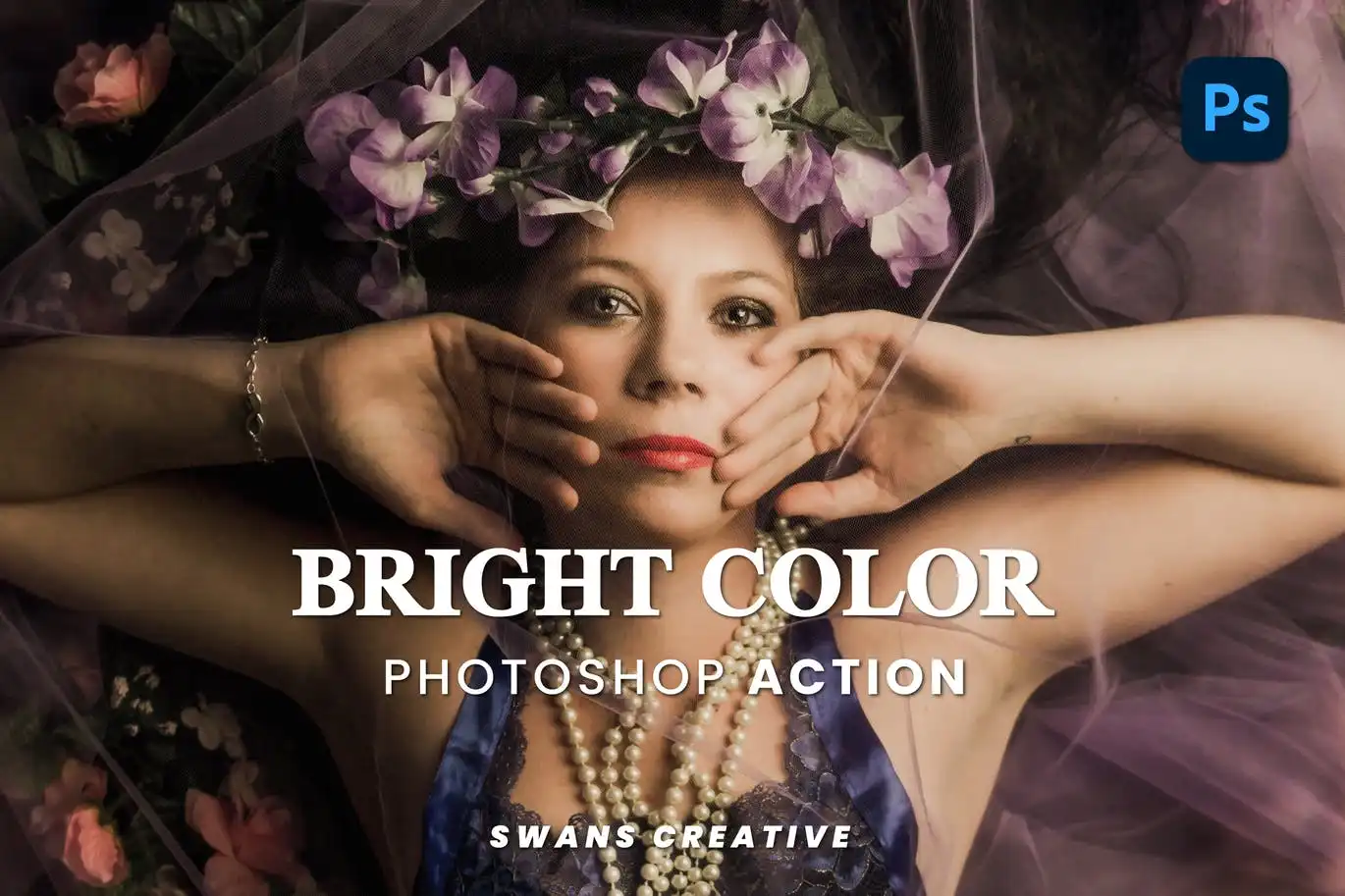
Turn up the saturation and make colors sing! 🎶🎨 This action is the ultimate booster for landscapes and portraits, making every hue incredibly vivid and punchy.
Blue Effect Photoshop Action
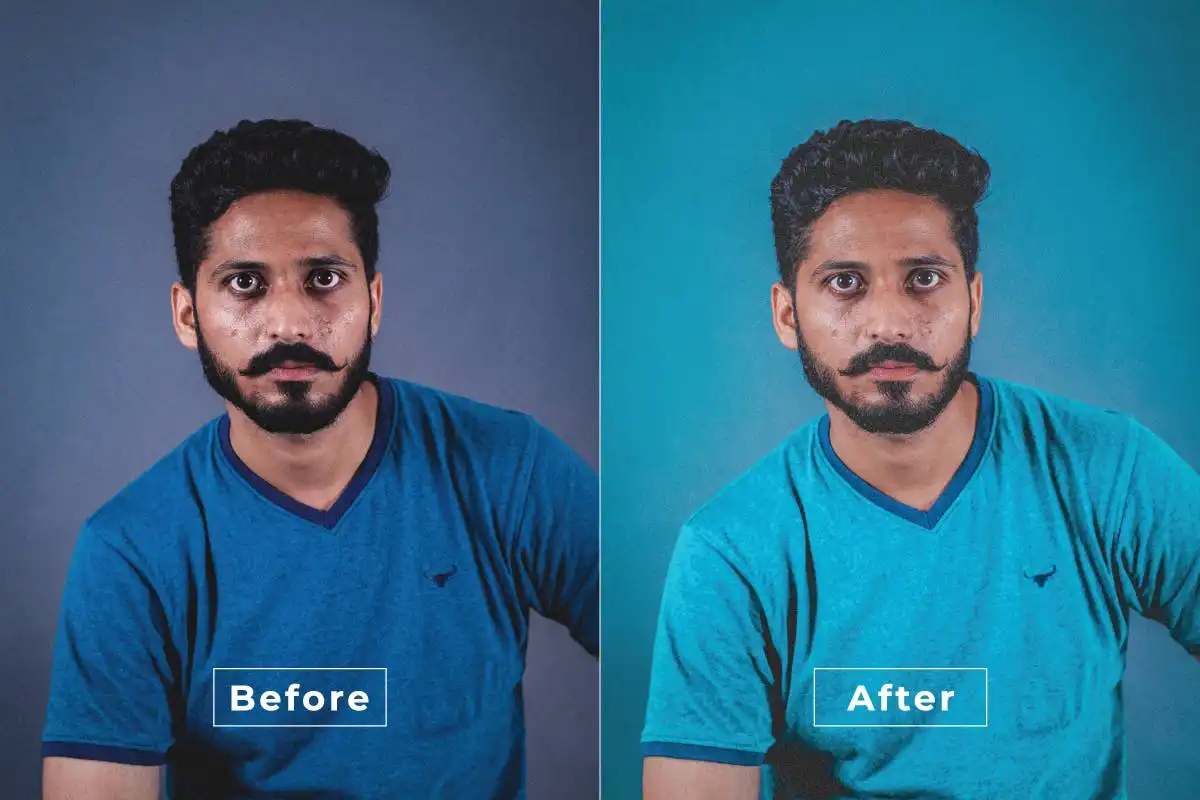
Dive into a deep ocean of cool tones! 🌊💙 This action adds a stunning, moody blue hue that is perfect for creating a calm, mysterious, or melancholic atmosphere.
Aesthetic Daily Photoshop Action
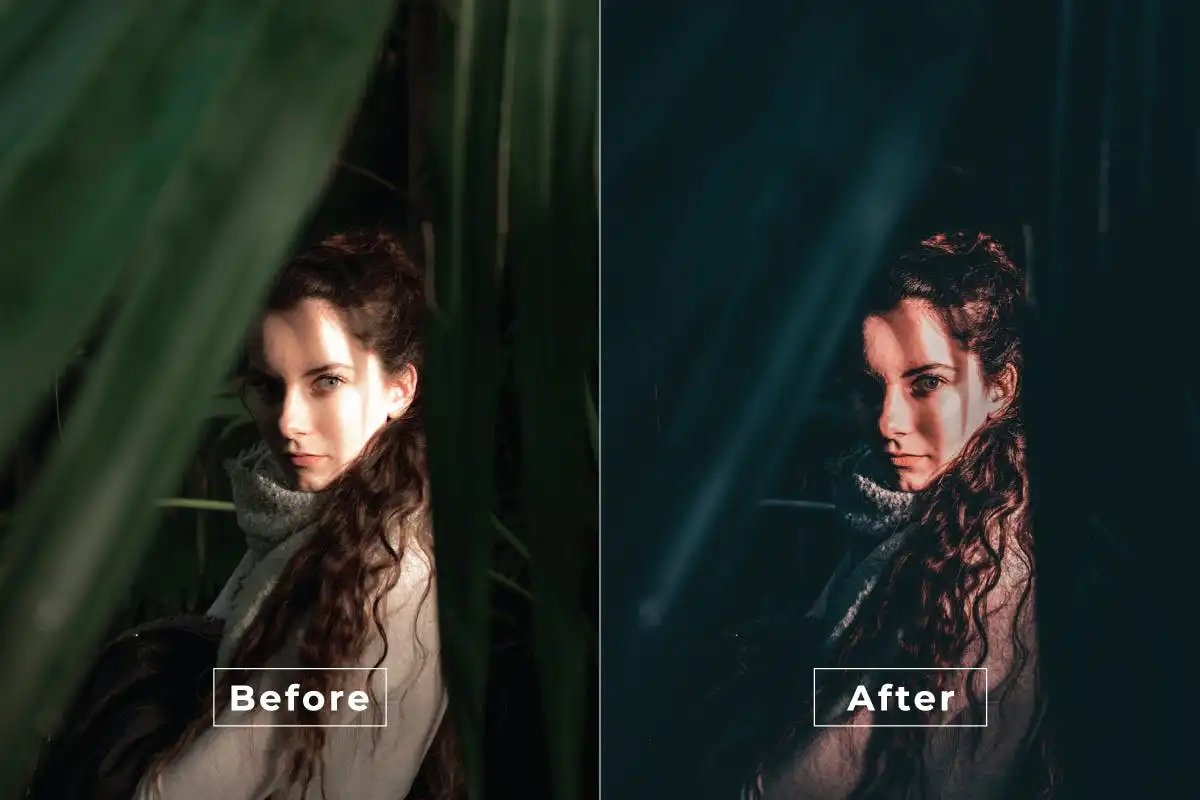
Perfect for your daily diary or vlogs! 📔✨ This action applies a chic, trendy filter that makes everything look effortlessly cool and ready for the ‘gram.
Rainbow Light Leak Effect For Photoshop
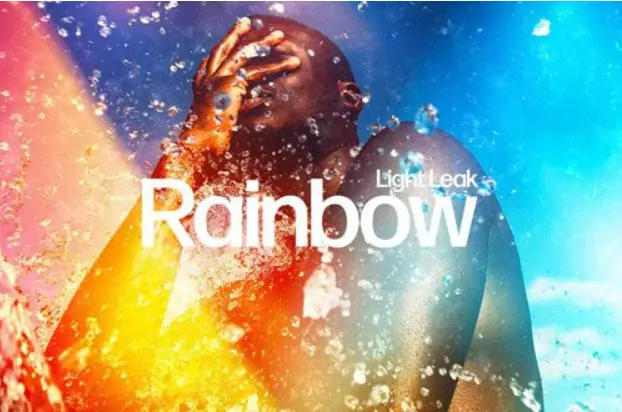
Bring back the glorious chaos of analog film! 🌈📽️ This effect splashes vibrant, prismatic light leaks across your images, adding a dreamy, retro feel.
Perfect Moody Photoshop Action
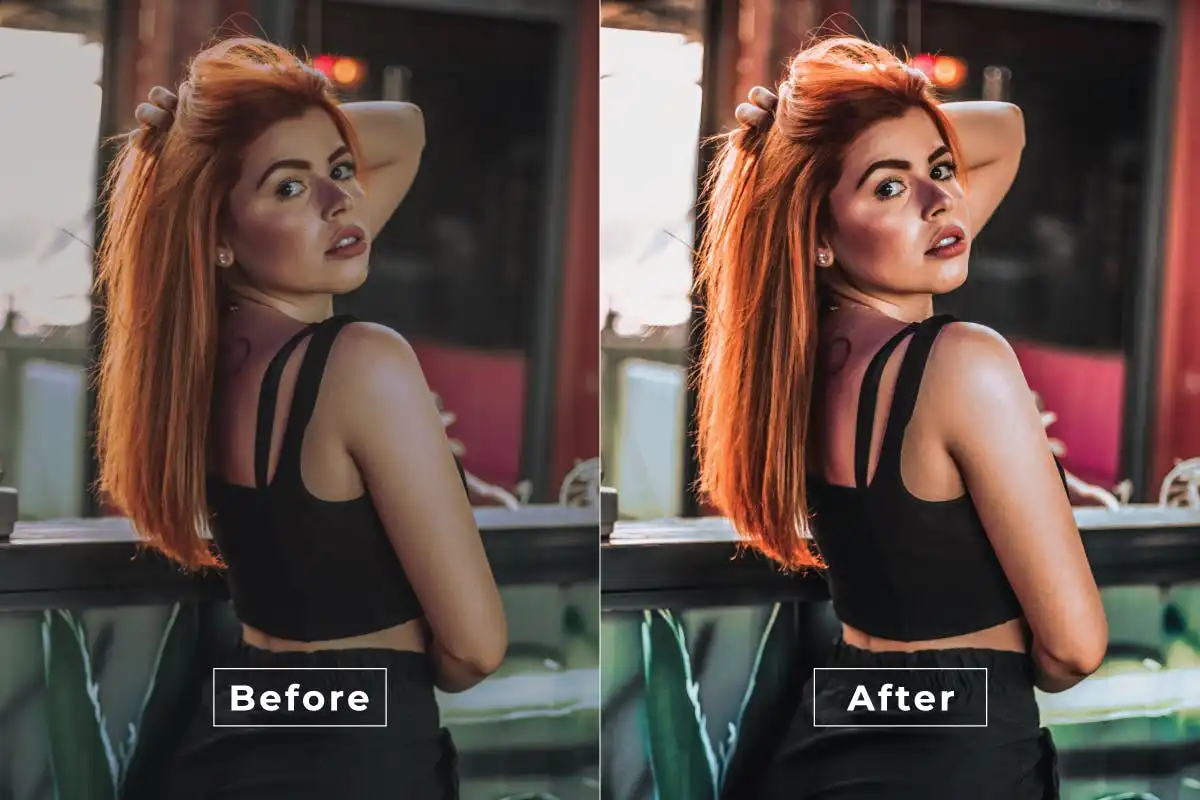
Embrace the shadows and the drama! 🌑🎭 This action is the master of creating that thick, atmospheric fog that adds mystery and emotion to any scene.
Peaches Photoshop Action
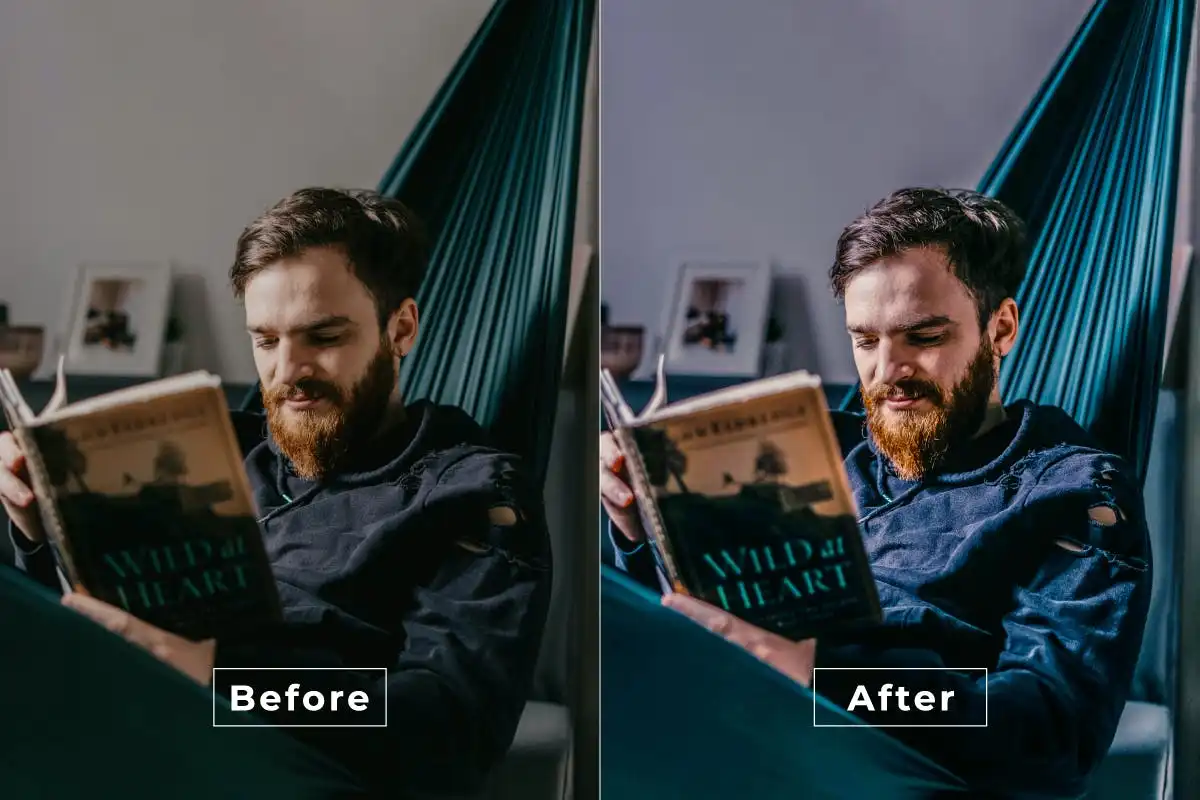
Get that sweet, sun-kissed glow! 🍑☀️ This action wraps your photos in warm peach and coral tones, giving skin a gorgeous, natural radiance.
Polaroid Photoshop Action
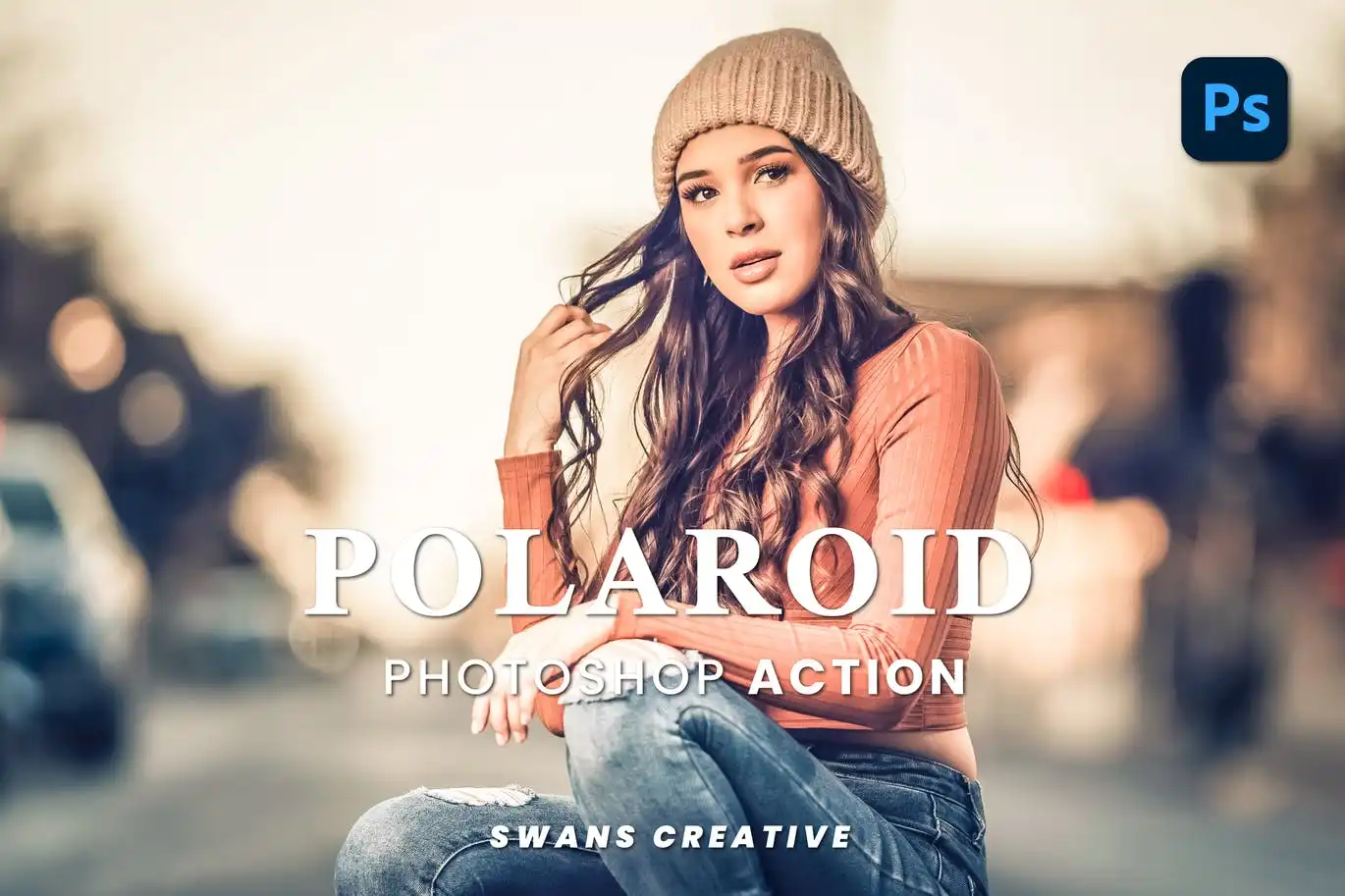
Snap, shake, and enjoy instant nostalgia! 📸🤍 This action perfectly emulates the soft focus, white borders, and faded color palette of a classic Polaroid.
Nature Photoshop Action
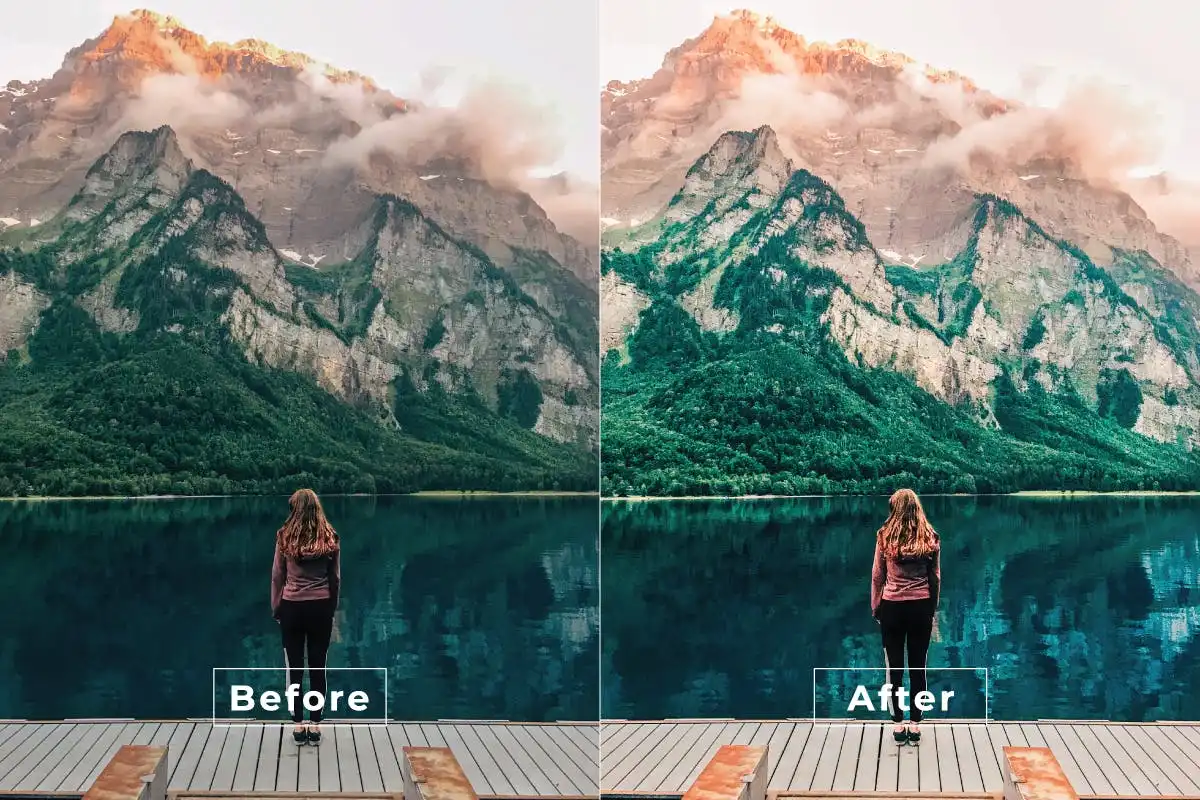
Bring the great outdoors into your frame! 🌲🌅 This action enhances greens and earth tones, giving your photos that fresh, organic, and peaceful forest vibe.
Conclusion
Whew, what an epic journey through Part 289 of the Brushespack collection! 🌟 From cinematic drama to sweet, nostalgic vibes, this pack has everything you need to elevate your visual storytelling in 2025. Don’t just take my word for it—grab these actions, play around, and watch your photos transform before your eyes. Your followers are going to be absolutely blown away! 🚀🎨
Frequently Asked Questions
How do I install Photoshop Actions from Brushespack?
Super easy! After downloading the .atn file, open Photoshop, go to the Window menu and select “Actions” (or press Alt+F9). Then click the little hamburger menu icon in the top-right corner of the Actions panel and choose “Load Actions.” Navigate to your downloaded file, select it, and boom—you’re ready to rock! 🎉
Can I use these actions on mobile or only on desktop?
These are specifically designed for the desktop version of Adobe Photoshop (CS6 and above). They work beautifully on both Windows and Mac! Unfortunately, they are not compatible with Photoshop Express or mobile apps, but the results are totally worth firing up your laptop for. 💻✨
Will these actions work on any photo?
Absolutely! They are built to work on most images, but for the best results, make sure you’re starting with a good quality photo. The actions are non-destructive (they work on adjustment layers), so you can always tweak the settings or turn off the effect if it’s not quite your vibe. Happy editing! 🎨