
Hey there, creative soul! 🎨 Ready to level up your Photoshop game? We’re beyond excited to dive into the studioretouch Collection Part 19 — a treasure trove of 20 jaw-dropping Photoshop actions that will make your art pop, scream, and glow! Whether you’re crafting spooky Halloween vibes, grungy textures, or elegant oil paintings, this collection has something magical for everyone. Let’s get those creative juices flowing! ✨
Why Use These Photoshop Actions?
Honestly, who has time to manually layer effects for hours? These actions let you transform your photos into stunning works of art with just one click. 🚀 From eerie Halloween sketches to luscious gold statues, you’ll save tons of time while achieving professional-grade results. Plus, they’re perfect for photographers, graphic designers, and digital artists who want to stand out. 🎉
Top 20 studioretouch Photoshop Actions
Halloween Sketch Photoshop Action
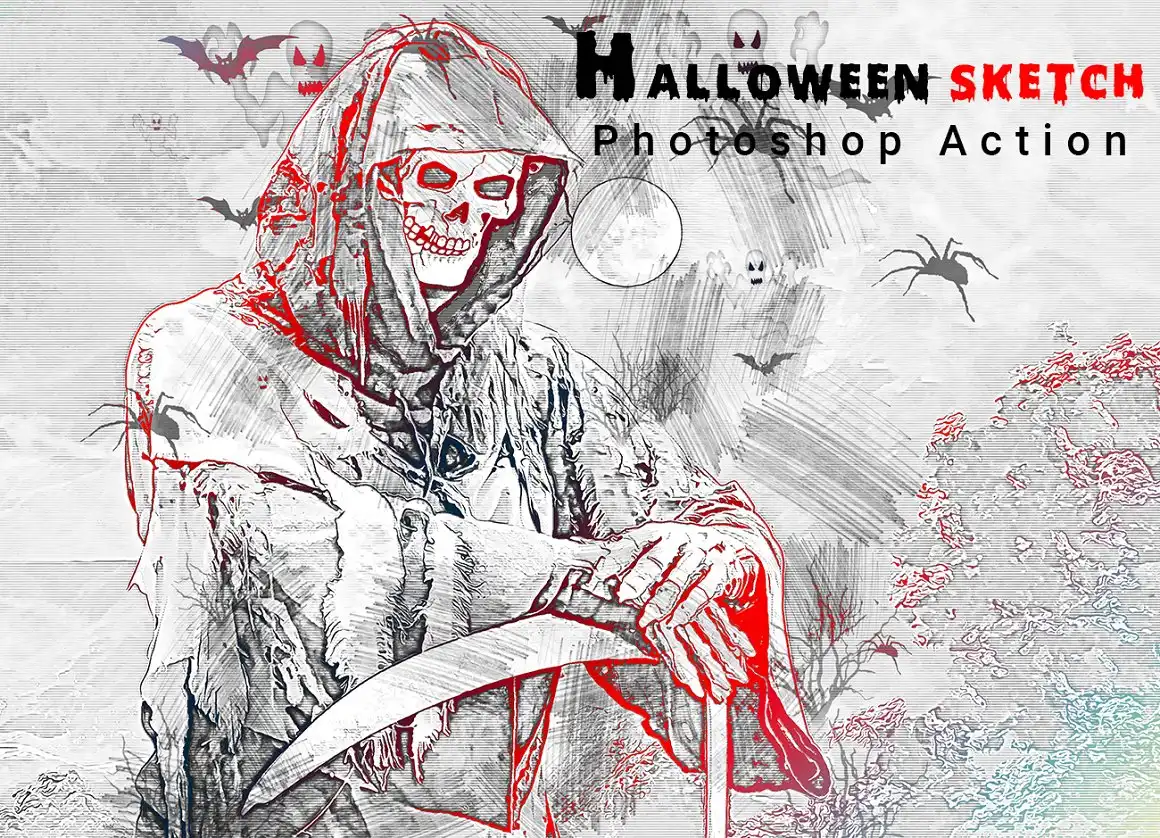
Spooky season never looked this good! 🎃 This action turns your photos into awesome Halloween sketches, perfect for kids’ party invites or creepy wall art. Just click and watch the magic happen!
✨ Get This Now by studioretouch
Hand Drawing Photoshop Action
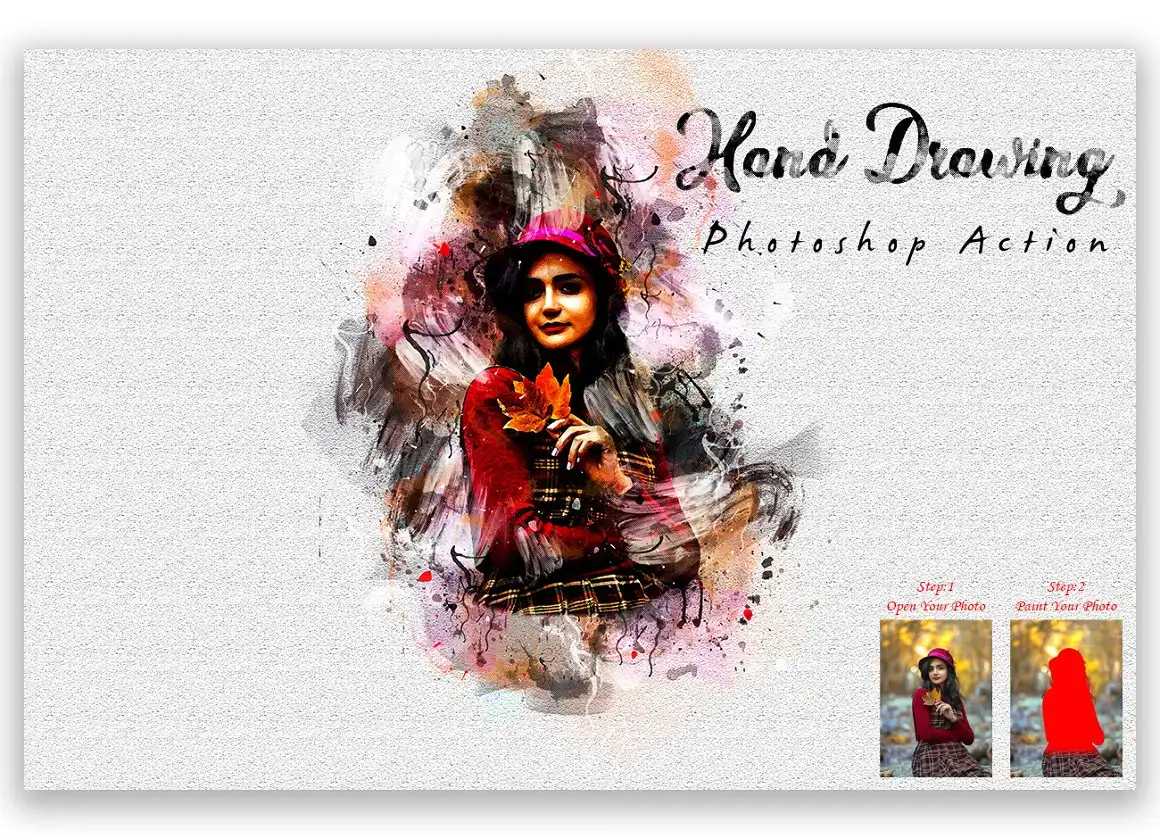
Give your photos that authentic hand-drawn feel with zero effort! 🖊️ This action adds beautiful pencil-like strokes and textures that make every image look like a custom illustration. Perfect for portrait artists and doodle lovers!
✨ Get This Now by studioretouch
Halloween Painting Photoshop Action

Unleash your inner witch or warlock with this spooktacular painting action! 🖌️🎃 It transforms your photos into eerie, painterly masterpieces that scream Halloween night. Great for posters and social media graphics!
✨ Get This Now by studioretouch
Halloween Night Photoshop Action
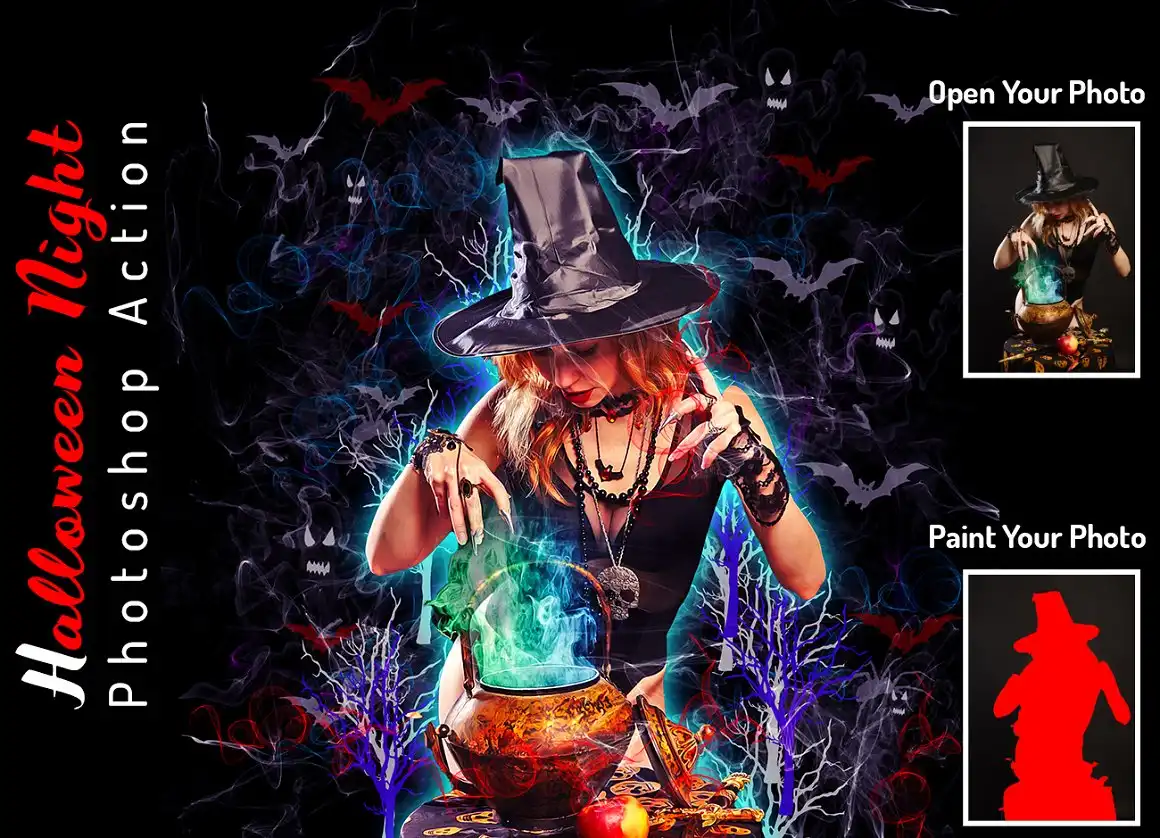
Bring the eerie glow of a full moon to your images! 🌕 This action adds haunting night tones and spooky highlights that make any photo look like a scene from a horror movie. Perfect for Halloween night photography!
✨ Get This Now by studioretouch
Halloween Oil Art PS Action
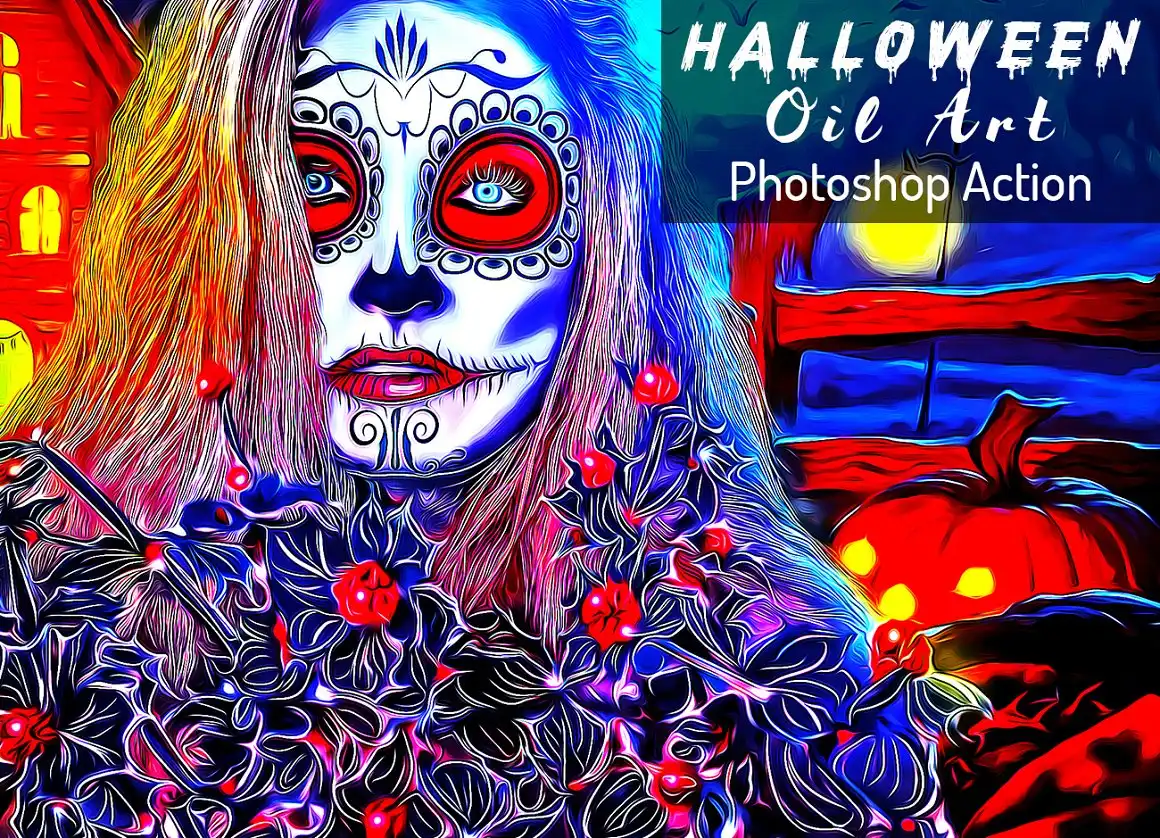
Combine the richness of oil painting with spooky Halloween themes! 🎃🖌️ This action creates vibrant, textured art that looks like it belongs in a haunted gallery. A must-have for thematic designers!
✨ Get This Now by studioretouch
Halftone Splash Photoshop Action

Add a splash of comic-book flair with fun halftone dots and vibrant colors! 🎨✨ This action gives your images a retro, pop-art feel that’s perfect for posters and album covers. Say hello to your new favorite effect!
✨ Get This Now by studioretouch
Halftone Portrait Photoshop Action
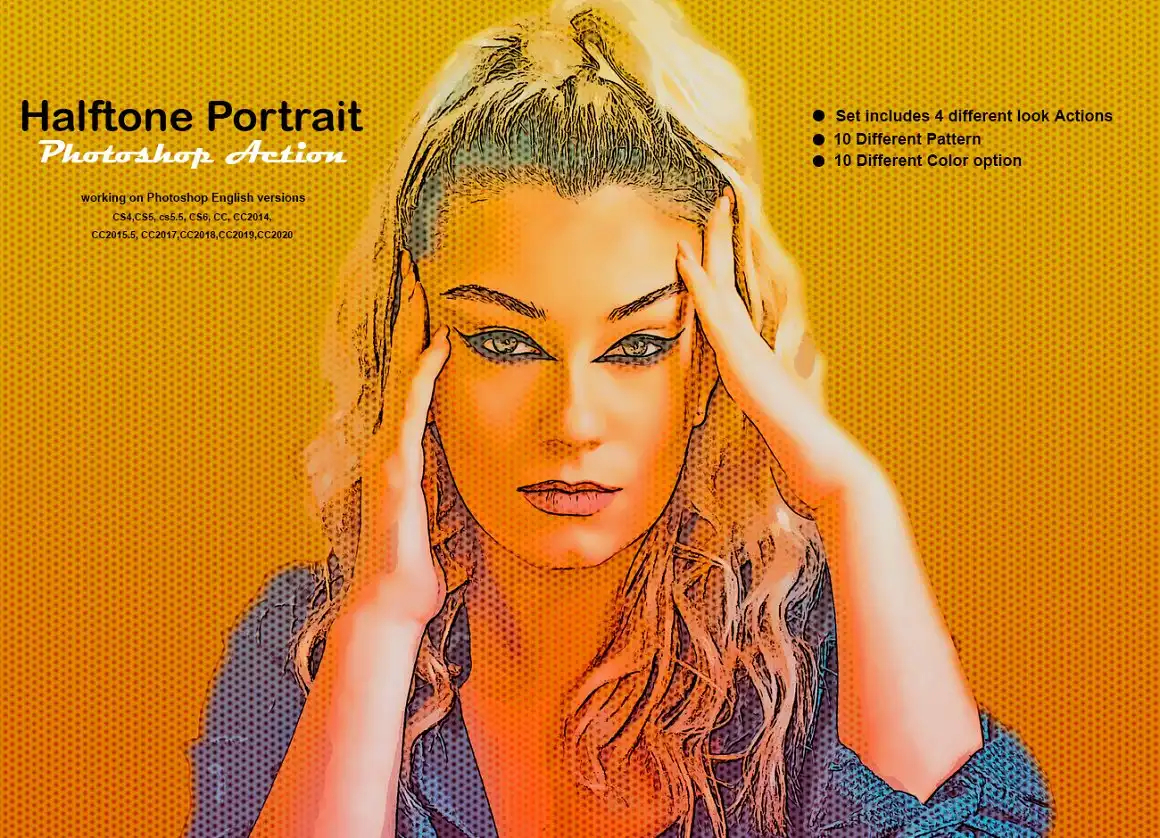
Turn ordinary portraits into stunning halftone masterpieces! 🌟 Perfect for adding a vintage comic or newspaper-style twist to your photos. Super easy to use and incredibly eye-catching!
✨ Get This Now by studioretouch
Grunge Xerox Effect Photoshop Action

Love that gritty, photocopied aesthetic? This action delivers a raw, grunge style with grainy textures and distressed edges. 🖨️🎨 Perfect for punk album art, zines, or edgy social media posts!
✨ Get This Now by studioretouch
Grunge Oil Portrait Ps Action

Blend rugged grunge with velvety oil textures for portraits that demand attention! 🎨✨ This action gives your subjects a raw, artistic edge that’s both edgy and sophisticated. A true standout!
✨ Get This Now by studioretouch
Grunge Grain Effect Photoshop Action

Add that deliciously dirty grain texture to your images instantly! 🌟 This action is ideal for photographers who want that analog film feel with a grungy twist. Your photos will thank you!
✨ Get This Now by studioretouch
Grunge Ink Photoshop Action

Get that messy, ink-splotched look without ruining your desk! 🖊️🖤 This action creates beautiful grunge ink effects that add a rebellious, hand-painted vibe to any design. Perfect for alternative artists!
✨ Get This Now by studioretouch
Grunge Effect Photoshop Action

The ultimate all-in-one grunge action! 🎨 This versatile tool adds worn textures, scratches, and faded moods to any image. Ideal for creating vintage posters, moody album covers, or urban art.
✨ Get This Now by studioretouch
Grains Effect Photoshop Action

Bring back the magic of old-school film grain! 📷✨ This action adds beautiful, organic grain texture that enhances depth and mood. Perfect for giving your digital photos that classic analog soul.
✨ Get This Now by studioretouch
Gradient Color Effect PS Action

Add dreamy, smooth gradients that make your photos pop with color! 🌈 This action lets you apply stunning multi-color overlays in seconds. Great for social media graphics, landscapes, and abstract art.
✨ Get This Now by studioretouch
Graffiti Art Photoshop Action
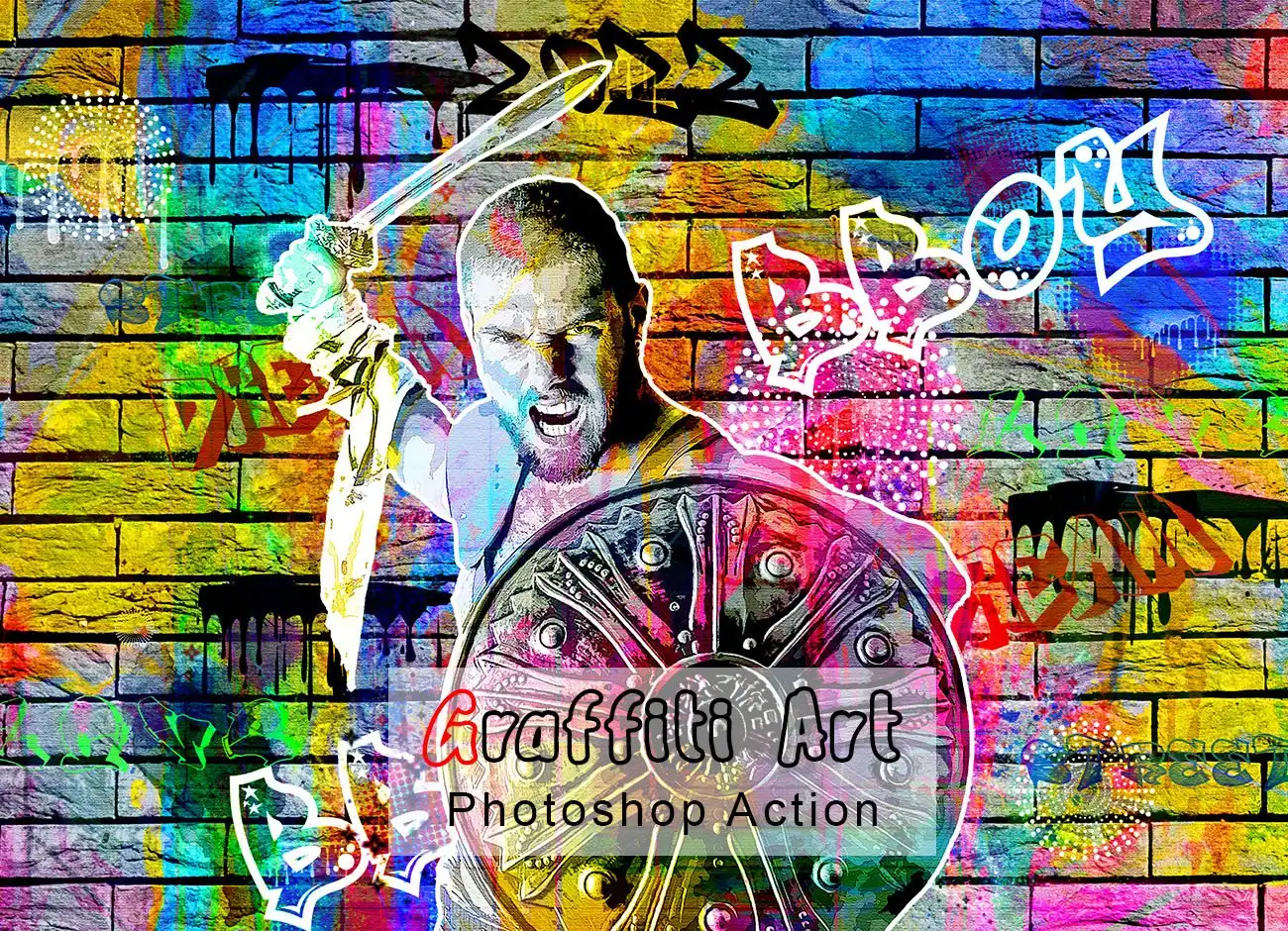
Turn your photos into vibrant street art! 🎨✊ This action adds spray-paint textures, bold colors, and urban flair that makes any image look like authentic graffiti. Perfect for urban-themed projects!
✨ Get This Now by studioretouch
Gorgeous Effect Photoshop Actions Bundle

Score multiple stunning effects in one epic bundle! 🎉 This collection includes a variety of gorgeous actions for portraits, landscapes, and abstracts. Save time and money while keeping your workflow fresh!
✨ Get This Now by studioretouch
Gorgeous Pencil Art Photoshop Action
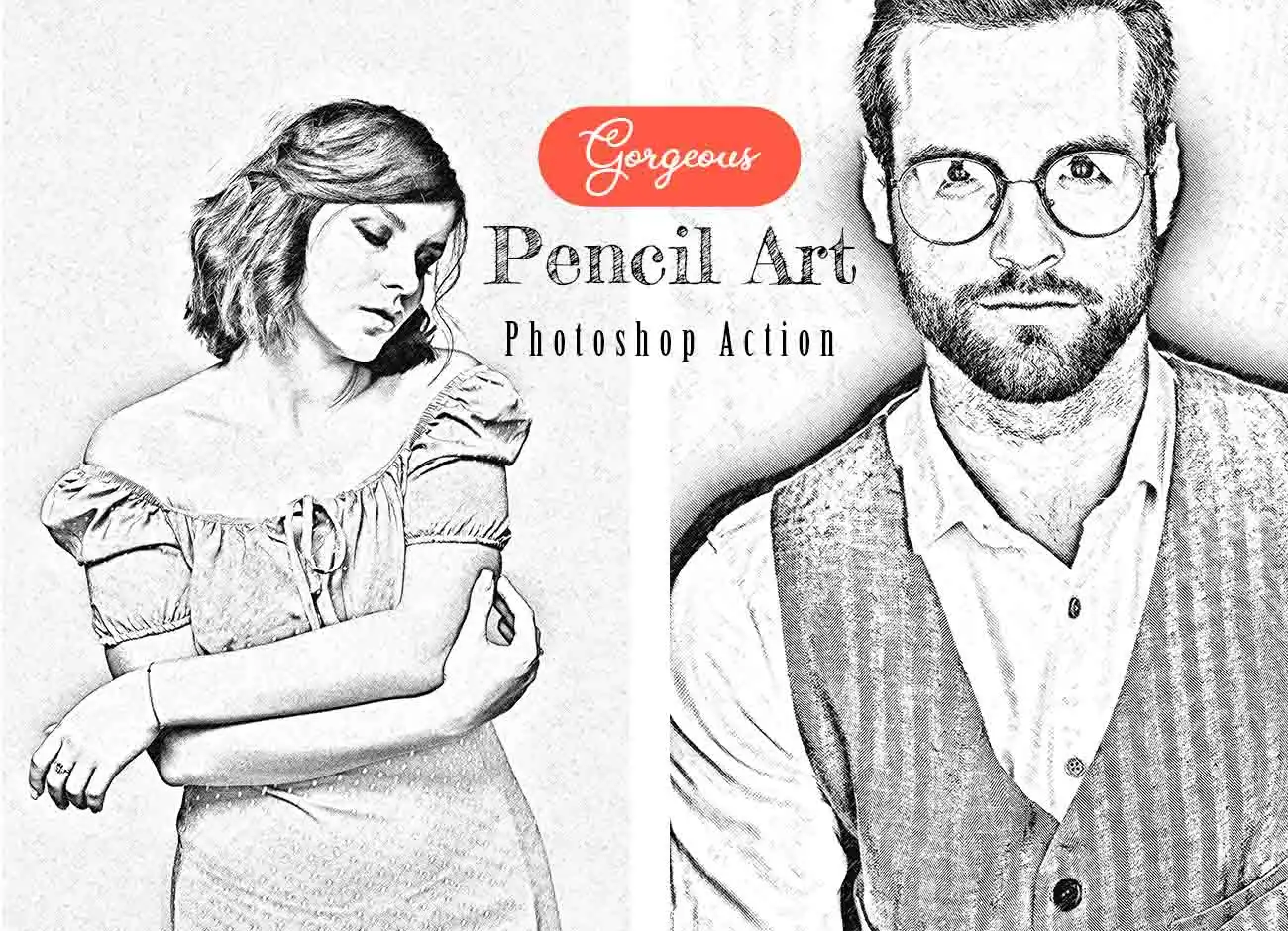
Transform your photos into delicate, realistic pencil drawings! ✏️ This action creates breathtaking graphite-style art that captures every detail. Perfect for wedding photos, pet portraits, and fantasy art!
✨ Get This Now by studioretouch
Gold Statue Photoshop Action
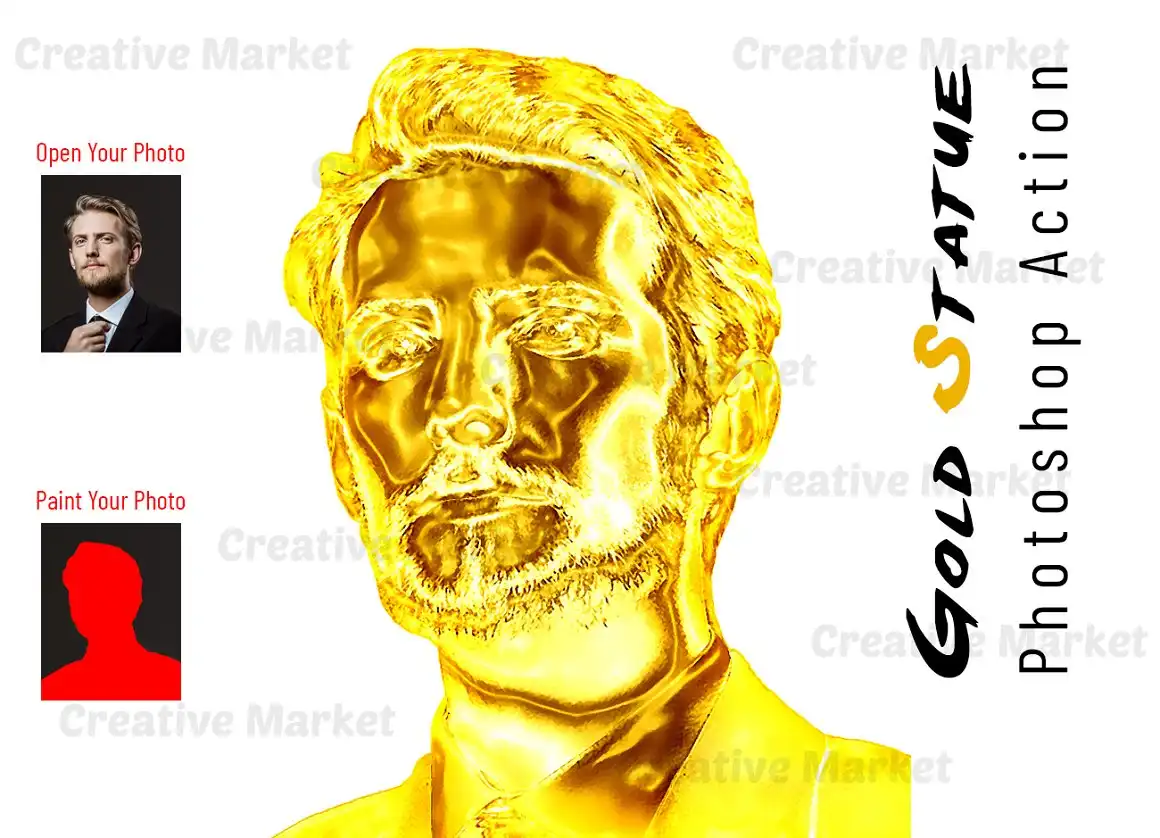
Make your subjects shine like solid gold! 🏆✨ This action creates a stunning golden statue effect with realistic reflections and luster. Ideal for luxury branding, trophy designs, or epic fantasy edits!
✨ Get This Now by studioretouch
Gold Oil Paint Photoshop Action
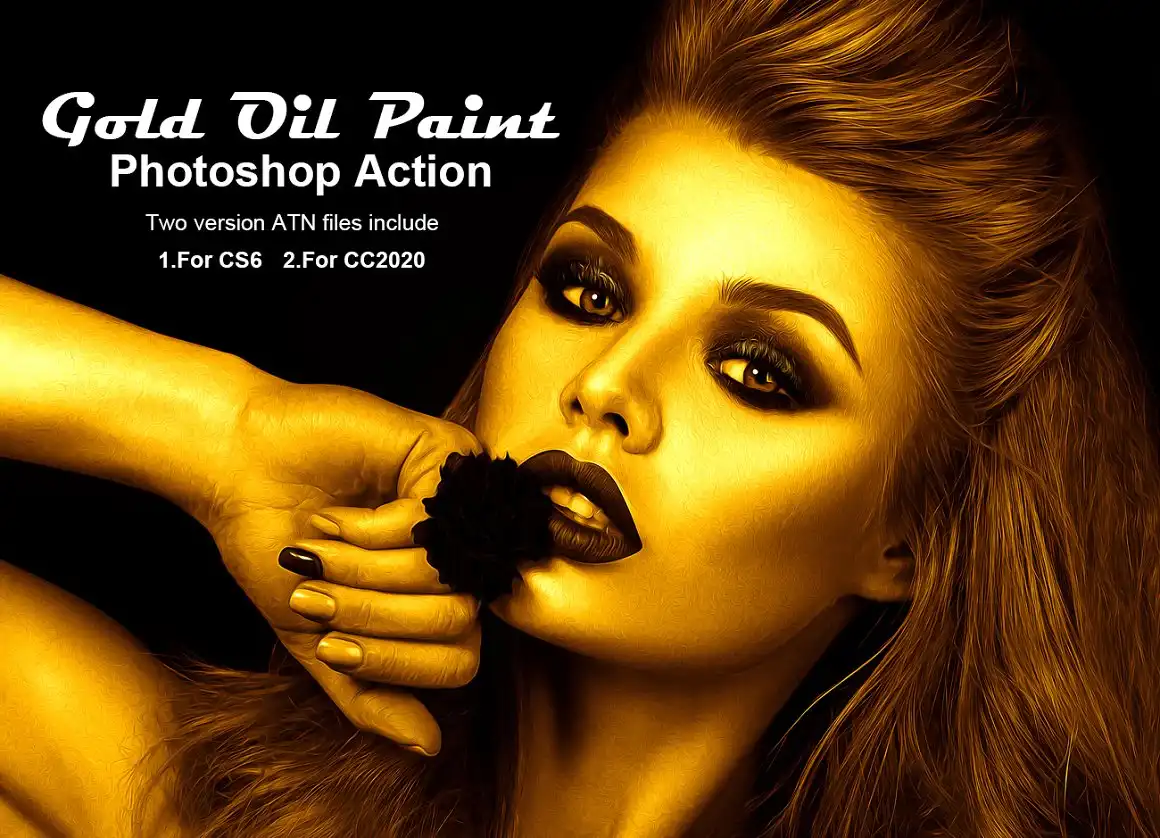
Combine the richness of oil paint with a luxurious gold palette! 🎨💛 This action adds elegant golden strokes and creamy textures that make your art feel like a priceless masterpiece. Absolute royalty for creators!
✨ Get This Now by studioretouch
Glow Watercolor Photoshop Action
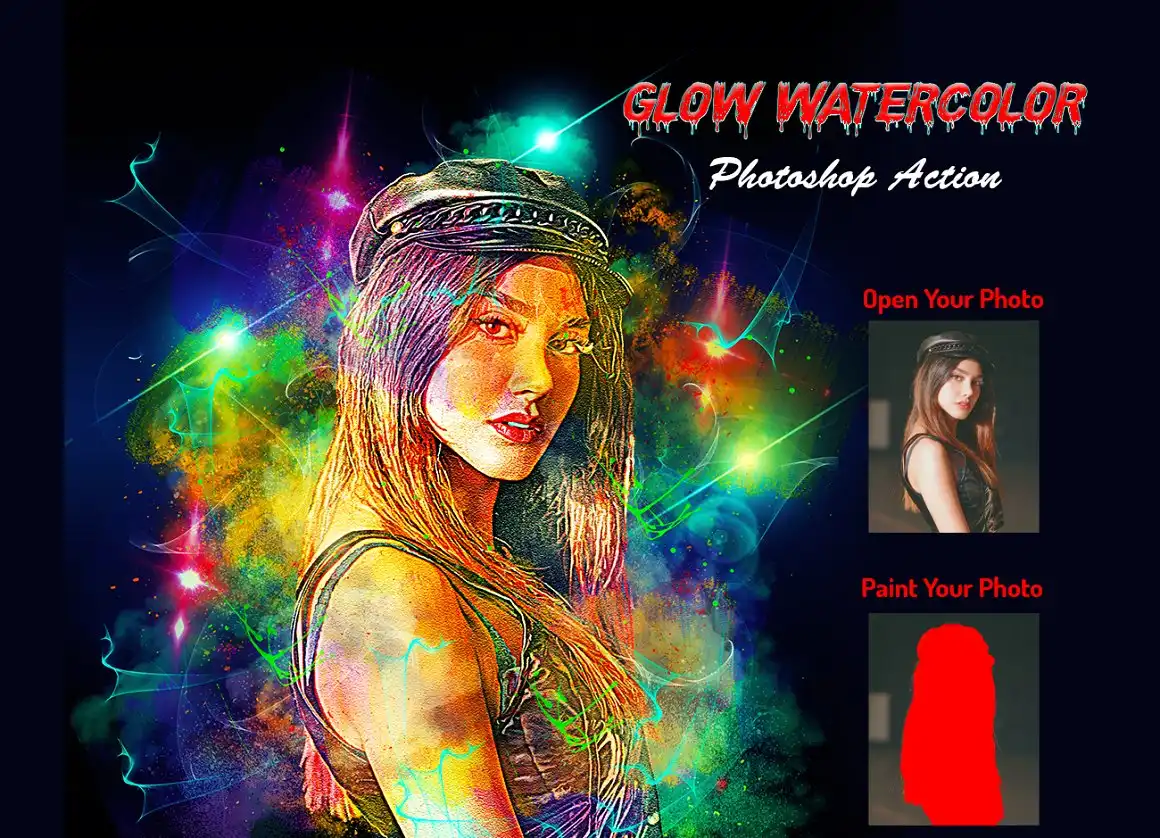
Add a magical, luminous watercolor wash that glows from within! 🌟🎨 This action creates dreamy, soft effects with vivid colors and light leaks. Perfect for fairy-tale edits, wedding invites, and whimsical art!
✨ Get This Now by studioretouch
Conclusion
And there you have it — 20 incredible Photoshop actions from the studioretouch Collection Part 19 that are ready to ignite your creativity! 🚀 From spooky Halloween sketch effects to elegant gold oil paintings, each action is designed to save you time while delivering jaw-dropping results. Don’t wait to level up your art game — click, download, and start transforming your photos today! 🎉
Frequently Asked Questions
How do I install these Photoshop actions?
It’s super simple! Just download the action file (usually .atn), open Photoshop, go to the Actions panel (Window > Actions), click the panel menu, and choose “Load Actions.” Select your file, and you’re ready to go! 🎯
Can I use these actions on any version of Photoshop?
Most of these actions work perfectly with Photoshop CS6 and later versions, including CC 2023 and 2024. Just make sure you’re working in RGB mode and on a 72 dpi image for the best results. ✨



