
Get ready, design lovers! 🚀 We are diving headfirst into the incredible world of nathatype, a creative genius on Brushes Pack who knows exactly how to make typography pop. Whether you are crafting a sleek esports banner, a nostalgic retro poster, or a fun cartoon logo, this collection of 20 premium text effects is your new secret weapon. Let’s explore the best of the “nathatype Collection Part 1” and find the perfect style for your next project! ✨
Why Use These Text Effects?
Why waste hours trying to recreate complex 3D and futuristic text from scratch when you can get instant, pro-level results? 🎨 These assets are designed for Adobe Photoshop, meaning they are super easy to apply—just click and customize. From bold gaming vibes to elegant silver finishes, these effects will elevate your typography and make your designs look absolutely stunning.
Top 20 nathatype Picks
Loading – Smooth Futuristic Esport Text Effect
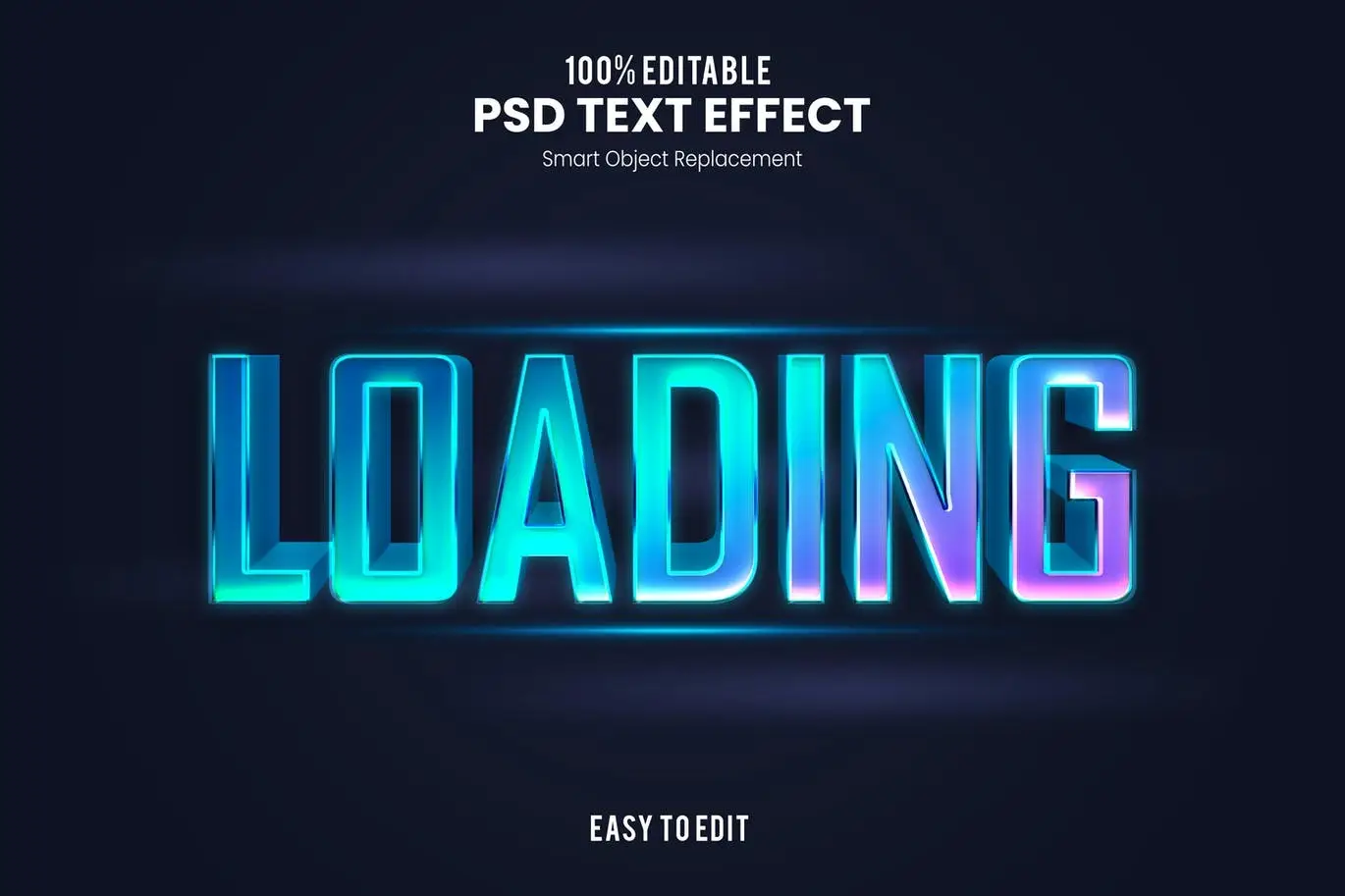
Kick things off with a sleek, modern vibe! ⚡ This “Loading” effect is pure esports energy, perfect for stream overlays or game launch screens. It’s smooth, futuristic, and incredibly easy to customize.
2022 – Bold and Exclusive 3D Text Effect
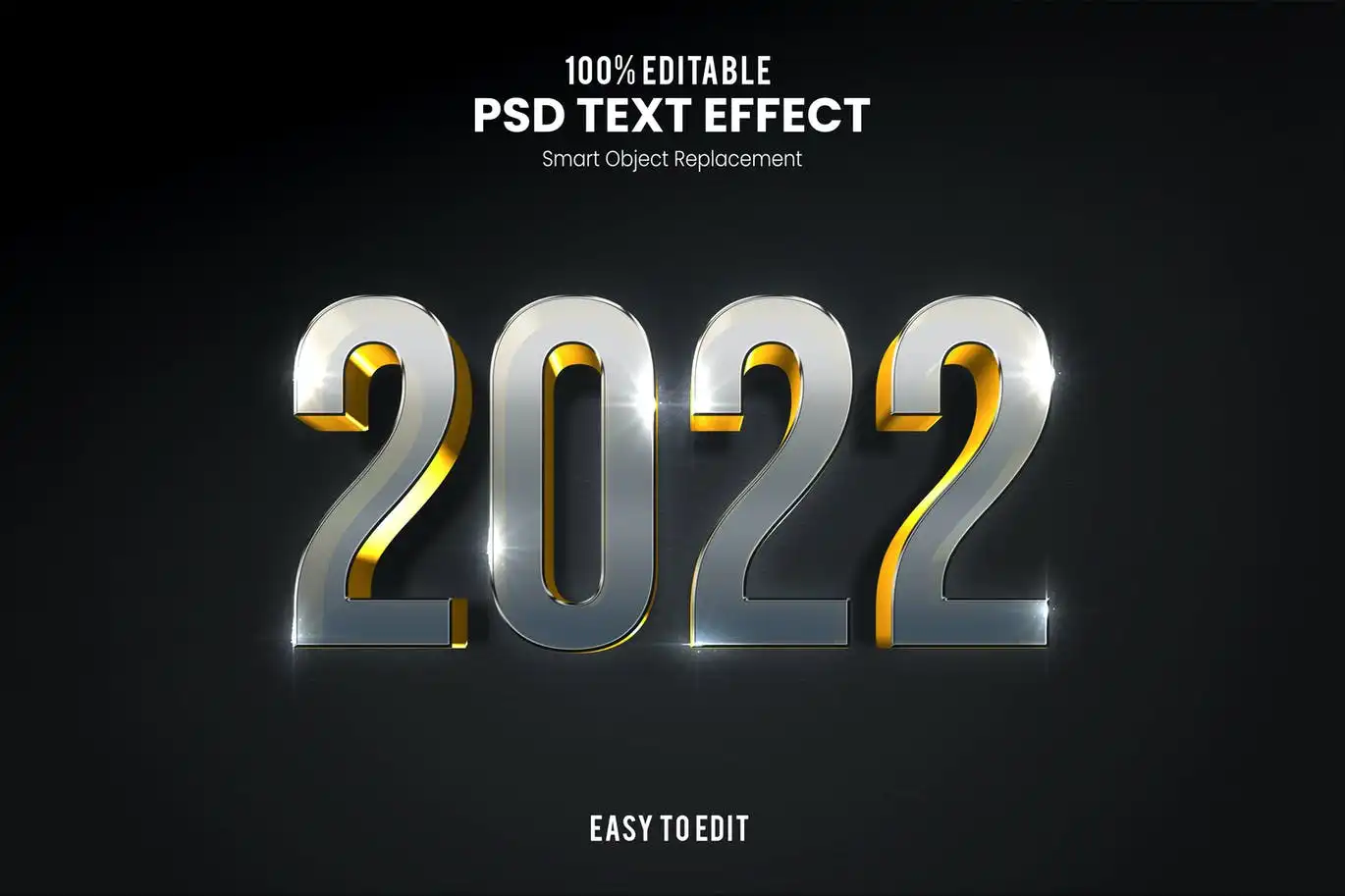
Give your headlines a premium, high-impact look. 🔥 This bold 3D effect is perfect for logos, posters, or any project needing a touch of class and depth.
Game Over-Text Effect
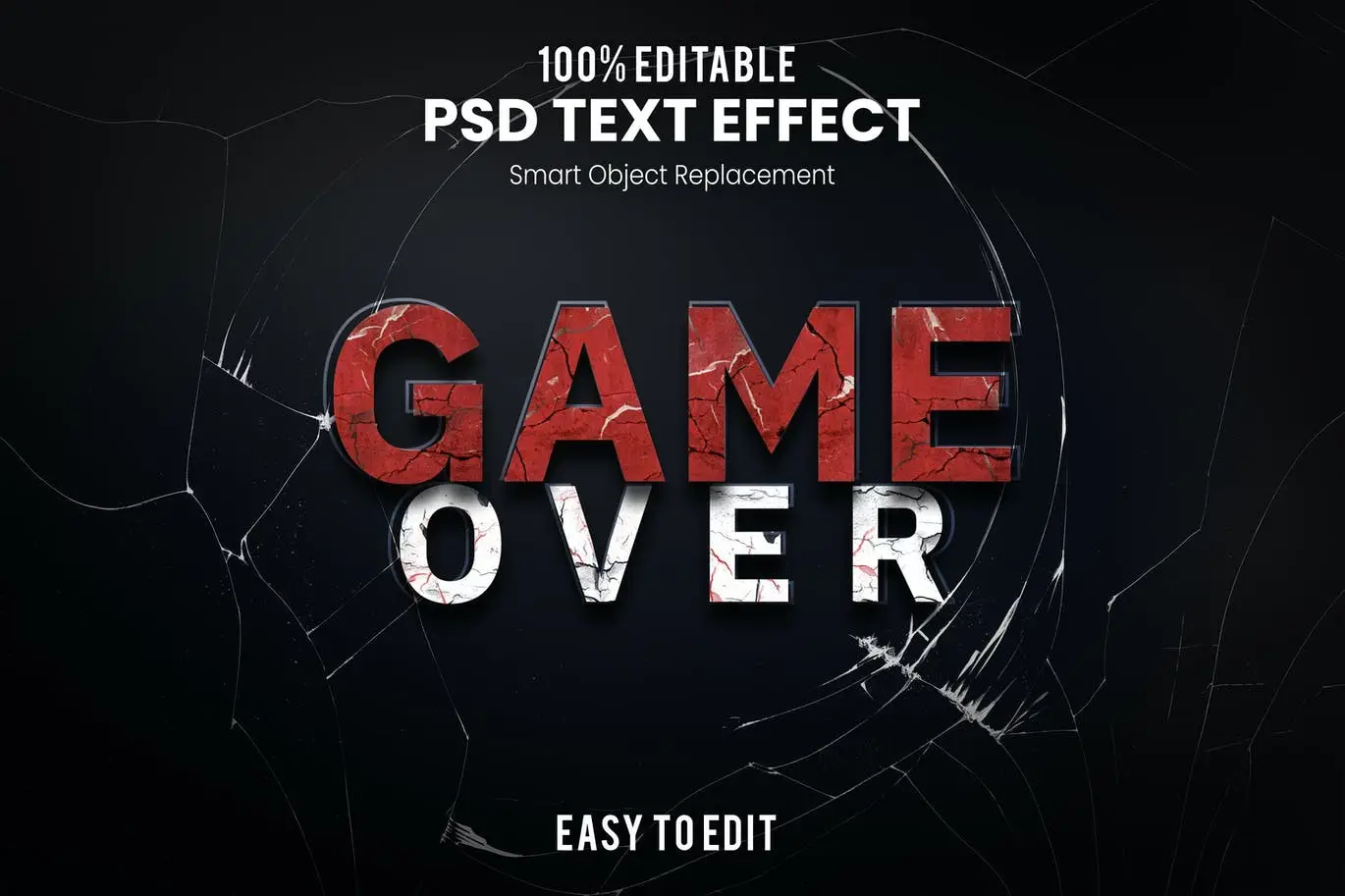
Who says “Game Over” has to be sad? 😈 This effect is versatile and modern, perfect for casino themes or even arcade-style graphics. It’s bold and instantly recognizable.
Nice-Smooth Bold And Fun 3D Text Effect
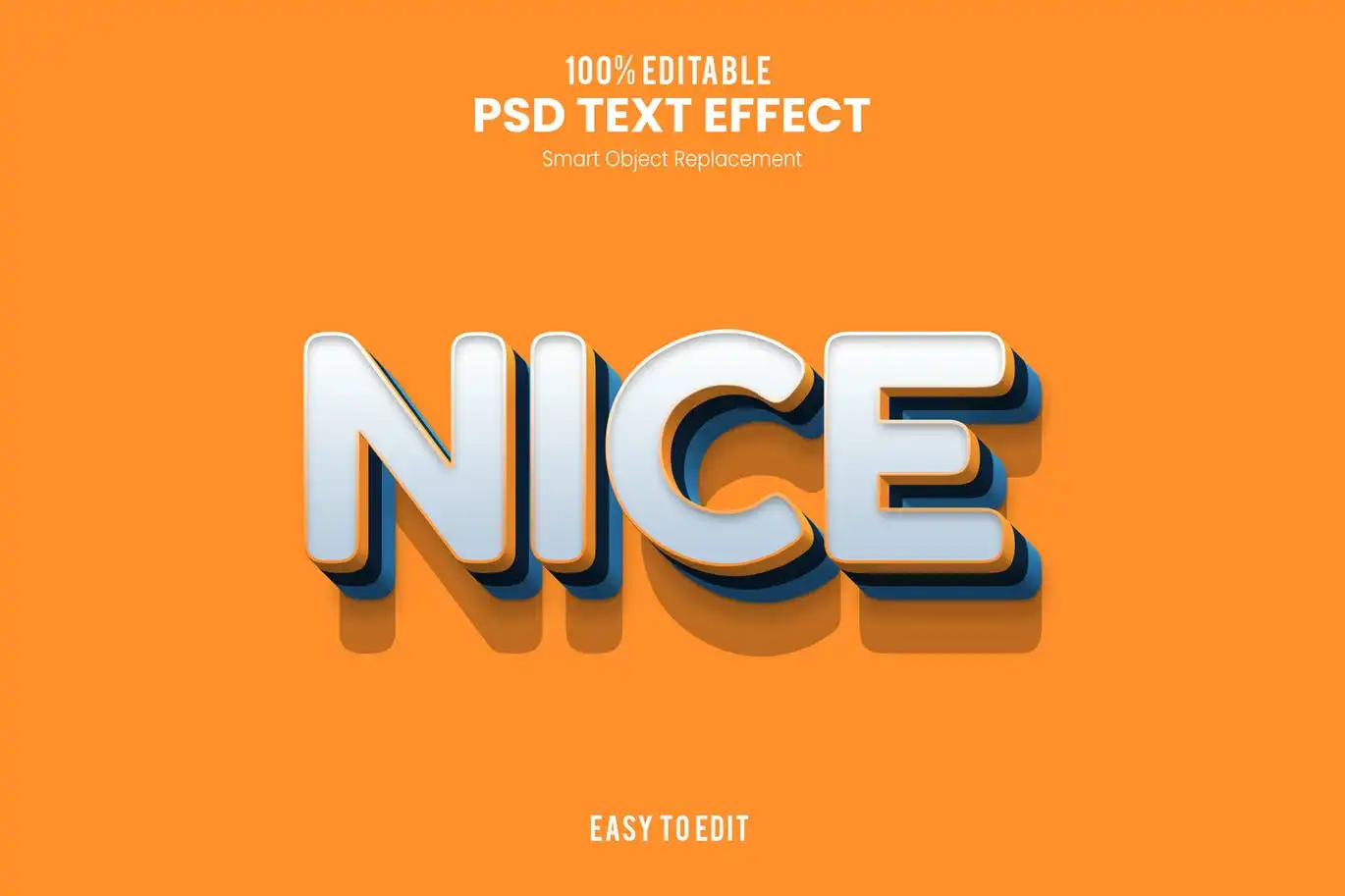
Inject some playful energy into your work! 🎉 This 3D effect is smooth, bold, and oh-so-fun. Ideal for children’s content, party flyers, or just adding a smile to your design.
Retro Cinema-Vintage Bold 3D Text Effect
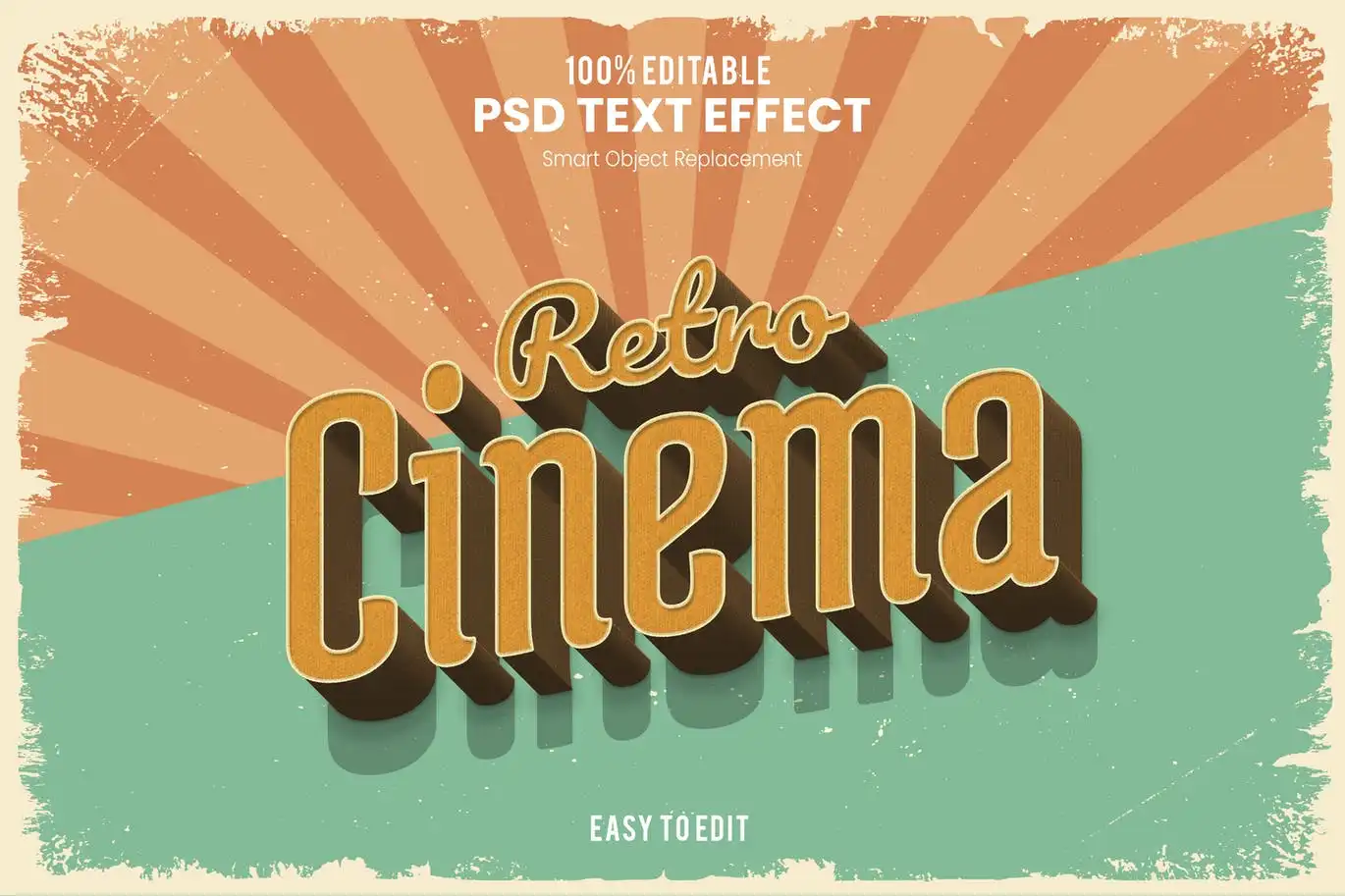
Lights, camera, action! 🎬 This effect screams vintage Hollywood. Perfect for film festival posters or any project that needs a classic, dramatic flair.
Sale-Retro Vintage 3D Text Effect
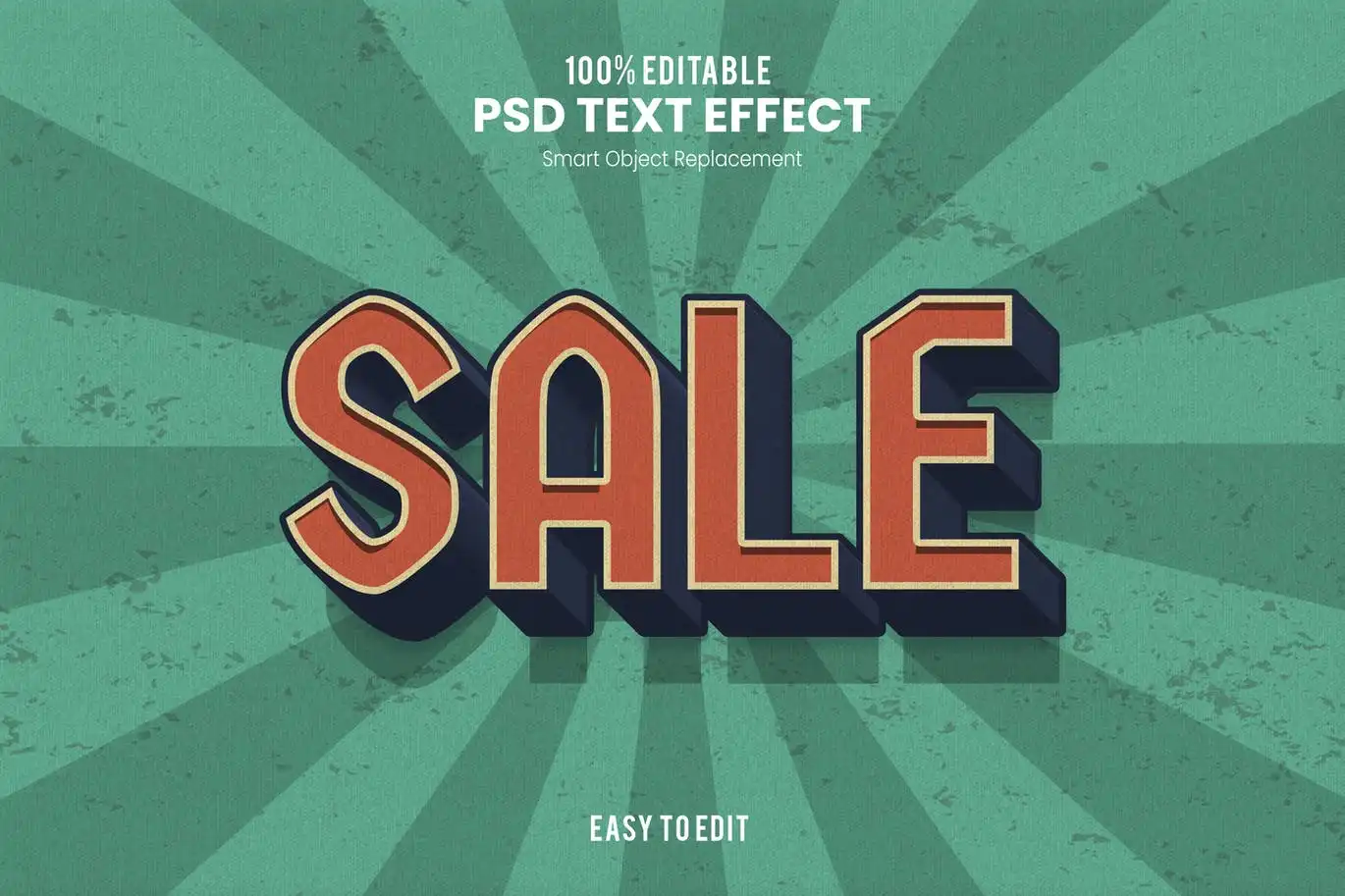
Who doesn’t love a good sale sign? 🛍️ This retro 3D effect is perfect for promotional banners and flyers, giving your discounts a stylish, vintage twist.
Gaming-Futuristic Modern Esport Text Effect
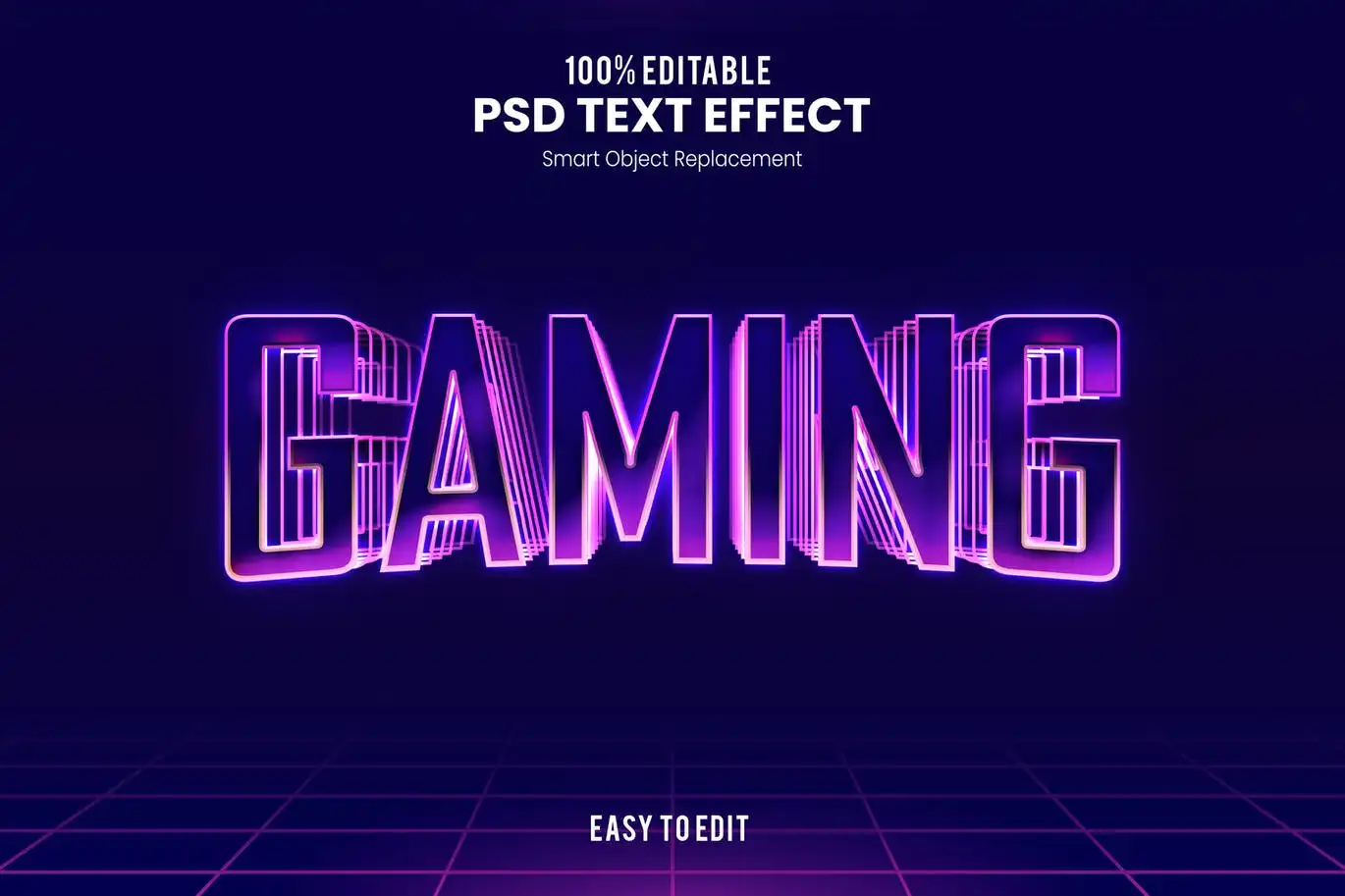
Level up your esports branding! 🎮 This futuristic effect is designed specifically for the gaming world, making your team name or stream title look absolutely electric.
Festival-Elegant Retro Vintage 3D Text Effect
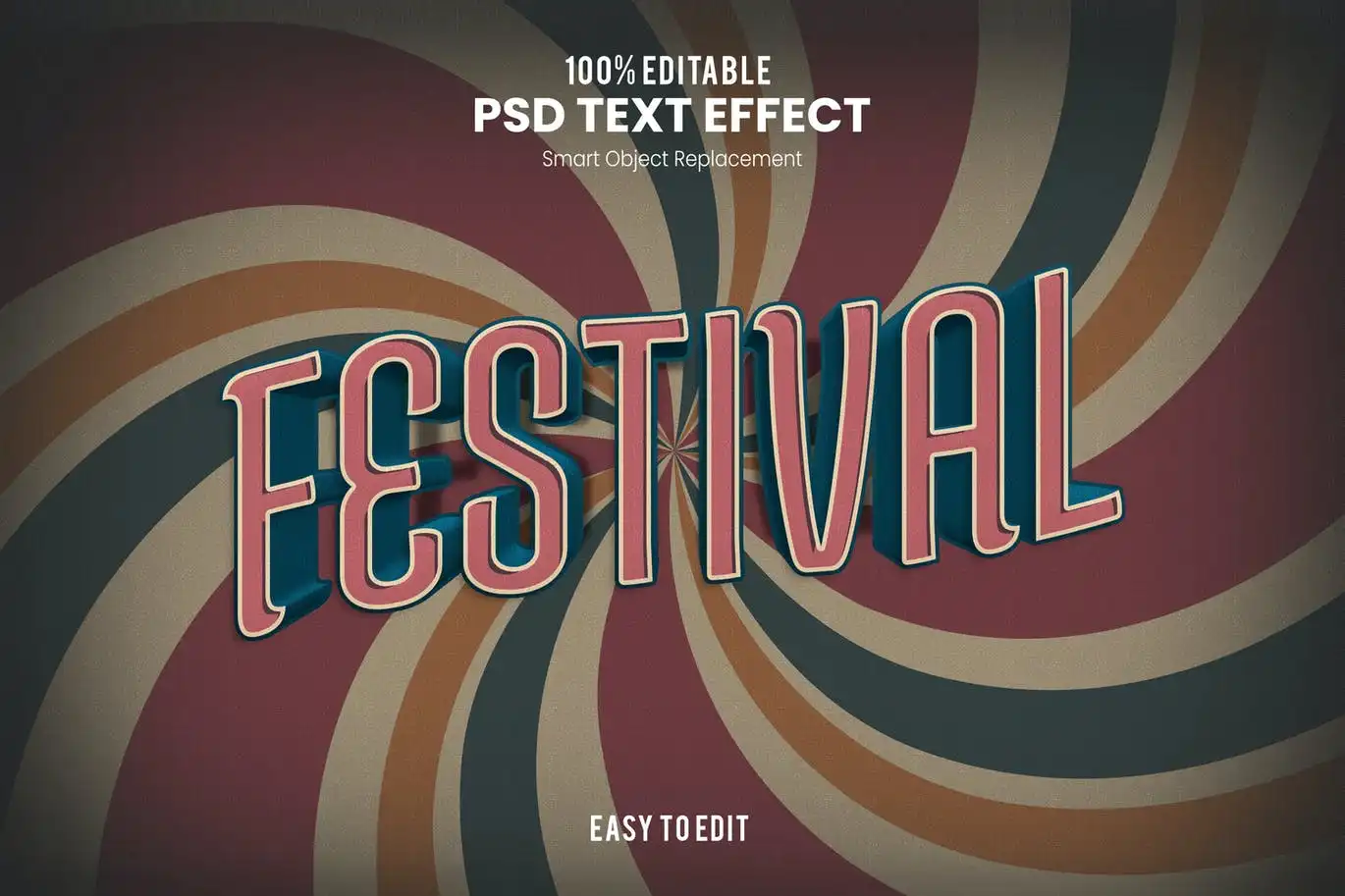
Capture the spirit of a music festival! 🎶 This elegant retro effect is classy and nostalgic, perfect for invitations, posters, and social media buzz.
Motel-Retro Vintage Bold 3D Text Effect
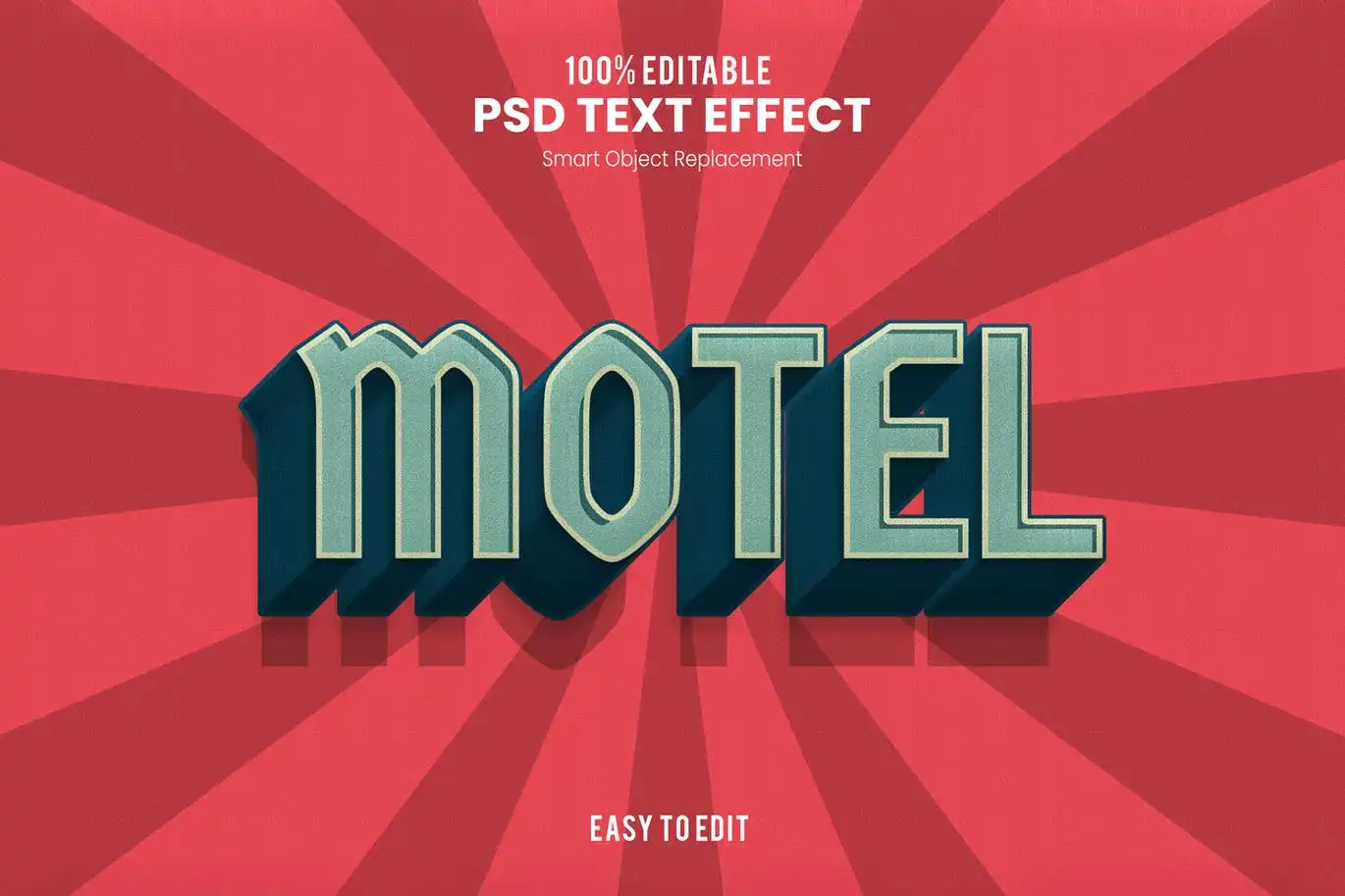
Channel those classic neon road trip vibes! 🛣️ This bold effect is perfect for creating a nostalgic “motel” or roadside attraction look. Super cool and atmospheric.
Text-Bold And Fun Distorted Cartoon Text Effect
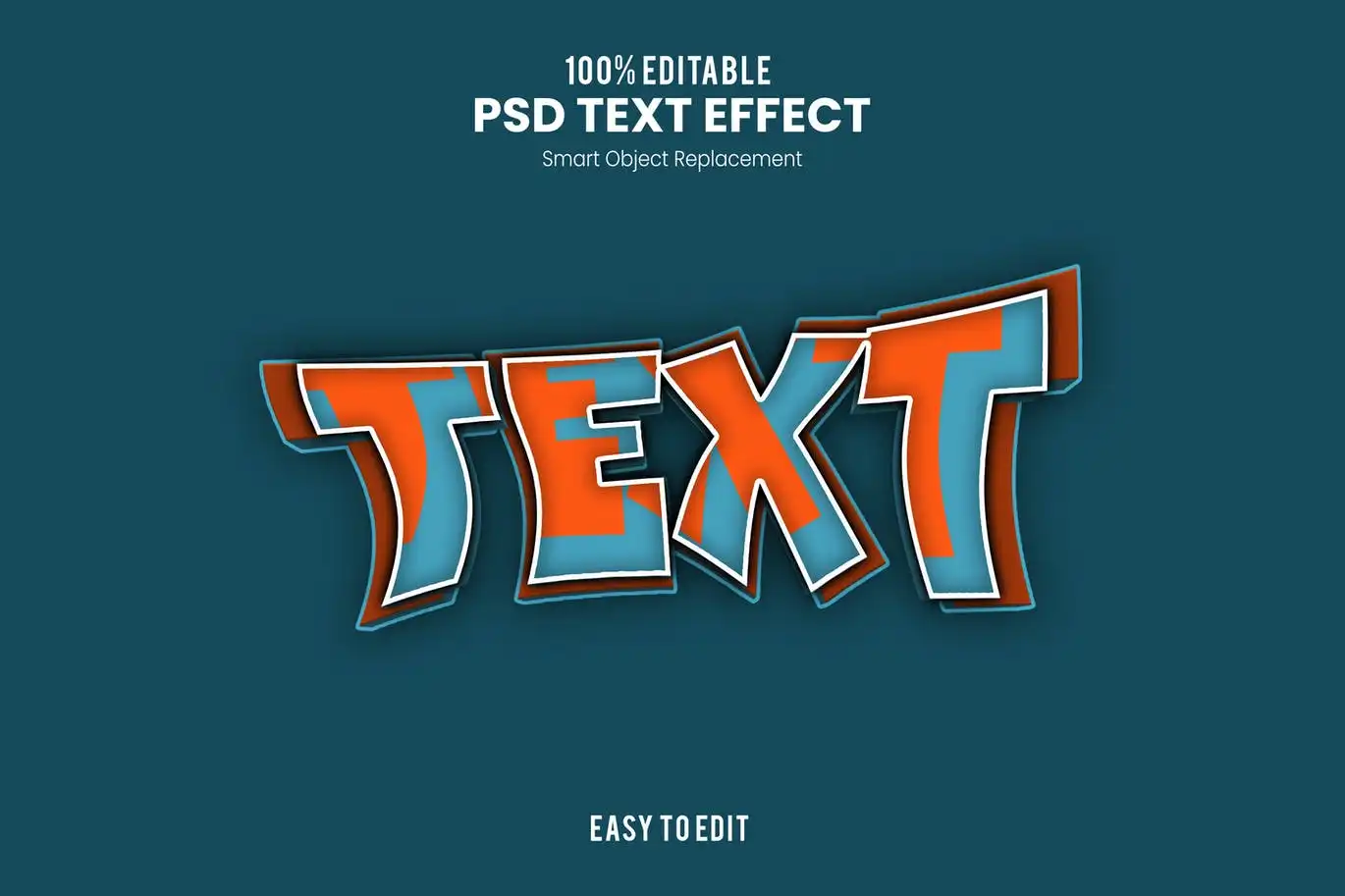
Get wacky and wild! 🤪 This distorted cartoon effect is bursting with personality. It’s bold, fun, and perfect for comic book titles or quirky logos.
Winner-Esport Modern And Futuristic Text Effect
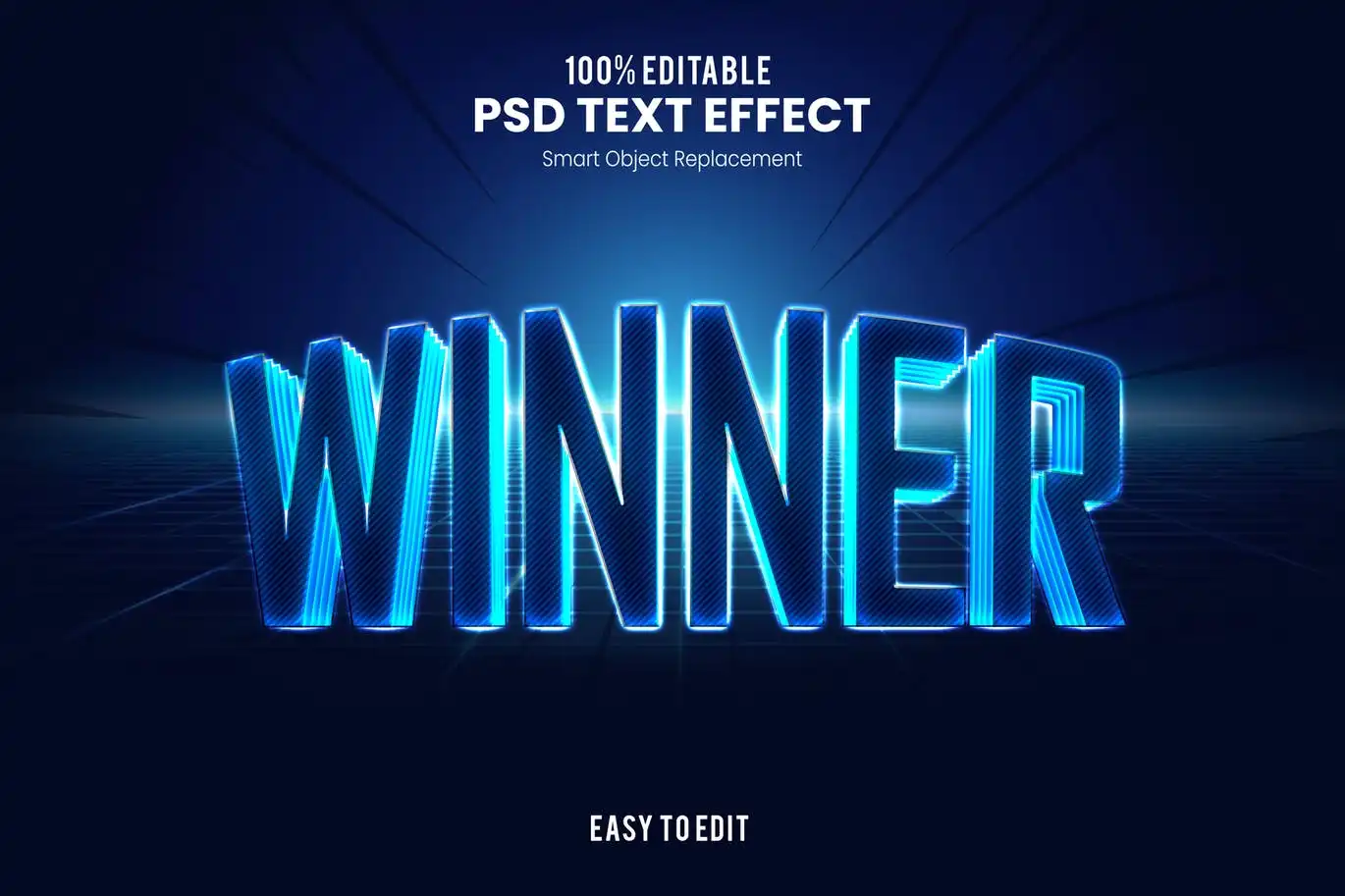
You’re a winner, baby! 🏆 This modern, dynamic effect is perfect for celebrating victories in the esports arena or creating high-energy promotional content.
Loading-Smooth Futuristic Esport Text Effect
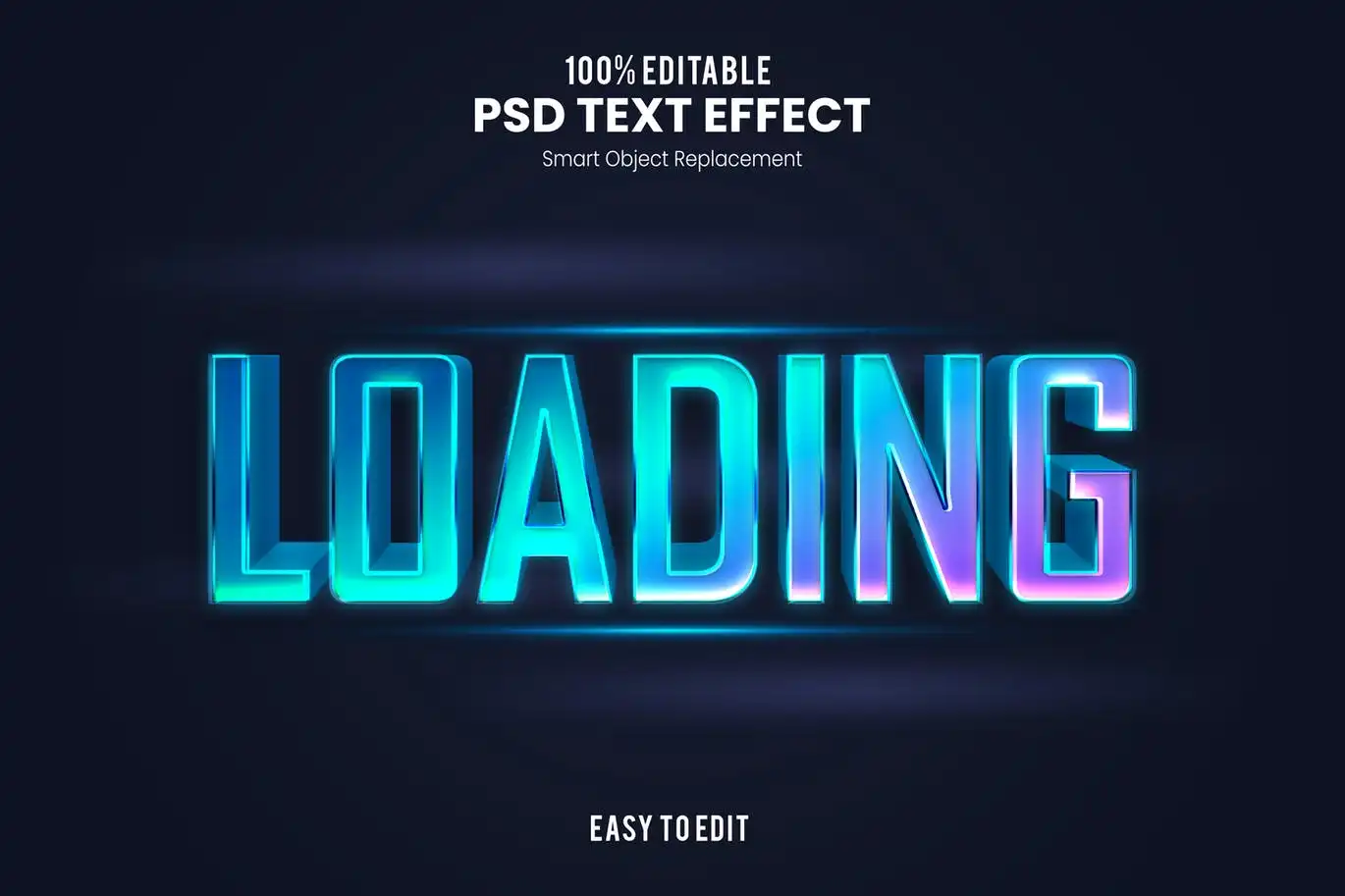
Another take on the “Loading” theme, but just as sleek! 💿 This version is perfect for tech startups or cyberpunk-themed art. It looks incredibly clean and modern.
Player One-Modern Futuristic Esport Text Effect
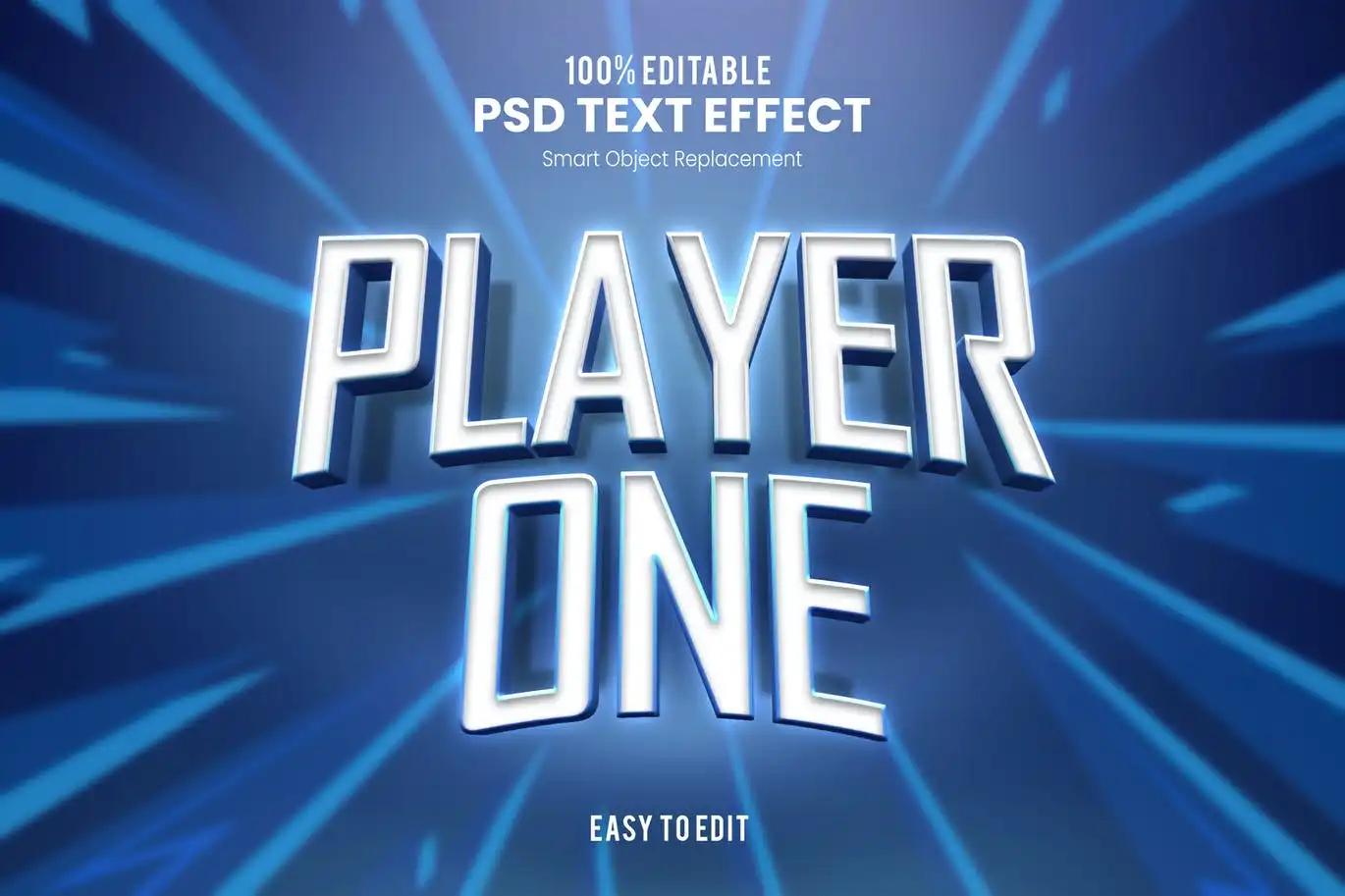
Get ready to start the game! 🕹️ This “Player One” effect is a classic choice for gaming content. It’s modern, futuristic, and brings instant nostalgia for retro gaming.
Silver-Elegant 3D Text Effect
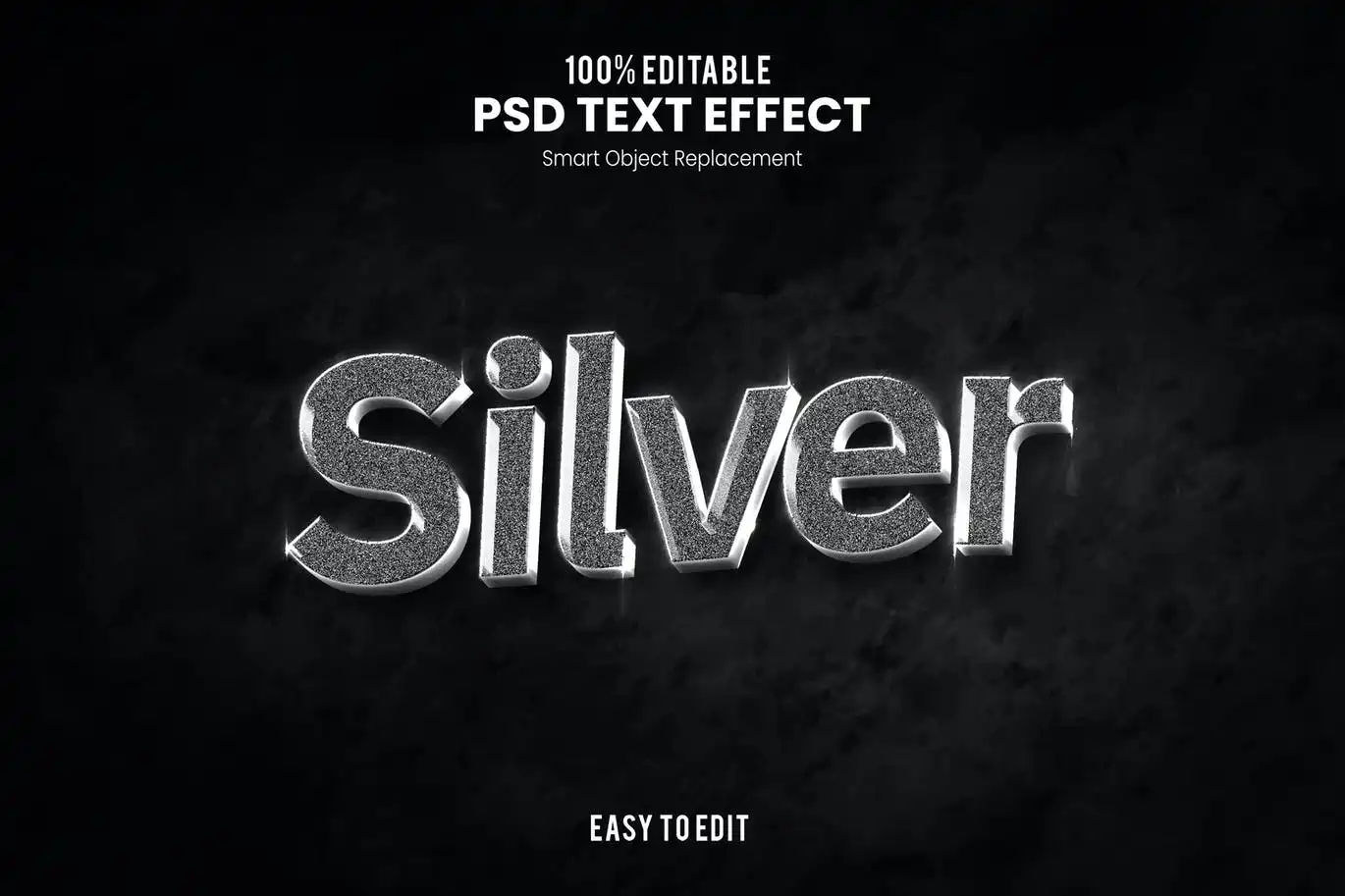
Add a touch of class with this shiny silver finish. ✨ This effect is incredibly elegant and perfect for luxury brand logos, wedding invitations, or high-end product titles.
Layers-Cut And Sliced Paper Text Effect
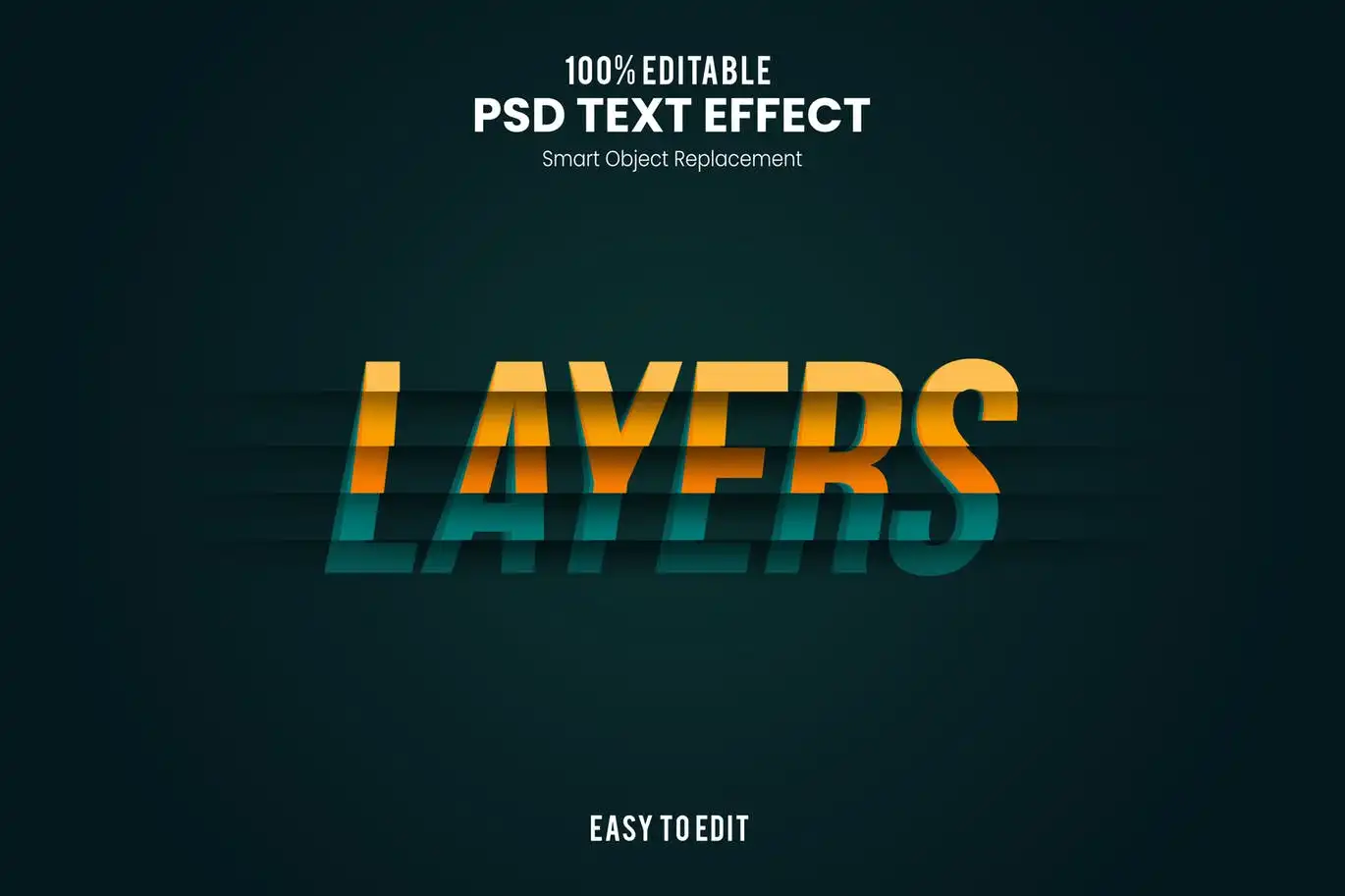
Go for a unique, tactile look! 📄 This sliced paper effect is perfect for scrapbook styles, crafty designs, or any project that needs a 3D depth with a paper texture.
Sign-Drown And Fun 3D Text Effect
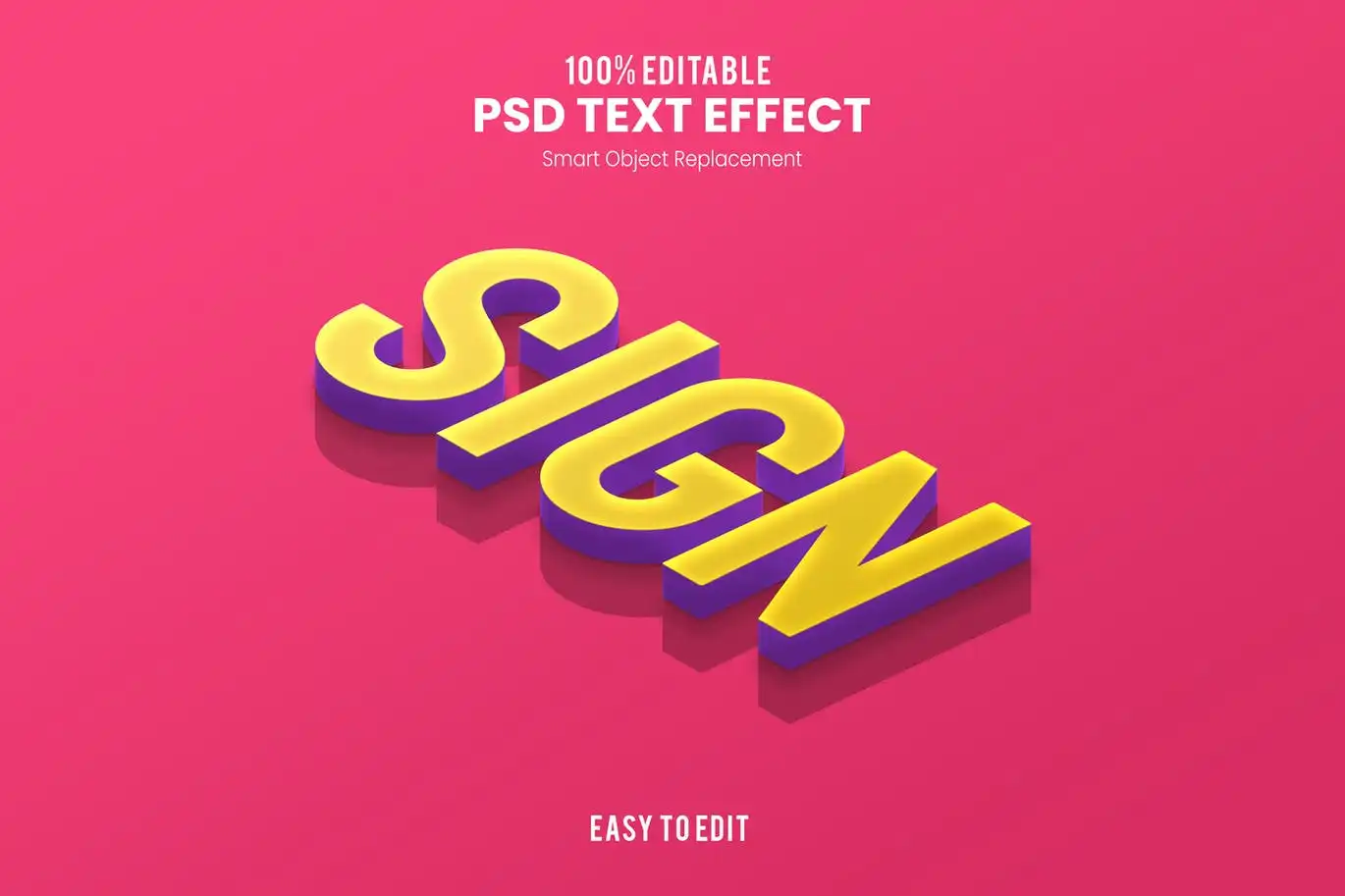
This one is all about playful depth! 🏖️ It looks like a fun, watery sign effect. Great for summer themes, pool parties, or just adding a splash of color to your typography.
Vintage-Retro Bold 3D Text Effect
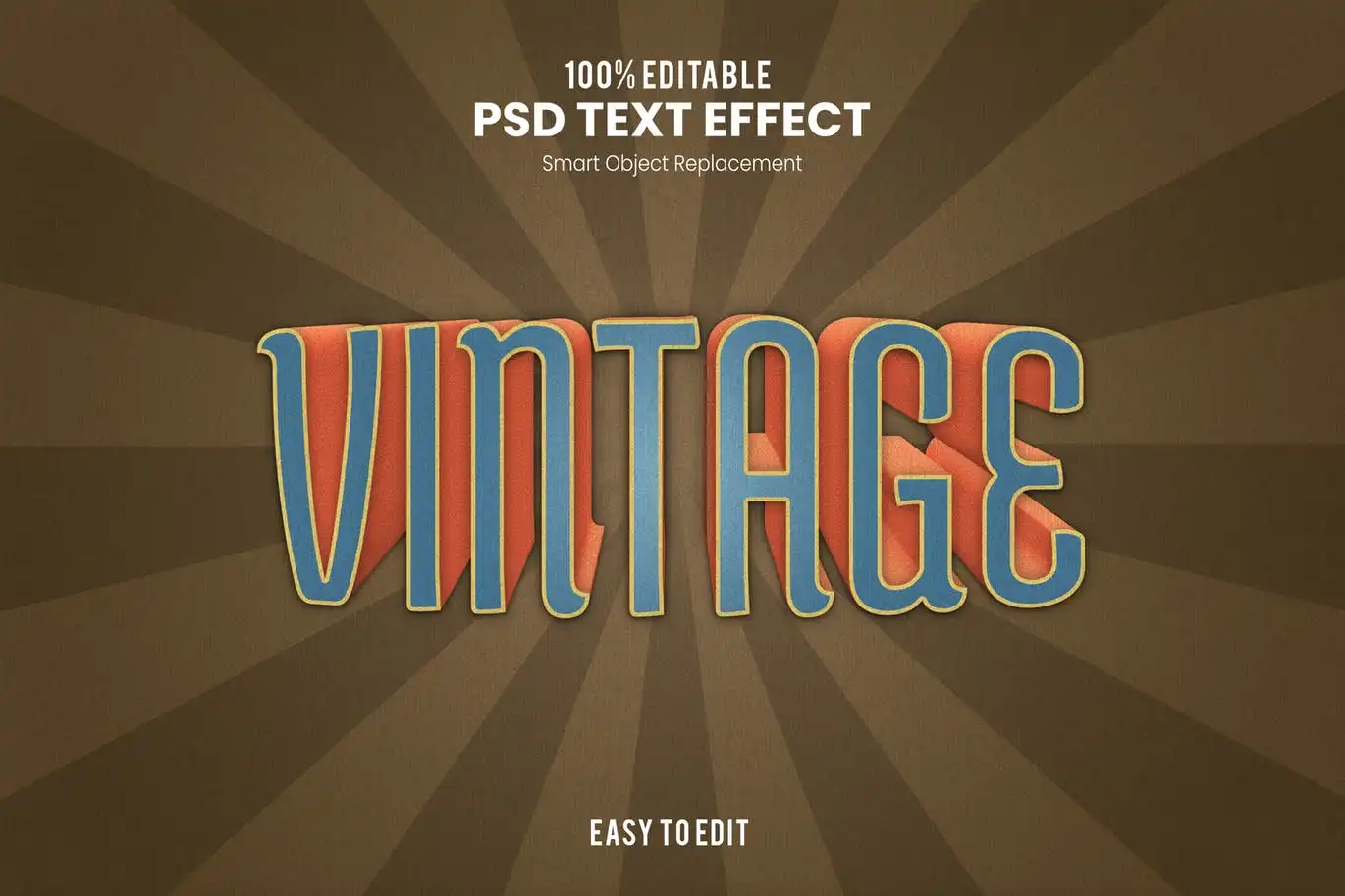
A timeless classic for the retro lover. 📻 This bold effect brings that 70s diner or arcade feeling to life. Simple, striking, and incredibly versatile for branding.
Pop-Retro Casual And Fun 3D Text Effect
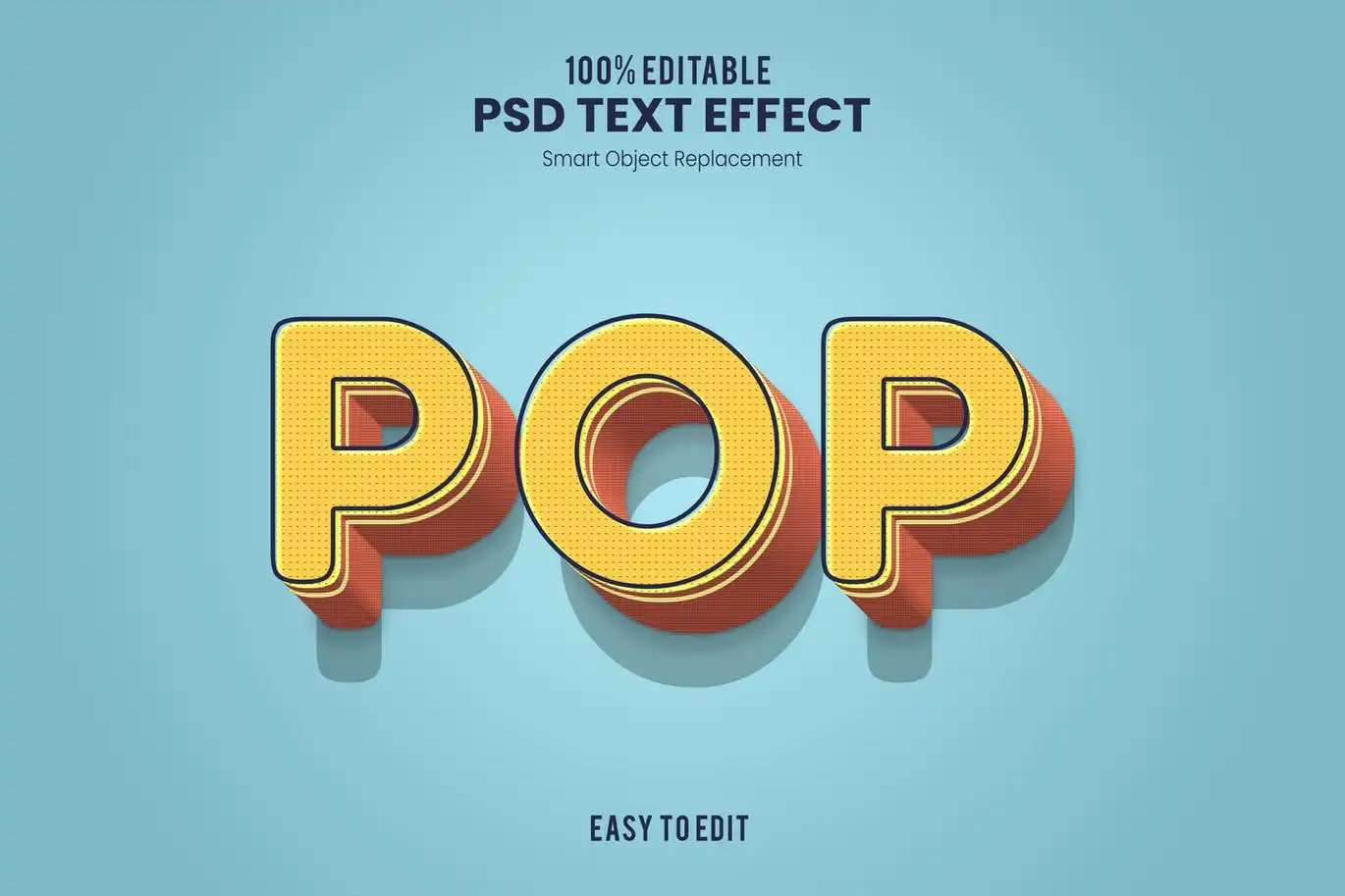
Pop art meets retro! 🍿 This effect is vibrant, bold, and bursting with a casual, fun energy. Perfect for social media posts or anything that needs to stand out with color.
Nice-Fun And Bold 3D Text Effect
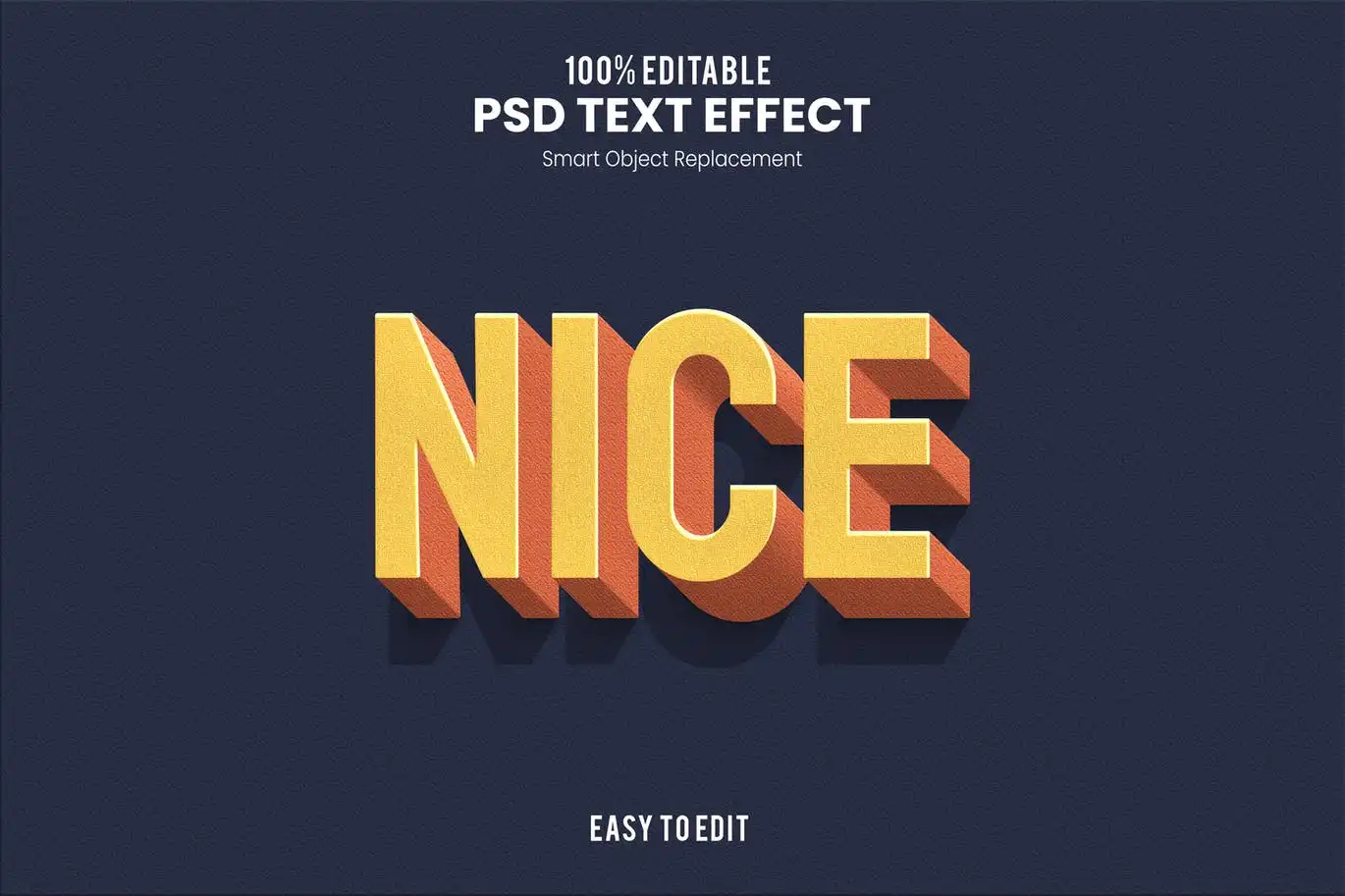
Keep it simple, but make it pop! 💥 This effect is exactly as described: nice, fun, and bold. A fantastic all-rounder for any designer’s toolkit.
Retro-Vintage Bold 3D Text Effect
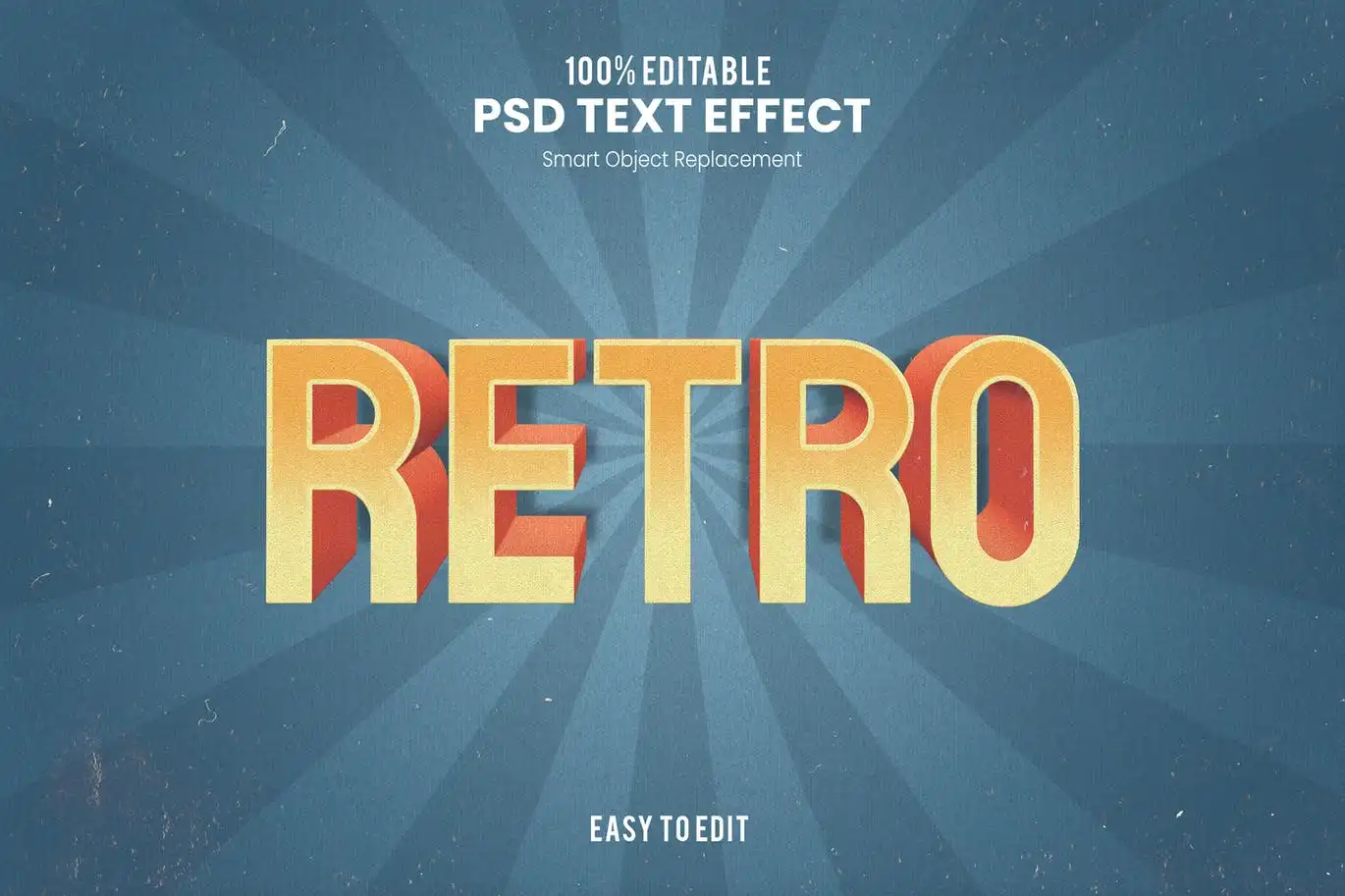
Rounding off our list with another banger from the vintage era. 🕰️ This effect offers deep, rich 3D depth that is perfect for giving your text a nostalgic, handcrafted feel.
Conclusion
And there you have it—the ultimate roundup of 20 stunning text effects from the nathatype Collection Part 1! 🎉 Whether you’re a seasoned graphic designer or just starting out, these assets will save you tons of time and add that professional polish you’re looking for. From futuristic esports to retro vintage charm, there’s literally something for every mood and project. Don’t wait—upgrade your typography game today! 🚀
Frequently Asked Questions
Are these text effects compatible with Photoshop Elements?
These assets are primarily designed for the full version of Adobe Photoshop (CS6 and above). While some basic styles might work in Photoshop Elements, we recommend using the full version for the best experience and full customization options. 🖥️
Can I use these text effects for commercial projects?
Yes! The assets from nathatype on Brushes Pack are generally available for commercial use, but it’s always a good idea to check the specific license included with your purchase. In most cases, you can use them for logos, merchandise, and marketing materials. 💼
How do I install and use these text effects in Photoshop?
It’s super easy! After downloading the files (usually a .zip), you will typically find an .asl file (Photoshop Styles). Double-click the file, or go to the Styles panel in Photoshop and click the menu icon > “Load Styles.” Then, simply select your text layer and click the new style to apply it instantly. Magic! ✨



