
Photoshop brushes, actions & creative digital assets.
Explore Photoshop brushes, actions, textures, overlays, effects, mockups, presets and other digital assets for photo editing, illustration, graphic design and creative production at Brushes Pack.
Find creative assets for every stage of your Photoshop workflow.
From brushwork and retouching to mockups, textures and visual effects, build a Photoshop toolkit around the kind of work you create.
Photoshop Brushes
Painting, texture, watercolor, ink, grunge and specialty brushes for illustration and design.
Explore Photoshop brushes →Photoshop Actions
Creative actions for transforming photographs, applying effects and speeding up repetitive editing tasks.
Browse Photoshop actions →Textures
Add paper grain, grunge, vintage surfaces, distressed details and tactile character to creative work.
Explore textures →Mockups
Present branding, packaging, artwork and design concepts with practical Photoshop mockup resources.
Browse mockups →Effects & Overlays
Create light, atmosphere, texture, print effects and stylized finishes with ready-to-use assets.
Explore effects →Templates & Styles
Speed up design production with templates, layer styles, graphic resources and reusable layouts.
Browse templates →Photoshop resources should save time without limiting creativity.
The most useful digital assets help you reach a visual result faster while leaving room to adjust color, texture, composition and finishing details.
Start with what you want to accomplish: paint, retouch, create an effect, build a mockup or speed up a repeated workflow.
Whenever possible, organize assets so you can adjust colors, layers, opacity and effects after applying them.
Brushes, textures, actions and overlays can work together to create more distinctive and controlled results.
Always check the individual product page for included files and Photoshop compatibility information before purchasing.
From a blank canvas to a finished Photoshop design.
Use different creative assets at the stage where they provide the most value.
Create & Compose
Begin with layouts, photographs, illustrations or a new canvas and establish the core composition.
Brush & Retouch
Use Photoshop brushes and editing tools to paint, mask, retouch and build visual detail.
Style & Enhance
Apply textures, overlays, actions and effects to establish mood and creative direction.
Present & Export
Use mockups or templates where appropriate, then prepare the final artwork for your intended output.
Explore Photoshop assets by tool, effect and creative purpose.
Discover commonly searched Photoshop brushes, actions, presets, textures, mockups and creative design resources.
New Photoshop arrivals.
Browse recently added Photoshop brushes, actions, effects and creative resources. This product section updates automatically.
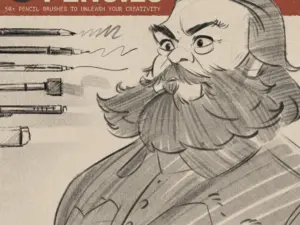
LP Pencil Brushes
Sold by lucaspeinador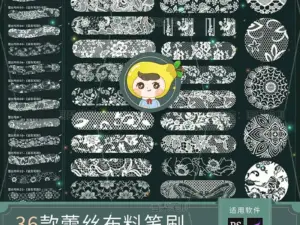
Procreate Brushes PS Brushes Lace Sheer Fabric Smudge Texture Hollow Lace Wedding Dress Pattern Apparel Design
Sold by HuaLiBrushes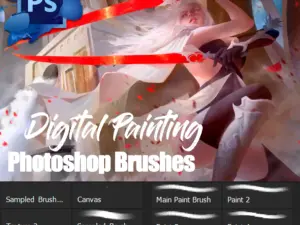
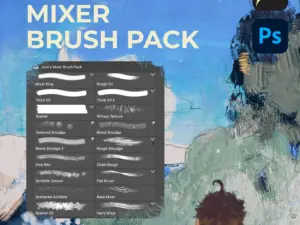
Zeid’s Mixer Brush Pack
Sold by Zeid Salfiti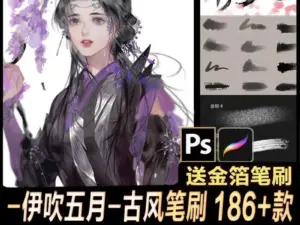
X500-伊吹东方古韵百款笔刷合集 古风笔刷 186+款
Sold by Ibuki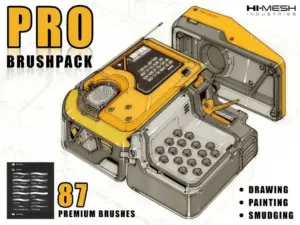
Draw Like a Pro – Hard Surface Brush Pack + Free Version
Sold by artbyha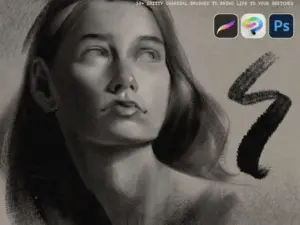
LP Charcoal Brushes
Sold by Lucas Peinador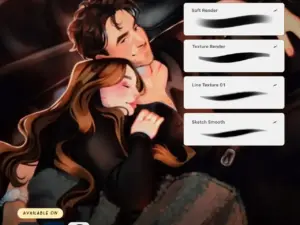
Brushes Everyday Basics Seems Sketchy
Sold by VauliyPhotoshop asset questions.
Helpful answers for choosing and using Photoshop brushes, actions, mockups and other digital creative resources.
What are Photoshop brushes?
Photoshop brushes are digital tools used for painting, masking, texturing, retouching and creating different types of strokes and visual effects.
What are Photoshop actions?
Photoshop actions automate a sequence of editing steps and can help speed up repeated tasks or create a particular visual effect.
What Photoshop resources are available at Brushes Pack?
The collection can include brushes, actions, textures, mockups, effects, overlays, presets, templates and other creative assets.
Can beginners use Photoshop assets?
Many resources can be useful for beginners, although the required experience may vary by product and creative workflow.
How do I know if a product is compatible with my Photoshop version?
Review the individual product description and included file information before purchasing because compatibility can vary between products.
Can Photoshop brushes be combined with textures and actions?
Yes. Combining several asset types can help create more detailed results while maintaining greater creative control.
Are these physical products?
Brushes Pack specializes in digital assets. Check each product page for exactly what the download contains.
Where can I get help?
Visit the Brushes Pack FAQ or Contact Us page for additional information.
Photoshop brushes, actions and digital assets for creative editing.
Adobe Photoshop supports a wide range of creative workflows, from photography and retouching to digital painting, graphic design, advertising and illustration. The right Photoshop brushes and digital assets can help artists and designers work faster while giving them more ways to explore style, texture and visual effects.
At Brushes Pack, you can explore Photoshop resources for different creative needs, including brushes, actions, textures, mockups, overlays, effects, presets and templates.
Photoshop brushes for painting and illustration
Photoshop brushes can extend the software far beyond its default brush library. Creative brush packs may be designed for watercolor, ink, pencils, paint, grunge, texture work, special effects and many other styles.
Digital painters can build a smaller core brush set for everyday work while keeping specialty brushes available for projects that require a particular surface, stroke or finish.
Photoshop actions for faster creative workflows
Photoshop actions can automate repeated editing steps. They are often used to create stylized photo effects, tonal changes, artistic treatments and other repeatable transformations.
Actions can be especially useful when processing similar creative tasks repeatedly, although the final result may still benefit from manual adjustment.
Textures for more natural visual depth
Textures can introduce grain, paper, print character, distress and surface variation that would otherwise take longer to build manually.
Explore the Textures collection when you want to add more tactile character to digital compositions.
Photoshop mockups for presenting design work
Mockups can help designers present logos, packaging, posters, artwork, branding and other concepts in a more realistic context.
A carefully selected mockup can communicate the final design more clearly to clients, customers or portfolio viewers without requiring a physical prototype.
Overlays and effects for creative finishing
Overlays and effects can introduce light, dust, grain, weather, atmosphere, print treatment and other visual elements. They can be useful for creating a recognizable mood or supporting an existing composition.
The strongest results usually come from adjusting an effect to the underlying artwork rather than treating it as a one-click final solution.
Photoshop templates for faster production
Templates can provide a useful starting structure for presentations, graphics, promotional designs and other recurring projects.
They can save setup time while still allowing designers to customize typography, imagery, colors and layout details.
Build a Photoshop toolkit around your work
The best creative library is not necessarily the largest one. Organize your resources around what you frequently create.
For example, a digital illustrator may rely heavily on brushes and textures, while a branding designer might use mockups, layer styles and templates more frequently. A photographer may prioritize actions, overlays and presets.
Photoshop assets for beginners
If you are still learning Photoshop, begin with assets that solve a clear problem. Learn how each tool affects layers, masks, opacity, blending and color before adding increasingly complex resources.
This approach can make it easier to understand what the asset is doing and how to adapt it to your own creative style.
Photoshop resources for professional designers
Professionals often need consistency and speed as much as creative variety. Reusable brushes, actions, mockups, templates and textures can reduce repetitive work across multiple projects.
A well-organized asset library can therefore become part of a repeatable production workflow rather than a collection of isolated files.
Download Photoshop assets from Brushes Pack
Explore the Photoshop collection at Brushes Pack to discover digital resources for photo editing, graphic design, illustration and creative production.
Before purchasing, review the individual product description for its current contents, file formats and compatibility information. You can also browse the full Brushes Pack shop for Procreate, Illustrator, Clip Studio Paint, Affinity and other creative software.
Discover more creative tools across Brushes Pack.
Continue building your digital asset library with resources for other popular creative applications and workflows.
Build a better Photoshop toolkit with Brushes Pack.
Explore Photoshop brushes, actions, textures, effects, mockups and other digital assets designed to support faster, more flexible creative workflows.