
Survivor Photoshop Action
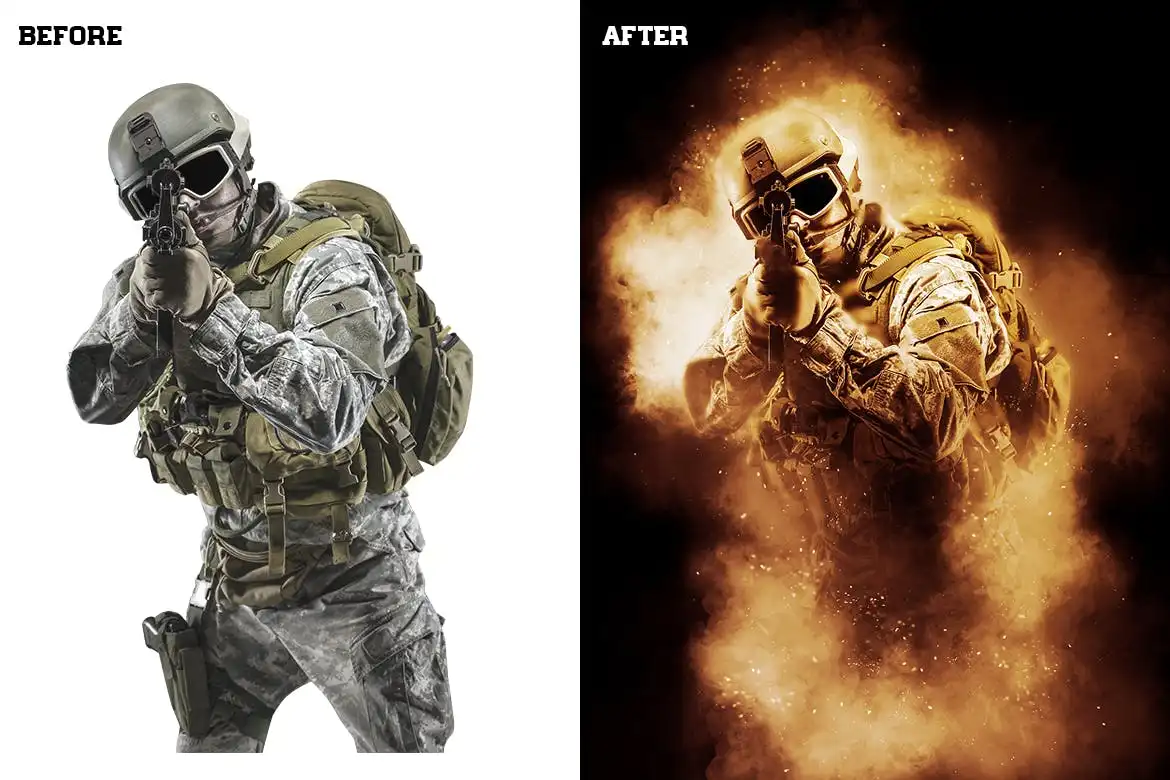
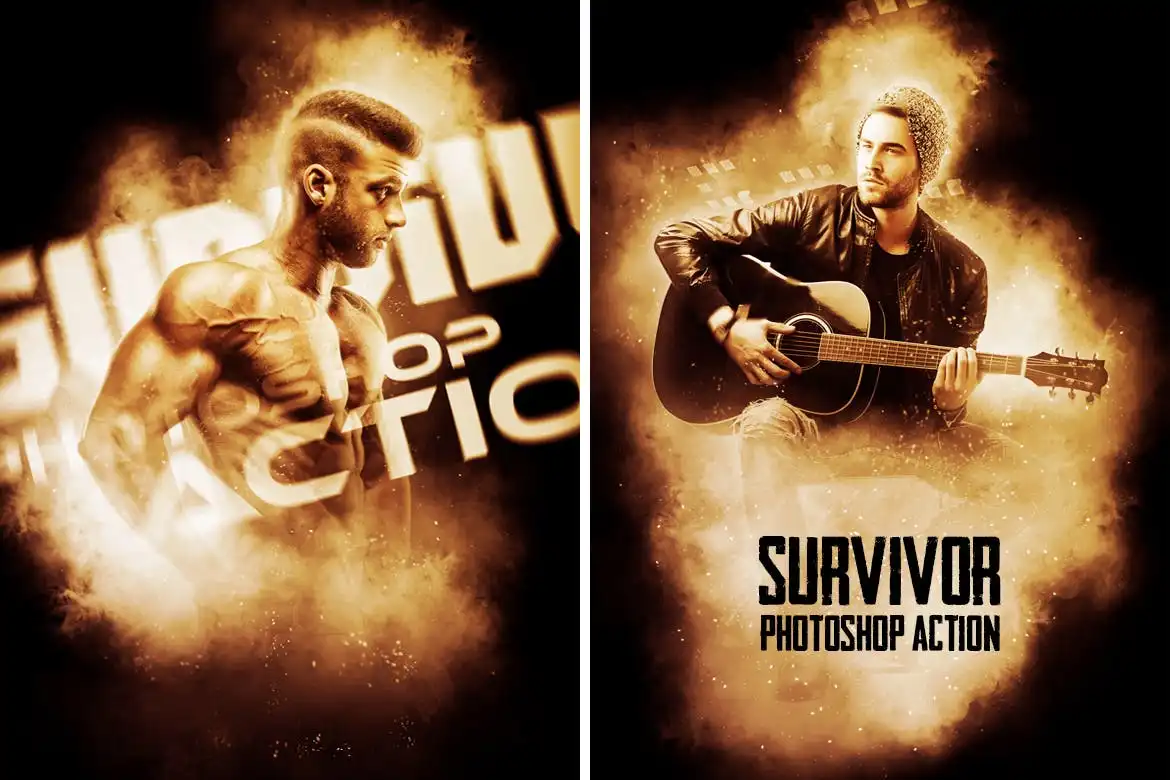
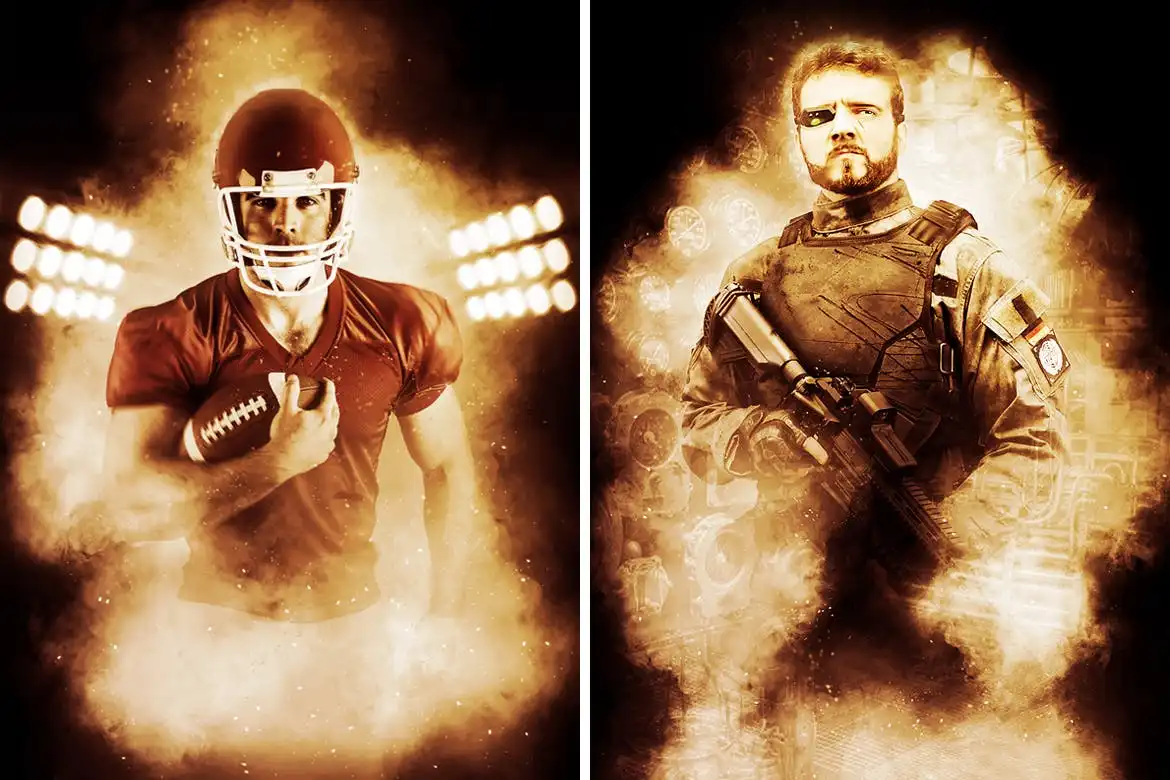
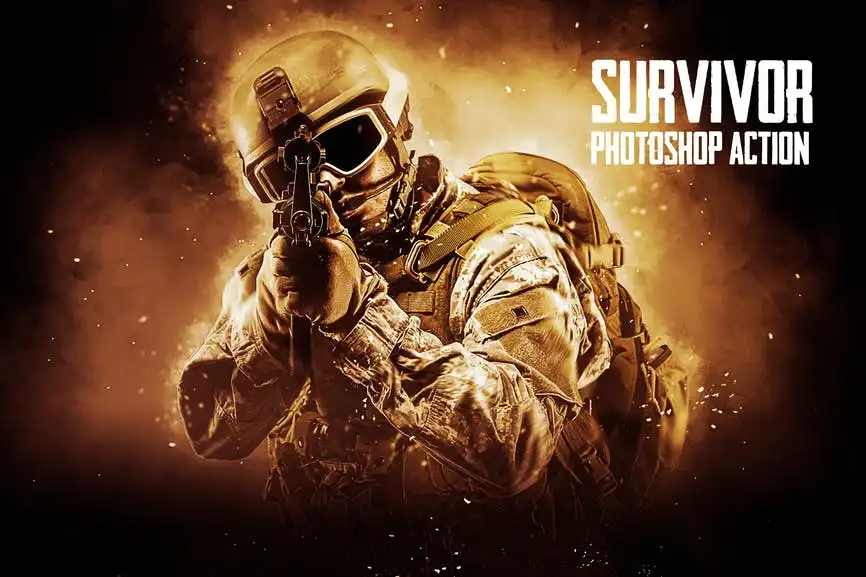
Survivor Photoshop Action: Create Stunning Visuals Effortlessly
Transform your photos into captivating works of art with the Survivor Photoshop Action. This powerful tool allows you to easily create mesmerizing photo manipulations featuring smoke, lights, clouds, and exceptional color grading that evoke a sense of suspense. Whether you’re a designer or photographer, this action is designed to elevate your creative projects without the need for advanced skills.
Product Overview
The Survivor Photoshop Action is perfect for anyone looking to enhance their images with dramatic effects. Ideal for creating eye-catching CD covers, posters, flyers, ad campaigns, and social media graphics, this action simplifies the design process, allowing you to focus on your creativity.
Key Features & Benefits
- ✅ Works with Photoshop CS4 & Higher Versions → Compatible with a wide range of Photoshop editions.
- ✅ Supports All Photoshop Languages → No language barriers; use it in your preferred language.
- ✅ Fast & Easy to Use → Achieve stunning results in just a few clicks.
- ✅ Non-Destructive Product → Preserve your original images while applying effects.
- ✅ Includes Help File With Instructions → Get started quickly with detailed guidance.
Why Choose This Product
The Survivor Photoshop Action stands out for its ease of use and versatility. Trusted by designers and photographers alike, it offers a unique way to create professional-quality visuals without extensive training. With just a few clicks, you can transform ordinary images into extraordinary pieces that capture attention and tell a story.
Specifications
| Compatibility | Photoshop CS4 and higher |
|---|---|
| Languages Supported | All Photoshop Languages |
| File Type | Photoshop Action (.atn) |
What’s Included
- 📦 Survivor Photoshop Action File
- Help Documentation
- Link to Video Tutorial
Perfect For
- Designers looking for creative enhancements
- Photographers wanting to add dramatic effects
- Social media marketers seeking eye-catching visuals
- Anyone interested in photo manipulation
How to Use
- Open your image in Photoshop.
- Load the Survivor Action from the Actions panel.
- Click to apply the action and watch the magic happen!
FAQ
- Can beginners use this action? Yes, it’s designed for users of all skill levels.
- Does it work on all images? It works best on high-resolution images for optimal results.
Ready to elevate your design projects? Add the Survivor Photoshop Action to your toolkit today and start creating stunning visuals effortlessly! 🚀
User Reviews
Be the first to review “Survivor Photoshop Action”
You must be logged in to post a review.
Original price was: $5.00.$2.50Current price is: $2.50.


There are no reviews yet.